

dealing with time (2) functions
Info
The dealing with time (2) functions is a Library for MetaTrader 5 that on 01/01/1982 it is wintertime in the usa (dst==0) and the next changeover is on 04/25/1982, which is the last (25th of the month) sunday of april (4). the table is already sorted by the geographic time zone (column a), then by the time zone of the year (column l, spr=spring, aut=autumn,), and finally by the query date (column c).
Usage
This tool is typically used for enhancing chart analysis and decision making.
Platform
This Library works exclusively on MetaTrader 5 (both build 600+ and newer versions).
Setup
Place the downloaded file in MQL5/Libraries folder via File ? Open Data Folder in MetaTrader 5.
How to Install and Use dealing with time (2) functions
1. Storage: Place library files in the MQL/Libraries directory to ensure they are accessible to your projects.
2. Implementation: Include the library in your code using the #import directive, ensuring you match the exact function names and parameters.
3. Compilation: Ensure the library is present in the directory before you compile your main EA or script, as the compiler links them during this phase.
4. Management: Keep libraries organized in sub-folders if you manage many custom functions to maintain a clean project structure.
Frequently Asked Questions
Q: What is a library file used for? A: Libraries store reusable code modules, allowing you to centralize common logic used by multiple EAs or indicators.
Q: Is a library executable? A: No, libraries are non-executable files containing functions; they must be imported into an EA, indicator, or script to function.
Q: Can I update a library while the platform is running? A: You should compile your EA or script after updating a library to ensure the latest code changes are integrated.
What this tool does
on 01/01/1982 it is wintertime in the usa (dst==0) and the next changeover is on 04/25/1982, which is the last (25th of the month) sunday of april (4).
Typical Use Case
This Library excels in automated trading and technical analysis on MetaTrader 5.
Compatible Platform & Setup
This Library works on MetaTrader 5. Place the file in the MQL5/Libraries folder and restart the terminal.
Description & Settings
Related: asq trade frequency controller: optimize trade frequency with precision - another powerful library for MetaTrader 5 traders.
Also recommended: clatency monitor - inter-tick latency tracker with atr volatility gate and global variable ipc for mt5 eas - similar library with strong performance on MetaTrader 5.
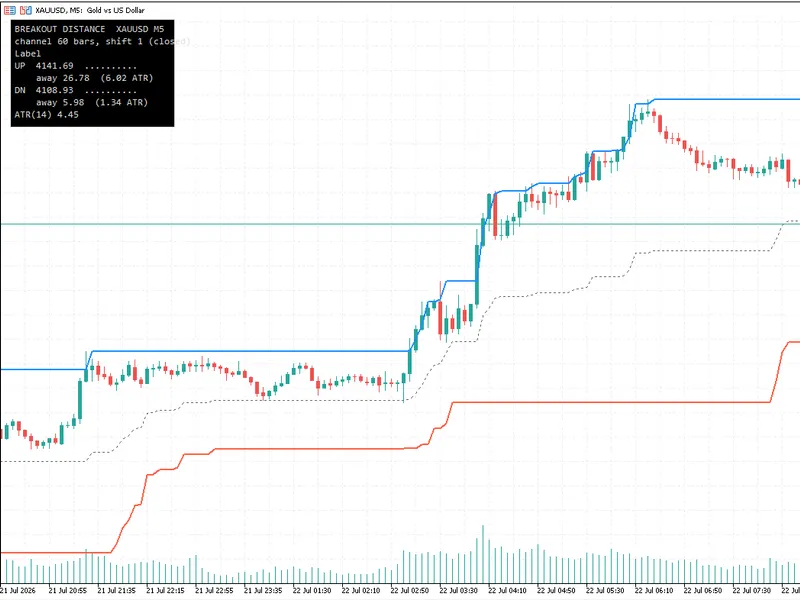
on 01/01/1982 it is wintertime in the usa (dst==0) and the next changeover is on 04/25/1982, which is the last (25th of the month) sunday of april (4). the table is already sorted by the geographic time zone (column a), then by the time zone of the year (column l, spr=spring, aut=autumn,), and finally by the query date (column c). the table can be created automatically by the included ea (a script cannot run in debug mode) test_dst 2.mq5 if you run it in debug mode and copy the rows of the journal log in the debugger and paste them into a table program; the cell separator would be the space character.also, there is now a new, simple function sectillclose() that gives you the remaining time in seconds (the time currency of mq) until the forex market will close - without copytime(). this is interesting for those who want to close their positions before the weekend or do not want to enter a new position in a defined period of time before the weekend. the included indicator dealingwithtime_testindi.mq5 shows as a comment on the chart not only the summer/winter time of europe, usa and australia (sydney), but also current time and time shift of different cities. here you can find a table of different local times of big cities for your comparison: . you can thus check the values at any time. this indicator also demonstrates how these values are determined and used (what is subtracted or added from what), so it is easier to use it yourself - copy & paste, the fastest form of programming. the last two lines also show the last second of the current fx session and the remaining time in hours (is easier to judge) and in seconds. if in ny on fridays at 17:00 local time the fx session is closed, then there is no valid bar with an opening time 17:00 ny time. therefore, 1 second is subtracted in this function to be able to get the last valid opening time of the last bar in the broker's time. however, some brokers end their fx session a few minutes earlier by not providing any more prices and not accepting any more trade orders.
You may also like: code library for recording balance and equity charts with optimization criteria - excellent alternative for library users on MetaTrader 5.
Source Code
#property copyright "RobotFX"
#property link "https://robotfx.org"
#property version   "1.00"
#property indicator_chart_window
#property indicator_buffers 0
#property indicator_plots 0
#include <DealingWithTime.mqh>
int OnInit()
{
datetime Tme[];
.......
⚠ Limitations & Risk Warning
- This tool is provided for educational and testing purposes only.
- Past performance does not guarantee future results.
- Trading involves substantial risk of loss. Use on a demo account first.
- Results may vary depending on market conditions, broker, and settings.
- We recommend thorough backtesting and forward testing before using with real funds.