





Regime HMM: Identifying Market Regimes with Hidden Markov Models
Info
The Regime HMM: Identifying Market Regimes with Hidden Markov Models is a Expert Advisor for MetaTrader 5 that regimehmm. mqh identifies market regimes using a Hidden Markov Model (HMM).
Usage
This tool is typically used for automated trading on major forex pairs and gold.
Platform
This Expert Advisor works exclusively on MetaTrader 5 (both build 600+ and newer versions).
Setup
Place the downloaded file in MQL5/Experts folder via File ? Open Data Folder in MetaTrader 5.
How to Install and Use Regime HMM: Identifying Market Regimes with Hidden Markov Models
1. Installation: Open the "File" menu, select "Open Data Folder," navigate to MQL/Experts, paste your file, and restart the terminal.
2. Activation: Drag the EA from the Navigator onto a chart, ensure "Allow live trading" is checked in the Common tab, and verify the AutoTrading button is green.
3. Optimization: Right-click your chart, choose "Expert List," click "Properties" to adjust inputs, and save your preferred setup as a set file for future use.
4. Maintenance: Regularly check the "Experts" tab in the terminal window to monitor trade logs and potential execution errors.
Frequently Asked Questions
Q: Why is my EA not opening trades? A: Check the "AutoTrading" button, ensure "Allow live trading" is enabled, and verify your broker allows automated trading on your account type.
Q: Can I run multiple EAs on one chart? A: No, each chart can only host one active EA; however, you can open multiple charts for different currency pairs to run several EAs.
Q: What does the "smiley face" icon mean? A: A smiley face in the top-right corner of the chart indicates the EA is successfully running; a frowny face means it is disabled.
What this tool does
RegimeHMM.
Typical Use Case
This Expert Advisor excels in automated trading and technical analysis on MetaTrader 5.
Compatible Platform & Setup
This Expert Advisor works on MetaTrader 5. Place the file in the MQL5/Experts folder and restart the terminal.
Description & Settings
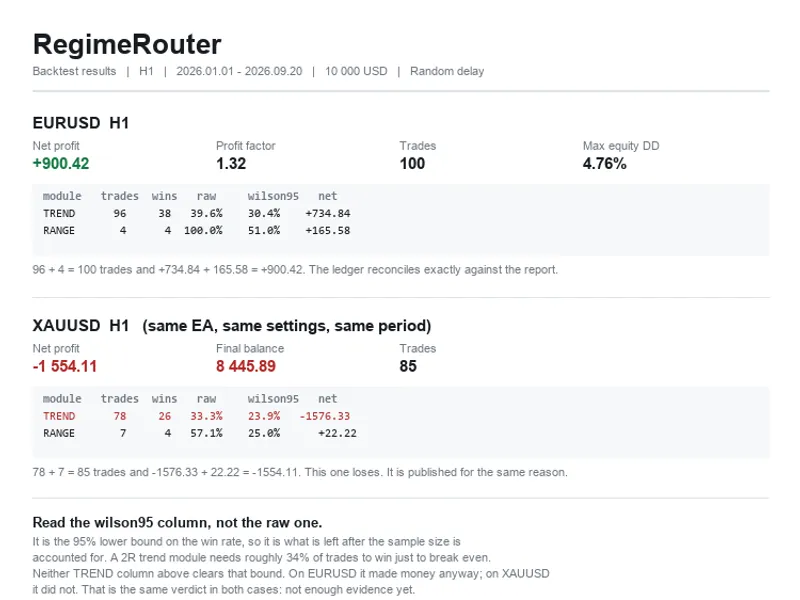
Related: Regime Router: Trend/Range Classifier with Per-Regime Win Rate Ledger - another powerful expert for MetaTrader 5 traders.
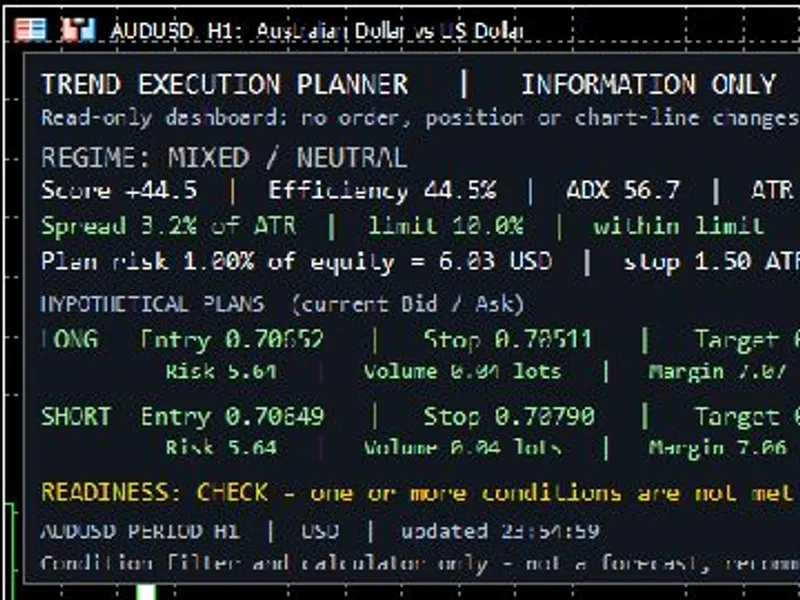
RegimeHMM.mqh identifies market regimes using a Hidden Markov Model (HMM). This approach assumes that market returns or other features originate from a finite number of distinct states (regimes), each characterized by its own probability distribution. The transitions between these states follow a Markov chain.Also recommended: Trend Execution Planner: Market Regime and Risk Analysis Panel - similar expert with strong performance on MetaTrader 5.
The HMM class is fitted using the Baum-Welch algorithm. It provides key outputs, including the probability of each regime at every bar, the most probable sequence of regimes, the expected duration of each regime, and probabilistic forecasts for future regimes.
This tool can analyze one or multiple features simultaneously, supports full covariance matrices, and does not require external DLLs.
Usage
Include the header file:
#include <RegimeHMM\RegimeHMM.mqh>
Example data declaration:
double returns[]; // Example: 100 * log(close[i] / close[i-1])
// ... fill the returns array with your data ...
Instantiate the HMM class:
CGaussianHMM hmm;
Set data and fit the model (e.g., for 2 regimes):
if(hmm.SetData(returns) && hmm.Fit(2)) // 2 regimes, uses multiple starts internally
{
const int last = hmm.Observations() - 1;
// Get the probability of the calm regime at the last bar, based on historical data
double pCalm = hmm.Filtered(last, 0);
// Get the volatility of the other regime (regime 1)
double vol1 = MathSqrt(hmm.Covariance(1));
// Get the expected duration of stay in regime 1
double days = hmm.ExpectedDuration(1);
// Predict the probabilities of regimes in the next 5 periods
vector next;
hmm.Predict(5, next);
}
For multi-feature analysis, provide a matrix to SetData where each row represents a bar and each column represents a feature.
Filtered vs. Smoothed Probabilities
Filtered(t, k): This calculation uses data only up to bar t. It reflects the information available at that specific time and is suitable for use in backtesting or live trading systems (Expert Advisors).
Posterior(t, k): This calculation uses all available data, both before and after bar t. It produces a cleaner representation of regimes when visualized on a chart. However, using posterior probabilities in a trading strategy would involve looking into the future, which is not valid for testing or live trading.
The model parameters are estimated using the entire dataset. For a fair evaluation, it is recommended to fit the model on historical data and then apply it to subsequent, unseen data.
Technical Details
The implementation uses a forward-backward algorithm with scaling to prevent numerical underflow issues with long data series. The Baum-Welch algorithm is employed to update the initial state probabilities, transition matrix, state means, and covariance matrices.
A small positive floor (1e-6 of the data's variance) is applied to the covariance matrices to ensure they remain positive definite.
Initialization is performed using k-means++ with a random seed applied to scaled features. Multiple initialization attempts are made, and the model with the highest likelihood is retained.
The states are sorted based on the variance of the first feature, ensuring that regime 0 is consistently the least volatile (calmest) regime.
The Viterbi path is computed in log-space. State predictions for future periods are derived by exponentiating the transition matrix. Long-run state occupancies, AIC, and BIC metrics are available to assist in selecting the optimal number of regimes.
Example Script
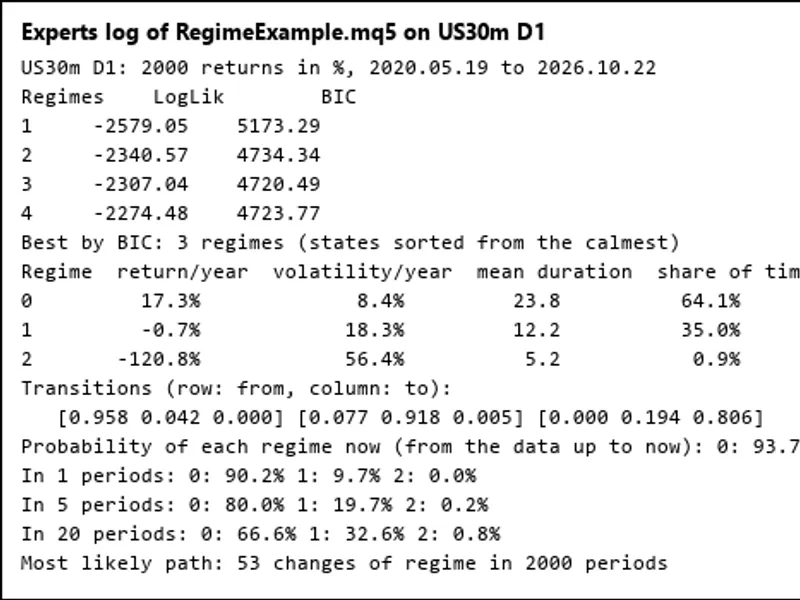
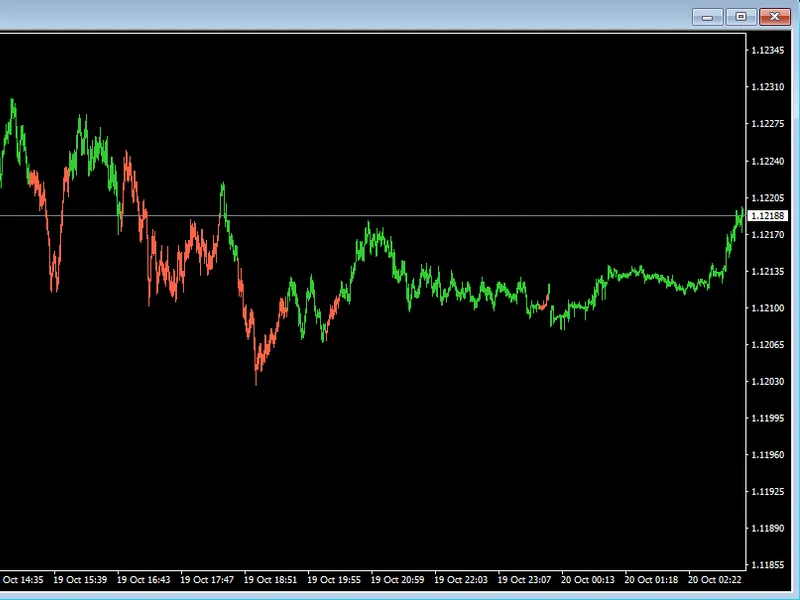
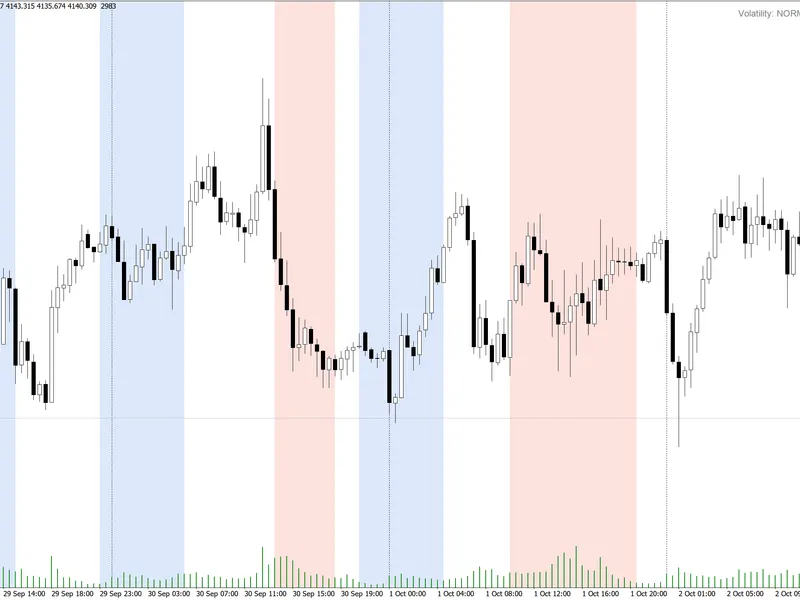
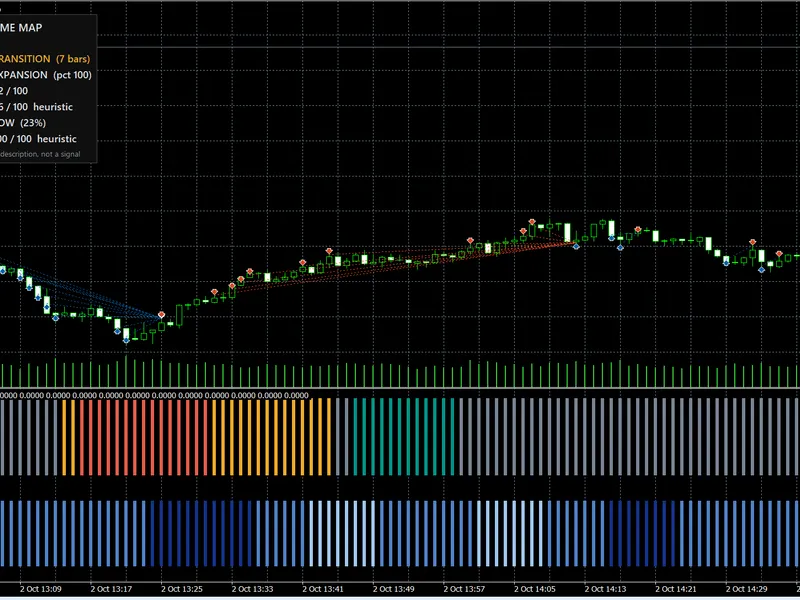
The RegimeExample.mq5 script demonstrates how to fit models with 1 to 4 regimes to a symbol's returns. It selects the best model based on the BIC criterion and reports key statistics for each regime, including annualized return and volatility, mean duration, time share, and the transition matrix. It also shows the current regime probabilities and predictions for 1, 5, and 20 periods ahead (refer to picture 1 in the original documentation). The script can optionally write the regime assignment for each bar to a CSV file. Picture 2 illustrates US30 with daily regime assignments.
Verification
Extensive testing was conducted on a simulated dataset with 3 states, 2 features, and 7 bars. All 2,187 possible state paths were enumerated. The computed likelihood, smoothed probabilities, filtered probabilities, Viterbi path, and forecasts matched the enumerated values within a tolerance of 3e-15.
A comparison was made with an independent Python implementation using logarithms. Thirty Baum-Welch steps were performed on 2 simulated and 3 market datasets (with 2 and 3 states). The log-likelihoods agreed within 1e-12, and the parameters within 3e-11. The likelihood never decreased during these iterations.
Each complete model fitting process converges to a fixed point of the algorithm. An additional step typically increases the log-likelihood by less than 1e-5. On simulated data with volatilities of 0.6 and 2.0, the fitted model accurately reproduced these values as 0.595 and 2.009.
Performance benchmarks indicate that fitting a model with 2,000 bars and 10 starts takes approximately 20 to 160 milliseconds for 2 regimes. For 3 regimes, this duration increases to about 1.2 seconds.
File Locations
The RegimeHMM.mqh include file should be placed in the MQL5\Include\RegimeHMM directory.
The RegimeExample.mq5 script should be placed in the MQL5\Scripts\RegimeHMM directory.
You may also like: ks fair value gap ea with regime detection and dual sl/tp modes - excellent alternative for expert users on MetaTrader 5.
Source Code
#property copyright "RobotFX"
#property version     "1.00"
#property script_show_inputs
#include <RegimeHMM\RegimeHMM.mqh>
input string          InpSymbol  = "";
input ENUM_TIMEFRAMES InpPeriod  = PERIOD_D1;
input int             InpBars    = 2000;
input int             InpMaxK    = 4;
input double          InpPerYear = 252;
input string          InpCsv     = "";
.......
⚠ Limitations & Risk Warning
- This tool is provided for educational and testing purposes only.
- Past performance does not guarantee future results.
- Trading involves substantial risk of loss. Use on a demo account first.
- Results may vary depending on market conditions, broker, and settings.
- We recommend thorough backtesting and forward testing before using with real funds.