



Range Filter Buy and Sell Indicator for MT4 with Signal Statistics
Info
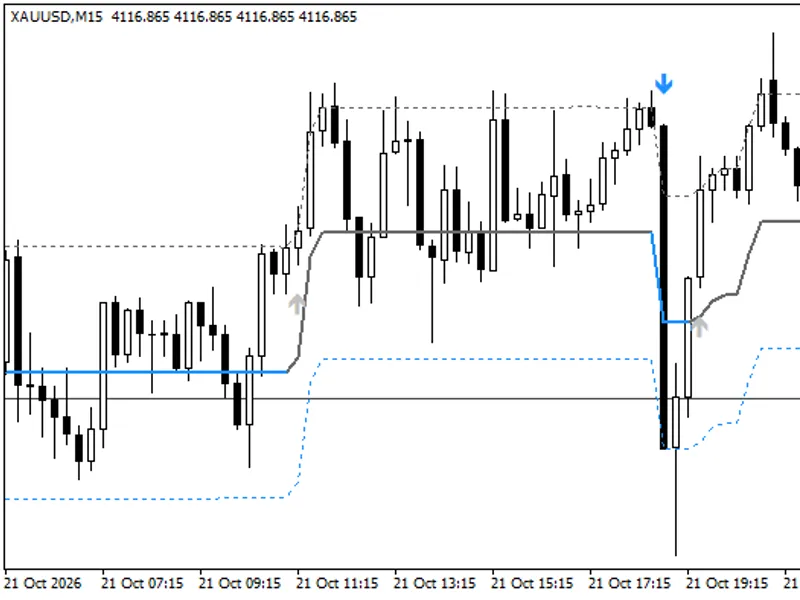
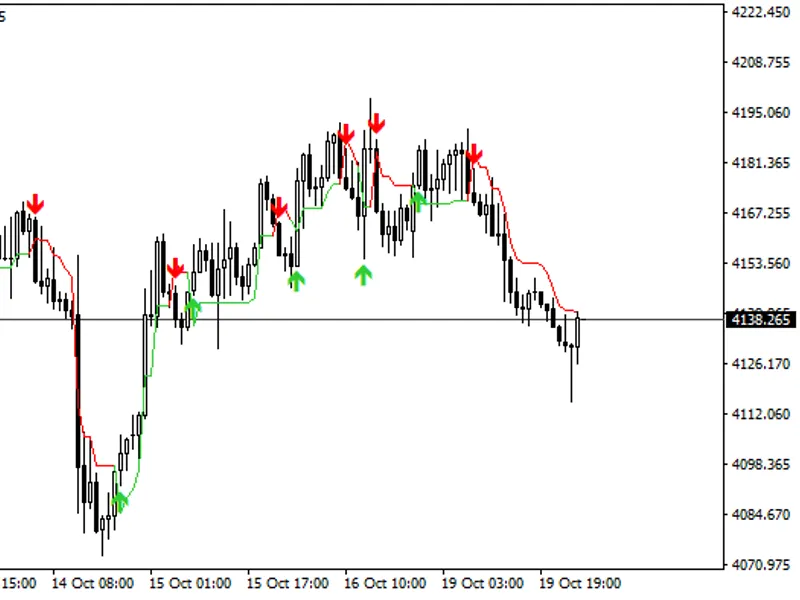
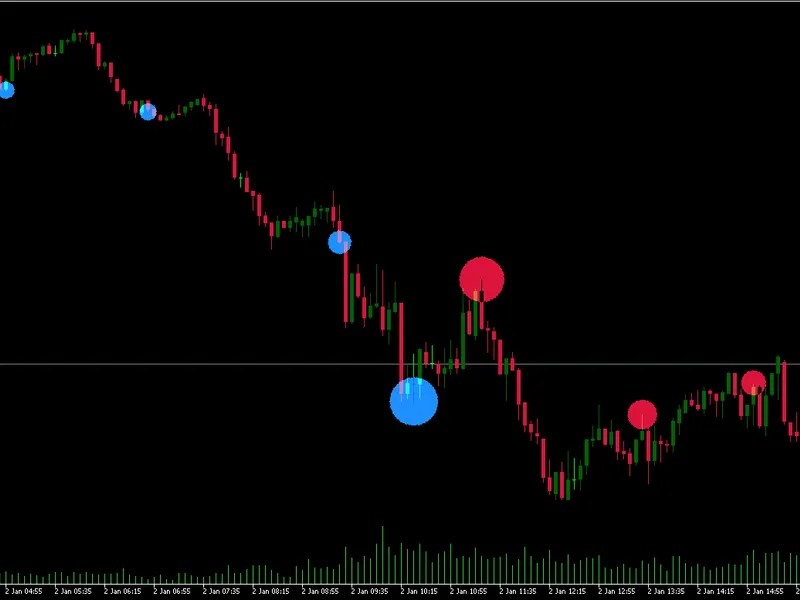
The Range Filter Buy and Sell Indicator for MT4 with Signal Statistics is a Indicator for MetaTrader 4 that range filter buy and sell indicator for mt4. This indicator is a faithful port of the "Range Filter Buy and Sell 5min" script, originally developed by DonovanWall and later simplified by guikroth, with a Pine v5 update by tvenn.
Usage
This tool is typically used for enhancing chart analysis and decision making.
Platform
This Indicator works exclusively on MetaTrader 4 (both build 600+ and newer versions).
Setup
Place the downloaded file in MQL4/Indicators folder via File ? Open Data Folder in MetaTrader 4.
How to Install and Use Range Filter Buy and Sell Indicator for MT4 with Signal Statistics
1. Installation: Place your file in the MQL/Indicators folder via "Open Data Folder" and restart your terminal.
2. Loading: Find the indicator in the Navigator, drag it onto your chart, and configure the input parameters in the popup window.
3. Customization: Press Ctrl+I to open the indicator list, select your tool, and click "Properties" to change colors, levels, or visual styles.
4. Updating: Replace the old file in the Indicators folder with the new version and restart the platform to apply changes.
Frequently Asked Questions
Q: Why is my indicator not showing? A: Verify the file is in the MQL/Indicators folder, or try right-clicking the "Indicators" tree in the Navigator and clicking "Refresh."
Q: Do custom indicators slow down the platform? A: Too many complex indicators can impact performance; remove unused ones via the "Indicator List" (Ctrl+I).
Q: Can I use MT4 indicators on MT5? A: No, MQL4 and MQL5 are distinct languages; ensure the indicator is compiled specifically for your platform version.
What this tool does
Range Filter Buy and Sell Indicator for MT4.
Typical Use Case
This Indicator excels in automated trading and technical analysis on MetaTrader 4.
Compatible Platform & Setup
This Indicator works on MetaTrader 4. Place the file in the MQL4/Indicators folder and restart the terminal.
Description & Settings
Related: UT Bot Alerts for MT4: Signal Statistics and Session Filtering - another powerful indicator for MetaTrader 4 traders.
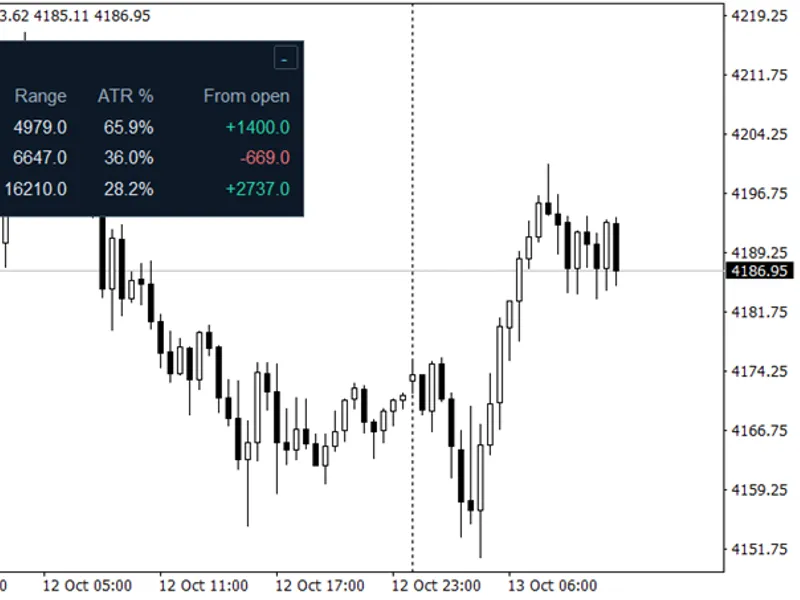
Range Filter Buy and Sell Indicator for MT4. This indicator is a faithful port of the "Range Filter Buy and Sell 5min" script, originally developed by DonovanWall and later simplified by guikroth, with a Pine v5 update by tvenn.Also recommended: ATR Monitor — Daily, Weekly, and Monthly Range Comparison - similar indicator with strong performance on MetaTrader 4.
The core logic remains the same as the original:
Smoothed Range Calculation:
Smoothed range = EMA(EMA(|close - close[1]|, period), 2 * period - 1) * multiplier. Each EMA is initialized with an SMA, consistent with ta.ema.
Range Filter Mechanism:
The filter line remains static until the price moves beyond it by more than the smoothed range. Once this threshold is crossed, the filter line follows the price at that distance.
Upward/Downward Counters and Signal Conditions:
The indicator uses upward and downward counters to determine long and short conditions. A Buy or Sell signal is generated only once per change of side, utilizing the original CondIni logic.
High/Low Target Bands:
Target bands are set at filter +/- range. Bar colors are consistent with the original indicator.
Default Inputs:
Sampling Period: 100
Range Multiplier: 3.0
New Features Added for MT4:
Signal Statistics Panel:
This panel provides a comprehensive overview of indicator performance. It simulates trades by buying after a Buy signal and selling after a Sell signal, closing and reversing positions at opposite signals. The statistics include:
- Number of trades
- Win rate
- Net points/pips/USD (adjusted for spread and commission)
- Profit factor
- Longest losing streak
- Maximum drawdown
- Current open trade details
- Cost per trade
Daily Session Filter:
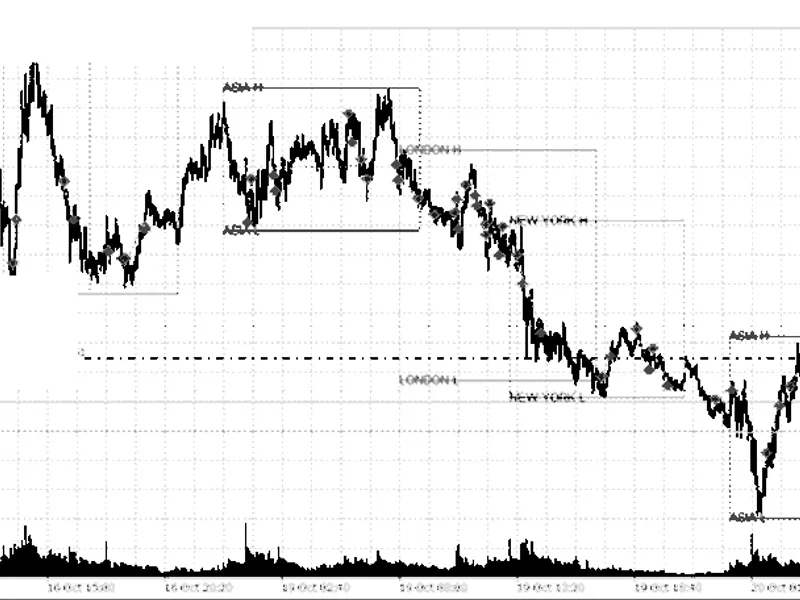
Filter trading activity by your local time zone. Includes session shading and an option to close trades at the end of a session. This feature is disabled by default (panel counts the entire day). To enable, set Use_Session to true and configure your desired session hours.
Trade Marks:
Visual markers for trades are displayed on the chart, complete with tooltips for additional information.
Alerts:
Generate alerts for new Buy or Sell signals.
Buffers for Expert Advisors (iCustom):
- Buffer 5: Buy Signal
- Buffer 6: Sell Signal
- Buffer 11: Filter Value
Disclaimer:
The signal statistics panel analyzes past signals to help you evaluate the indicator's potential. It is not a backtest and does not guarantee future results. All trading decisions are your own responsibility.
This indicator was updated in 2026.
You may also like: Smart Session Breakout MT4: Asian Range Breakout with ATR Filter and Alerts - excellent alternative for indicator users on MetaTrader 4.
Source Code
яю
#property copyright "RobotFX"
#property version   "1.10"
#property description "This code is educational. Feel free to use, modify and upgrade as you wish. Visit ROBOTFX.ORG for professional trading tools"
#property strict
#property indicator_chart_window
#property indicator_buffers 11
#define PFX "TVRF_"
input int    Sampling_Period  = 100;
input double Range_Multiplier = 3.0;
.......
⚠ Limitations & Risk Warning
- This tool is provided for educational and testing purposes only.
- Past performance does not guarantee future results.
- Trading involves substantial risk of loss. Use on a demo account first.
- Results may vary depending on market conditions, broker, and settings.
- We recommend thorough backtesting and forward testing before using with real funds.