




Calendar News Filter for MT5: Avoid Trading During High-Impact News Events
Info
The Calendar News Filter for MT5: Avoid Trading During High-Impact News Events is a Expert Advisor for MetaTrader 5 that cnewsfilter is a tool designed to help your expert advisor (ea) determine if it is currently a news event time. It analyzes the economic calendar integrated within MetaTrader 5.
Usage
This tool is typically used for automated trading on major forex pairs and gold.
Platform
This Expert Advisor works exclusively on MetaTrader 5 (both build 600+ and newer versions).
Setup
Place the downloaded file in MQL5/Experts folder via File ? Open Data Folder in MetaTrader 5.
How to Install and Use Calendar News Filter for MT5: Avoid Trading During High-Impact News Events
1. Installation: Open the "File" menu, select "Open Data Folder," navigate to MQL/Experts, paste your file, and restart the terminal.
2. Activation: Drag the EA from the Navigator onto a chart, ensure "Allow live trading" is checked in the Common tab, and verify the AutoTrading button is green.
3. Optimization: Right-click your chart, choose "Expert List," click "Properties" to adjust inputs, and save your preferred setup as a set file for future use.
4. Maintenance: Regularly check the "Experts" tab in the terminal window to monitor trade logs and potential execution errors.
Frequently Asked Questions
Q: Why is my EA not opening trades? A: Check the "AutoTrading" button, ensure "Allow live trading" is enabled, and verify your broker allows automated trading on your account type.
Q: Can I run multiple EAs on one chart? A: No, each chart can only host one active EA; however, you can open multiple charts for different currency pairs to run several EAs.
Q: What does the "smiley face" icon mean? A: A smiley face in the top-right corner of the chart indicates the EA is successfully running; a frowny face means it is disabled.
What this tool does
CNewsFilter is a tool designed to help your Expert Advisor (EA) determine if it is currently a news event time.
Typical Use Case
This Expert Advisor excels in automated trading and technical analysis on MetaTrader 5.
Compatible Platform & Setup
This Expert Advisor works on MetaTrader 5. Place the file in the MQL5/Experts folder and restart the terminal.
Description & Settings
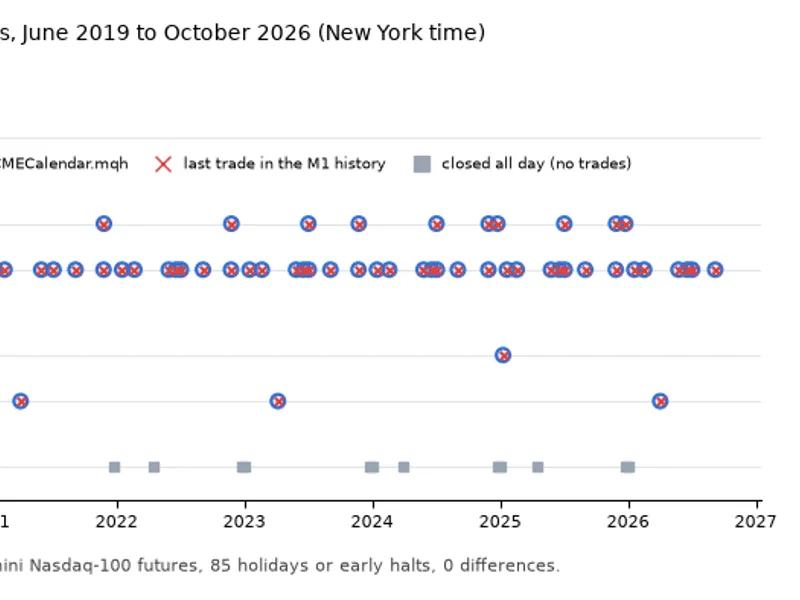
Related: CME Equity Index Futures Holiday Calendar and Trading Halt Automation - another powerful expert for MetaTrader 5 traders.
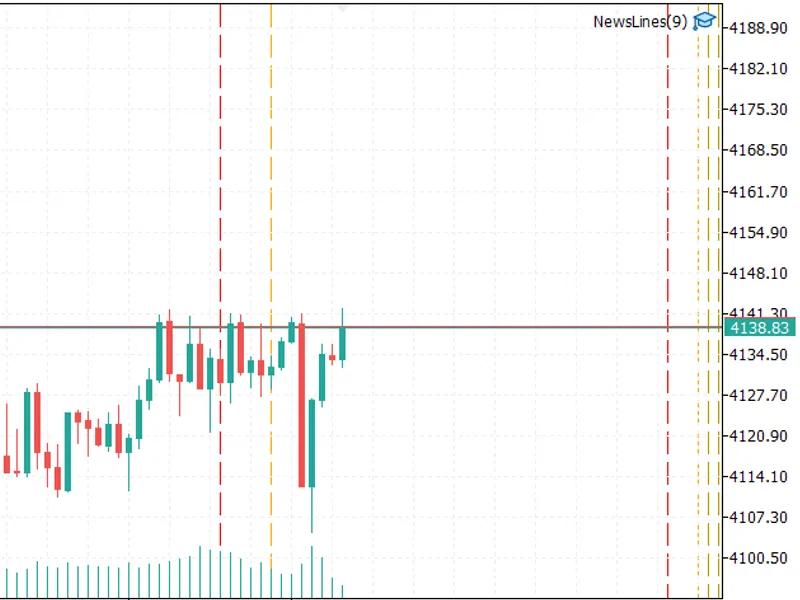
CNewsFilter is a tool designed to help your Expert Advisor (EA) determine if it is currently a news event time. It analyzes the economic calendar integrated within MetaTrader 5. The EA can filter events based on selected currencies and importance levels, and it will block trading activity for a specified duration before and after each news release. This functionality is ideal for preventing new trades or managing existing ones during significant news events.Also recommended: News Lines Utility: Economic Calendar On Your Chart - similar expert with strong performance on MetaTrader 5.
How to Integrate with Your EA
#include
CNewsFilter news;
int OnInit()
{
news.SetCurrenciesFromSymbol(_Symbol); // Alternatively, use news.SetCurrencies("USD,EUR");
news.SetImportance(CALENDAR_IMPORTANCE_HIGH);
news.SetWindow(30, 30); // Minutes before and after the event
return(INIT_SUCCEEDED);
}
void OnTick()
{
if(news.IsNewsTime())
return; // Skip new entries around news events
// Your trading strategy logic here
}
Available Methods
SetCurrenciesFromSymbol(symbol): Automatically selects currencies based on the trading symbol's base, profit, and margin currencies.
SetCurrencies("USD,EUR"): Allows you to specify a custom list of currencies.
SetImportance(importance): Sets the minimum importance level for news events to be considered (options: low, moderate, or high).
SetWindow(before, after): Defines the number of minutes to block trading activity before and after each news release.
IsNewsTime(): Returns true if the current time falls within a blocked news window.
CurrentEvent() and NextEvent(): Provide details about the current and upcoming news events, including the event name, currency, and time. Useful for custom information panels.
Total() and Event(i): Retrieve all loaded news events, sorted chronologically.
SetRefresh(seconds): Configures the cache refresh interval (default is 5 minutes).
SetLookAhead(hours): Determines how far into the future news events are loaded (default is 48 hours).
Important Considerations
This tool utilizes the terminal's built-in economic calendar, requiring no external web requests, DLLs, or special terminal settings.
Event times are synchronized with the trade server time, consistent with TimeTradeServer().
Only events with precise release times are processed; holidays and tentative events are disregarded.
The economic calendar is not accessible within the Strategy Tester. In this environment, IsNewsTime() will always return false, and a notification will be displayed once.
Demo Example
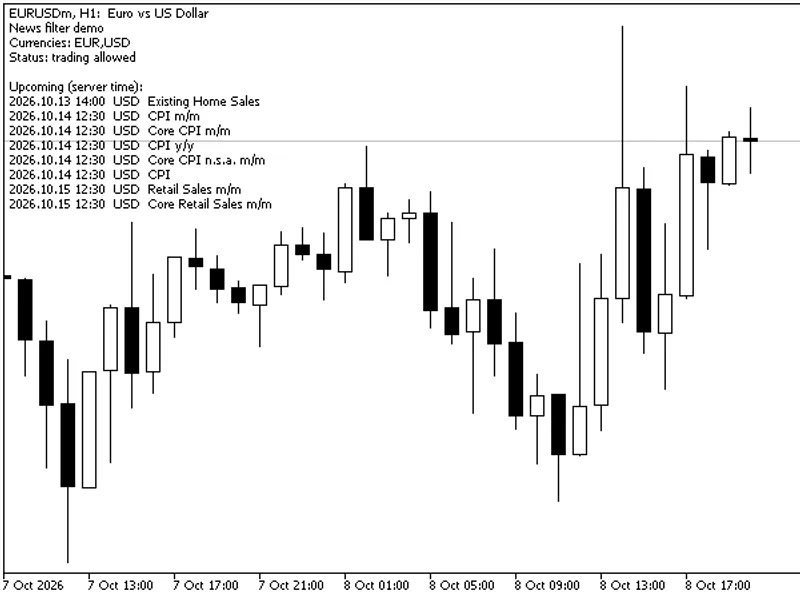
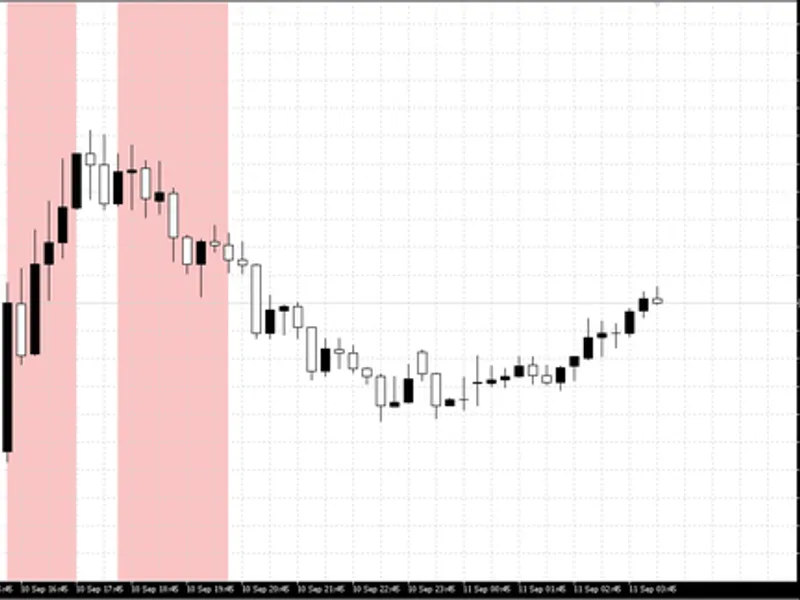
The NewsFilterDemo.mq5 script is designed for demonstration purposes and does not execute trades. When used in the Strategy Tester, where the calendar is unavailable, it simulates trading by opening and closing a single small trade daily. The demo chart visually indicates when trading is blocked and lists upcoming news events. User inputs include currencies (defaulting to the chart's symbol), minimum importance level, pre- and post-event blocking minutes, and the number of upcoming events to display. To use the demo, place NewsFilter.mqh in your MQL5\Include folder and the demo script in your MQL5\Experts folder.
Published in 2026.
You may also like: Strategy Tester News Filter with Corrected Calendar Export - excellent alternative for expert users on MetaTrader 5.
Source Code
#property copyright "RobotFX"
#property link "https://robotfx.org"
#property version     "1.01"
#property description "This code is educational. Feel free to use, modify and upgrade as you wish. Visit ROBOTFX.ORG for professional trading tools"
#include <NewsFilter.mqh>
#include <Trade\Trade.mqh>
input string                         InpCurrencies = "";
input ENUM_CALENDAR_EVENT_IMPORTANCE InpImportance = CALENDAR_IMPORTANCE_HIGH;
input int                            InpBefore     = 30;
input int                            InpAfter      = 30;
.......
⚠ Limitations & Risk Warning
- This tool is provided for educational and testing purposes only.
- Past performance does not guarantee future results.
- Trading involves substantial risk of loss. Use on a demo account first.
- Results may vary depending on market conditions, broker, and settings.
- We recommend thorough backtesting and forward testing before using with real funds.