

News Trading Dashboard
Info
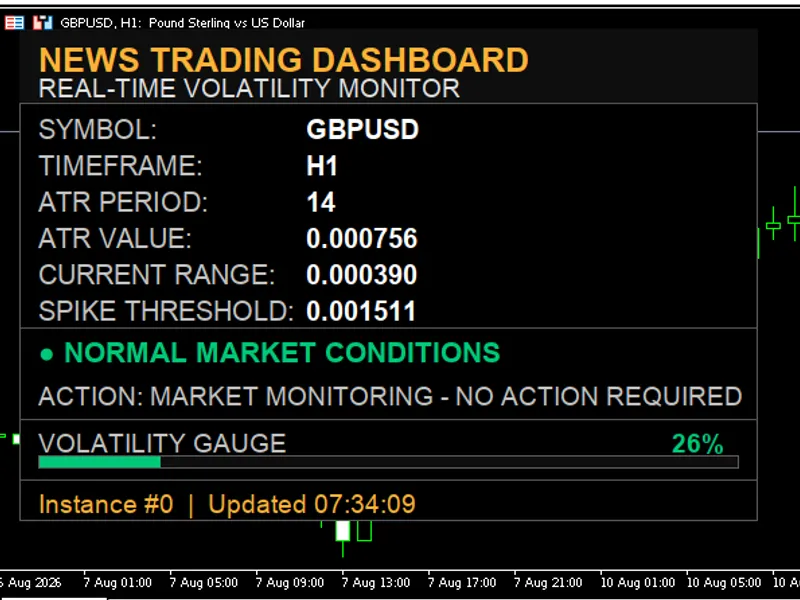
The News Trading Dashboard is a Indicator for MetaTrader 5 that news trading dashboard is an informational on-chart panel that monitors market volatility in real time to detect news spike moments — the sudden price moves that occur when economic data is released. It compares the current bar's range against the market's average ATR, multiplied by a threshold factor.
Usage
This tool is typically used for enhancing chart analysis and decision making.
Platform
This Indicator works exclusively on MetaTrader 5 (both build 600+ and newer versions).
Setup
Place the downloaded file in MQL5/Indicators folder via File ? Open Data Folder in MetaTrader 5.
How to Install and Use News Trading Dashboard
1. Installation: Place your file in the MQL/Indicators folder via "Open Data Folder" and restart your terminal.
2. Loading: Find the indicator in the Navigator, drag it onto your chart, and configure the input parameters in the popup window.
3. Customization: Press Ctrl+I to open the indicator list, select your tool, and click "Properties" to change colors, levels, or visual styles.
4. Updating: Replace the old file in the Indicators folder with the new version and restart the platform to apply changes.
Frequently Asked Questions
Q: Why is my indicator not showing? A: Verify the file is in the MQL/Indicators folder, or try right-clicking the "Indicators" tree in the Navigator and clicking "Refresh."
Q: Do custom indicators slow down the platform? A: Too many complex indicators can impact performance; remove unused ones via the "Indicator List" (Ctrl+I).
Q: Can I use MT4 indicators on MT5? A: No, MQL4 and MQL5 are distinct languages; ensure the indicator is compiled specifically for your platform version.
What this tool does
News Trading Dashboard is an informational on-chart panel that monitors market volatility in real time to detect news spike moments — the sudden price moves that occur when economic data is released.
Typical Use Case
This Indicator excels in automated trading and technical analysis on MetaTrader 5.
Compatible Platform & Setup
This Indicator works on MetaTrader 5. Place the file in the MQL5/Indicators folder and restart the terminal.
Description & Settings
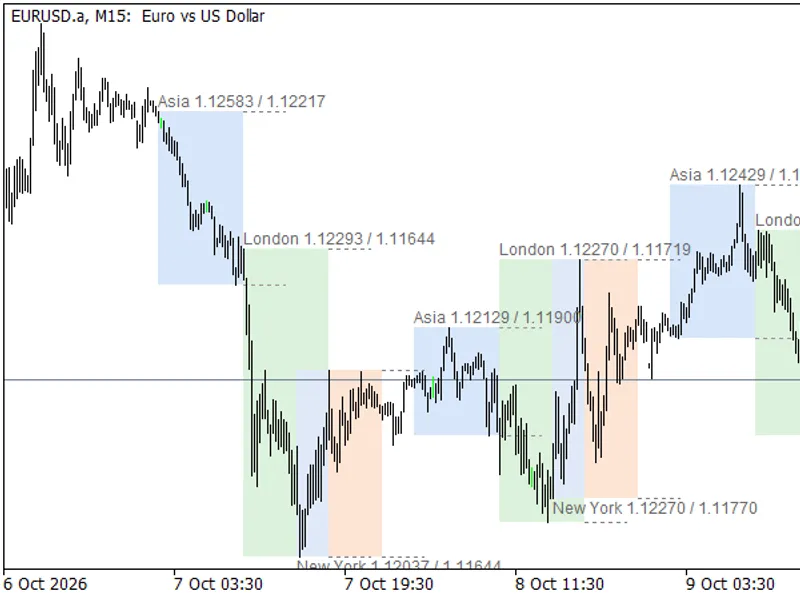
Related: Trading Session Ranges: Asian, London, and New York - another powerful indicator for MetaTrader 5 traders.
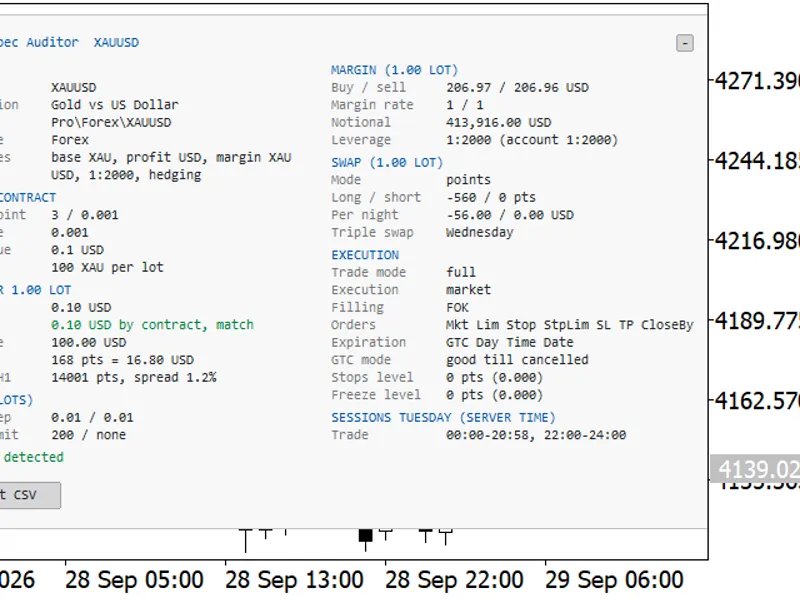
News Trading Dashboard is an informational on-chart panel that monitors market volatility in real time to detect news spike moments — the sudden price moves that occur when economic data is released. It compares the current bar's range against the market's average ATR, multiplied by a threshold factor. If the current range exceeds this threshold, it means the market is moving abnormally compared to normal conditions — a typical sign that important news has just hit the market. It tells you at a glance whether the market is calm or in a spike, without constantly watching the chart or a separate economic calendar. It warns you not to open new positions during extreme volatility moments. It can run on multiple symbols/charts simultaneously, useful for anyone tracking several pairs in parallel around a major news release. NEWS / VOLATILITY DETECTION InpATRPeriod — the ATR period used as the normal reference baseline. A smaller value = more sensitive to recent moves; a larger value = a more stable, less reactive average. InpSpikeMultiplier — how many times larger the current range must be compared to ATR to be considered a spike. 2.0 = the range must be double the normal level. InpTimerSeconds — how often the footer clock refreshes. DASHBOARD APPEARANCE InpShowDashboard — shows/hides the entire panel. InpTheme — color theme. InpFontSize — base text size; the whole panel auto-scales based on it. InpAutoScalePanel — the panel automatically widens to fit the longest possible text. InpMinPanelWidth — the guaranteed minimum width, regardless of auto-scaling. DASHBOARD POSITION InpCorner — the anchor corner. InpOffsetX / InpOffsetY — the distance from that corner. MULTI-INSTANCE InpInstanceID — identifier used to run multiple copies on the same chart. A Few Trading Methods Using This Indicator No-trade zone filter around news releases — set InpSpikeMultiplier to 1.5–2.0; when the status turns red, pause any automated or manual system for a few minutes. Breakout on confirmed spike — instead of avoiding the spike, trade it: once the status turns red, wait for the first impulse candle to close, then enter in the direction of the move. Fade on extreme volatility — on major pairs, very large spikes are sometimes followed by a pullback. Multi-symbol setup for news correlations — by running multiple instances on different charts, you can immediately see whether a major macro news event hit all correlated markets at once. Amber zone as a position-sizing signal — the amber status appears before a full spike; you can use this moment to reduce position size or tighten your stop-loss.Also recommended: Symbol Specification Auditor: Uncover Hidden Trading Costs and Risks - similar indicator with strong performance on MetaTrader 5.
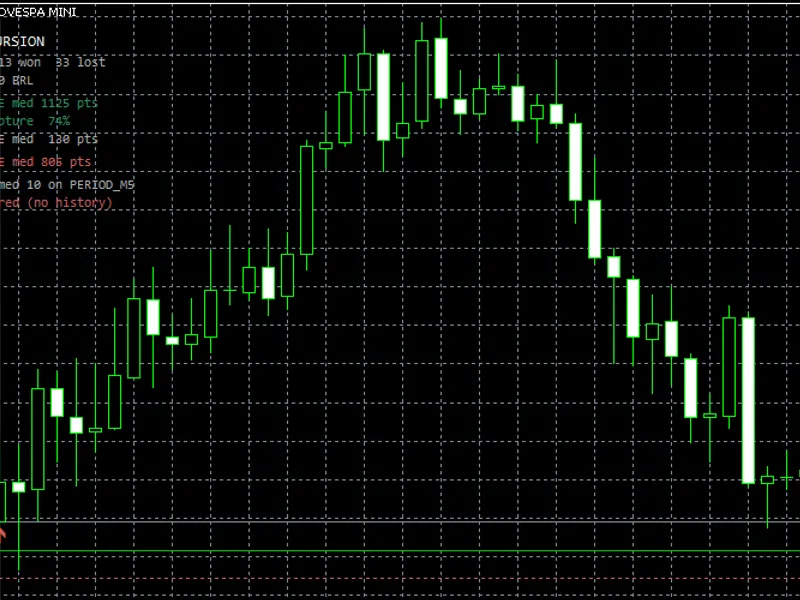
You may also like: Trade Excursion: Analyzing Realized Profit from Your Trading History (MFE/MAE) - excellent alternative for indicator users on MetaTrader 5.
Source Code
#property copyright "RobotFX"
#property link "https://robotfx.org"
#property version   "2.00"
#property strict
#property indicator_chart_window
#property indicator_plots   0
#property description "This code is educational. Feel free to use, modify and upgrade as you wish. Visit ROBOTFX.ORG for professional trading tools"
enum ENUM_BG_THEME
  {
   THEME_BLOOMBERG_BLACK,
.......
⚠ Limitations & Risk Warning
- This tool is provided for educational and testing purposes only.
- Past performance does not guarantee future results.
- Trading involves substantial risk of loss. Use on a demo account first.
- Results may vary depending on market conditions, broker, and settings.
- We recommend thorough backtesting and forward testing before using with real funds.