

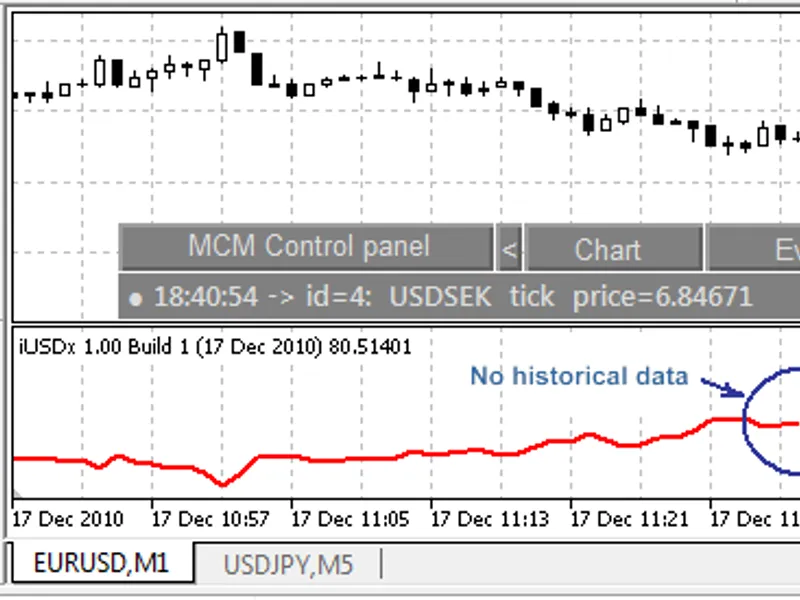

pseudo-indicator with asynchronous multi-threaded calculations demo
Info
The pseudo-indicator with asynchronous multi-threaded calculations demo is a Indicator for MetaTrader 5 that this indicator is a pseudo-indicator w/o buffers. its only purpose is to demonstrate multi-threaded calculations technique.
Usage
This tool is typically used for enhancing chart analysis and decision making.
Platform
This Indicator works exclusively on MetaTrader 5 (both build 600+ and newer versions).
Setup
Place the downloaded file in MQL5/Indicators folder via File ? Open Data Folder in MetaTrader 5.
How to Install and Use pseudo-indicator with asynchronous multi-threaded calculations demo
1. Installation: Place your file in the MQL/Indicators folder via "Open Data Folder" and restart your terminal.
2. Loading: Find the indicator in the Navigator, drag it onto your chart, and configure the input parameters in the popup window.
3. Customization: Press Ctrl+I to open the indicator list, select your tool, and click "Properties" to change colors, levels, or visual styles.
4. Updating: Replace the old file in the Indicators folder with the new version and restart the platform to apply changes.
Frequently Asked Questions
Q: Why is my indicator not showing? A: Verify the file is in the MQL/Indicators folder, or try right-clicking the "Indicators" tree in the Navigator and clicking "Refresh."
Q: Do custom indicators slow down the platform? A: Too many complex indicators can impact performance; remove unused ones via the "Indicator List" (Ctrl+I).
Q: Can I use MT4 indicators on MT5? A: No, MQL4 and MQL5 are distinct languages; ensure the indicator is compiled specifically for your platform version.
What this tool does
this indicator is a pseudo-indicator w/o buffers.
Typical Use Case
This Indicator excels in automated trading and technical analysis on MetaTrader 5.
Compatible Platform & Setup
This Indicator works on MetaTrader 5. Place the file in the MQL5/Indicators folder and restart the terminal.
Description & Settings
Related: SMC Order Block Detector with Alert for MT5 - another powerful indicator for MetaTrader 5 traders.
this indicator is a pseudo-indicator w/o buffers. its only purpose is to demonstrate multi-threaded calculations technique. the indicator can issue commands for lenghty calculations which are performed in separate threads, created for chart objects with worker expert adviser. the classes provided in the included header file -
Also recommended: SAX Forecaster: Predictive Market Analysis with Symbolic Strings - similar indicator with strong performance on MetaTrader 5.
multithreadedobjectworker.mqh- will automatically create the chart objects and apply template with specified worker expert adviser in each object. after calculation is done the object is automatically removed from the chart.
this example is intended for users with programming background.
the idea comes from the article about . please, find all technical details on how the messages (events) are dispatched, and how resources are used to pass data between charts in the article.
the indicator utilizes more "compact" implementation of the techique than in the article by using chart objects instead of full-fledged chart windows. you may find details on the .
make sure the worker expert adviser -
multithreadedobjectworker
- is compiled before you compile and run the indicator itself -
multithreadedindicator
.
input parameters
sinput int _cores = 1; - number of threads to utilize (don't use more than available physical cores)
sinput int _tasks = 1; - number of pseudo-tasks to execute in parallel (use number larger than number of cores to see parallel performance)
input string multithreadedscriptpath = "experts\\multithreadedobjectworker.ex5"; - must indicate the pathname of the worker expert adviser
each pseudo-task calculates a bunch of sqrt functions (for demo purposes only). this can be changed in your mql projects to any other time-consuming algorithms.
to start parallel calculations after the indicator is attached to a chart, please, click the chart. all important phases of the process (both in client and worker mql5 programs) are logged.
the client mql programm issuing parallel calculations requests can be not indicators only but expert advisers as well. scripts and services are not supported by the platrform.
using the header file multithreadedobjectworker.mqh you should implement your own data marshalling between mql5-client and the worker expert adviser.
here is 2 examples of the logs.
execution of 4 tasks on 2 cores (2 threads in parallel)
when running 4 tasks on 2 cores there are 2 parallel threads, that provides twice as fast execution as on 1 cores (compare 3354ms above and 6240ms below).
execution of 4 tasks on 1 core (single thread - standard mql program)
more cores - more speed.
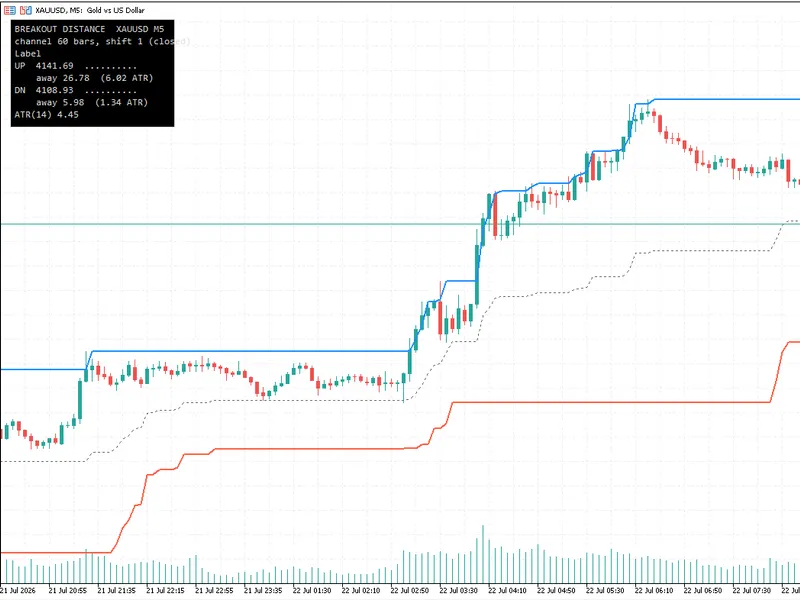
You may also like: Breakout Distance - Donchian Channel with Distance-to-Trigger Panel in ATR Units - excellent alternative for indicator users on MetaTrader 5.
Source Code
#property copyright "robotfx"
#property link "https://robotfx.org"
#property description "this code is educational. feel free to use, modify and upgrade as you wish. visit robotfx.org for professional trading tools"
#property indicator_chart_window
#property indicator_buffers 0
#property indicator_plots 0
sinput int _cores = 1;
sinput int _tasks = 1;
#include <multithreadedobjectworker.mqh>
#include <custommultithreadedexample.mqh>
.......
⚠ Limitations & Risk Warning
- This tool is provided for educational and testing purposes only.
- Past performance does not guarantee future results.
- Trading involves substantial risk of loss. Use on a demo account first.
- Results may vary depending on market conditions, broker, and settings.
- We recommend thorough backtesting and forward testing before using with real funds.