
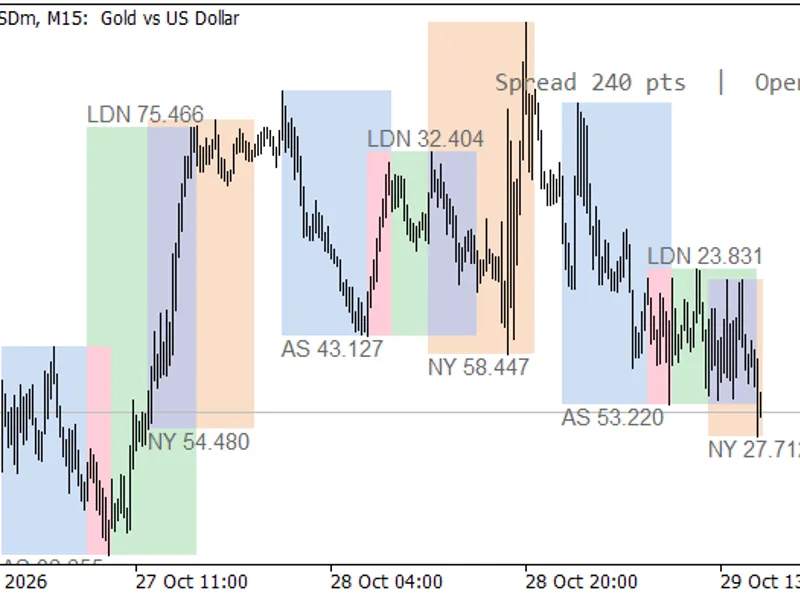
Session Range Breakout Indicator for MT5
Info
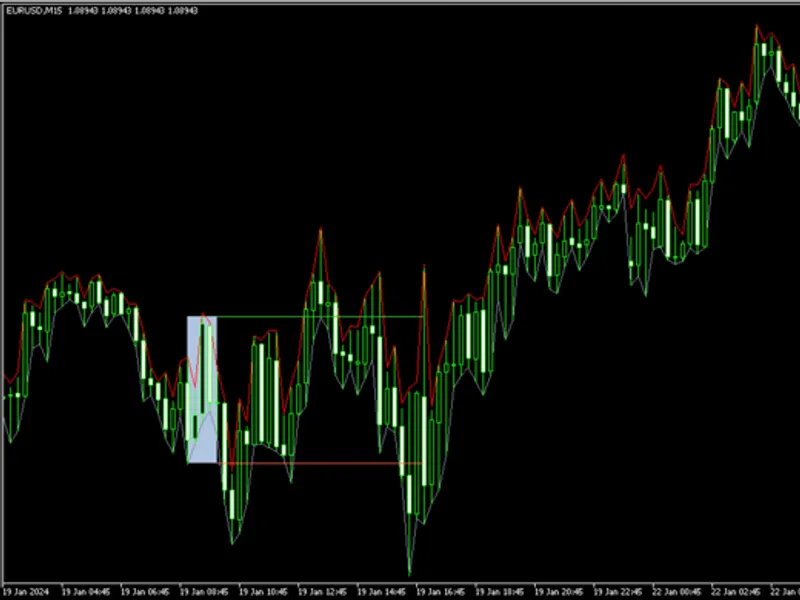
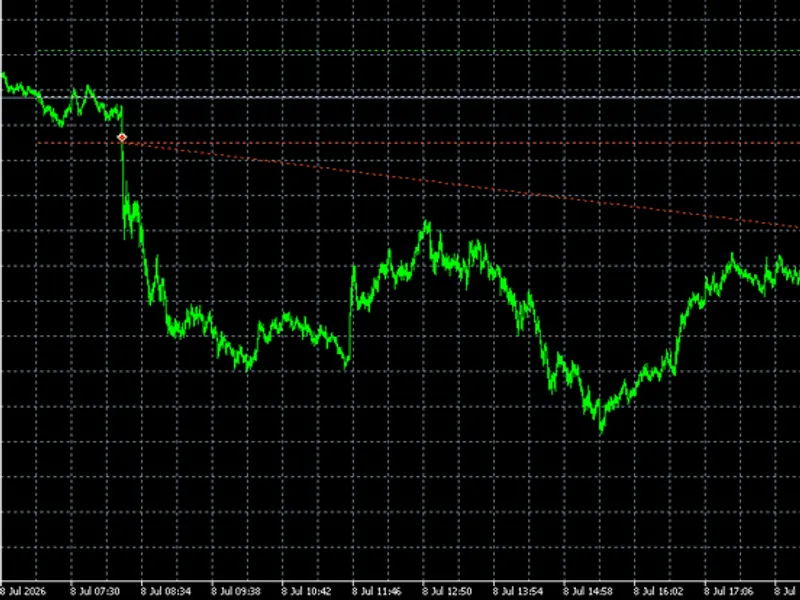
The Session Range Breakout Indicator for MT5 is a Indicator for MetaTrader 5 that session range breakouta metatrader 5 indicator that calculates the high and low of a completed trading session using m1 bars. It can optionally draw the session range and trigger alerts when the price first breaks out in either direction.
Usage
This tool is typically used for breakout trading when price moves beyond key support/resistance levels.
Platform
This Indicator works exclusively on MetaTrader 5 (both build 600+ and newer versions).
Setup
Place the downloaded file in MQL5/Indicators folder via File ? Open Data Folder in MetaTrader 5.
How to Install and Use Session Range Breakout Indicator for MT5
1. Installation: Place your file in the MQL/Indicators folder via "Open Data Folder" and restart your terminal.
2. Loading: Find the indicator in the Navigator, drag it onto your chart, and configure the input parameters in the popup window.
3. Customization: Press Ctrl+I to open the indicator list, select your tool, and click "Properties" to change colors, levels, or visual styles.
4. Updating: Replace the old file in the Indicators folder with the new version and restart the platform to apply changes.
Frequently Asked Questions
Q: Why is my indicator not showing? A: Verify the file is in the MQL/Indicators folder, or try right-clicking the "Indicators" tree in the Navigator and clicking "Refresh."
Q: Do custom indicators slow down the platform? A: Too many complex indicators can impact performance; remove unused ones via the "Indicator List" (Ctrl+I).
Q: Can I use MT4 indicators on MT5? A: No, MQL4 and MQL5 are distinct languages; ensure the indicator is compiled specifically for your platform version.
What this tool does
Session Range BreakoutA MetaTrader 5 indicator that calculates the high and low of a completed trading session using M1 bars.
Typical Use Case
This Indicator excels in automated trading and technical analysis on MetaTrader 5.
Compatible Platform & Setup
This Indicator works on MetaTrader 5. Place the file in the MQL5/Indicators folder and restart the terminal.
Description & Settings
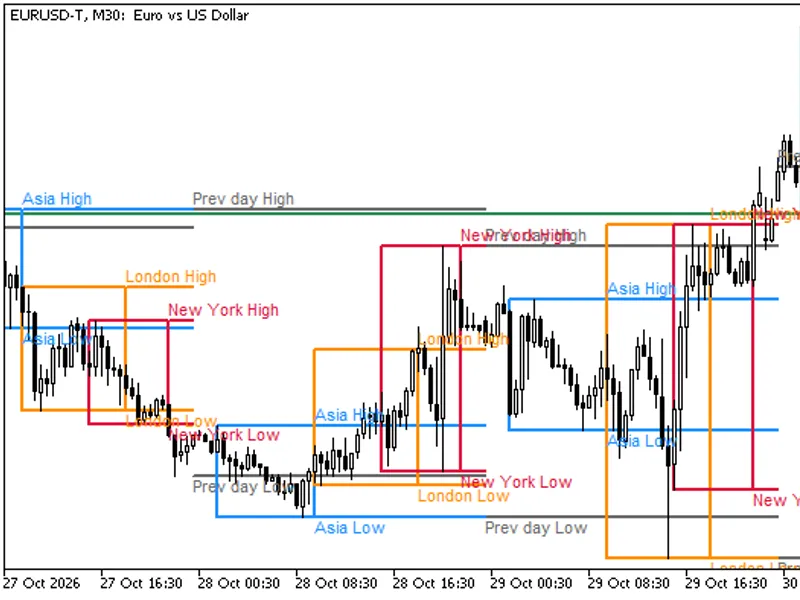
Related: Session High Low Alerts: Track and React to Trading Session Extremes - another powerful indicator for MetaTrader 5 traders.
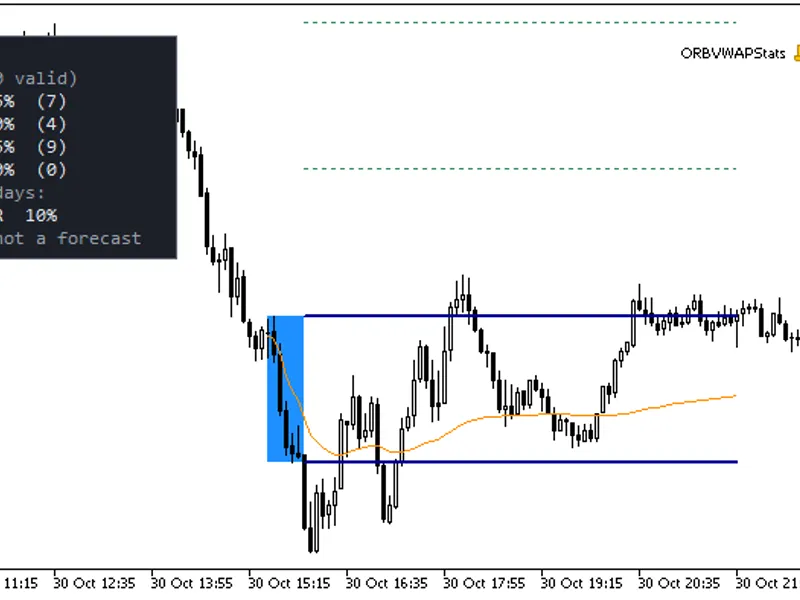
Session Range BreakoutAlso recommended: ORB Box + VWAP Stats: Opening Range, Targets, and Historical Break Analysis - similar indicator with strong performance on MetaTrader 5.
A MetaTrader 5 indicator that calculates the high and low of a completed trading session using M1 bars. It can optionally draw the session range and trigger alerts when the price first breaks out in either direction. All times are based on the broker's server time.
Inputs:
InpSessionStart: 09:00 - The start time of the session (inclusive).
InpSessionEnd: 10:00 - The end time of the session (exclusive). If this time is earlier than the start time, it refers to the next day. The start and end times cannot be the same.
InpLineEnd: 17:00 - The first occurrence of this time strictly after the session end time. If it's the same as the session end time, it refers to the next day.
InpHistoryDays: 10 - The number of completed sessions to analyze (1-365 days). Sessions without M1 bars are counted. A session currently in progress does not replace the most recent completed session.
InpShowRectangle: true - Whether to draw the session range rectangle.
InpShowLines: true - Whether to draw the high and low lines from the session end until the line end time.
InpRectangleColor: clrLightSteelBlue - The color of the session rectangle. Valid RGB values must be used.
InpHighColor: clrLimeGreen - The color of the high line. Valid RGB values must be used.
InpLowColor: clrTomato - The color of the low line. Valid RGB values must be used.
InpLineStyle: STYLE_SOLID - The style of the lines. Note that MT5 might render some styles as solid if the width is greater than 1.
InpLineWidth: 1 - The width of the lines (1-5).
InpEnableBuffers: true - Whether to populate the two iCustom buffers.
InpBreakMode: BREAK_TOUCH - Determines breakout detection. BREAK_TOUCH triggers when the live price moves strictly outside the range. BREAK_CLOSE triggers when a chart bar closes strictly outside the range.
InpPopup: true - Whether to show popup alerts.
InpPush: false - Whether to send push notifications. Configure these in MT5 settings.
InpEmail: false - Whether to send email alerts. Configure these in MT5 settings.
InpInstanceId: 1 - An identifier for the indicator instance (1-8 ASCII letters or digits). Use unique IDs for multiple instances on the same chart.
Usage:
Place the SessionRangeBreakout.mq5 file in the MQL5/Indicators folder. Compile it in MetaEditor and attach it to your chart. The indicator uses the symbol and timeframe of the chart it's attached to. The iCustom buffers, indexed 0 (high) and 1 (low), are always available but only plotted when enabled. Buffer values appear on chart bars whose opening times fall within the session end through line end period, inclusive. All other values will be EMPTY_VALUE. If chart windows overlap, the most recent session takes precedence.
Alerts:
Alerts are generated only for the most recent completed session with an active extension, and only once per direction. The 'Touch' mode requires a new tick for the price to move strictly outside the range (using Bid on Bid charts or Last on Last charts). The 'Close' mode requires a newly observed closed bar that opens at or after the session end time and before the line end time. An arriving tick can trigger a 'Close' alert after the boundary is met. Attaching the indicator, restarting, or recalculating history will prime earlier observed breaks without alerts. If the indicator observes the session before its end, the first new tick within the final minute can trigger a live break alert. If the first tick arrives later, earlier breaks are conservatively primed, and an initial live break alert might be missed. The indicator cannot recover lost notifications if the terminal is offline or ticks are unavailable; only the previously observed bar remains eligible after a data gap.
Data Handling:
The indicator calculates the range using available M1 bars within the [session start, session end) period, accounting for market closure gaps. It checks for synchronized history coverage starting from the requested start date before copying rates. Sessions without M1 bars are skipped. Insufficient or unavailable M1 history will result in at most one log message per initialization. The indicator will wait or skip unavailable sessions and retry. History synchronization does not guarantee that the broker has provided all expected bars. Historical 'touch' priming uses M1 highs and lows, not tick order. 'Close' priming uses the chart's timeframe history. Fixed 24-hour server date increments, daylight saving time changes, missing history, and market closures can influence results.
Objects and Instances:
Full buffer initialization occurs when MT5 requests a full calculation. Subsequent rebuilds clear the configured history window, including the expired part of the previous window as it shifts, before refilling. Objects are created with a stable prefix format: SRB_<ChartID>_<subwindow>_<instance ID>_ and are cleaned up during initialization and removal. Assign a unique InpInstanceId to each indicator instance within the same chart window. Instances with identical IDs will share a namespace and may overwrite or delete each other's objects. Invalid IDs are rejected during initialization. This indicator does not place trades and does not utilize DLLs or WebRequests.
You may also like: Session Range and Spread Indicator - excellent alternative for indicator users on MetaTrader 5.
Source Code
#property copyright "RobotFX"
#property description "This code is educational. Feel free to use, modify and upgrade as you wish. Visit ROBOTFX.ORG for professional trading tools"
#property version   "1.00"
#property indicator_chart_window
#property indicator_buffers 2
#property indicator_plots 2
#property indicator_type1 DRAW_NONE
#property indicator_type2 DRAW_NONE
#property indicator_label1 "Session high"
#property indicator_label2 "Session low"
.......
⚠ Limitations & Risk Warning
- This tool is provided for educational and testing purposes only.
- Past performance does not guarantee future results.
- Trading involves substantial risk of loss. Use on a demo account first.
- Results may vary depending on market conditions, broker, and settings.
- We recommend thorough backtesting and forward testing before using with real funds.