
Range Filter Buy and Sell
Info
The Range Filter Buy and Sell is a Indicator for MetaTrader 5 that a line-by-line mql5 port of "range filter buy and sell 5min": the original range filter by donovanwall, the simplified version by guikroth and the pine v5 update by tvenn. It is published as open source on TradingView.
Usage
This tool is typically used for enhancing chart analysis and decision making.
Platform
This Indicator works exclusively on MetaTrader 5 (both build 600+ and newer versions).
Setup
Place the downloaded file in MQL5/Indicators folder via File ? Open Data Folder in MetaTrader 5.
How to Install and Use Range Filter Buy and Sell
1. Installation: Place your file in the MQL/Indicators folder via "Open Data Folder" and restart your terminal.
2. Loading: Find the indicator in the Navigator, drag it onto your chart, and configure the input parameters in the popup window.
3. Customization: Press Ctrl+I to open the indicator list, select your tool, and click "Properties" to change colors, levels, or visual styles.
4. Updating: Replace the old file in the Indicators folder with the new version and restart the platform to apply changes.
Frequently Asked Questions
Q: Why is my indicator not showing? A: Verify the file is in the MQL/Indicators folder, or try right-clicking the "Indicators" tree in the Navigator and clicking "Refresh."
Q: Do custom indicators slow down the platform? A: Too many complex indicators can impact performance; remove unused ones via the "Indicator List" (Ctrl+I).
Q: Can I use MT4 indicators on MT5? A: No, MQL4 and MQL5 are distinct languages; ensure the indicator is compiled specifically for your platform version.
What this tool does
A line-by-line MQL5 port of "Range Filter Buy and Sell 5min": the original Range Filter by DonovanWall, the simplified version by guikroth and the Pine v5 update by tvenn.
Typical Use Case
This Indicator excels in automated trading and technical analysis on MetaTrader 5.
Compatible Platform & Setup
This Indicator works on MetaTrader 5. Place the file in the MQL5/Indicators folder and restart the terminal.
Description & Settings
Related: Gold Donchian Breakout Channel (non-repainting, with HTF trend filter) - another powerful indicator for MetaTrader 5 traders.
Also recommended: Session Range Boxes with Asia Breakout Alert for MT4/MT5 - similar indicator with strong performance on MetaTrader 5.
A line-by-line MQL5 port of
"Range Filter Buy and Sell 5min"
: the original Range Filter by
DonovanWall
, the simplified version by
guikroth
and the Pine v5 update by
tvenn
. It is published as open source on TradingView. All credit goes to those authors.
Same logic as the original:
Smoothed range
= EMA(EMA(|close - close[1]|, period), 2 x period - 1) x multiplier. Each EMA is seeded with an SMA, the same as ta.ema .
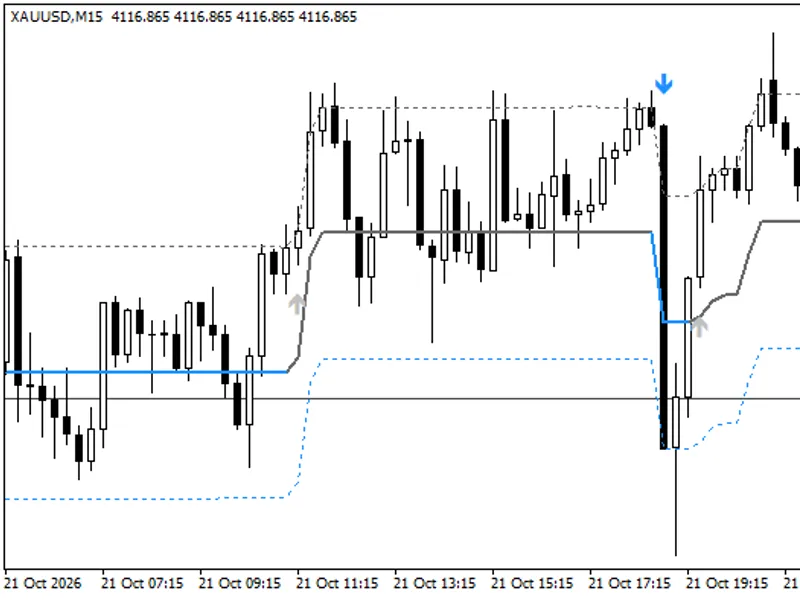
Range filter:
the line stays put until price moves beyond it by more than the smoothed range, then follows at that distance.
Upward / downward counters
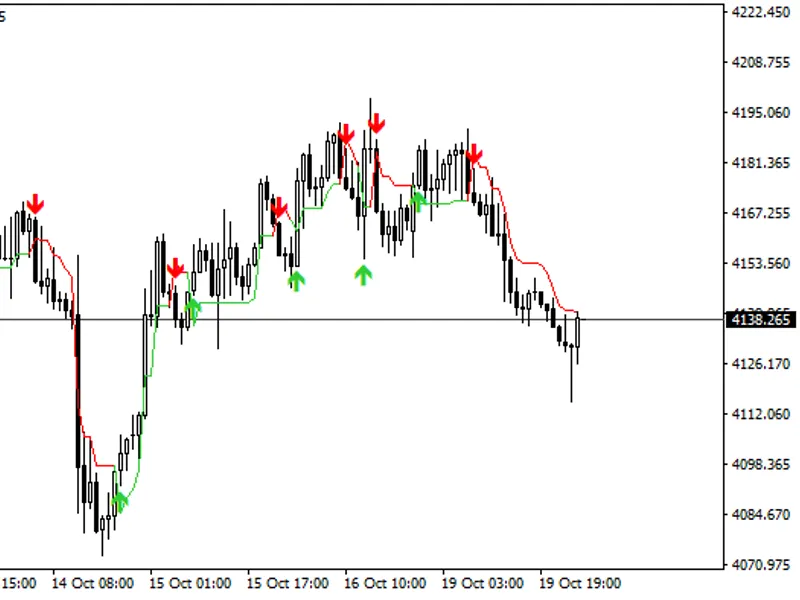
, then long and short conditions. A Buy or Sell is printed
once per change of side
, using the original CondIni logic.
High / low target bands
at filter +/- range. Bar colors as in the original.
Inputs (original defaults): Sampling Period 100, Range Multiplier 3.0.
Made for MetaTrader 5:
No repainting.
A Buy or Sell arrow is drawn when its bar closes and never moves or disappears afterwards. Tested bar by bar on 619,687 one-minute gold bars plus H1, M15, H4 and D1 charts: every value seen when a bar closed equals the final value.
Alerts
on a new signal: popup, sound only, push notification to the MetaTrader 5 mobile app, or e-mail. Once per signal, on the closed bar.
Automatic colors:
the original white "rising" color turns near-black on a light chart, so the line and bars stay visible on any chart theme.
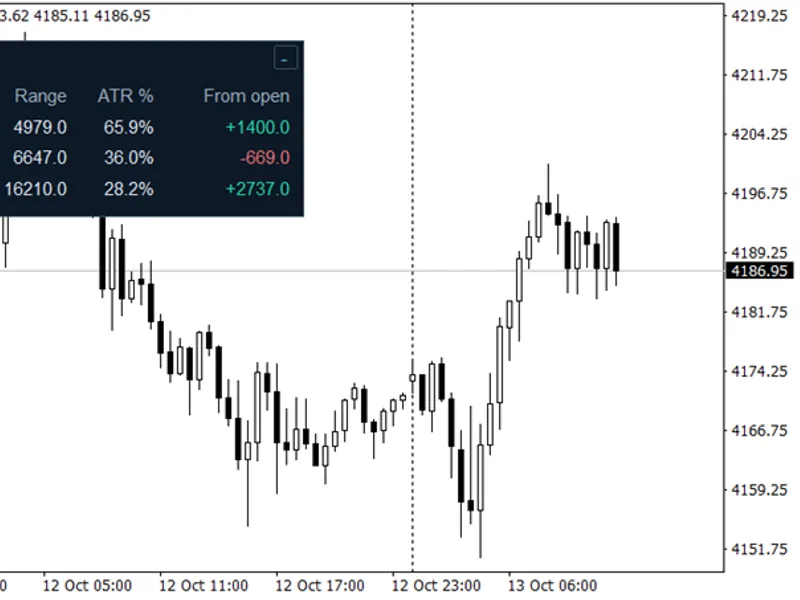
Signal statistics panel.
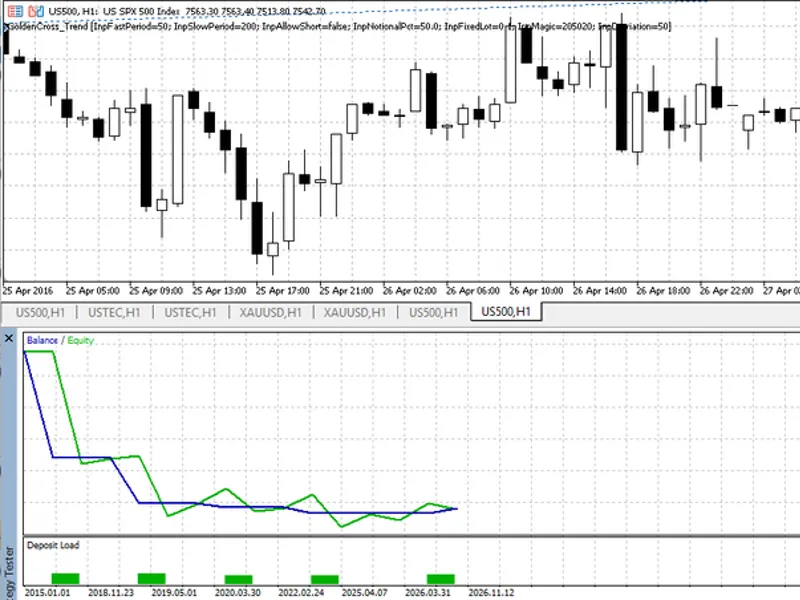
It buys at the bar after a Buy, sells after a Sell, and closes and reverses at the opposite signal. It shows the trades and win rate, the net result in money at your lot size after spread and commission, profit factor, average win and loss, longest losing streak, maximum drawdown, the open trade and the cost per trade. Click its header to fold it to one line; put it in any corner. Its colors follow your chart, dark or light.
Daily session filter
for the statistics, in your own time zone (overnight windows allowed), with session shading and an optional close at session end. Off by default.
Trade marks
on the chart: hover a mark for prices, exit reason and result.
Works on any symbol and timeframe.
For EA developers (iCustom):
buffers 4 = Buy (price of the signal bar), 5 = Sell, 11 = filter value, 12 = smoothed range; EMPTY_VALUE means no value. Simplest call with the default inputs: iCustom(_Symbol, _Period, "TV_RangeFilter") . If you pass inputs, each input group heading counts as one parameter (pass an empty string for it). Signals on the closed bar (shift 1) are final.
The panel describes past signals so you can judge them yourself. It is not a backtest and not a promise of results.
License:
free and open source under the Mozilla Public License 2.0 (MPL-2.0), the same as the original. The statistics panel code (TVStats5, inlined in this file) is MIT-licensed. Keep the license notices when you share or modify the code.
This is a visual tool. It does not place trades and does not predict prices. Test any rule built on it before you trade with it.
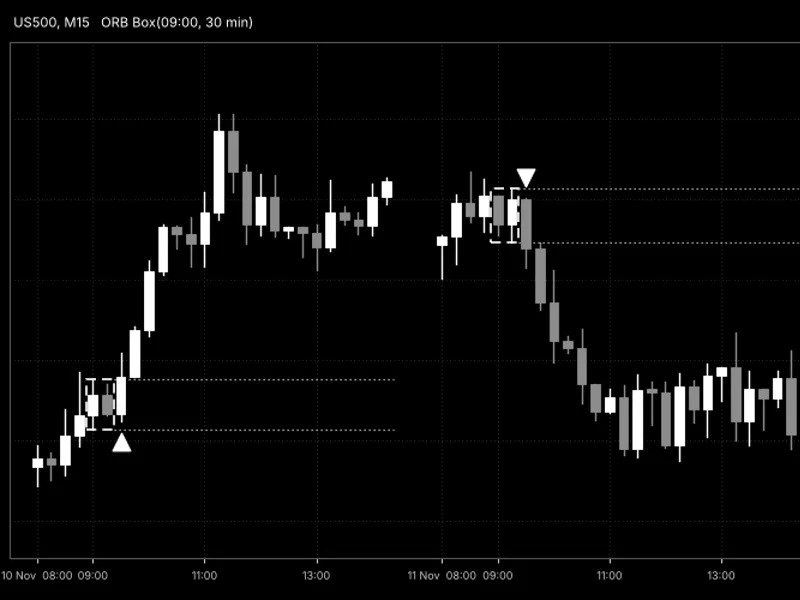
You may also like: Opening Range Breakout (ORB) Box with Breakout Arrows - excellent alternative for indicator users on MetaTrader 5.
Source Code
#property copyright "RobotFX"
#property link "https://robotfx.org"
#property version   "1.00"
#property description "This code is educational. Feel free to use, modify and upgrade as you wish. Visit ROBOTFX.ORG for professional trading tools"
#property indicator_chart_window
#property indicator_buffers 19
#property indicator_plots   6
#property indicator_label1  "Range Filter"
#property indicator_type1   DRAW_COLOR_LINE
#property indicator_color1  clrWhite,C'144,191,249',clrDodgerBlue
.......
⚠ Limitations & Risk Warning
- This tool is provided for educational and testing purposes only.
- Past performance does not guarantee future results.
- Trading involves substantial risk of loss. Use on a demo account first.
- Results may vary depending on market conditions, broker, and settings.
- We recommend thorough backtesting and forward testing before using with real funds.