



Gold Donchian Breakout Channel (non-repainting, with HTF trend filter)
Info
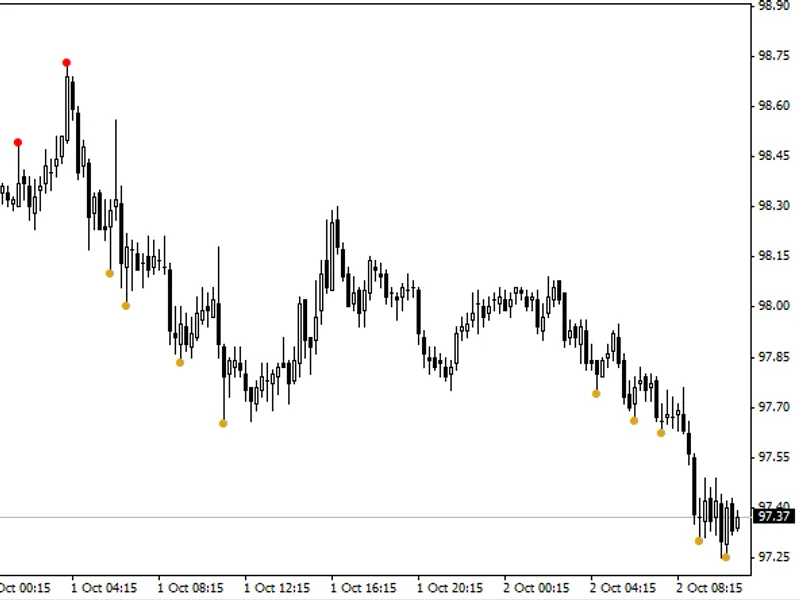
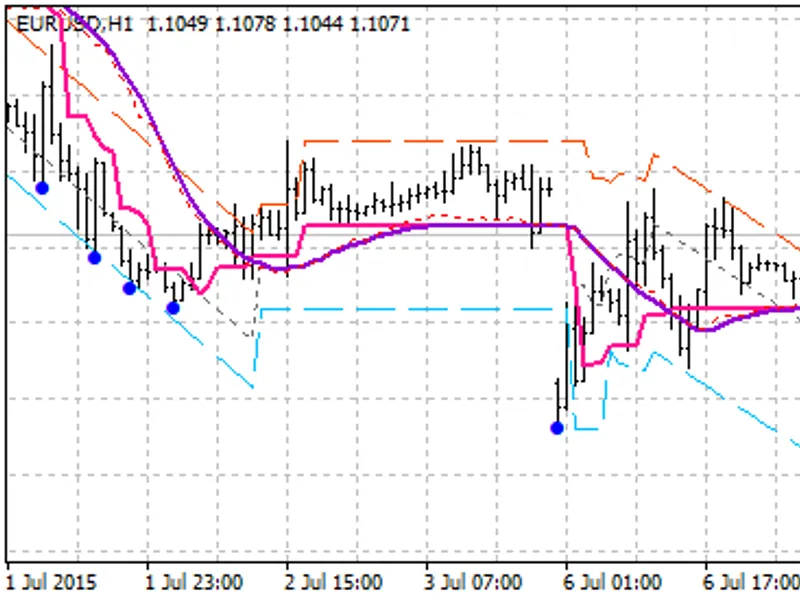
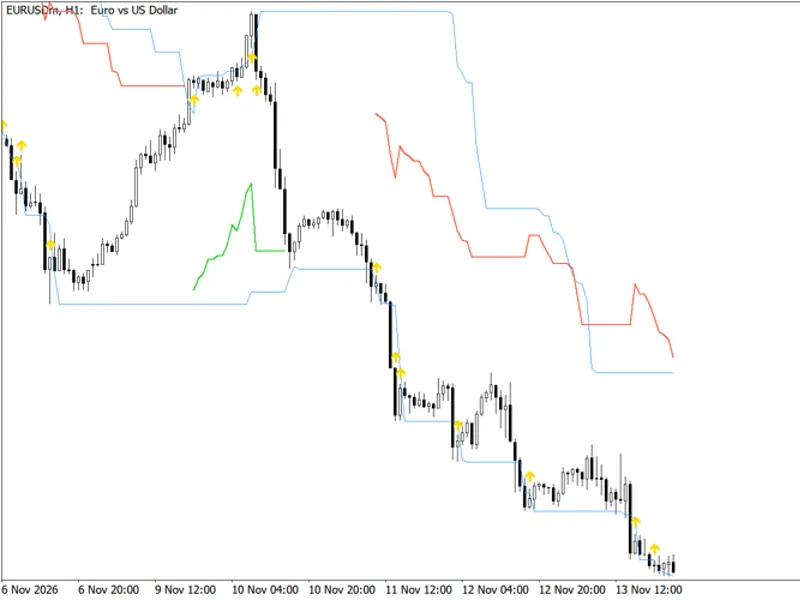
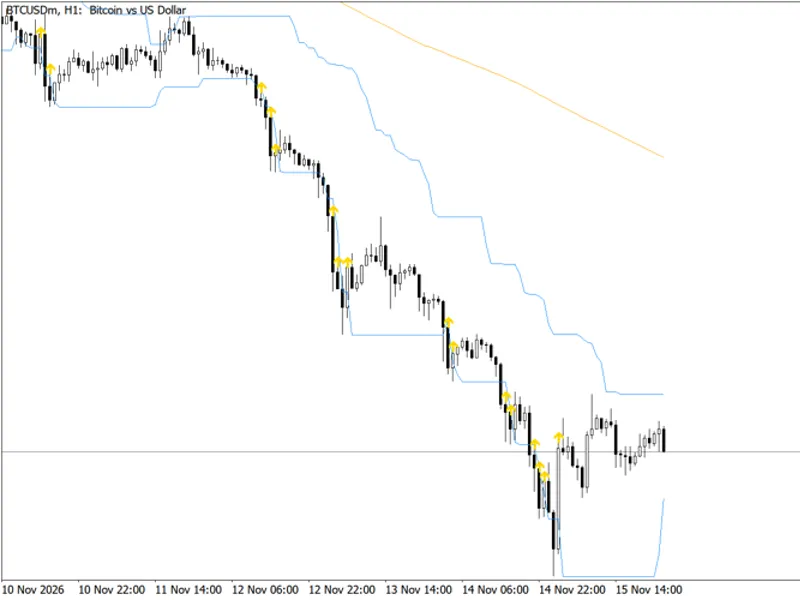
The Gold Donchian Breakout Channel (non-repainting, with HTF trend filter) is a Indicator for MetaTrader 5 that what it does the indicator draws the highest high and lowest low of the n bars before each bar, plus the midline. When a bar closes beyond the channel for the first time, an arrow is placed on that bar.
Usage
This tool is typically used for breakout trading when price moves beyond key support/resistance levels.
Platform
This Indicator works exclusively on MetaTrader 5 (both build 600+ and newer versions).
Setup
Place the downloaded file in MQL5/Indicators folder via File ? Open Data Folder in MetaTrader 5.
How to Install and Use Gold Donchian Breakout Channel (non-repainting, with HTF trend filter)
1. Installation: Place your file in the MQL/Indicators folder via "Open Data Folder" and restart your terminal.
2. Loading: Find the indicator in the Navigator, drag it onto your chart, and configure the input parameters in the popup window.
3. Customization: Press Ctrl+I to open the indicator list, select your tool, and click "Properties" to change colors, levels, or visual styles.
4. Updating: Replace the old file in the Indicators folder with the new version and restart the platform to apply changes.
Frequently Asked Questions
Q: Why is my indicator not showing? A: Verify the file is in the MQL/Indicators folder, or try right-clicking the "Indicators" tree in the Navigator and clicking "Refresh."
Q: Do custom indicators slow down the platform? A: Too many complex indicators can impact performance; remove unused ones via the "Indicator List" (Ctrl+I).
Q: Can I use MT4 indicators on MT5? A: No, MQL4 and MQL5 are distinct languages; ensure the indicator is compiled specifically for your platform version.
What this tool does
What it does The indicator draws the highest high and lowest low of the N bars before each bar, plus the midline.
Typical Use Case
This Indicator excels in trend following on MetaTrader 5.
Compatible Platform & Setup
This Indicator works on MetaTrader 5. Place the file in the MQL5/Indicators folder and restart the terminal.
Description & Settings
Related: Donchian Breakout Channel with ATR Trailing Stop - another powerful indicator for MetaTrader 5 traders.
What it does
Also recommended: Trend Filtered Donchian Breakout Channel - similar indicator with strong performance on MetaTrader 5.
The indicator draws the highest high and lowest low of theN bars before
each bar, plus the midline. When a bar
closes
beyond the channel for the first time, an arrow is placed on that bar.
Blue line:
upper channel.
Orange line:
lower channel.
Dotted:
midline.
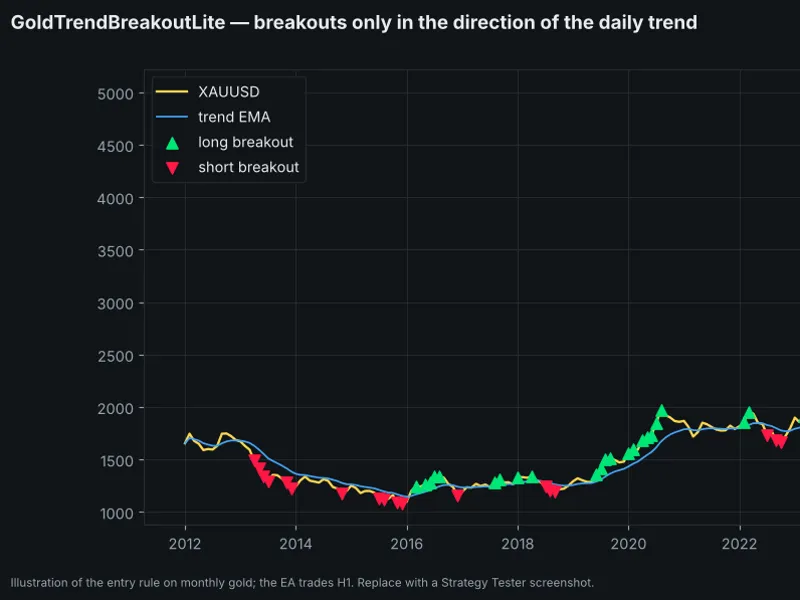
Green ▲:
first close above the upper channel.
Red ▼:
first close below the lower channel.
With the trend filter on, an up-arrow is shown only while the D1 EMA is rising over the last
k
completed daily bars, and a down-arrow only while it is falling.
Why it never repaints
The channel of bar
i
uses bars
i−N … i−1
only, so the current bar can break it.
Arrows are written only for
closed
bars — the forming bar never shows one.
The higher-timeframe filter reads the
last completed
daily bar, so there is no look-ahead in the Strategy Tester either.
What you see in history is exactly what you would have seen live.
Works on any market
Market
Timeframe
Period
Trend filter
XAUUSD swing
H1
120 (≈ one week)
D1 EMA 100
XAUUSD position
H4
40–80
D1 EMA 50
BTCUSD
H1 / H4
60–160
D1 EMA 50–100
Indices
H1
80–120
D1 EMA 100
Inputs
Input
Default
Description
Channel length
120
Bars in the channel
Filter by HTF EMA slope
true
Show only trend-direction breakouts
Trend timeframe
D1
Timeframe of the filter
Trend EMA period
100
EMA length
EMA slope look-back
3
Completed HTF bars for the slope
Alert / Push
false
Notify on a new confirmed arrow
Using it from an EA
Buffer
Content
0 / 1 / 2
Upper / lower / mid channel
3
Breakout up (price or EMPTY_VALUE)
4
Breakout down (price or EMPTY_VALUE)
int
h=
iCustom
(
_Symbol
,
PERIOD_H1
,
"GoldDonchianChannel"
,
120
,
true
,
PERIOD_D1
,
100
,
3
,
false
,
false
);
double
up[];
if
(
CopyBuffer
(h,
3
,
1
,
1
,up)==
1
&& up[
0
]!=
EMPTY_VALUE
)
(
"confirmed breakout on the last closed bar"
);
Background
The author's research on XAUUSD M1 data from 2010 to 2026 found that H1/H4 Donchian breakouts in the direction of the D1 EMA trend, with wide ATR stops, were profitable across a broad parameter grid in- and out-of-sample. This indicator shows that signal on your chart; the full trading logic is explained in the author's MQL5 article on building a gold trend-breakout EA.
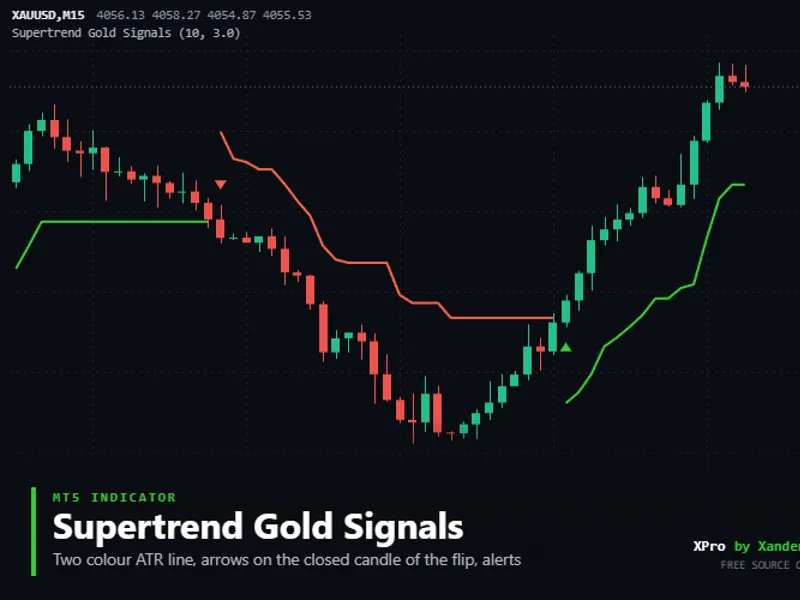
You may also like: Supertrend Gold Signals - excellent alternative for indicator users on MetaTrader 5.
Source Code
#property copyright "RobotFX"
#property link "https://robotfx.org"
#property version     "1.00"
#property description "This code is educational. Feel free to use, modify and upgrade as you wish. Visit ROBOTFX.ORG for professional trading tools"
#property indicator_chart_window
#property indicator_buffers 5
#property indicator_plots   5
#property indicator_label1  "Upper"
#property indicator_type1   DRAW_LINE
#property indicator_color1  clrDodgerBlue
.......
⚠ Limitations & Risk Warning
- This tool is provided for educational and testing purposes only.
- Past performance does not guarantee future results.
- Trading involves substantial risk of loss. Use on a demo account first.
- Results may vary depending on market conditions, broker, and settings.
- We recommend thorough backtesting and forward testing before using with real funds.