


Gold Trend Breakout Lite — educational XAUUSD trend-following EA
Info
The Gold Trend Breakout Lite — educational XAUUSD trend-following EA is a Expert Advisor for MetaTrader 5 that strategyelement ruletrend d1 ema(100) rising over the last 3 completed days → longs only; falling → shorts onlyentry h1 close above the highest high of the previous 120 bars (long), or below the lowest low (short)stop 3 × atr(14) h1, sent with the ordermanagement when an h1 bar closes at +1r, the stop moves to entry + 0. 1RExit Stop (initial or break-even).
Usage
This tool is typically used for breakout trading when price moves beyond key support/resistance levels.
Platform
This Expert Advisor works exclusively on MetaTrader 5 (both build 600+ and newer versions).
Setup
Place the downloaded file in MQL5/Experts folder via File ? Open Data Folder in MetaTrader 5.
How to Install and Use Gold Trend Breakout Lite — educational XAUUSD trend-following EA
1. Installation: Open the "File" menu, select "Open Data Folder," navigate to MQL/Experts, paste your file, and restart the terminal.
2. Activation: Drag the EA from the Navigator onto a chart, ensure "Allow live trading" is checked in the Common tab, and verify the AutoTrading button is green.
3. Optimization: Right-click your chart, choose "Expert List," click "Properties" to adjust inputs, and save your preferred setup as a set file for future use.
4. Maintenance: Regularly check the "Experts" tab in the terminal window to monitor trade logs and potential execution errors.
Frequently Asked Questions
Q: Why is my EA not opening trades? A: Check the "AutoTrading" button, ensure "Allow live trading" is enabled, and verify your broker allows automated trading on your account type.
Q: Can I run multiple EAs on one chart? A: No, each chart can only host one active EA; however, you can open multiple charts for different currency pairs to run several EAs.
Q: What does the "smiley face" icon mean? A: A smiley face in the top-right corner of the chart indicates the EA is successfully running; a frowny face means it is disabled.
What this tool does
StrategyElement RuleTrend D1 EMA(100) rising over the last 3 completed days → longs only; falling → shorts onlyEntry H1 close above the highest high of the previous 120 bars (long), or below the lowest low (short)Stop 3 × ATR(14) H1, sent with the orderManagement When an H1 bar closes at +1R, the stop moves to entry + 0.
Typical Use Case
This Expert Advisor excels in trend following on MetaTrader 5.
Compatible Platform & Setup
This Expert Advisor works on MetaTrader 5. Place the file in the MQL5/Experts folder and restart the terminal.
Description & Settings
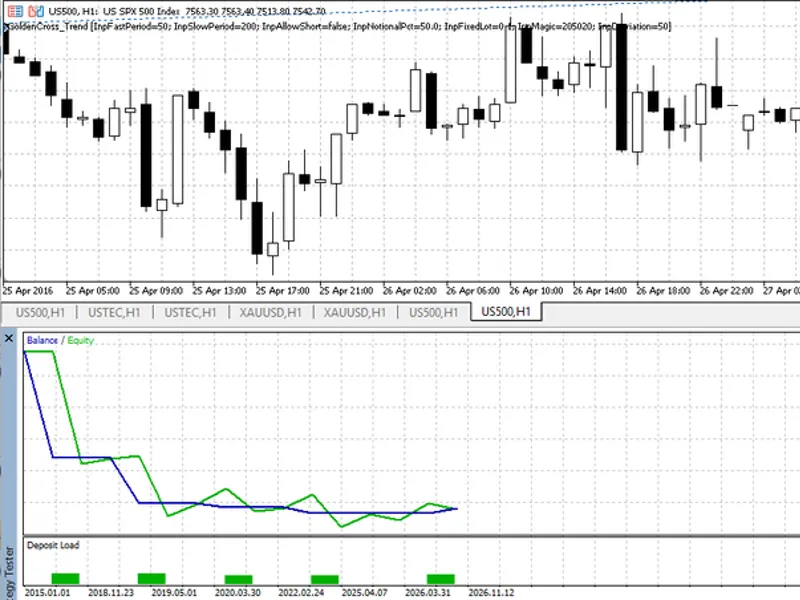
Related: Golden Cross Trend Filter EA (50/200 SMA) - another powerful expert for MetaTrader 5 traders.
Strategy
Element
Rule
Trend
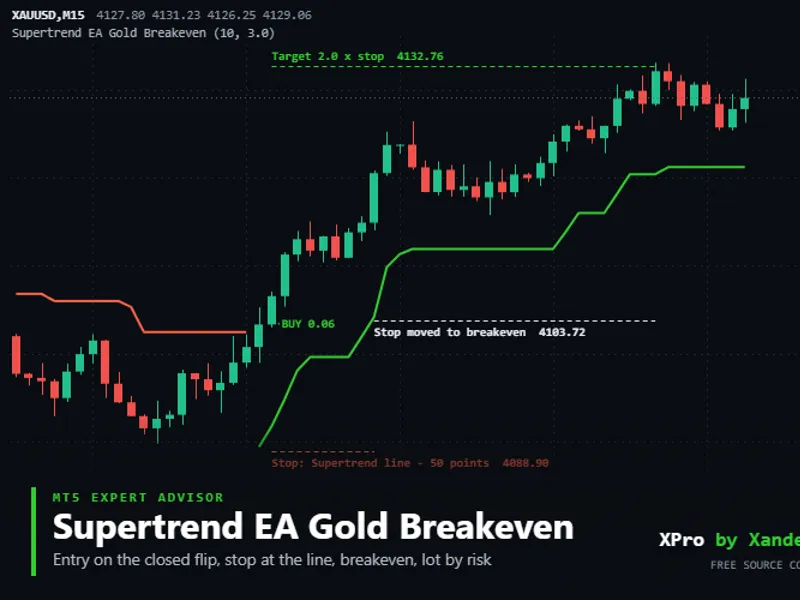
Also recommended: Supertrend EA for Gold: Automated Trading with Breakeven - similar expert with strong performance on MetaTrader 5.
D1 EMA(100) rising over the last 3 completed days → longs only; falling → shorts only
Entry
H1 close above the highest high of the previous 120 bars (long), or below the lowest low (short)
Stop
3 × ATR(14) H1, sent with the order
Management
When an H1 bar closes at +1R, the stop moves to entry + 0.1R
Exit
Stop (initial or break-even). No take-profit: winners run
Size
Fixed lot, default 0.01
Flow
The EA makes one decision per closed H1 bar. With no position open, it checks the trend and the breakout. With a position open, it only checks break-even. Every order passes a hygiene gate: trade permissions, volume step and limits, stops level, free margin, and a 60-second cooldown after a failed order.
void
OnTick
() {
datetime
b=
iTime
(
_Symbol
,TF,
0
);
if
(b==
0
|| b==g_last_bar)
return
;
// once per closed H1 bar
g_last_bar=b;
ulong
tk;
if
(MyPosition(tk)) ManageBE(tk);
// break-even only
else
TryEntry();
// trend + Donchian breakout
}
Background
The logic follows the author's XAUUSD research. A research version with risk-based sizing and a trailing stop stayed profitable under triple costs, a one-bar-late entry, M5 fill checks and yearly walk-forward re-optimisation (2010–2026). This Lite version deliberately leaves out risk sizing, trailing and extra engines so the core idea is easy to read and modify.
Inputs
Testing
Symbol XAUUSD, any chart timeframe (the EA uses H1 internally). Model "Every tick based on real ticks" or "1 minute OHLC".
Test from 2012 or earlier, so the 2013–2015 bear market is included.
Expect a 30–40% win rate with a few large winners. That is normal for trend following.
OnTester() returns net profit / relative balance drawdown for optimisation.
Disclaimer
Educational code. Trading leveraged gold carries a high level of risk, and past performance does not guarantee future results. Test on a demo account first.
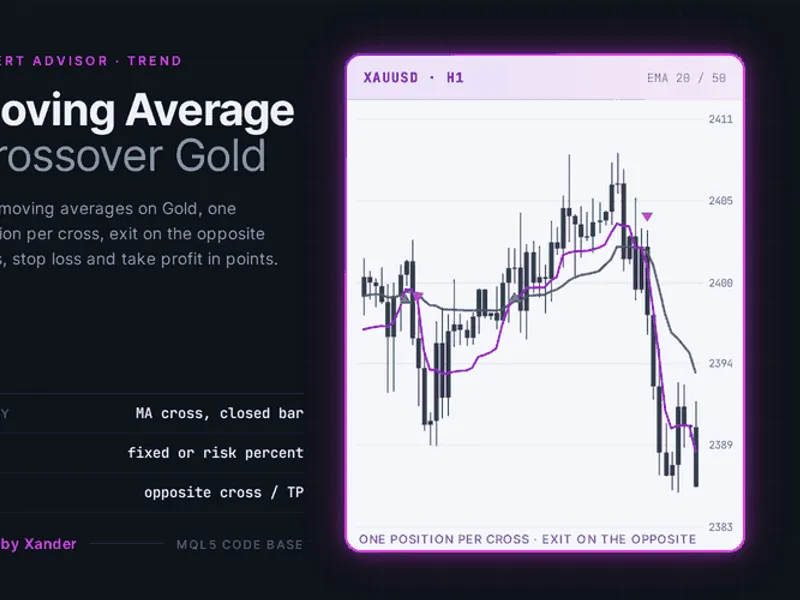
You may also like: Moving Average Crossover Expert Advisor for Gold (XAUUSD) - excellent alternative for expert users on MetaTrader 5.
Source Code
#property copyright "RobotFX"
#property link "https://robotfx.org"
#property version     "1.00"
#property description "This code is educational. Feel free to use, modify and upgrade as you wish. Visit ROBOTFX.ORG for professional trading tools"
#include <Trade\Trade.mqh>
bool TH_TradeAllowed(const string symbol,string &why)
  {
   why="";
   if(!TerminalInfoInteger(TERMINAL_CONNECTED))
     { why="terminal not connected"; return(false); }
.......
⚠ Limitations & Risk Warning
- This tool is provided for educational and testing purposes only.
- Past performance does not guarantee future results.
- Trading involves substantial risk of loss. Use on a demo account first.
- Results may vary depending on market conditions, broker, and settings.
- We recommend thorough backtesting and forward testing before using with real funds.