
Adaptive Super Trend K-Means
Info
The Adaptive Super Trend K-Means is a Indicator for MetaTrader 5 that adaptive supertrend kmeans is a metatrader 5 port of the open-source tradingview indicator "machine learning adaptive supertrend" by algoalpha (mozilla public license 2. 0).
Usage
This tool is typically used for trend following strategies across multiple currency pairs.
Platform
This Indicator works exclusively on MetaTrader 5 (both build 600+ and newer versions).
Setup
Place the downloaded file in MQL5/Indicators folder via File ? Open Data Folder in MetaTrader 5.
How to Install and Use Adaptive Super Trend K-Means
1. Installation: Place your file in the MQL/Indicators folder via "Open Data Folder" and restart your terminal.
2. Loading: Find the indicator in the Navigator, drag it onto your chart, and configure the input parameters in the popup window.
3. Customization: Press Ctrl+I to open the indicator list, select your tool, and click "Properties" to change colors, levels, or visual styles.
4. Updating: Replace the old file in the Indicators folder with the new version and restart the platform to apply changes.
Frequently Asked Questions
Q: Why is my indicator not showing? A: Verify the file is in the MQL/Indicators folder, or try right-clicking the "Indicators" tree in the Navigator and clicking "Refresh."
Q: Do custom indicators slow down the platform? A: Too many complex indicators can impact performance; remove unused ones via the "Indicator List" (Ctrl+I).
Q: Can I use MT4 indicators on MT5? A: No, MQL4 and MQL5 are distinct languages; ensure the indicator is compiled specifically for your platform version.
What this tool does
Adaptive SuperTrend KMeans is a MetaTrader 5 port of the open-source TradingView indicator "Machine Learning Adaptive SuperTrend" by AlgoAlpha (Mozilla Public License 2.
Typical Use Case
This Indicator excels in trend following on MetaTrader 5.
Compatible Platform & Setup
This Indicator works on MetaTrader 5. Place the file in the MQL5/Indicators folder and restart the terminal.
Description & Settings
Related: Kaufman Adaptive Moving Average (KAMA) Ribbon - another powerful indicator for MetaTrader 5 traders.
Adaptive SuperTrend KMeans is a MetaTrader 5 port of the open-source TradingView indicator
Also recommended: Supertrend Indicator with Trend Color Change - similar indicator with strong performance on MetaTrader 5.
"Machine Learning Adaptive SuperTrend"by
AlgoAlpha
(Mozilla Public License 2.0). All credit for the idea and the original code goes to AlgoAlpha.
At a glance
What it is:
a SuperTrend whose band width adapts to the current volatility level
Volatility levels:
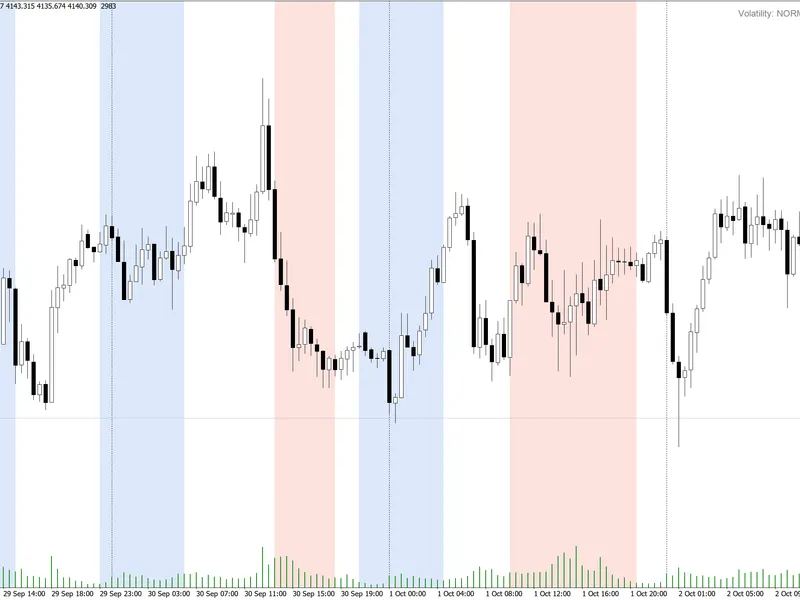
K-means sorts recent ATR values into high, medium and low clusters
Faithful port:
same math and the same defaults as the original Pine Script code
No repainting:
arrows and cluster numbers are drawn only on closed bars
Price:
free and open source
How it works
Volatility:
ATR with Wilder's smoothing, exactly like TradingView's ta.atr.
Clusters:
K-means groups the last 100 ATR values into high, medium and low volatility (strict assignment, as in the original).
Band:
the SuperTrend uses (high + low) / 2 plus or minus factor x the centroid of the current cluster, so the band widens in volatile markets and tightens in quiet ones.
On the chart
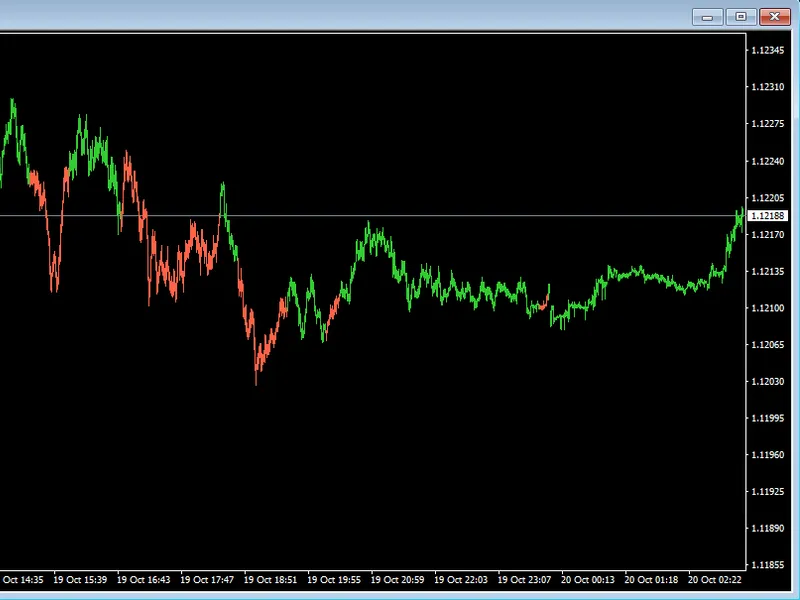
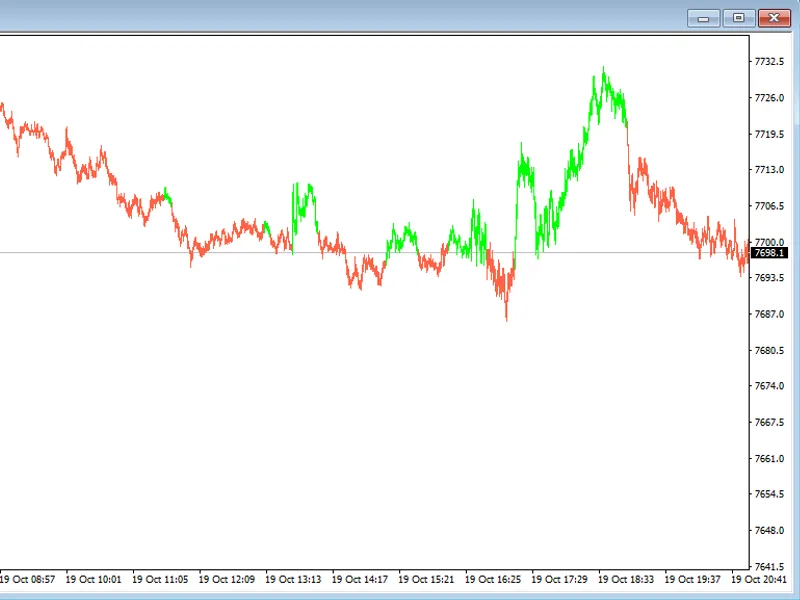
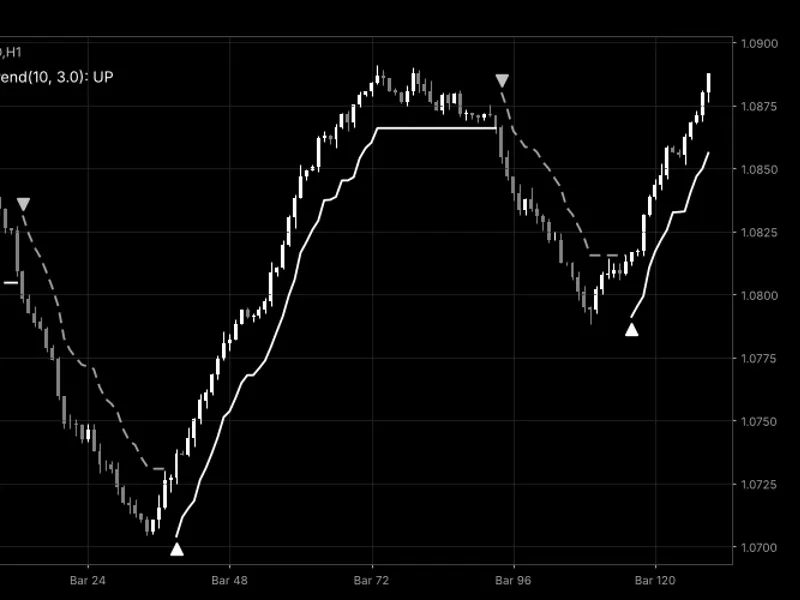
Trend line that breaks when the trend flips (green up, red down)
Gradient fill between the line and the candles, drawn with native MetaTrader 5 fills (fast, no chart objects)
Arrows at each trend flip, cluster numbers 3 / 2 / 1 on recent bars
Statistics table: cluster centroids, cluster sizes and the current volatility level. Click its title to fold it; put it in any corner; its colors follow your chart, dark or light.
Made for MetaTrader 5
Alerts
on a trend shift and/or a change of volatility level: popup, sound only, push notification to the MetaTrader 5 mobile app, or e-mail. Once per bar, on the closed bar.
Tested bar by bar
against an independent reference calculation on gold H1 and M15 and on EURUSD M5 and H4: every value matches, and no value changes after its bar has closed.
Readable numbers on any symbol: values below 1 show all price digits (the original rounds to 2 decimals).
Parameters (defaults = original)
ATR Length 10, SuperTrend Factor 3.0
Training Data Length 100; initial high / medium / low percentile guesses 0.75 / 0.5 / 0.25
Transparency 70 (near the line) and 95 (near the candle); bullish and bearish colors
Chart options: bars to calculate, closed-bar-only signals, line width, fill, arrows, cluster numbers, table position, alerts
For EA developers (iCustom):
buffers 0 = up trend line, 1 = down trend line, 2 = bullish flip, 3 = bearish flip, 4 = SuperTrend, 5 = direction (-1 up, +1 down, as in Pine), 6 = cluster (0 high, 1 medium, 2 low), 7 = centroid used for the band, 8 = ATR. EMPTY_VALUE means no value. Simplest call with the default inputs: iCustom(_Symbol, _Period, "Adaptive_SuperTrend_KMeans") . If you pass inputs, each input group heading counts as one parameter (pass an empty string for it); set Draw_Objects = false when an EA calls it.
Values match TradingView when both use the same price feed. Different brokers give slightly different ATR values.
Source code and license:
free and open source under the Mozilla Public License 2.0 (MPL-2.0), the same as the original.
This is a visual tool. It does not place trades and does not predict prices. Test any rule built on it before you trade with it.
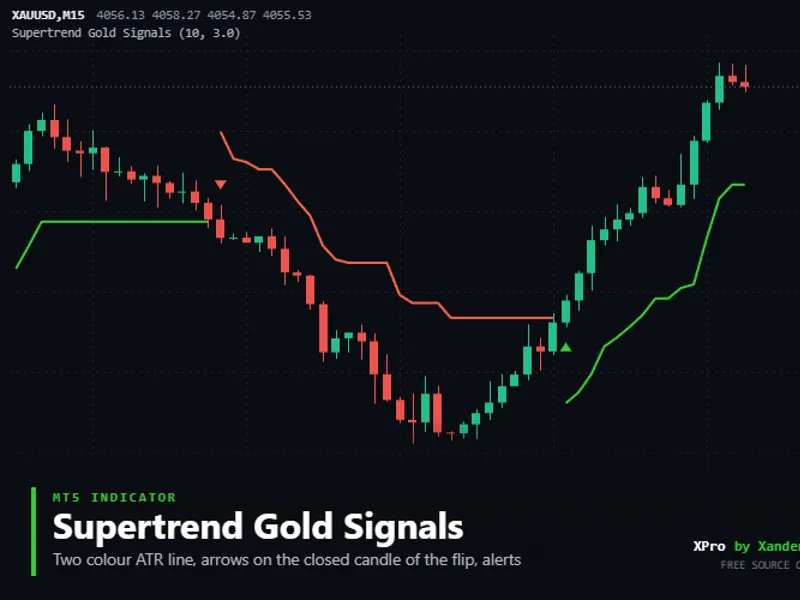
You may also like: Supertrend Gold Signals - excellent alternative for indicator users on MetaTrader 5.
Source Code
#property copyright "RobotFX"
#property link "https://robotfx.org"
#property version   "1.00"
#property description "This code is educational. Feel free to use, modify and upgrade as you wish. Visit ROBOTFX.ORG for professional trading tools"
#property indicator_chart_window
#property indicator_buffers 26
#property indicator_plots   18
#property indicator_label1  "Up Trend"
#property indicator_type1   DRAW_NONE
#property indicator_label2  "Down Trend"
.......
⚠ Limitations & Risk Warning
- This tool is provided for educational and testing purposes only.
- Past performance does not guarantee future results.
- Trading involves substantial risk of loss. Use on a demo account first.
- Results may vary depending on market conditions, broker, and settings.
- We recommend thorough backtesting and forward testing before using with real funds.