


Giano Session Range Breakout EA
Info
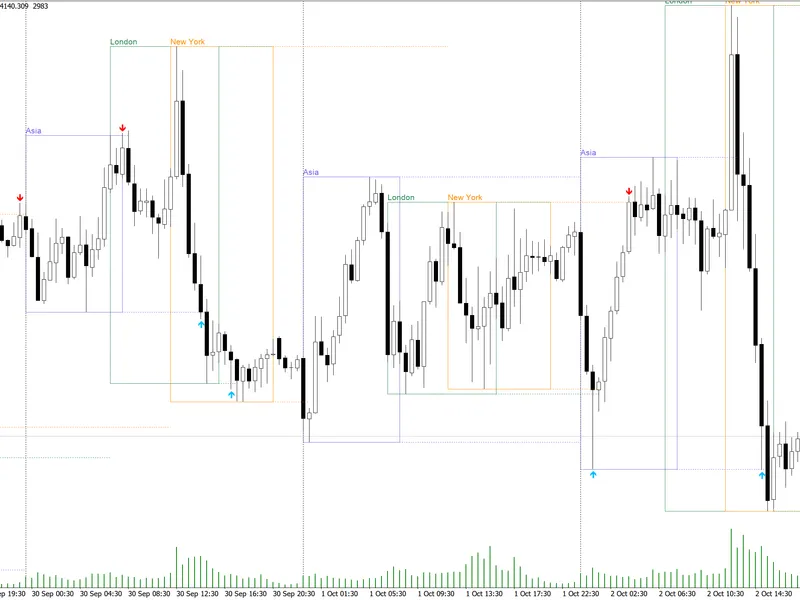
The Giano Session Range Breakout EA is a Expert Advisor for MetaTrader 5 that giano session range breakout eathis expert advisor trades the breakout of the night session range on xauusd, executing one trade per day with a fixed lot size. It does not employ martingale, grid, or averaging strategies.
Usage
This tool is typically used for breakout trading when price moves beyond key support/resistance levels.
Platform
This Expert Advisor works exclusively on MetaTrader 5 (both build 600+ and newer versions).
Setup
Place the downloaded file in MQL5/Experts folder via File ? Open Data Folder in MetaTrader 5.
How to Install and Use Giano Session Range Breakout EA
1. Installation: Open the "File" menu, select "Open Data Folder," navigate to MQL/Experts, paste your file, and restart the terminal.
2. Activation: Drag the EA from the Navigator onto a chart, ensure "Allow live trading" is checked in the Common tab, and verify the AutoTrading button is green.
3. Optimization: Right-click your chart, choose "Expert List," click "Properties" to adjust inputs, and save your preferred setup as a set file for future use.
4. Maintenance: Regularly check the "Experts" tab in the terminal window to monitor trade logs and potential execution errors.
Frequently Asked Questions
Q: Why is my EA not opening trades? A: Check the "AutoTrading" button, ensure "Allow live trading" is enabled, and verify your broker allows automated trading on your account type.
Q: Can I run multiple EAs on one chart? A: No, each chart can only host one active EA; however, you can open multiple charts for different currency pairs to run several EAs.
Q: What does the "smiley face" icon mean? A: A smiley face in the top-right corner of the chart indicates the EA is successfully running; a frowny face means it is disabled.
What this tool does
Giano Session Range Breakout EAThis Expert Advisor trades the breakout of the night session range on XAUUSD, executing one trade per day with a fixed lot size.
Typical Use Case
This Expert Advisor excels in automated trading and technical analysis on MetaTrader 5.
Compatible Platform & Setup
This Expert Advisor works on MetaTrader 5. Place the file in the MQL5/Experts folder and restart the terminal.
Description & Settings
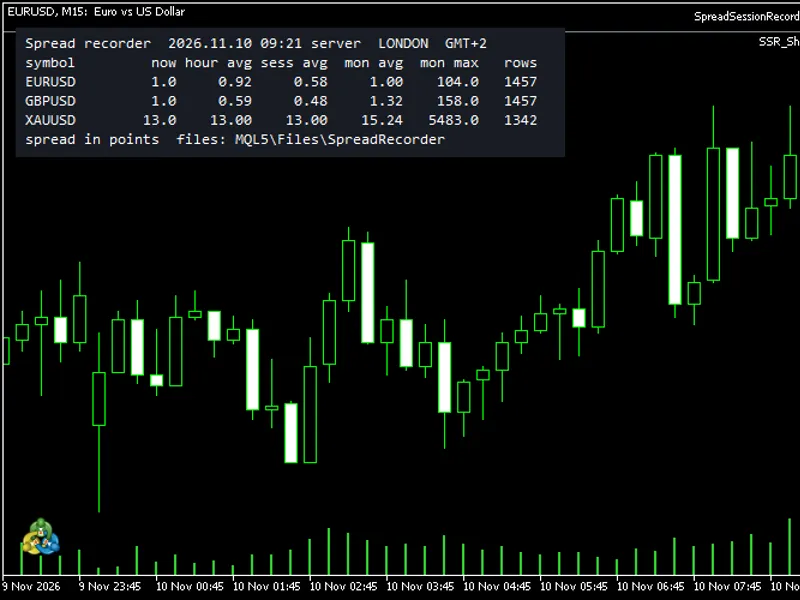
Related: Spread Session Recorder - another powerful expert for MetaTrader 5 traders.
Giano Session Range Breakout EAThis Expert Advisor trades the breakout of the night session range on XAUUSD, executing one trade per day with a fixed lot size. It does not employ martingale, grid, or averaging strategies.
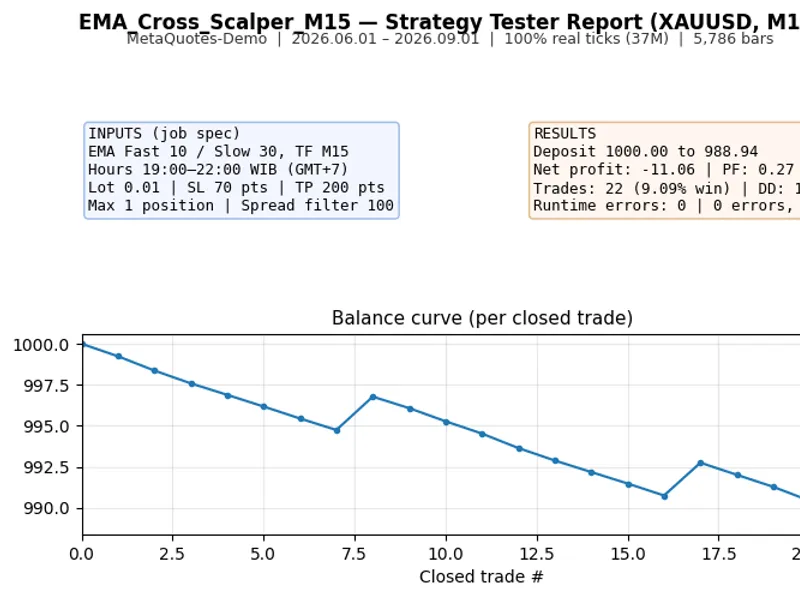
Also recommended: EMA Cross Scalper for XAUUSD (M15) with WIB Session Filter - similar expert with strong performance on MetaTrader 5.
Trading Mechanism (Broker Server Time)
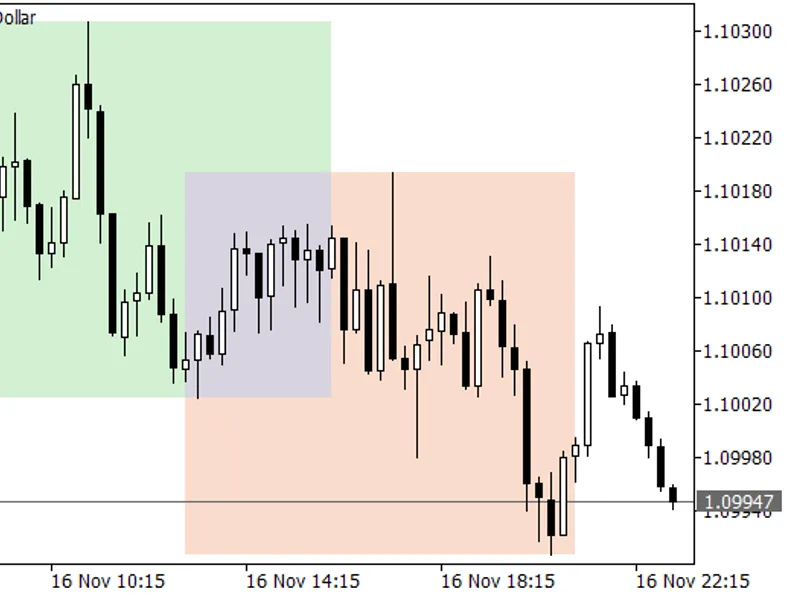
Range Definition:
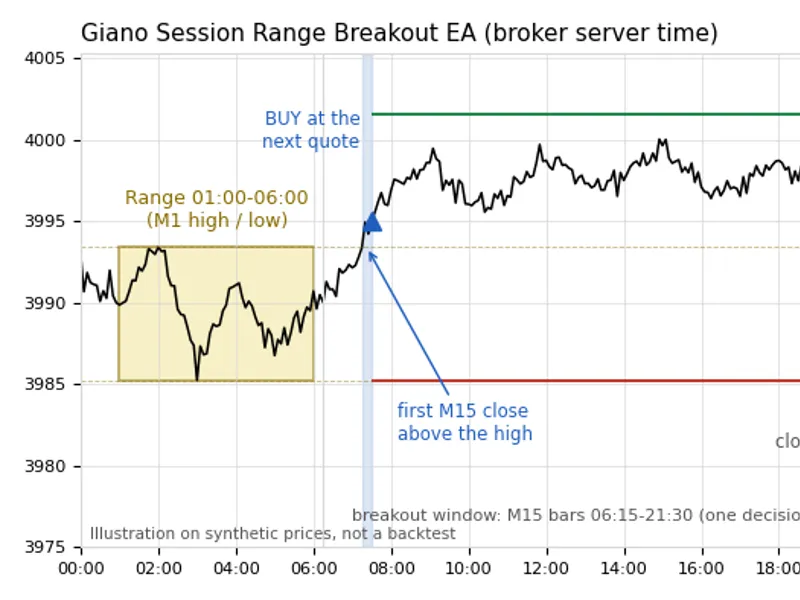
The trading range is determined by the high and low prices of M1 bars between 01:00 and 06:00. This range is only considered valid if at least 30 out of 60 five-minute slots within this period have trading quotes.
Breakout Trigger:
A breakout is identified by the first M15 bar that closes above the established high (for a buy signal) or below the established low (for a sell signal). This bar must open between 06:15 and 21:30. The first breakout encountered dictates the trade for the day; no subsequent attempts are made.
Entry and Exit:
Entry occurs at the first available quote immediately after the breakout bar closes. The stop loss is placed on the opposite side of the defined range. The take profit is set at a distance equal to one range size beyond the breakout direction. If the price has already moved beyond the take profit target by the time of entry, the trade for that day is skipped.
Exit conditions include reaching the stop loss, take profit, or a market close occurring at or after 22:00.
Execution Integrity
Each trading decision is recorded in a hash-chained journal (stored as a CSV file in MQL5\Files) prior to order submission.
Upon restarting, the EA reconstructs its operational state using data from the journal, open positions, pending orders, and executed deals. It ensures that only one entry is made per day.
If the EA is initialized after the breakout bar has already closed, it will not place a late entry.
In cases of a lost server response, the trade status is marked as "uncertain" and is resolved using the trade history, preventing duplicate order submissions.
Should the journal be missing or corrupted, the EA will refrain from taking new entries for that day, though it will continue to manage any existing open positions.
Price Handling:
Prices are processed as whole numbers of ticks, eliminating any potential rounding issues at half-tick increments.
Pre-Trade Checks:
Before executing any order, the EA verifies volume limits, required stop distance, and available free margin.
User-Configurable Inputs
InpLots
– Specifies the fixed trading volume in lots. The default value is 0.01.
InpMagic
– A unique magic number for EA identification. The default value is 20261029. It is recommended to use a distinct value for each chart.
InpSaveExitTicks
– A boolean flag to enable or disable the saving of BID/ASK ticks surrounding SL/TP exits to a CSV file. The default value is false.
Important Notes
All specified times are based on the broker's server time. The trading logic was developed using a server time of GMT+2 during winter and GMT+3 during summer. Adjustments may be needed for servers with different time zones.
Recommended Settings:
Symbol: XAUUSD
Timeframe: M15 chart (though the EA is designed to function on any timeframe).
Account Type: Tested and designed on a hedging account.
Strategy Tester Performance:
In the Strategy Tester, each simulation run begins with an empty journal file. For the most accurate results, use the "Every tick based on real ticks" modeling mode.
Included Files:
GianoRangeBreakout.mq5 (located in the Experts folder)
GianoRangeBreakout_Logic.mqh (located in the Include\GianoRangeBreakout folder)
Risk Disclosure
This software is provided as research code. Performance data from out-of-sample testing does not guarantee a proven trading edge. It is shared as a well-structured and tested example of a breakout Expert Advisor with a robust execution management system. Thorough testing on a demo account is strongly advised before live trading. All trading activities involve a risk of loss.
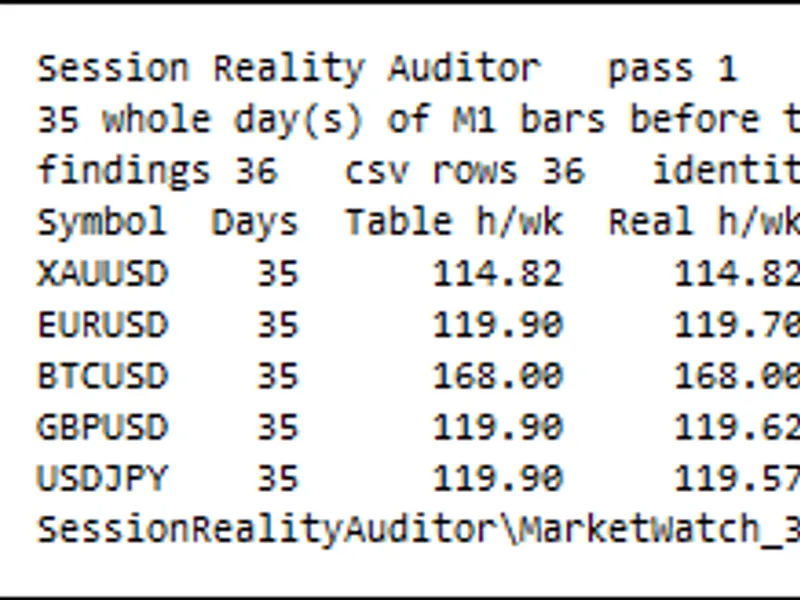
You may also like: Session Reality Auditor: Verifying Broker Session Data Against Historical Price Activity - excellent alternative for expert users on MetaTrader 5.
Source Code
#property copyright "RobotFX"
#property version   "1.00"
#property description "This code is educational. Feel free to use, modify and upgrade as you wish. Visit ROBOTFX.ORG for professional trading tools"
#include <Trade/Trade.mqh>
#include <GianoRangeBreakout/GianoRangeBreakout_Logic.mqh>
input double InpLots          = 0.01;
input long   InpMagic         = 20261029;
input bool   InpSaveExitTicks = false;
const string VERSION = "1.00";
CTrade   trade;
.......
⚠ Limitations & Risk Warning
- This tool is provided for educational and testing purposes only.
- Past performance does not guarantee future results.
- Trading involves substantial risk of loss. Use on a demo account first.
- Results may vary depending on market conditions, broker, and settings.
- We recommend thorough backtesting and forward testing before using with real funds.