



Spread Session Recorder
Info
The Spread Session Recorder is a Expert Advisor for MetaTrader 5 that spread session recorder captures and logs the spread of one or multiple symbols into csv files from a single chart, providing ready-to-use tables for each hour of the day and trading session. Suitable for any symbol and timeframe, it operates on ticks, ensuring the chart timeframe does not impact the outcome.
Usage
This tool is typically used for automated trading on major forex pairs and gold.
Platform
This Expert Advisor works exclusively on MetaTrader 5 (both build 600+ and newer versions).
Setup
Place the downloaded file in MQL5/Experts folder via File ? Open Data Folder in MetaTrader 5.
How to Install and Use Spread Session Recorder
1. Installation: Open the "File" menu, select "Open Data Folder," navigate to MQL/Experts, paste your file, and restart the terminal.
2. Activation: Drag the EA from the Navigator onto a chart, ensure "Allow live trading" is checked in the Common tab, and verify the AutoTrading button is green.
3. Optimization: Right-click your chart, choose "Expert List," click "Properties" to adjust inputs, and save your preferred setup as a set file for future use.
4. Maintenance: Regularly check the "Experts" tab in the terminal window to monitor trade logs and potential execution errors.
Frequently Asked Questions
Q: Why is my EA not opening trades? A: Check the "AutoTrading" button, ensure "Allow live trading" is enabled, and verify your broker allows automated trading on your account type.
Q: Can I run multiple EAs on one chart? A: No, each chart can only host one active EA; however, you can open multiple charts for different currency pairs to run several EAs.
Q: What does the "smiley face" icon mean? A: A smiley face in the top-right corner of the chart indicates the EA is successfully running; a frowny face means it is disabled.
What this tool does
Spread Session Recorder captures and logs the spread of one or multiple symbols into CSV files from a single chart, providing ready-to-use tables for each hour of the day and trading session.
Typical Use Case
This Expert Advisor excels in automated trading and technical analysis on MetaTrader 5.
Compatible Platform & Setup
This Expert Advisor works on MetaTrader 5. Place the file in the MQL5/Experts folder and restart the terminal.
Description & Settings
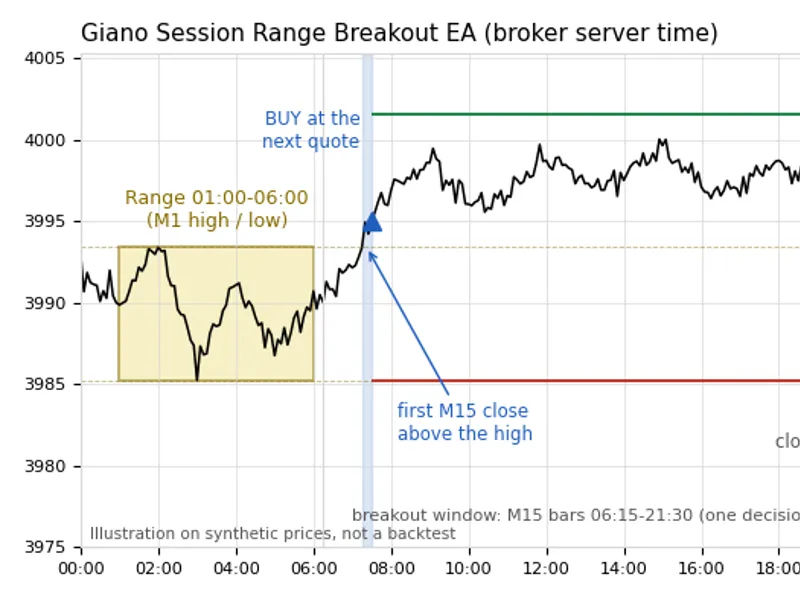
Related: Giano Session Range Breakout EA - another powerful expert for MetaTrader 5 traders.
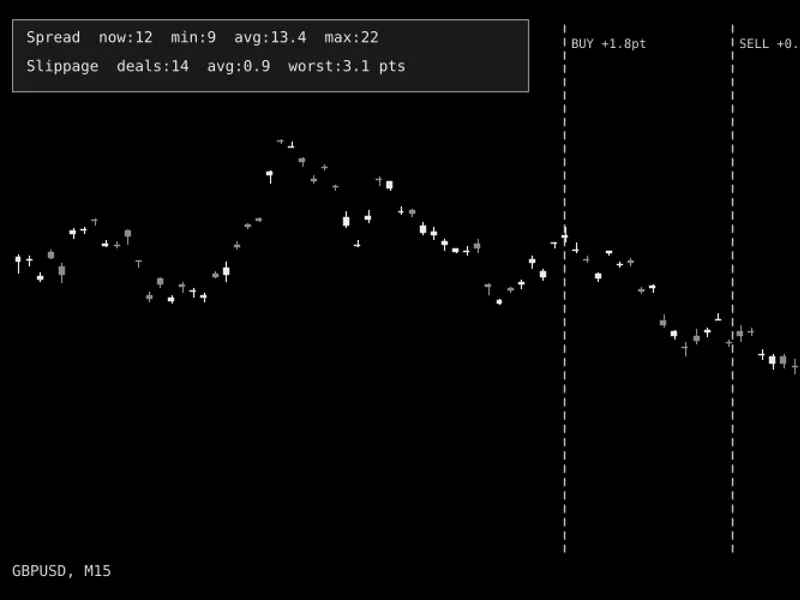
Spread Session Recorder captures and logs the spread of one or multiple symbols into CSV files from a single chart, providing ready-to-use tables for each hour of the day and trading session.Also recommended: Spread and Slippage Tracker - similar expert with strong performance on MetaTrader 5.
Suitable for any symbol and timeframe, it operates on ticks, ensuring the chart timeframe does not impact the outcome. Simply attach it to a chart, such as EURUSD M1, and specify the desired symbols in the 'Symbols' input.
Recording details:
- Every tick is counted, with each row (default 60 seconds) containing the number of ticks, seconds covered by quotes, minimum, time-weighted average, and maximum spread in points, along with the last bid and ask.
- Multiple symbols can be recorded from a single chart by listing them in 'Symbols' (comma-separated), leaving it blank for the chart symbol, or using * for all Market Watch symbols (up to 50).
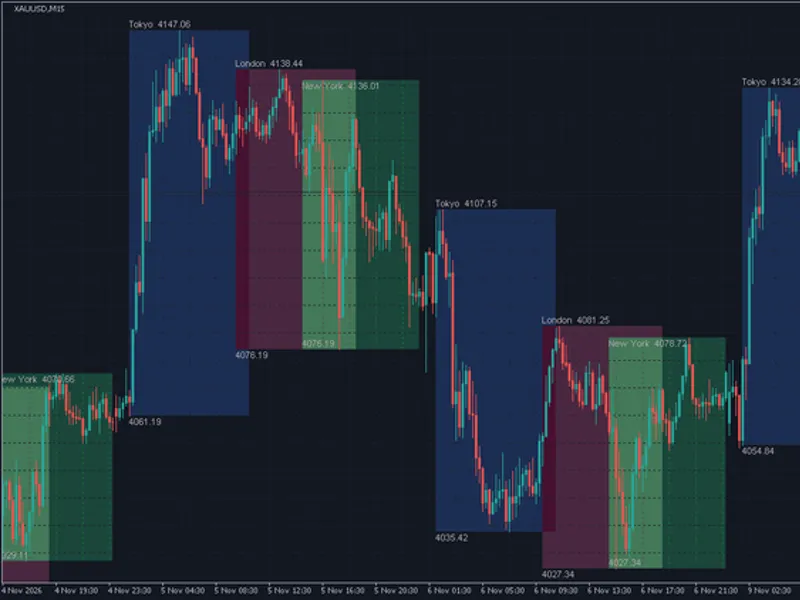
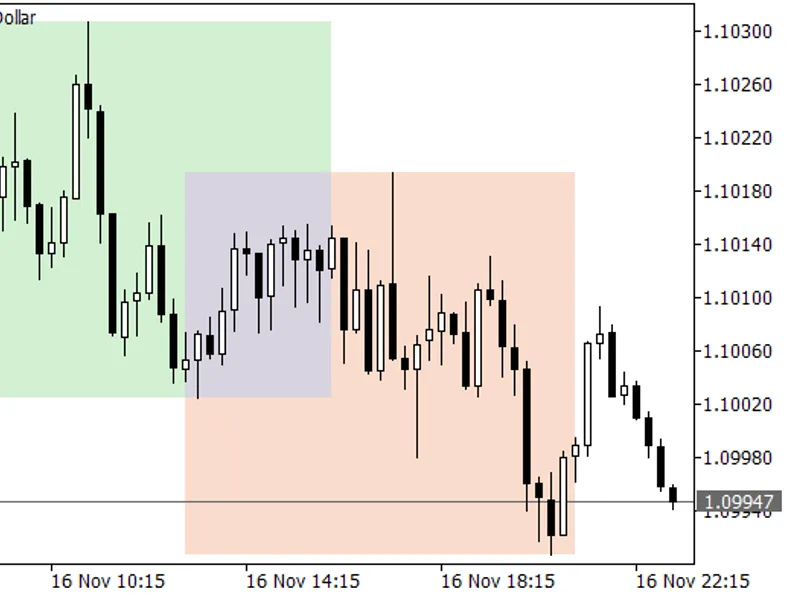
- Each row includes a session label: ASIA, LONDON, LONDON_NY, NEWYORK, ROLLOVER, or OFF. Session hours are input in GMT, and the server's GMT offset is automatically detected or can be set.
- A summary file is generated per symbol and month, containing one line per hour of the day (GMT) and session, with rows, hours covered, ticks, minimum, time-weighted average, average of row maximums, maximum, and the time of the maximum.
Restart-safe features:
- Upon restarting (due to terminal restart, new chart, or changed inputs), the EA reads its CSV files, reconstructs tables, and fills in missed hours from the terminal's tick history (up to 'Backfill hours'). This ensures no duplicate or missing rows.
- If a CSV is locked by another program, rows are temporarily stored in memory and written once the file becomes available.
- Quotes older than 'Stale seconds' are excluded, preventing closed markets from skewing the average.
File locations: MQL5\Files\SpreadRecorder\SYMBOL_yyyymm.csv and SYMBOL_yyyymm_summary.csv (or the common folder if selected).
Row columns: time_server, time_gmt, symbol, session, ticks, covered_s, min_pts, avg_pts, max_pts, bid, ask
Summary columns: group, key, rows, hours_covered, ticks, min_pts, avg_pts, avg_row_max_pts, max_pts, max_at_server
Use cases: Compare brokers or account types, identify spread patterns before trading or setting spread filters, monitor rollover widening, and maintain a record of spread spikes.
Testing methodology: Built-in self-test (30 checks), 5-day real-tick tester run on three symbols verified by an independent script, per-minute comparison against raw ticks for one day, and live demo chart testing with restarts to ensure no duplicate rows.
Inputs: Symbols, Row seconds, Backfill hours, Stale seconds, Folder, Common folder, Summary minutes, session hours (GMT), GMT offset, rollover window, panel position, font, and colours.
The chart panel displays the current session and, for each symbol (up to 20 lines), the current spread, average spread for the hour, current session, month, month's maximum, and row count.
The EA does not interact with orders or positions.
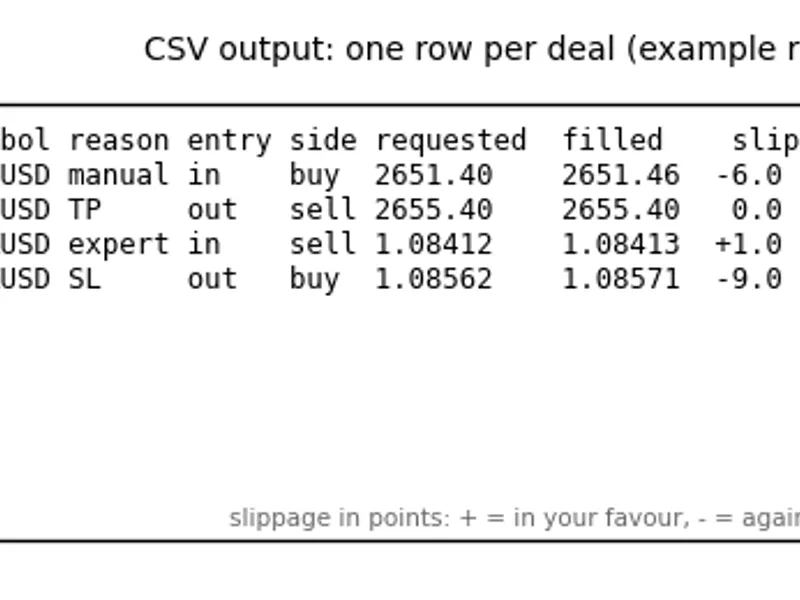
You may also like: Execution Quality Logger - Monitor Slippage, Fill Delay, and Spread for Every Trade - excellent alternative for expert users on MetaTrader 5.
Source Code
#property copyright "RobotFX"
#property version   "1.00"
#property description "This code is educational. Feel free to use, modify and upgrade as you wish. Visit ROBOTFX.ORG for professional trading tools"
input string InpSymbols        = "";
input int    InpRowSeconds     = 60;
input int    InpBackfillHours  = 24;
input int    InpStaleSeconds   = 300;
input string InpFolder         = "SpreadRecorder";
input bool   InpCommonFolder   = false;
input int    InpSummaryMinutes = 5;
.......
⚠ Limitations & Risk Warning
- This tool is provided for educational and testing purposes only.
- Past performance does not guarantee future results.
- Trading involves substantial risk of loss. Use on a demo account first.
- Results may vary depending on market conditions, broker, and settings.
- We recommend thorough backtesting and forward testing before using with real funds.