

Spread and Tick Velocity Monitor for MT5
Info
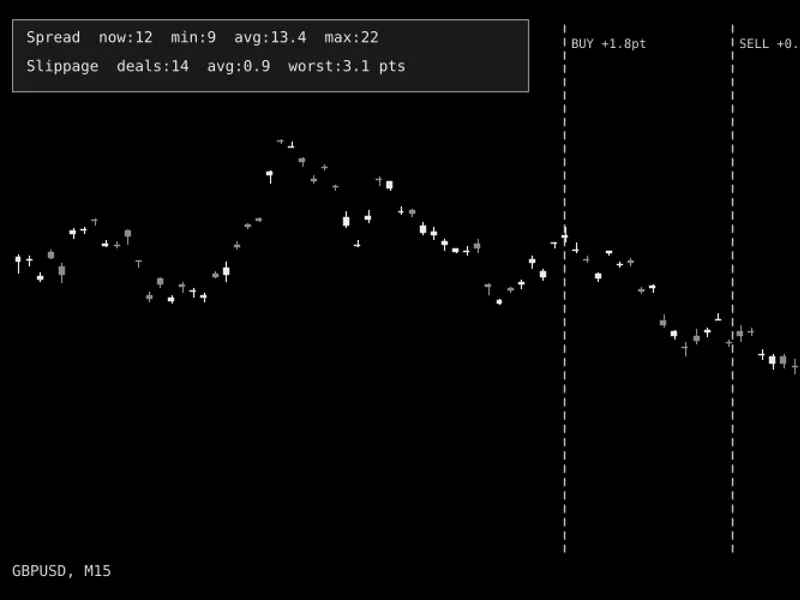
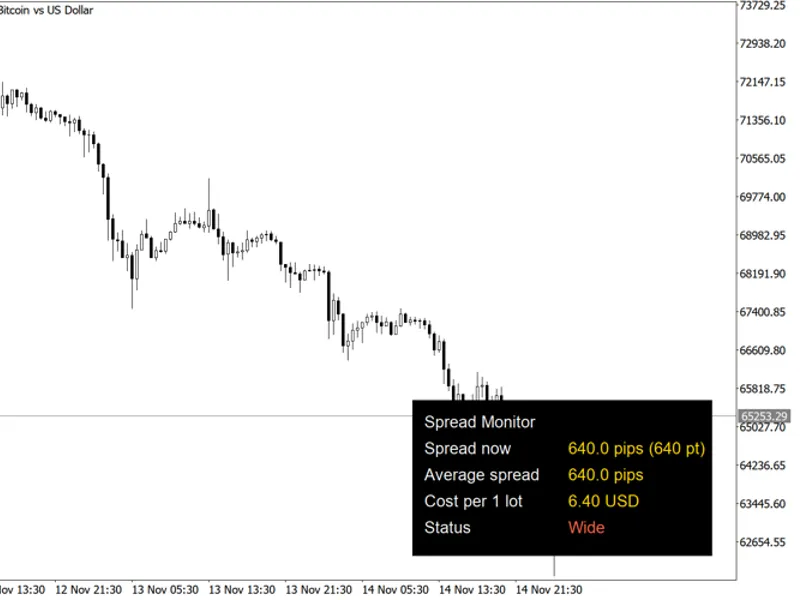
The Spread and Tick Velocity Monitor for MT5 is a Indicator for MetaTrader 5 that spread & tick velocity monitora lightweight, non-intrusive on-chart hud designed to measure real-time execution conditions in metatrader 5. How it works & how to interpret it:Live Spread:Displays the current broker spread in both points and pips, alongside rolling session Min / Avg / Max values.
Usage
This tool is typically used for enhancing chart analysis and decision making.
Platform
This Indicator works exclusively on MetaTrader 5 (both build 600+ and newer versions).
Setup
Place the downloaded file in MQL5/Indicators folder via File ? Open Data Folder in MetaTrader 5.
How to Install and Use Spread and Tick Velocity Monitor for MT5
1. Installation: Place your file in the MQL/Indicators folder via "Open Data Folder" and restart your terminal.
2. Loading: Find the indicator in the Navigator, drag it onto your chart, and configure the input parameters in the popup window.
3. Customization: Press Ctrl+I to open the indicator list, select your tool, and click "Properties" to change colors, levels, or visual styles.
4. Updating: Replace the old file in the Indicators folder with the new version and restart the platform to apply changes.
Frequently Asked Questions
Q: Why is my indicator not showing? A: Verify the file is in the MQL/Indicators folder, or try right-clicking the "Indicators" tree in the Navigator and clicking "Refresh."
Q: Do custom indicators slow down the platform? A: Too many complex indicators can impact performance; remove unused ones via the "Indicator List" (Ctrl+I).
Q: Can I use MT4 indicators on MT5? A: No, MQL4 and MQL5 are distinct languages; ensure the indicator is compiled specifically for your platform version.
What this tool does
Spread & Tick Velocity MonitorA lightweight, non-intrusive on-chart HUD designed to measure real-time execution conditions in MetaTrader 5.
Typical Use Case
This Indicator excels in automated trading and technical analysis on MetaTrader 5.
Compatible Platform & Setup
This Indicator works on MetaTrader 5. Place the file in the MQL5/Indicators folder and restart the terminal.
Description & Settings
Related: Tick Volume Delta Histogram: Estimating Buy/Sell Pressure - another powerful indicator for MetaTrader 5 traders.
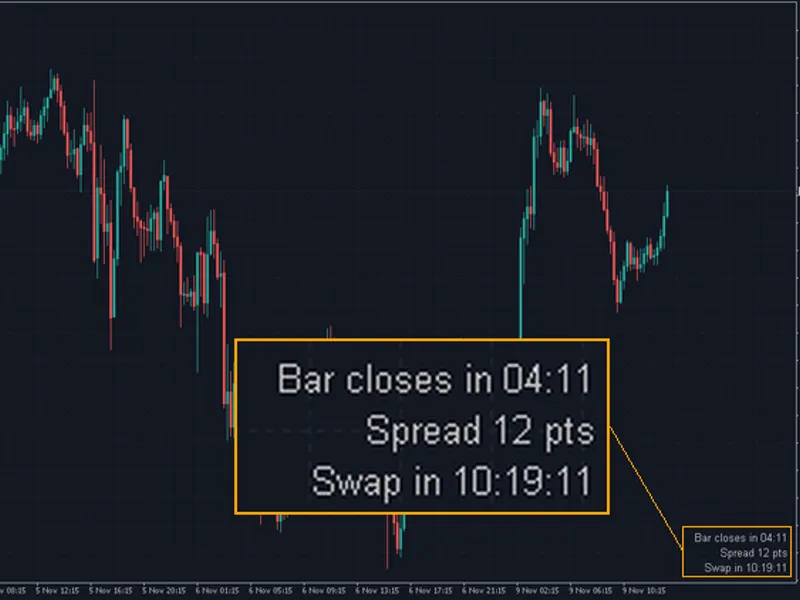
Spread & Tick Velocity MonitorAlso recommended: Spread and Cost Monitor Panel - similar indicator with strong performance on MetaTrader 5.
A lightweight, non-intrusive on-chart HUD designed to measure real-time execution conditions in MetaTrader 5.
How it works & how to interpret it:
Live Spread:
Displays the current broker spread in both points and pips, alongside rolling session Min / Avg / Max values. Color changes from green (normal) to amber (warning) or red (critical) when thresholds are exceeded.
Tick Velocity:
Uses a circular ring buffer and a 250 ms timer to calculate short-term tick speed (ticks/sec) and 1-minute volume rate (ticks/min).
Market Regime:
Classifies activity into QUIET, NORMAL, HIGH VELOCITY, or NEWS SPIKE so traders can avoid illiquid rollovers or high-slippage news bursts.
Input Parameters:
- InpSpreadWarnPts (default: 25) — Spread threshold in points to trigger the amber warning color.
- InpSpreadCritPts (default: 45) — Spread threshold in points to trigger the red critical alert color.
- InpHighVelTps (default: 4.0) — Ticks/second threshold for HIGH VELOCITY status.
- InpSpikeVelTps (default: 10.0) — Ticks/second threshold for NEWS SPIKE status.
- InpBurstWindowSec (default: 10) — Rolling time window in seconds used to compute ticks/second.
- InpCorner (default: CORNER_RIGHT_UPPER) — Chart corner where the HUD is anchored.
- InpXOffset / InpYOffset (default: 18 / 24) — Horizontal and vertical pixel offsets from the selected corner.
- InpBgColor / InpBorderColor / InpTextColor — Customizable HUD background, border, and text colors.
You may also like: Candle Countdown Timer and Spread Display - excellent alternative for indicator users on MetaTrader 5.
Source Code
#property copyright "RobotFX"
#property link "https://robotfx.org"
#property version   "1.00"
#property description "This code is educational. Feel free to use, modify and upgrade as you wish. Visit ROBOTFX.ORG for professional trading tools"
#property indicator_chart_window
#property indicator_plots 0
input group "=== Spread & Velocity Thresholds ==="
input int             InpSpreadWarnPts  = 25;
input int             InpSpreadCritPts  = 45;
input double          InpHighVelTps     = 4.0;
.......
⚠ Limitations & Risk Warning
- This tool is provided for educational and testing purposes only.
- Past performance does not guarantee future results.
- Trading involves substantial risk of loss. Use on a demo account first.
- Results may vary depending on market conditions, broker, and settings.
- We recommend thorough backtesting and forward testing before using with real funds.