


Candle Countdown Timer and Spread Display
Info
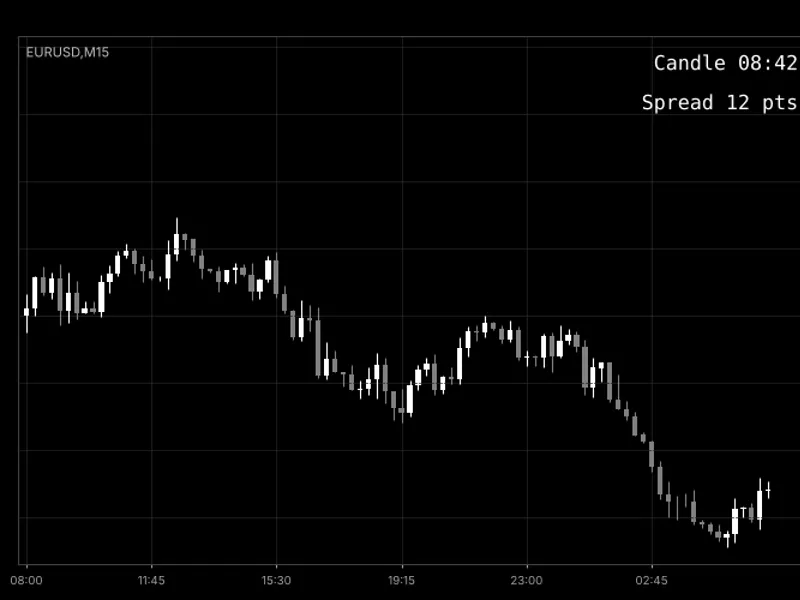
The Candle Countdown Timer and Spread Display is a Indicator for MetaTrader 5 that candle countdown timer and spread display on chartthe idea behind ittwo pieces of information are crucial for many traders at the moment of a decision: how long until the current candle closes, and the current broker spread. Many trading strategies rely on closed candles, and the final seconds before a close are often the most active.
Usage
This tool is typically used for enhancing chart analysis and decision making.
Platform
This Indicator works exclusively on MetaTrader 5 (both build 600+ and newer versions).
Setup
Place the downloaded file in MQL5/Indicators folder via File ? Open Data Folder in MetaTrader 5.
How to Install and Use Candle Countdown Timer and Spread Display
1. Installation: Place your file in the MQL/Indicators folder via "Open Data Folder" and restart your terminal.
2. Loading: Find the indicator in the Navigator, drag it onto your chart, and configure the input parameters in the popup window.
3. Customization: Press Ctrl+I to open the indicator list, select your tool, and click "Properties" to change colors, levels, or visual styles.
4. Updating: Replace the old file in the Indicators folder with the new version and restart the platform to apply changes.
Frequently Asked Questions
Q: Why is my indicator not showing? A: Verify the file is in the MQL/Indicators folder, or try right-clicking the "Indicators" tree in the Navigator and clicking "Refresh."
Q: Do custom indicators slow down the platform? A: Too many complex indicators can impact performance; remove unused ones via the "Indicator List" (Ctrl+I).
Q: Can I use MT4 indicators on MT5? A: No, MQL4 and MQL5 are distinct languages; ensure the indicator is compiled specifically for your platform version.
What this tool does
Candle Countdown Timer and Spread Display on ChartThe Idea Behind ItTwo pieces of information are crucial for many traders at the moment of a decision: how long until the current candle closes, and the current broker spread.
Typical Use Case
This Indicator excels in automated trading and technical analysis on MetaTrader 5.
Compatible Platform & Setup
This Indicator works on MetaTrader 5. Place the file in the MQL5/Indicators folder and restart the terminal.
Description & Settings
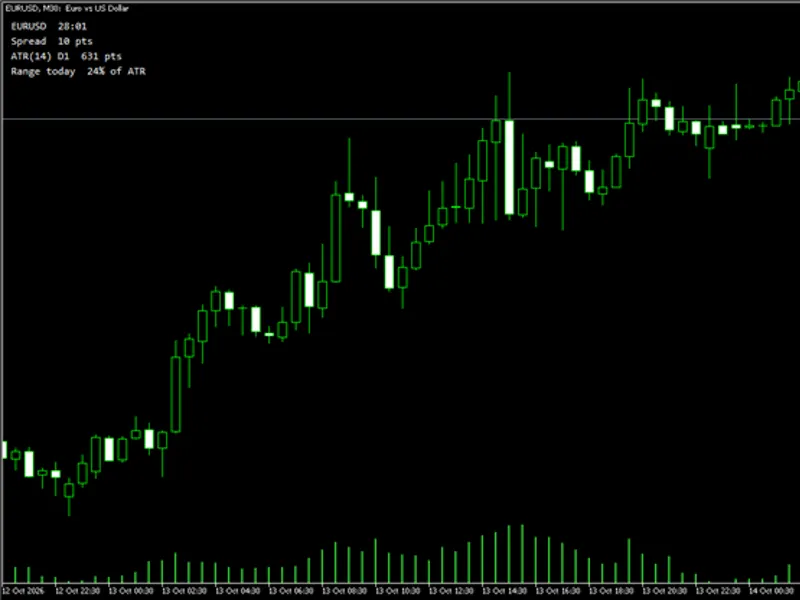
Related: Info Panel: Candle Countdown, Spread, ATR, and Daily Range Indicator - another powerful indicator for MetaTrader 5 traders.
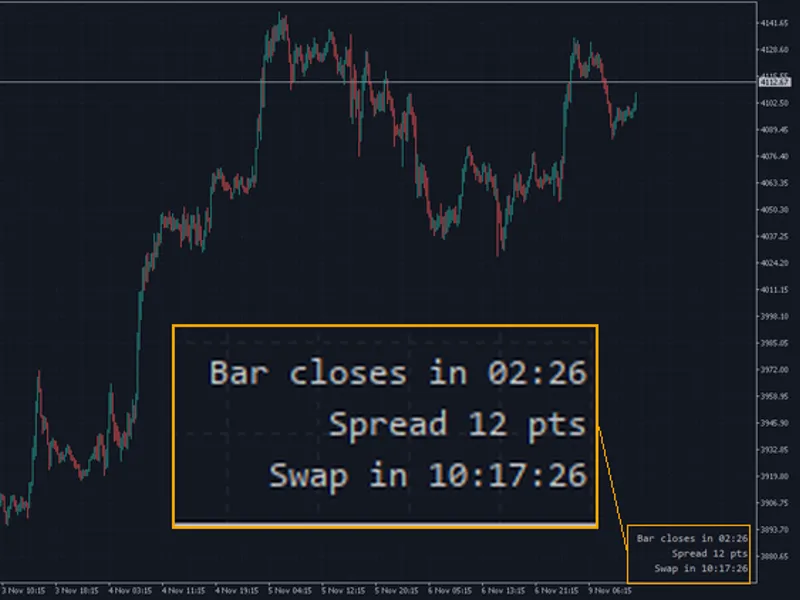
Candle Countdown Timer and Spread Display on ChartAlso recommended: Candle Timer with Spread and Swap Countdown for MT4/MT5 - similar indicator with strong performance on MetaTrader 5.
The Idea Behind It
Two pieces of information are crucial for many traders at the moment of a decision: how long until the current candle closes, and the current broker spread. Many trading strategies rely on closed candles, and the final seconds before a close are often the most active. A wide spread, conversely, can transform a promising setup into a poor trade, particularly during news events, rollovers, or periods of low liquidity.
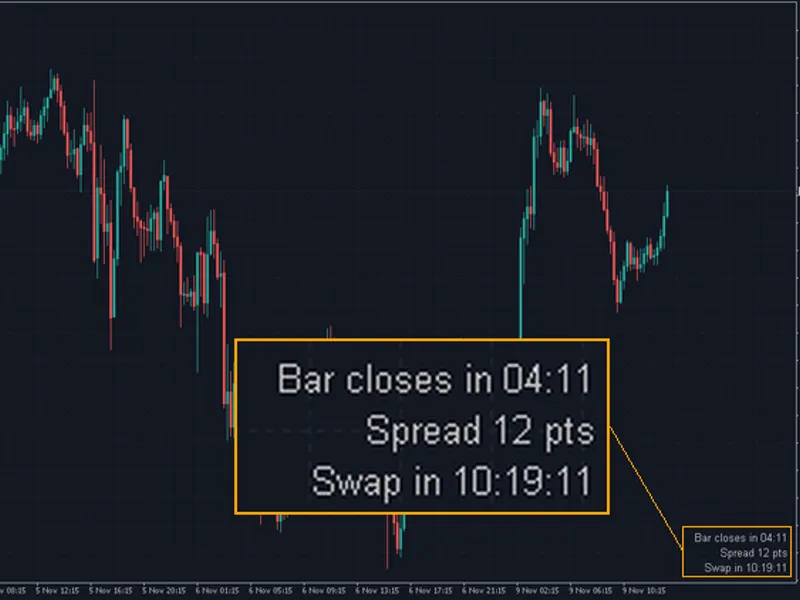
This indicator presents both these values on the chart within a clear, customizable text block. It employs a one-second timer for the countdown, ensuring the display remains active even during quiet periods with infrequent ticks. The indicator reads only the open time of the last bar and does not scan historical data.
How to Interpret It
Candle Label
- Displays the time remaining until the current candle closes. The format dynamically adjusts based on the timeframe: MM:SS for periods under an hour, HH:MM:SS for periods from an hour and above, and Nd HH:MM:SS when a day or more remains (applicable to D1, W1, and MN1 charts).
Spread Label
- Shows the current difference between the Ask and Bid prices, denominated in points or pips, as determined by the `InpSpreadUnit` setting. When using the pip unit, 1 pip is equivalent to 10 points on 3- and 5-digit symbols.
Warning Color
- If `InpSpreadWarnLevel` is set to a value greater than zero and the spread (in points) exceeds this level, the spread label will change to the color specified by `InpWarnColor`. This serves as a rapid visual alert indicating that trading conditions have deteriorated.
Position
- The labels are arranged sequentially from the chosen chart corner, ensuring they remain stationary regardless of chart scrolling or zooming.
External Variables (Inputs)
Input
Default
Purpose
Display
InpShowCountdown
true
Show the candle countdown timer
InpShowSpread
true
Show the current spread
InpSpreadUnit
SPREAD_POINTS
Spread unit: SPREAD_POINTS or SPREAD_PIPS
InpSpreadWarnLevel
0
Spread warning level in points; 0 disables the warning
Position
InpCorner
CORNER_RIGHT_UPPER
Chart corner where the labels are placed
InpXDistance
10
Horizontal distance from the corner in pixels (0 and above)
InpYDistance
20
Vertical distance from the corner in pixels (0 and above)
Font and Colors
InpFontName
Consolas
Font name; a monospaced font prevents countdown jitter
InpFontSize
12
Font size (6 to 40)
InpTextColor
clrWhite
Color of the labels
InpWarnColor
clrTomato
Color of the spread label when it exceeds the warning level
Recommended Use
This indicator is compatible with any symbol and timeframe. Adjust the text color to ensure it contrasts effectively with your chart background.
The countdown utilizes the trade server time (`TimeTradeServer()`), allowing it to continue running between ticks. Its accuracy is dependent on the synchronization between your terminal clock and the server, typically within approximately one second.
When the market is closed (weekends, holidays), no new bar is formed, and the countdown will remain at zero after the expected closing time.
On MN1 charts, the duration of the month is approximated by the terminal (`PeriodSeconds()`), making the countdown approximate.
The spread is derived from the current Ask and Bid prices, thus reflecting floating spreads. Commissions charged by ECN or raw-spread accounts are not included.
Select the warning level based on the specific symbol: a few points for major Forex pairs, and a higher level for metals, indices, or exotic pairs.
The indicator generates two labels, prefixed with `CdSp_`, and removes them along with the timer upon deletion from the chart.
As this indicator does not execute trades, it functions identically on both netting and hedging accounts.
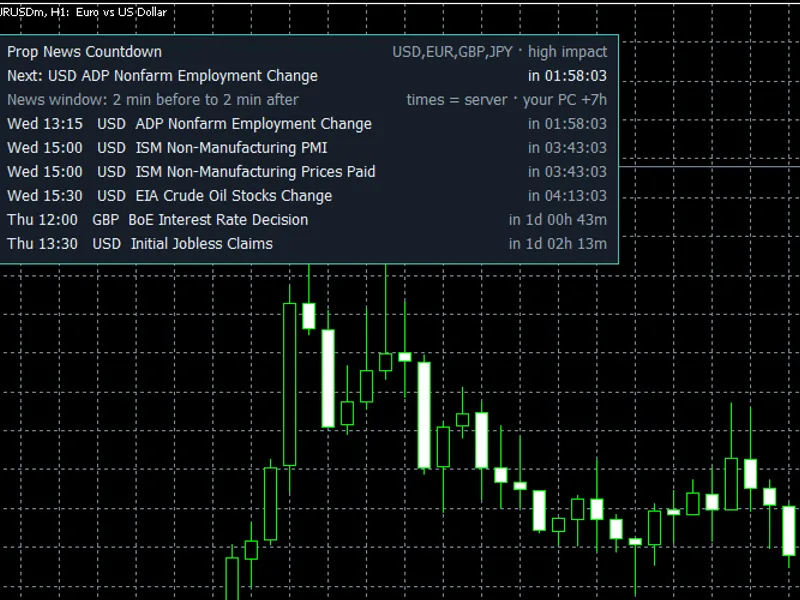
You may also like: Prop News Countdown: MT5 News Timer for Prop Firm Accounts - excellent alternative for indicator users on MetaTrader 5.
Source Code
#property copyright "RobotFX"
#property link "https://robotfx.org"
#property version     "1.00"
#property description "This code is educational. Feel free to use, modify and upgrade as you wish. Visit ROBOTFX.ORG for professional trading tools"
#property indicator_chart_window
#property indicator_plots   0
enum ENUM_SPREAD_UNIT
  {
   SPREAD_POINTS,
   SPREAD_PIPS
.......
⚠ Limitations & Risk Warning
- This tool is provided for educational and testing purposes only.
- Past performance does not guarantee future results.
- Trading involves substantial risk of loss. Use on a demo account first.
- Results may vary depending on market conditions, broker, and settings.
- We recommend thorough backtesting and forward testing before using with real funds.