


Candle Timer with Spread and Swap Countdown for MT4/MT5
Info
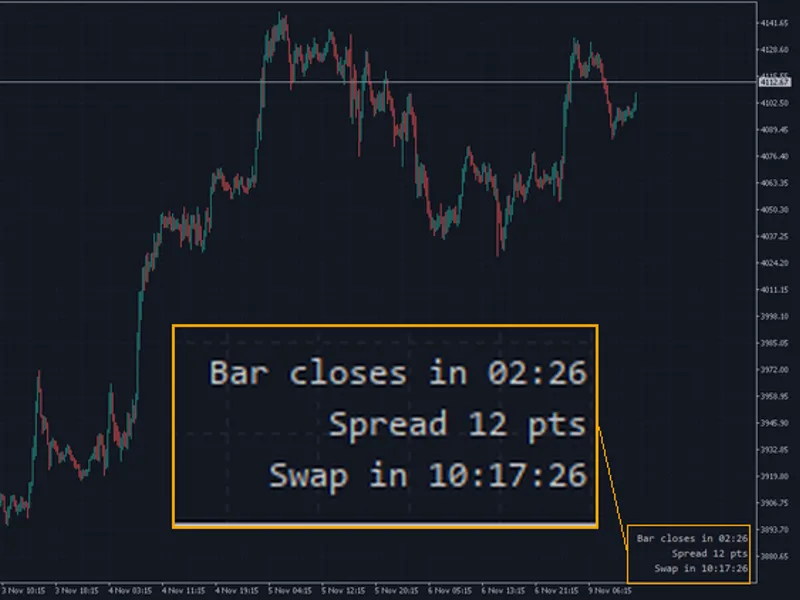
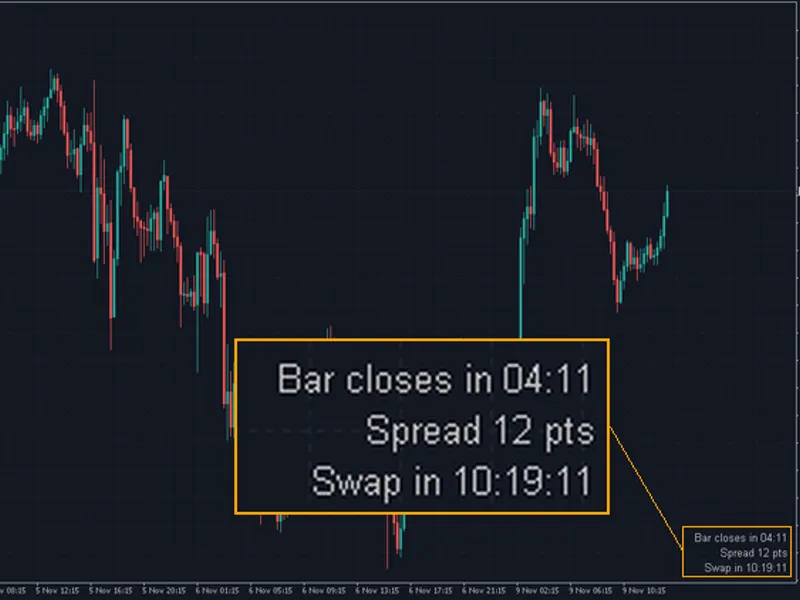
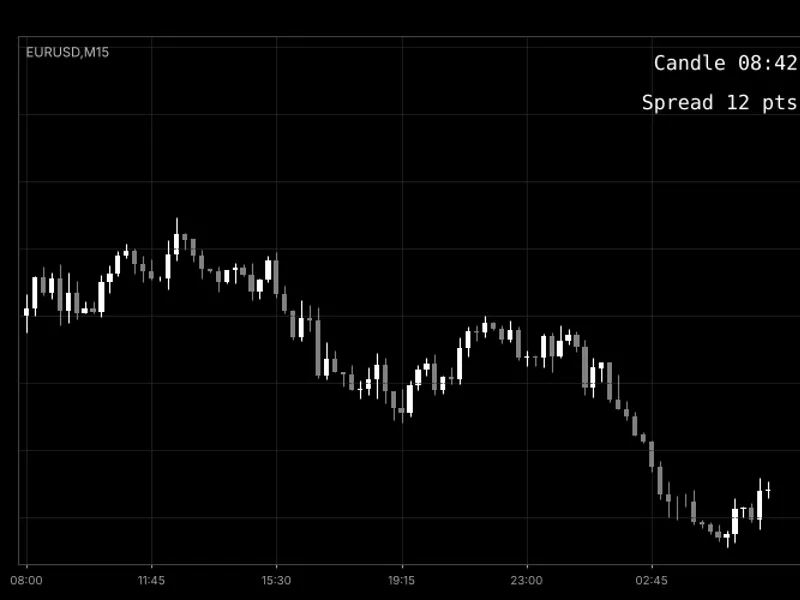
The Candle Timer with Spread and Swap Countdown for MT4/MT5 is a Indicator for MetaTrader 5 that candle timer with spread and swap countdowna concise text block displayed in a user-selected chart corner, providing real-time information across three lines:bar closes in: displays the remaining time until the current bar closes, applicable to any timeframe from m1 to mn1. The text color changes during the final 10% of the bar's duration.
Usage
This tool is typically used for enhancing chart analysis and decision making.
Platform
This Indicator works exclusively on MetaTrader 5 (both build 600+ and newer versions).
Setup
Place the downloaded file in MQL5/Indicators folder via File ? Open Data Folder in MetaTrader 5.
How to Install and Use Candle Timer with Spread and Swap Countdown for MT4/MT5
1. Installation: Place your file in the MQL/Indicators folder via "Open Data Folder" and restart your terminal.
2. Loading: Find the indicator in the Navigator, drag it onto your chart, and configure the input parameters in the popup window.
3. Customization: Press Ctrl+I to open the indicator list, select your tool, and click "Properties" to change colors, levels, or visual styles.
4. Updating: Replace the old file in the Indicators folder with the new version and restart the platform to apply changes.
Frequently Asked Questions
Q: Why is my indicator not showing? A: Verify the file is in the MQL/Indicators folder, or try right-clicking the "Indicators" tree in the Navigator and clicking "Refresh."
Q: Do custom indicators slow down the platform? A: Too many complex indicators can impact performance; remove unused ones via the "Indicator List" (Ctrl+I).
Q: Can I use MT4 indicators on MT5? A: No, MQL4 and MQL5 are distinct languages; ensure the indicator is compiled specifically for your platform version.
What this tool does
Candle Timer with Spread and Swap CountdownA concise text block displayed in a user-selected chart corner, providing real-time information across three lines:Bar closes in: Displays the remaining time until the current bar closes, applicable to any timeframe from M1 to MN1.
Typical Use Case
This Indicator excels in automated trading and technical analysis on MetaTrader 5.
Compatible Platform & Setup
This Indicator works on MetaTrader 5. Place the file in the MQL5/Indicators folder and restart the terminal.
Description & Settings
Related: Candle Countdown Timer and Spread Display - another powerful indicator for MetaTrader 5 traders.
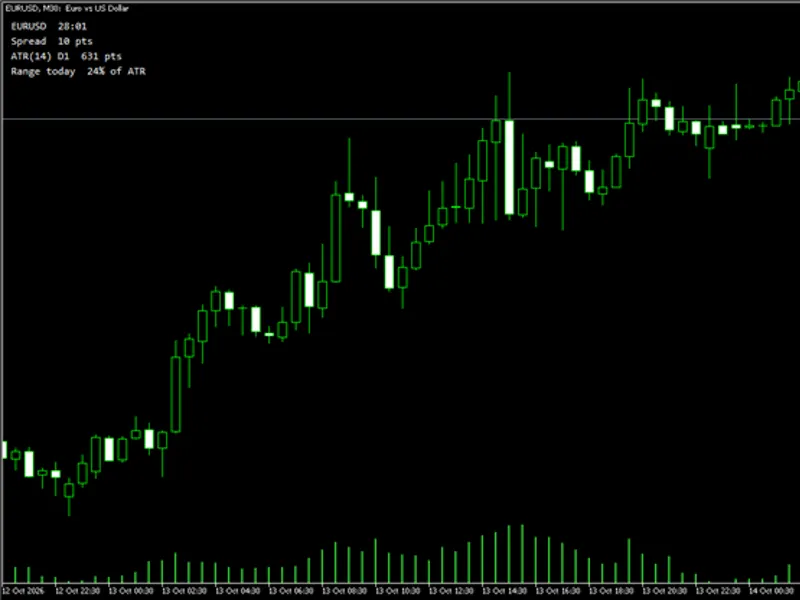
Candle Timer with Spread and Swap CountdownAlso recommended: Info Panel: Candle Countdown, Spread, ATR, and Daily Range Indicator - similar indicator with strong performance on MetaTrader 5.
A concise text block displayed in a user-selected chart corner, providing real-time information across three lines:Bar closes in
: Displays the remaining time until the current bar closes, applicable to any timeframe from M1 to MN1. The text color changes during the final 10% of the bar's duration.
Spread
: Shows the current difference between the Ask and Bid prices, measured in points.
Swap in
: Indicates the time remaining until 00:00 server time, which is the standard rollover period. The text "(x3)" is appended on days when the broker applies triple swap fees for the symbol.
The indicator updates every second, ensuring the countdown progresses smoothly between price ticks and even during periods of low market activity. If no new price tick is received for over 5 minutes (e.g., during market closures or weekends), the first line will display the timestamp of the last received tick instead of a countdown.
Important Notes:
The MT5 version utilizes the terminal's estimation of the server clock. The MT4 version, lacking this function, derives the server time from the last received tick and operates based on the local clock. Consequently, MT4 timings may show inaccuracies (particularly at weekends) until the first new tick after the indicator is loaded.
While most brokers charge swap fees at server midnight, it is advisable to verify your specific broker's rollover schedule.
This indicator exclusively creates and removes text labels on the chart. These labels are automatically cleared when the indicator is removed from the chart.
Indicator Settings
Setting
Default Value
Description
Corner
Right lower
Determines the chart corner where the information block will be displayed.
Font size
10
Adjusts the size of the displayed text.
Text colour
Silver
Sets the color for all text lines.
Countdown colour near the bar close
Orange
Specifies the color for the countdown timer during the last 10% of the bar's duration.
Show spread
true
Enables or disables the display of the spread information line.
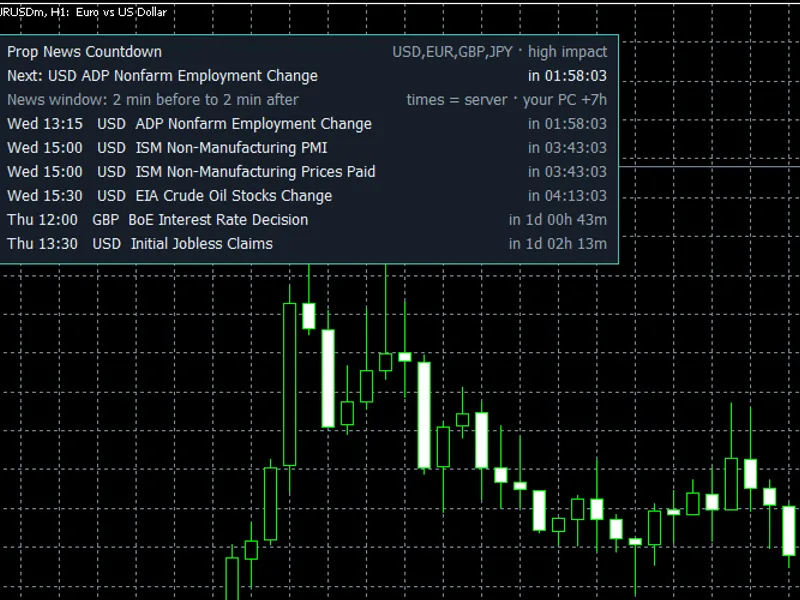
You may also like: Prop News Countdown: MT5 News Timer for Prop Firm Accounts - excellent alternative for indicator users on MetaTrader 5.
Source Code
#property copyright "RobotFX"
#property link "https://robotfx.org"
#property version     "1.00"
#property description "This code is educational. Feel free to use, modify and upgrade as you wish. Visit ROBOTFX.ORG for professional trading tools"
#property indicator_chart_window
#property indicator_buffers 0
#property indicator_plots   0
input ENUM_BASE_CORNER Corner      = CORNER_RIGHT_LOWER;
input int              FontSize    = 10;
input color            TextColor   = clrSilver;
.......
⚠ Limitations & Risk Warning
- This tool is provided for educational and testing purposes only.
- Past performance does not guarantee future results.
- Trading involves substantial risk of loss. Use on a demo account first.
- Results may vary depending on market conditions, broker, and settings.
- We recommend thorough backtesting and forward testing before using with real funds.