

trade signals using reversal candlestick patterns in mql5
Info
The trade signals using reversal candlestick patterns in mql5 is a Expert Advisor for MetaTrader 5 that this tool provides automatic creation of expert advisors using trade signals based on reversal candlestick patterns. the csignalcandles class generates trade signals derived from reversal candlestick patterns.
Usage
This tool is typically used for automated trading on major forex pairs and gold.
Platform
This Expert Advisor works exclusively on MetaTrader 5 (both build 600+ and newer versions).
Setup
Place the downloaded file in MQL5/Experts folder via File ? Open Data Folder in MetaTrader 5.
How to Install and Use trade signals using reversal candlestick patterns in mql5
1. Installation: Open the "File" menu, select "Open Data Folder," navigate to MQL/Experts, paste your file, and restart the terminal.
2. Activation: Drag the EA from the Navigator onto a chart, ensure "Allow live trading" is checked in the Common tab, and verify the AutoTrading button is green.
3. Optimization: Right-click your chart, choose "Expert List," click "Properties" to adjust inputs, and save your preferred setup as a set file for future use.
4. Maintenance: Regularly check the "Experts" tab in the terminal window to monitor trade logs and potential execution errors.
Frequently Asked Questions
Q: Why is my EA not opening trades? A: Check the "AutoTrading" button, ensure "Allow live trading" is enabled, and verify your broker allows automated trading on your account type.
Q: Can I run multiple EAs on one chart? A: No, each chart can only host one active EA; however, you can open multiple charts for different currency pairs to run several EAs.
Q: What does the "smiley face" icon mean? A: A smiley face in the top-right corner of the chart indicates the EA is successfully running; a frowny face means it is disabled.
What this tool does
this tool provides automatic creation of expert advisors using trade signals based on reversal candlestick patterns.
Typical Use Case
This Expert Advisor excels in automated trading and technical analysis on MetaTrader 5.
Compatible Platform & Setup
This Expert Advisor works on MetaTrader 5. Place the file in the MQL5/Experts folder and restart the terminal.
Description & Settings
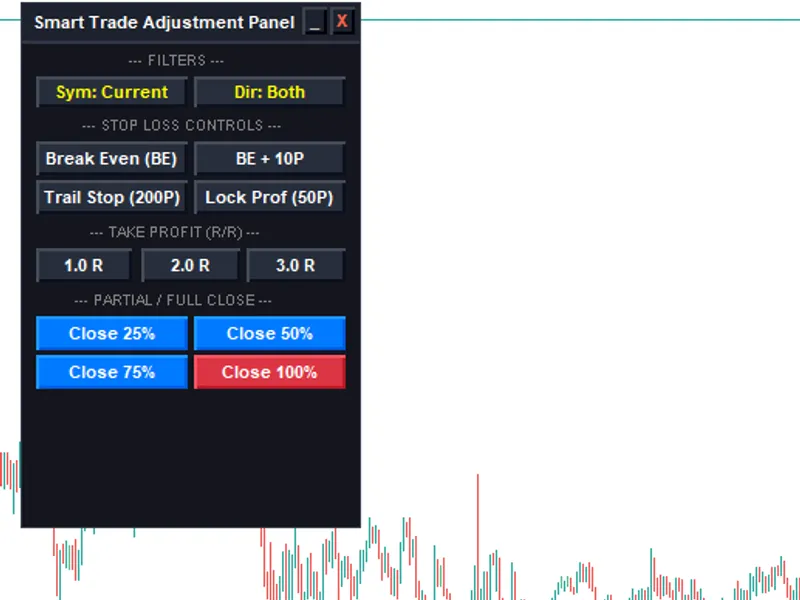
Related: Trade Adjustment Panel for MT5 - another powerful expert for MetaTrader 5 traders.
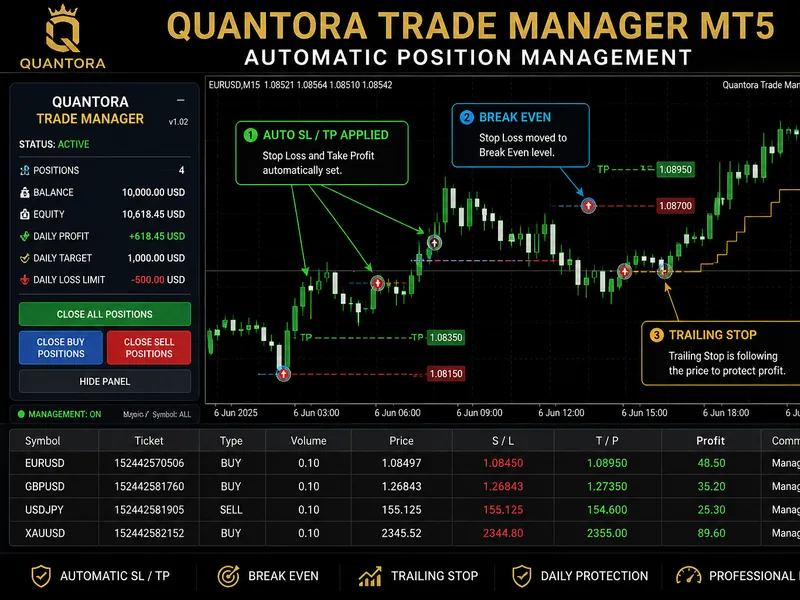
this tool provides automatic creation of expert advisors using trade signals based on reversal candlestick patterns.Also recommended: Quantora Trade Manager MT5: Advanced Position Management - similar expert with strong performance on MetaTrader 5.
the csignalcandles class generates trade signals derived from reversal candlestick patterns. this strategy is known as "signals based on reversal candlestick patterns" when creating an ea automatically in the mql5 wizard.
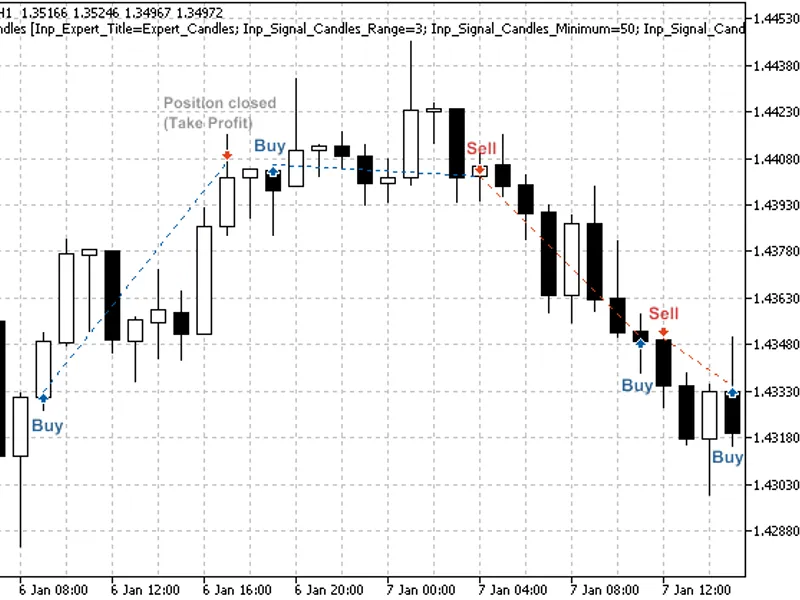
the core idea is to identify reversal patterns by calculating a composite candle. these patterns are analogous to the "hammer" and "hanging man" patterns in japanese candlestick analysis, but they utilize a composite candle instead of a single one and do not require a small body within the composite candle for reversal confirmation.
input parameters:
range: the maximum number of bars used in the composite candle calculation.
minimum: the minimum size of the composite candle in conventional points.
shadowbig and shadowsmall: define the shadow sizes (in composite candle units).
limit, stoploss, and takeprofit: these parameters set the open price, stop loss, and take profit levels, respectively. their values are defined relative to the closing price of the composite candle (in composite candle units).
expiration: the order expiration time in bars, used when trading with pending orders (when limit is not 0.0).
reversal candlestick pattern determination:
the system calculates composite candle parameters starting from the most recent completed bar (index 1) up to the number of bars specified by the range parameter. if the composite candle's size exceeds the value defined by the minimum parameter, it checks for reversal conditions by analyzing its shadows.
the size of the upper shadow represents bearish power, while the size of the lower shadow represents bullish power.
to confirm a bearish trend reversal (indicating the start of a bullish trend), the lower shadow size (bullish power) must be greater than the value defined by shadowbig, and the upper shadow size (bearish power) must be less than the value defined by shadowsmall.
to confirm a bullish trend reversal (indicating the start of a bearish trend), the upper shadow size (bearish power) must be greater than the value defined by shadowbig, and the lower shadow size (bullish power) must be less than the value defined by shadowsmall.
additional trading strategies:
beyond the reversal strategy, breakdown strategies can be employed by setting a negative value for the limit input parameter.
depending on the limit value, three distinct market entry methods are used:
- limit > 0: entry occurs on a price retracement, offering a better price than the market price. buy limit or sell limit pending orders are placed based on the trade signal.
- limit < 0: entry occurs in the direction of price movement. buy stop or sell stop pending orders are used based on the trade signal.
- limit = 0: trading is executed at market prices.
this strategy is implemented within the csignalcandles class.
figure 1. trade signals based on reversal candlestick patterns
trade signal implementation:
trade signals are handled by the csignalcandles class, which includes a candle() function for analysis.
multiple candles (bars) can contribute to the formation of a composite candle. the minimum number of bars is set by the range parameter. in certain situations, a composite candle can be formed using fewer bars than specified by range if the size and shadow conditions are met. the candle() function returns 0 if a composite candle cannot be formed.
1. opening a long position:
a bullish composite candle is required to open a long position. the function verifies this, returning if the composite candle is not yet formed or is bearish. otherwise, it calculates the composite candle size (used for determining price, stop loss, and take profit levels) and computes the price levels for a pending order.
note that the pending order type (buy limit or buy stop) depends on the sign of the limit input parameter. if limit is 0 or the absolute difference between price and ask is less than the stop level, a market buy order is placed. if limit > 0, a buy limit pending order is placed. if limit < 0, a buy stop pending order is placed.
2. closing a long position:
a long position is closed when a bearish composite candle is formed.
3. opening a short position:
a bearish composite candle must be formed to open a short position. if the composite candle is not formed or is not bearish, the function returns. otherwise, it determines the composite candle's size and calculates the pending order price levels (the order type is determined by the sign of the limit input parameter, as explained in "opening a long position").
4. closing a short position:
a short position is closed when a bullish composite candle is formed.
creating an expert advisor using the mql5 wizard:
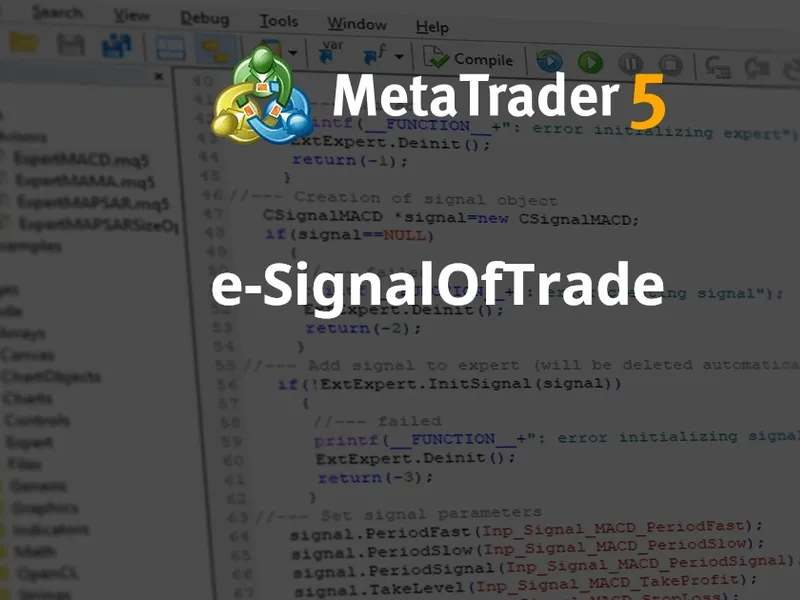
to create a trading robot based on this strategy, select the signal property as "signals based on reversal candlestick patterns" within the "creating ready-made expert advisors" option of the mql5 wizard.
figure 2. select "signals based on reversal candlestick patterns" in mql5 wizard
subsequently, specify the required algorithm and system. the expert advisor code will be generated automatically, allowing you to compile and test it within the metatrader 5 client terminal.
testing results:
consider the backtesting of the expert advisor on historical data (eurusd m15, testing period: 1.1.2010-05.01.2011, range=3, minimum=50, shadowbig=0.5, shadowsmall=0.2, limit=0, stoploss=2.0, takeprofit=1.0, expiration=4).
when creating the expert advisor, a fixed volume (0.1) was used, and the trailing stop algorithm was not employed.
figure 3. testing results of the expert advisor with trading signals based on reversal candlestick patterns
attachments:
the signalcandles.mqh file, containing the csignalcandles class, should be placed in the terminal_data_folder\mql5\include\expert\signal folder.
the expert_candles.mq5 file contains the code for the expert advisor, which was created using the mql5 wizard.
You may also like: Professional Automatic Trailing Stop Utility for MetaTrader 5 - excellent alternative for expert users on MetaTrader 5.
Source Code
#property copyright "robotfx"
#property link "https://robotfx.org"
#property version   "1.00"
#include <expert\expert.mqh>
#include <expert\signal\signalcandles.mqh>
#include <expert\trailing\trailingnone.mqh>
#include <expert\money\moneyfixedlot.mqh>
input string inp_expert_title              ="expert_candles";
int          expert_magicnumber            =28148;
bool         expert_everytick              =false;
.......
⚠ Limitations & Risk Warning
- This tool is provided for educational and testing purposes only.
- Past performance does not guarantee future results.
- Trading involves substantial risk of loss. Use on a demo account first.
- Results may vary depending on market conditions, broker, and settings.
- We recommend thorough backtesting and forward testing before using with real funds.