

Trading Signal Module - Plain MA Crossover Signals
Info
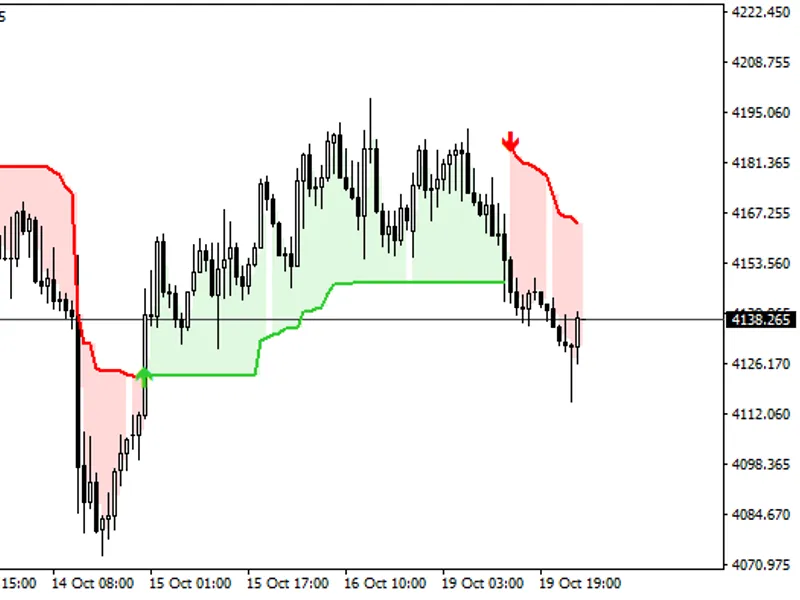
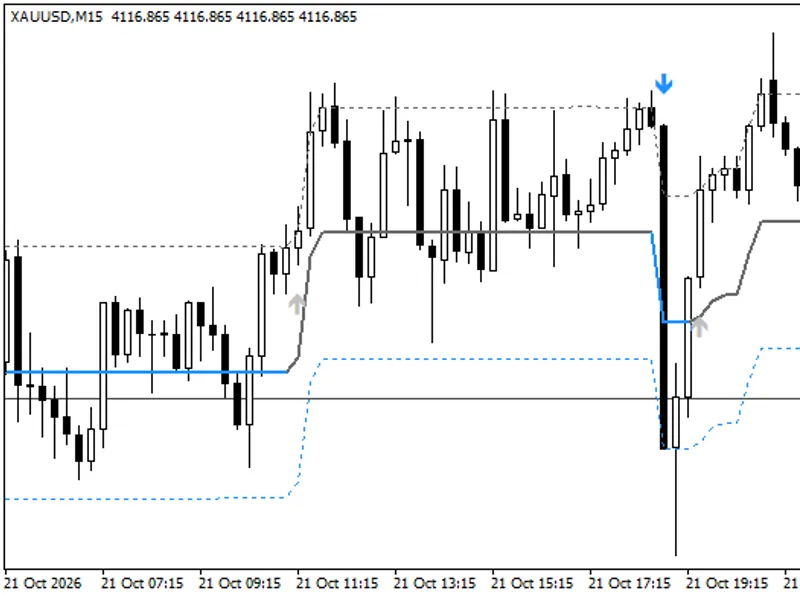
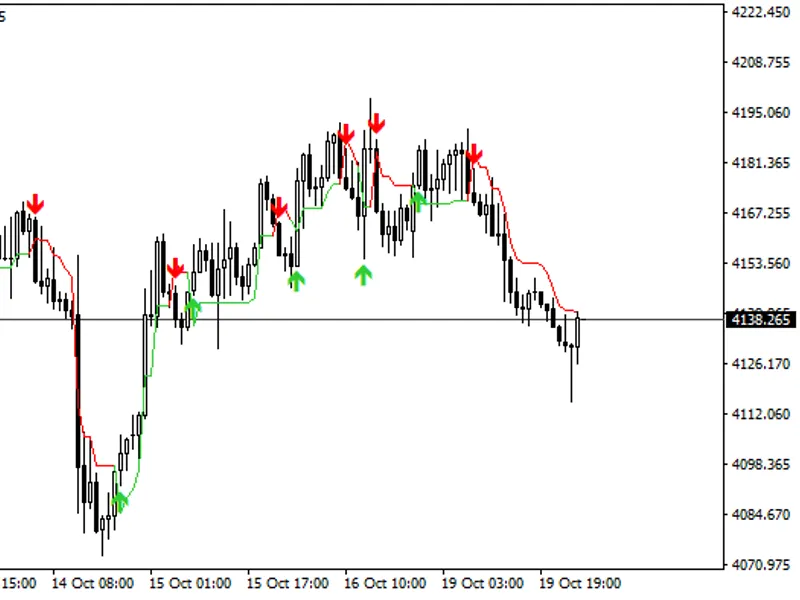
The Trading Signal Module - Plain MA Crossover Signals is a Library for MetaTrader 5 that this simple ma crossover system is designed for potential use within the expert wizard. The direction() function is implemented to provide buy and sell signals when the fast MA crosses the slow MA.
Usage
This tool is typically used for enhancing chart analysis and decision making.
Platform
This Library works exclusively on MetaTrader 5 (both build 600+ and newer versions).
Setup
Place the downloaded file in MQL5/Libraries folder via File ? Open Data Folder in MetaTrader 5.
How to Install and Use Trading Signal Module - Plain MA Crossover Signals
1. Storage: Place library files in the MQL/Libraries directory to ensure they are accessible to your projects.
2. Implementation: Include the library in your code using the #import directive, ensuring you match the exact function names and parameters.
3. Compilation: Ensure the library is present in the directory before you compile your main EA or script, as the compiler links them during this phase.
4. Management: Keep libraries organized in sub-folders if you manage many custom functions to maintain a clean project structure.
Frequently Asked Questions
Q: What is a library file used for? A: Libraries store reusable code modules, allowing you to centralize common logic used by multiple EAs or indicators.
Q: Is a library executable? A: No, libraries are non-executable files containing functions; they must be imported into an EA, indicator, or script to function.
Q: Can I update a library while the platform is running? A: You should compile your EA or script after updating a library to ensure the latest code changes are integrated.
What this tool does
This simple MA crossover system is designed for potential use within the Expert Wizard.
Typical Use Case
This Library excels in automated trading and technical analysis on MetaTrader 5.
Compatible Platform & Setup
This Library works on MetaTrader 5. Place the file in the MQL5/Libraries folder and restart the terminal.
Description & Settings
Related: ATS Risk Library: Advanced Lot Sizing and Trading Guards - another powerful library for MetaTrader 5 traders.
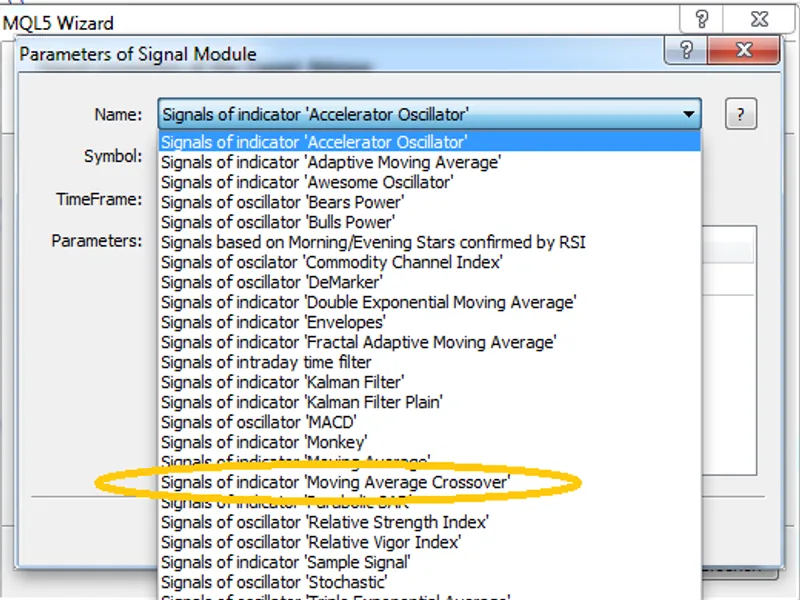
This simple MA crossover system is designed for potential use within the Expert Wizard. The direction() function is implemented to provide buy and sell signals when the fast MA crosses the slow MA.Also recommended: channel proximity engine: advanced signal generation - similar library with strong performance on MetaTrader 5.
The timeframe can be customized as an input parameter. To ensure proper functionality, the signal module should be stored in the "mql5\include\signal" directory. Once integrated, the simple adaptive moving crossover system will appear as a signal within the ExpertAdvisor Wizard, indicating a value of +100 or -100 based on the direction.
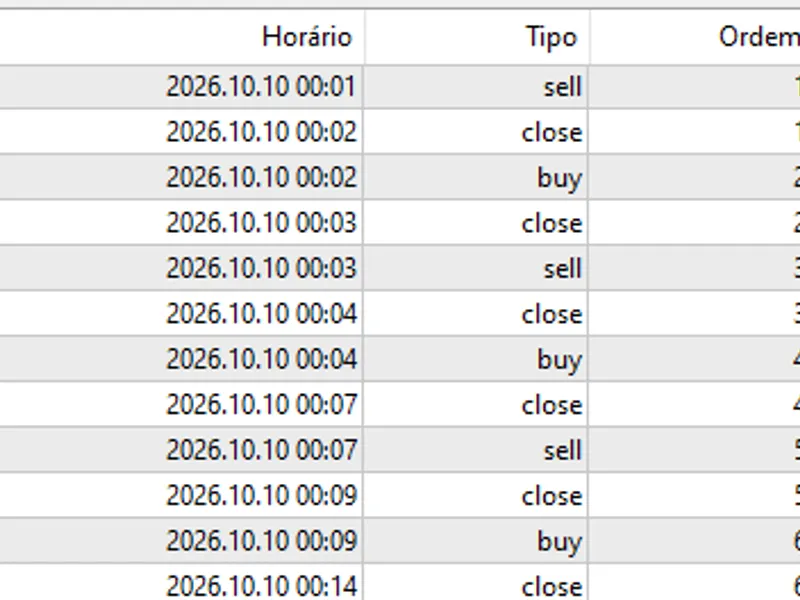
Short and long signal entry example:
You may also like: asq propfirm shield: protect your trading challenge - excellent alternative for library users on MetaTrader 5.
Source Code
#include <expert\expertsignal.mqh>
class csignalmac : public cexpertsignal
  {
protected:
   cima              m_ma1;            // object-indicator
   cima              m_ma2;            // object-indicator
   int               m_ma_period1;     // the "period of averaging" parameter of the indicator
   int               m_ma_period2;     // the "period of averaging" parameter of the indicator
   int               m_ma_shift;       // the "time shift" parameter of the indicator
   enum_ma_method    m_ma_method;      // the "method of averaging" parameter of the indicator
.......
⚠ Limitations & Risk Warning
- This tool is provided for educational and testing purposes only.
- Past performance does not guarantee future results.
- Trading involves substantial risk of loss. Use on a demo account first.
- Results may vary depending on market conditions, broker, and settings.
- We recommend thorough backtesting and forward testing before using with real funds.