
Tester vs Live Trade Matcher for MetaTrader 5
Info
The Tester vs Live Trade Matcher for MetaTrader 5 is a Indicator for MetaTrader 5 that comparing backtest performance to live trading resultsa backtest may show excellent results, but live trading performance can differ significantly. This discrepancy can be due to factors such as slippage, missed trading signals, EA restarts, manual interventions, or simply an overly optimistic backtest.
Usage
This tool is typically used for enhancing chart analysis and decision making.
Platform
This Indicator works exclusively on MetaTrader 5 (both build 600+ and newer versions).
Setup
Place the downloaded file in MQL5/Indicators folder via File ? Open Data Folder in MetaTrader 5.
How to Install and Use Tester vs Live Trade Matcher for MetaTrader 5
1. Installation: Place your file in the MQL/Indicators folder via "Open Data Folder" and restart your terminal.
2. Loading: Find the indicator in the Navigator, drag it onto your chart, and configure the input parameters in the popup window.
3. Customization: Press Ctrl+I to open the indicator list, select your tool, and click "Properties" to change colors, levels, or visual styles.
4. Updating: Replace the old file in the Indicators folder with the new version and restart the platform to apply changes.
Frequently Asked Questions
Q: Why is my indicator not showing? A: Verify the file is in the MQL/Indicators folder, or try right-clicking the "Indicators" tree in the Navigator and clicking "Refresh."
Q: Do custom indicators slow down the platform? A: Too many complex indicators can impact performance; remove unused ones via the "Indicator List" (Ctrl+I).
Q: Can I use MT4 indicators on MT5? A: No, MQL4 and MQL5 are distinct languages; ensure the indicator is compiled specifically for your platform version.
What this tool does
Comparing Backtest Performance to Live Trading ResultsA backtest may show excellent results, but live trading performance can differ significantly.
Typical Use Case
This Indicator excels in automated trading and technical analysis on MetaTrader 5.
Compatible Platform & Setup
This Indicator works on MetaTrader 5. Place the file in the MQL5/Indicators folder and restart the terminal.
Description & Settings
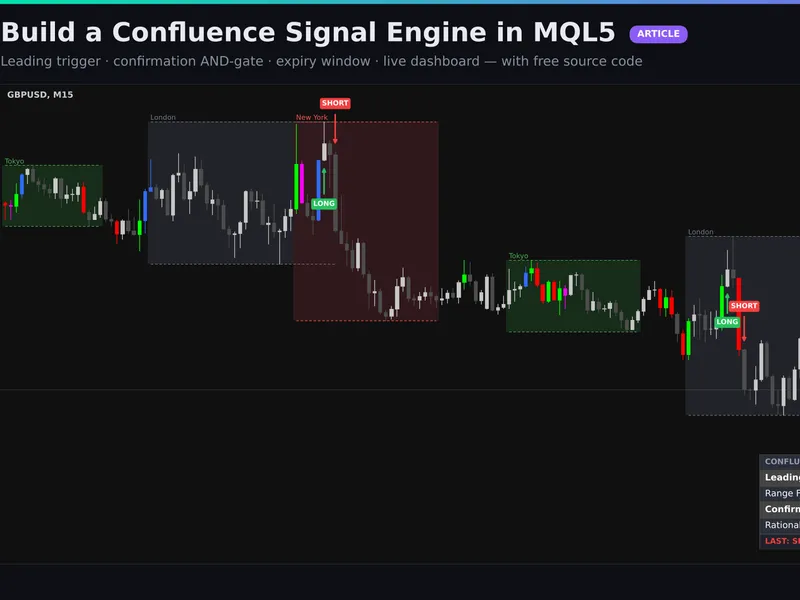
Related: Building a Confluence Signal Engine in MQL5: Triggers, Filters, and a Live Dashboard - another powerful indicator for MetaTrader 5 traders.
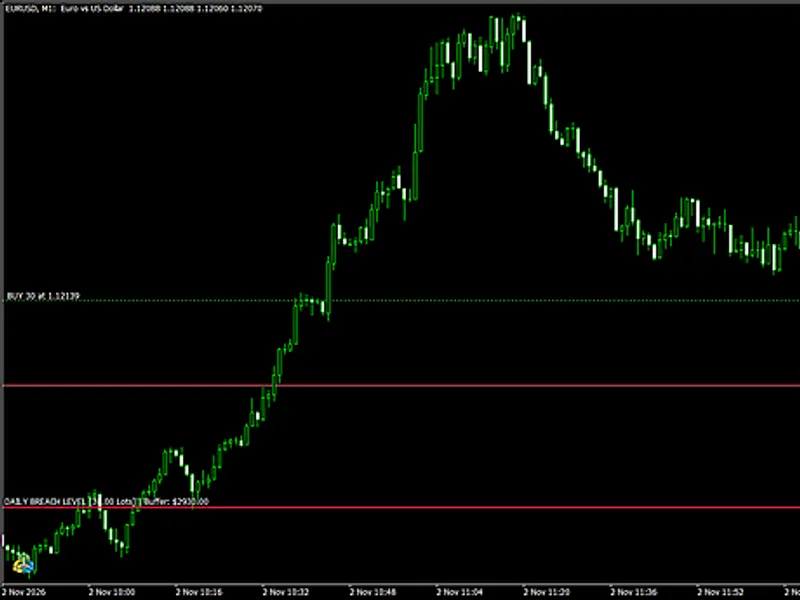
Comparing Backtest Performance to Live Trading ResultsAlso recommended: Prop Firm Live Daily Breach Line: Accurate Drawdown Monitoring - similar indicator with strong performance on MetaTrader 5.
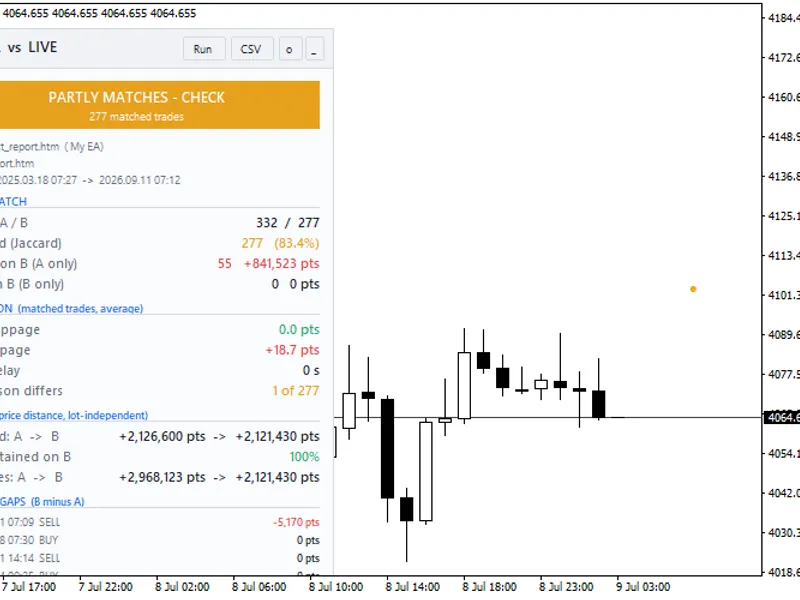
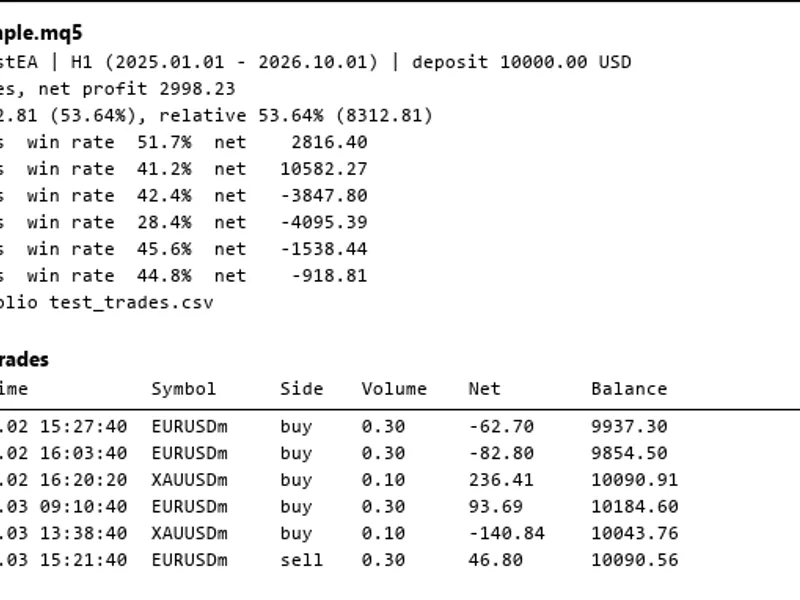
A backtest may show excellent results, but live trading performance can differ significantly. This discrepancy can be due to factors such as slippage, missed trading signals, EA restarts, manual interventions, or simply an overly optimistic backtest. The Tester vs Live Trade Matcher for MetaTrader 5 addresses this by providing a trade-by-trade comparison. This tool does not open, modify, or close any orders.
Key Features and Information Provided:
Verdict:
A clear indicator of the match between live trading and backtest results: green (live matches backtest), amber (partial match), or red (significant difference).
Trade Match Details:
- Comparison of trades executed on both backtest and live accounts.
- Match rate calculated using the Jaccard index.
- Identification of trades taken in the backtest but missed in live trading, along with their potential earnings.
- Listing of extra trades executed in live trading that were not present in the backtest.
Execution Analysis:
- Average entry slippage.
- Average exit slippage.
- Average entry delay.
- Identification of trades where only one side (stop loss or take profit) was hit in the backtest but not in live trading, or vice versa.
Performance Results:
- Captured price distance for matched trades between backtest and live (independent of lot size).
- Percentage of backtest edge retained in live trading.
- Actual commission and swap costs for both backtest and live trades.
Largest Gaps:
Highlights the 5 matched trades with the most significant negative deviation of live results compared to the backtest. Clicking on a row navigates directly to that trade.
Chart Markings:
Visual indicators on the chart for:
- Blue ring: Backtest entry point.
- Orange dot: Live entry point.
- Dotted lines: Connecting entry to exit points.
- Red 'x': A trade missed by live trading.
- Magenta 'x': An extra trade present only in live trading.
Each mark includes a tooltip with detailed information.
CSV Export:
Option to export the complete trade-by-trade comparison table to a CSV file.
Operational Modes:
Report vs Account History:
The primary mode for comparing a backtest report against the actual trading account history. Compatible with both hedging and netting account types.
Report vs Second Report:
Allows for the comparison of two different backtest reports. Useful for comparing results from different brokers, data feeds, or EA versions.
Quick Start Guide:
1. Save the Strategy Tester report as an HTML file (both MetaTrader 5 and MetaTrader 4 reports are supported).
2. Copy the generated .htm file to the MQL5\Files directory within your MetaTrader data folder (accessible via File > Open Data Folder > MQL5 > Files).
3. Attach the tool to a chart of the relevant trading symbol.
4. Configure the panel by entering the report file name and the EA's magic number.
Using the Panel:
- The 'Run' button re-processes all data.
- The 'CSV' button exports the trade table.
- The 'Marks' button toggles the visibility of chart markings.
- The 'Go' button scrolls to the last compared trade.
- The panel can be collapsed by clicking its title.
Troubleshooting:
If no results are displayed, the panel will indicate the reason, such as the file not being in the correct folder, no closed trades for the selected symbol and magic number, or a time overlap issue between the report and account history.
Matching Mechanism:
- The comparison utilizes only closed trades within the overlapping time window of the backtest and live data.
- Backtest trades are processed chronologically. Each backtest trade is matched with the nearest available live trade in the same direction, within a default tolerance of 180 seconds.
- Slippage is calculated with a sign: positive values indicate that the live trading price was less favorable than the backtest price.
- For partially closed positions, the volume-weighted average exit price is used for comparison.
Testing and Validation:
The tool has been tested on multiple pairs of MetaTrader 5 and MetaTrader 4 reports. Verification against an independent reference script and an end-to-end test involving 184 trades (including hedging, partial closes, stop loss, take profit, and manual exits) confirmed accurate matching of all trades.
Verdict Thresholds:
The thresholds for the verdict indicators are practical guidelines: green requires at least 90% match rate and 80% edge retention; amber requires at least 70% match rate and 50% edge retention. For grid or basket trading EAs, adjusting the match tolerance may be beneficial.
Licensing and Disclaimer:
This tool is provided free for use, modification, and distribution under the MIT license. It comes with no warranty, and this information does not constitute trading advice. All comparisons are based on data available as of 2026.
You may also like: Change in State of Delivery Identification - excellent alternative for indicator users on MetaTrader 5.
Source Code
#property copyright "RobotFX"
#property link "https://robotfx.org"
#property version   "1.00"
#property description "This code is educational. Feel free to use, modify and upgrade as you wish. Visit ROBOTFX.ORG for professional trading tools"
#property indicator_chart_window
#property indicator_buffers 0
#property indicator_plots   0
#define PFX  "TVL_"
#define EPS  1e-8
#define MAXC 16
.......
⚠ Limitations & Risk Warning
- This tool is provided for educational and testing purposes only.
- Past performance does not guarantee future results.
- Trading involves substantial risk of loss. Use on a demo account first.
- Results may vary depending on market conditions, broker, and settings.
- We recommend thorough backtesting and forward testing before using with real funds.