
Prop Firm Live Daily Breach Line: Accurate Drawdown Monitoring
Info
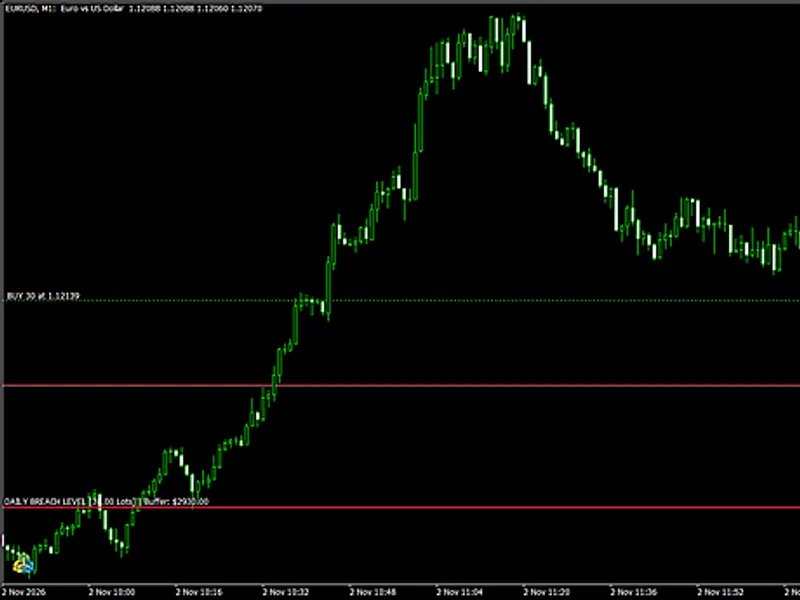
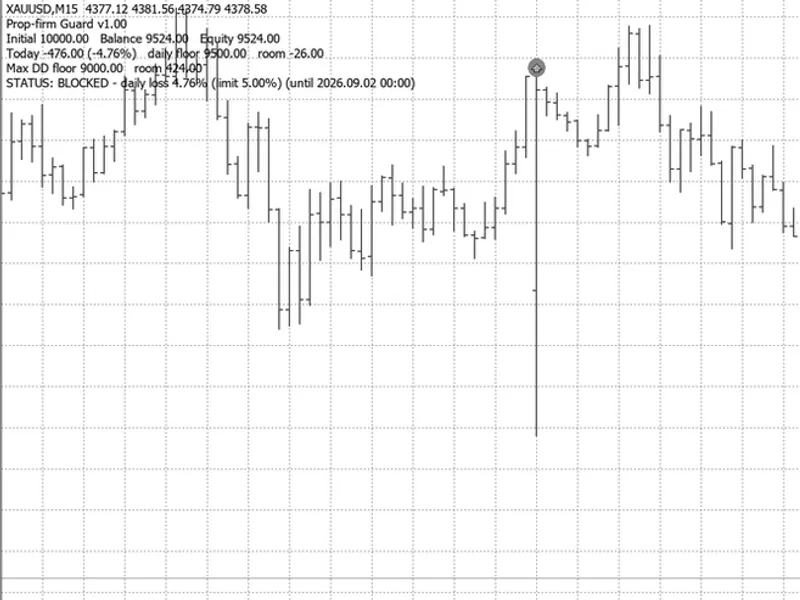
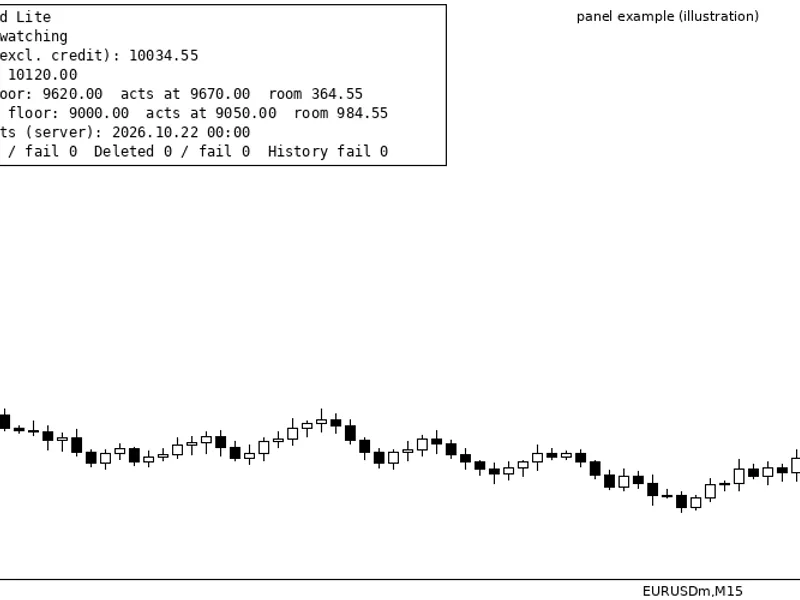
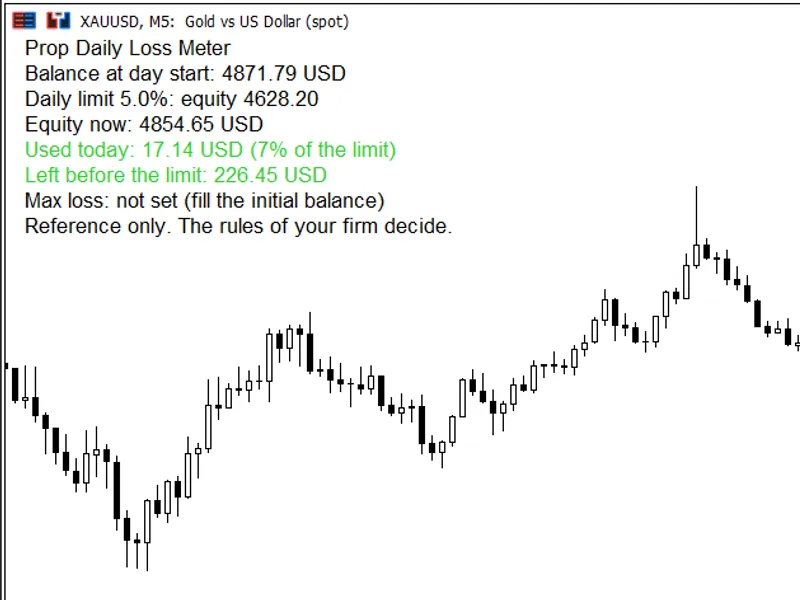
The Prop Firm Live Daily Breach Line: Accurate Drawdown Monitoring is a Indicator for MetaTrader 5 that prop firm live daily breach line is a lightweight chart indicator built for prop firm evaluations and funded accounts. It tracks your remaining daily drawdown buffer in account currency and draws a dynamic horizontal line (Daily Breach Level) on the chart.
Usage
This tool is typically used for enhancing chart analysis and decision making.
Platform
This Indicator works exclusively on MetaTrader 5 (both build 600+ and newer versions).
Setup
Place the downloaded file in MQL5/Indicators folder via File ? Open Data Folder in MetaTrader 5.
How to Install and Use Prop Firm Live Daily Breach Line: Accurate Drawdown Monitoring
1. Installation: Place your file in the MQL/Indicators folder via "Open Data Folder" and restart your terminal.
2. Loading: Find the indicator in the Navigator, drag it onto your chart, and configure the input parameters in the popup window.
3. Customization: Press Ctrl+I to open the indicator list, select your tool, and click "Properties" to change colors, levels, or visual styles.
4. Updating: Replace the old file in the Indicators folder with the new version and restart the platform to apply changes.
Frequently Asked Questions
Q: Why is my indicator not showing? A: Verify the file is in the MQL/Indicators folder, or try right-clicking the "Indicators" tree in the Navigator and clicking "Refresh."
Q: Do custom indicators slow down the platform? A: Too many complex indicators can impact performance; remove unused ones via the "Indicator List" (Ctrl+I).
Q: Can I use MT4 indicators on MT5? A: No, MQL4 and MQL5 are distinct languages; ensure the indicator is compiled specifically for your platform version.
What this tool does
Prop Firm Live Daily Breach Line is a lightweight chart indicator built for prop firm evaluations and funded accounts.
Typical Use Case
This Indicator excels in automated trading and technical analysis on MetaTrader 5.
Compatible Platform & Setup
This Indicator works on MetaTrader 5. Place the file in the MQL5/Indicators folder and restart the terminal.
Description & Settings
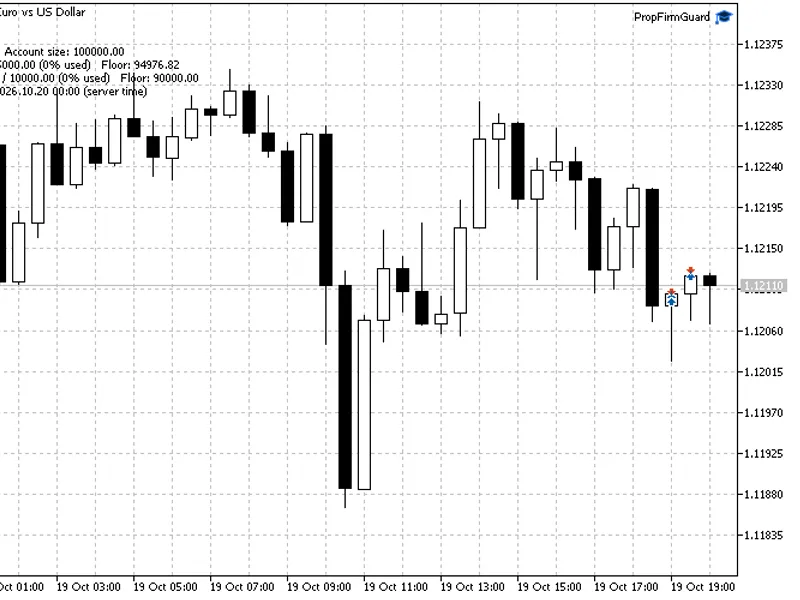
Related: Prop Firm Guard Panel - another powerful indicator for MetaTrader 5 traders.
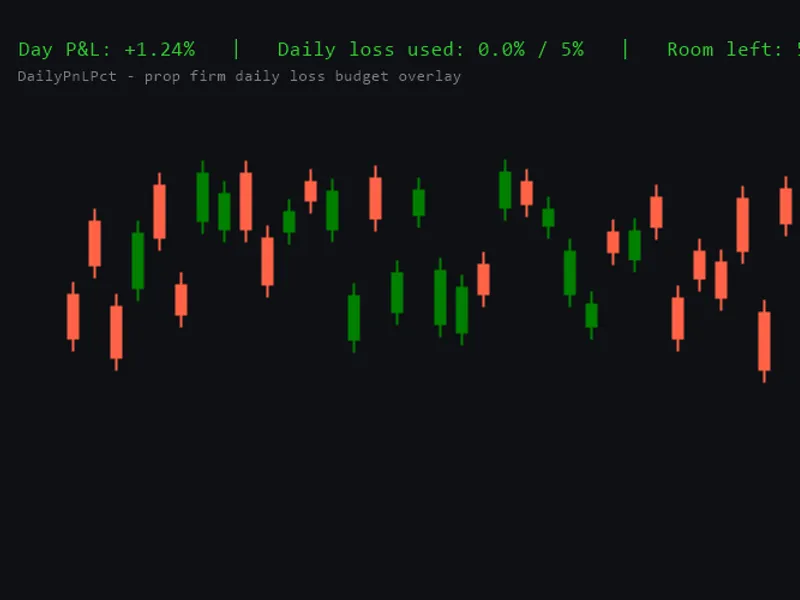
Prop Firm Live Daily Breach Line is a lightweight chart indicator built for prop firm evaluations and funded accounts.Also recommended: Daily Profit/Loss Percentage Overlay for Prop Firm Daily Loss Limits - similar indicator with strong performance on MetaTrader 5.
It tracks your remaining daily drawdown buffer in account currency and draws a dynamic horizontal line (Daily Breach Level) on the chart.You can immediately see the exact price where your open net volume on the active symbol will hit the daily loss limit.
Simple tick-value calculators often drift on cross pairs or miss intraday commissions from closed trades.
To solve this, the indicator reconstructs your exact 00:00 server-time balance from today's deal history and uses a two-step OrderCalcProfit check so the breach price stays accurate across forex pairs, metals, and indices.
How It Works
00:00 Baseline Reconstruction (Entry and Exit Deals):
When InpManualStartBase is left at 0.0, the indicator reads today's deal history starting from 00:00 server time (iTime PERIOD_D1).
It reverses all realized profits, swaps, fees, and both entry (DEAL_ENTRY_IN) and exit (DEAL_ENTRY_OUT / INOUT / OUT_BY) commissions.
A 5-second history cache prevents chart lag during fast market ticks.
00:00 HWM Snapshot (Balance vs. Equity):
Supports both Balance Only and Higher of Balance or Equity (00:00 HWM) reset rules.
During the midnight rollover window, it locks a single terminal GlobalVariable snapshot so post-midnight equity spikes don't artificially push your daily floor higher.
OrderCalcProfit Price Calibration:
Calculates net open volume (Buy Lots minus Sell Lots) on the current chart while floating P/L from other symbols is already included in Account Equity.
After a first linear estimate, it validates the exact loss distance with MQL5's native OrderCalcProfit() function.
If you're flat, hedged, or your lot size is too small to hit the limit even at zero price, the line hides automatically and shows the current status on the panel.
iCustom() Buffers for Expert Advisors:
Provides two non-drawing buffers (DRAW_NONE) so your own EA can read the numbers directly without scanning chart objects: Buffer 0 returns the Breach Price on the active symbol (0.0 if flat or unreachable), and Buffer 1 returns the Remaining Daily Buffer in account currency ($).
DPI-Scaled Panel and Clean Removal:
Displays a compact dark-slate HUD in the top-right corner scaled via TERMINAL_SCREEN_DPI, restores your original chart settings, and deletes all PFLBL_ objects cleanly in OnDeinit().
Input Parameters
Parameter
Default
Description
InpBaseMode
BASE_HIGHEST_OF_BALANCE_EQUITY
Daily reset rule at 00:00 server time (Higher of Balance/Equity HWM or Balance Only).
InpDailyLossPct
5.0
Maximum daily loss percentage relative to the 00:00 reference base.
InpManualStartBase
0.0
Manual 00:00 reference override in account currency (0.0 = auto reconstruct from history).
InpBreachLineColor
clrCrimson
Color of the horizontal daily breach line.
InpBreachLineStyle
STYLE_SOLID
Line style of the horizontal daily breach line.
InpBreachLineWidth
2
Width of the horizontal daily breach line.
InpPanelX / InpPanelY
20 / 20
Horizontal and vertical pixel offsets for the top-right HUD panel.
Technical Scope
This utility is strictly a live single-chart monitor for intraday trading.
Offline Strategy Tester HTML report parsing, historical M1 drawdown replay, Prague CE(S)T timezone HWM simulation, and static .mq5 code auditing require a dedicated report parser (available in my MQL5 profile).
You may also like: Prop Firm Daily Loss Limit Indicator - excellent alternative for indicator users on MetaTrader 5.
Source Code
#property copyright "RobotFX"
#property link "https://robotfx.org"
#property version     "1.00"
#property description "This code is educational. Feel free to use, modify and upgrade as you wish. Visit ROBOTFX.ORG for professional trading tools"
#property indicator_chart_window
#property indicator_buffers 2
#property indicator_plots   2
#property indicator_type1   DRAW_NONE
#property indicator_label1  "Breach Price"
#property indicator_type2   DRAW_NONE
.......
⚠ Limitations & Risk Warning
- This tool is provided for educational and testing purposes only.
- Past performance does not guarantee future results.
- Trading involves substantial risk of loss. Use on a demo account first.
- Results may vary depending on market conditions, broker, and settings.
- We recommend thorough backtesting and forward testing before using with real funds.