
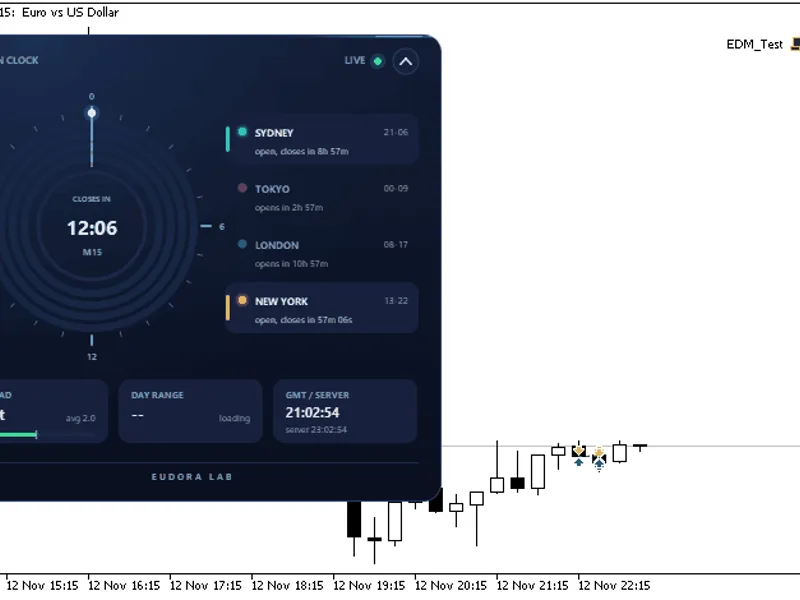
Algo FX Session Liquidity Sweeps Indicator
Info
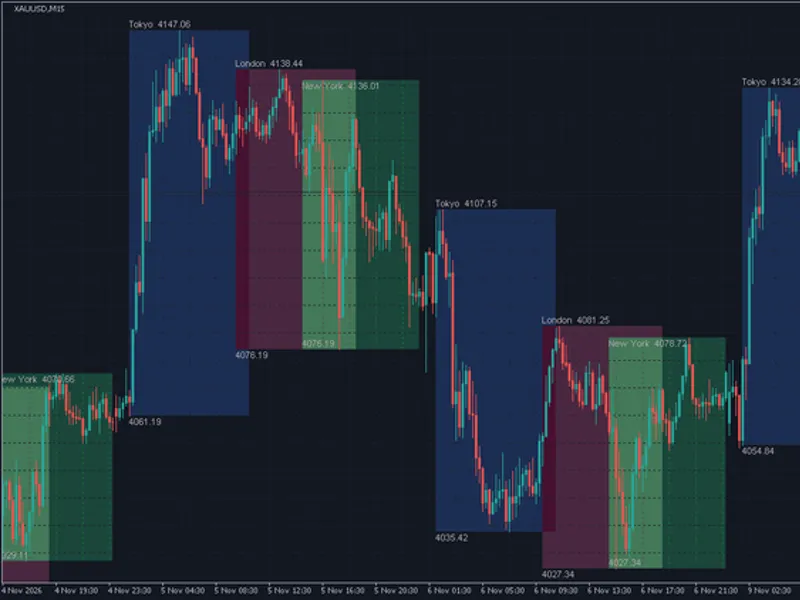
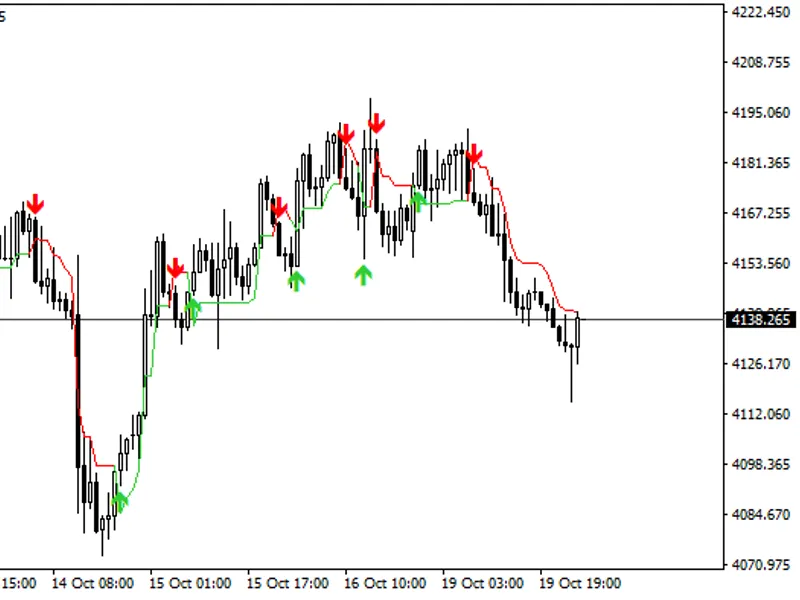
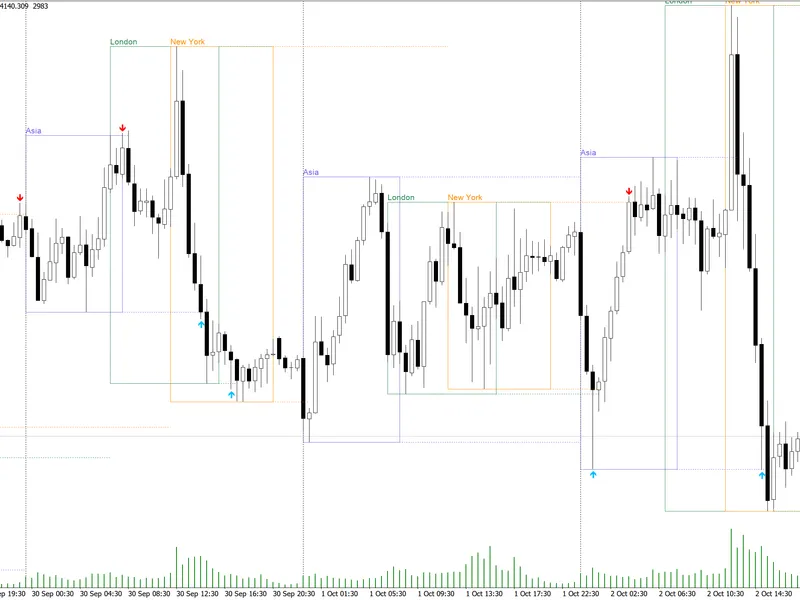
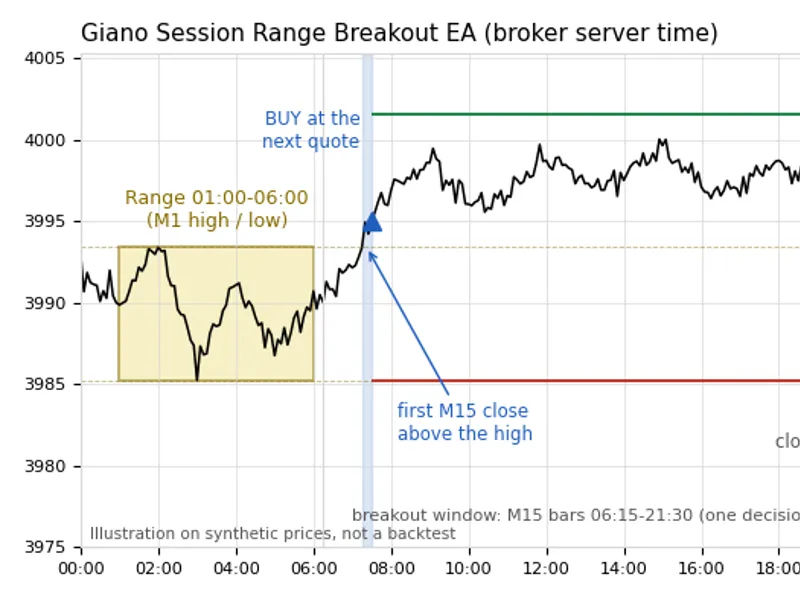
The Algo FX Session Liquidity Sweeps Indicator is a Indicator for MetaTrader 5 that algofx session liquidity sweeps draws the most watched intraday liquidity levels and marks the candle that sweeps one of them. A sweep occurs when price trades through a liquidity level and then closes back on the other side.
Usage
This tool is typically used for enhancing chart analysis and decision making.
Platform
This Indicator works exclusively on MetaTrader 5 (both build 600+ and newer versions).
Setup
Place the downloaded file in MQL5/Indicators folder via File ? Open Data Folder in MetaTrader 5.
How to Install and Use Algo FX Session Liquidity Sweeps Indicator
1. Installation: Place your file in the MQL/Indicators folder via "Open Data Folder" and restart your terminal.
2. Loading: Find the indicator in the Navigator, drag it onto your chart, and configure the input parameters in the popup window.
3. Customization: Press Ctrl+I to open the indicator list, select your tool, and click "Properties" to change colors, levels, or visual styles.
4. Updating: Replace the old file in the Indicators folder with the new version and restart the platform to apply changes.
Frequently Asked Questions
Q: Why is my indicator not showing? A: Verify the file is in the MQL/Indicators folder, or try right-clicking the "Indicators" tree in the Navigator and clicking "Refresh."
Q: Do custom indicators slow down the platform? A: Too many complex indicators can impact performance; remove unused ones via the "Indicator List" (Ctrl+I).
Q: Can I use MT4 indicators on MT5? A: No, MQL4 and MQL5 are distinct languages; ensure the indicator is compiled specifically for your platform version.
What this tool does
AlgoFX Session Liquidity Sweeps draws the most watched intraday liquidity levels and marks the candle that sweeps one of them.
Typical Use Case
This Indicator excels in automated trading and technical analysis on MetaTrader 5.
Compatible Platform & Setup
This Indicator works on MetaTrader 5. Place the file in the MQL5/Indicators folder and restart the terminal.
Description & Settings
Related: Session Range Boxes with Asia Breakout Alert for MT4/MT5 - another powerful indicator for MetaTrader 5 traders.
AlgoFX Session Liquidity Sweeps draws the most watched intraday liquidity levels and marks the candle that sweeps one of them. A sweep occurs when price trades through a liquidity level and then closes back on the other side.Also recommended: Session VWAP with Standard Deviation Bands - similar indicator with strong performance on MetaTrader 5.
Liquidity Levels
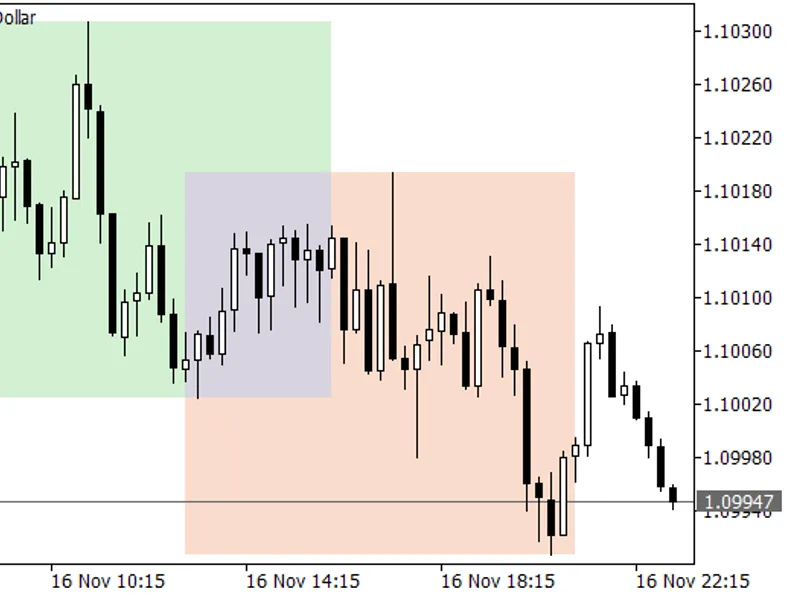
PDH / PDL: Previous Trading Day High and Low.
AS H / AS L: Asian Session High and Low (default 00:00 to 08:00 server time).
LDN H / LDN L: London Session High and Low (default 08:00 to 12:00 server time).
All ranges are calculated from chart OHLC and broker server dates. Sessions use [start,end) membership based on bar open time and support midnight crossing. A level becomes active only after its session has closed. Partial first loaded days or sessions are skipped.
Sweep Rule
Sell Sweep: A closed candle's high exceeds the level plus the minimum penetration ATR multiplied by the current ATR, and the candle closes below the level.
Buy Sweep: The symmetric rule applies to low levels.
A close beyond the level consumes it as a break. This is indicated by a dashed line, and no signal is generated.
Each level produces one event only. The forming candle is never evaluated, meaning arrows do not repaint.
Display Panel
The on-chart panel allows switching between modes: Today (default), ND (today plus N earlier days, shown as 3D by default), All, and Off. It also toggles Lines, Arrows, and Labels. Earlier days are displayed in a muted, dotted style. The panel state is saved per chart and persists through timeframe changes and terminal restarts. Display changes do not affect calculations or alerts.
Using with an Expert Advisor
Read buffer 2 (BuySignal) and buffer 3 (SellSignal) at shift 1 using CopyBuffer with an iCustom handle. The value returned is the swept level price, or EMPTY_VALUE if there is no signal. Buffers 0 and 1 are for display purposes only and should not be used for decision-making.
Main Inputs
InpDisplayMode, InpLastNDays, InpPastStyle: Controls the initial view and the drawing style for earlier days.
InpShowPrevDay, InpShowAsia, InpShowLondon: Enable or disable specific level groups.
InpAsiaStart/End, InpLondonStart/End: Define session times in HH:MM server time.
InpMinPenetrationATR (default 0.10), InpATRPeriod (default 14): Parameters for the sweep filter.
InpMaxLevelAgeBars: If 0, a level remains active for its activation day and the next trading day. A positive value limits the level's active duration to the specified number of bars.
InpHideConsumedLevels, InpShowPanel, InpPanelCorner: Options to hide swept/broken levels, show the panel, and select its chart corner.
InpApplyChartTheme: Applies AlgoFX chart colors and restores your original colors upon removal.
Visuals and Panel Palette groups: Allow adjustment of level and arrow colors, widths, styles, arrow codes, and panel colors.
InpAlertPopup, InpAlertSound, InpAlertPush: Configure alerts to trigger on the latest closed candle only, once per swept level.
Notes
Timeframes from M1 to H1 display all levels. Higher intraday periods display previous day levels only. D1 and higher timeframes are disabled.
Use only one instance of the indicator per chart.
This indicator does not use DLLs, web requests, or file I/O.
You may also like: Session Clock: Real-Time Trading Session Awareness - excellent alternative for indicator users on MetaTrader 5.
Source Code
#property copyright "RobotFX"
#property version   "1.10"
#property description "This code is educational. Feel free to use, modify and upgrade as you wish. Visit ROBOTFX.ORG for professional trading tools"
#ifndef AFX_SLS_TESTING
#property indicator_chart_window
#property indicator_buffers 10
#property indicator_plots   6
#property indicator_type1   DRAW_ARROW
#property indicator_type2   DRAW_ARROW
#property indicator_type3   DRAW_NONE
.......
⚠ Limitations & Risk Warning
- This tool is provided for educational and testing purposes only.
- Past performance does not guarantee future results.
- Trading involves substantial risk of loss. Use on a demo account first.
- Results may vary depending on market conditions, broker, and settings.
- We recommend thorough backtesting and forward testing before using with real funds.