



External Range Liquidity (ERL) Indicator: Advanced Market Structure and Liquidity Analysis
Info
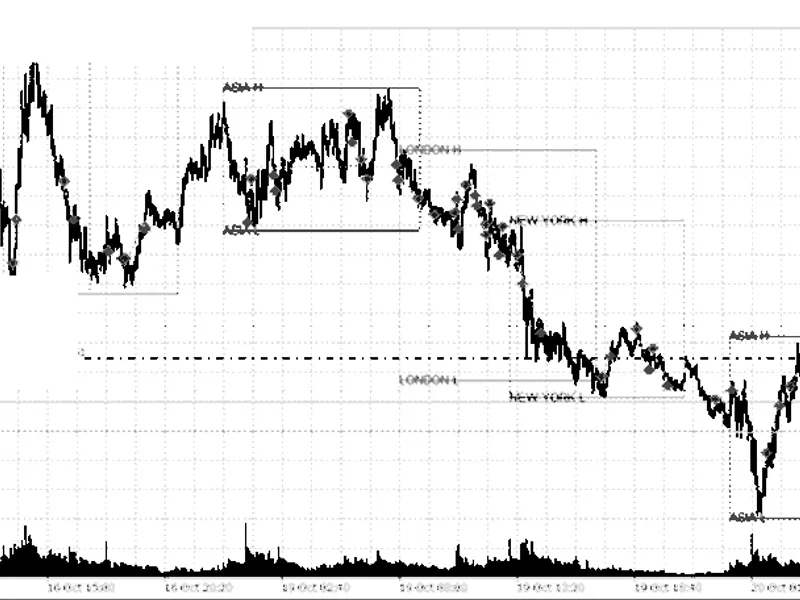
The External Range Liquidity (ERL) Indicator: Advanced Market Structure and Liquidity Analysis is a Indicator for MetaTrader 4 that external range liquidity (erl) is a custom indicator for metatrader 4, developed for traders focused on price action and smart money concepts. ERL automatically identifies market structure and pinpoints areas where liquidity has been taken, referred to as a Liquidity Sweep.
Usage
This tool is typically used for enhancing chart analysis and decision making.
Platform
This Indicator works exclusively on MetaTrader 4 (both build 600+ and newer versions).
Setup
Place the downloaded file in MQL4/Indicators folder via File ? Open Data Folder in MetaTrader 4.
How to Install and Use External Range Liquidity (ERL) Indicator: Advanced Market Structure and Liquidity Analysis
1. Installation: Place your file in the MQL/Indicators folder via "Open Data Folder" and restart your terminal.
2. Loading: Find the indicator in the Navigator, drag it onto your chart, and configure the input parameters in the popup window.
3. Customization: Press Ctrl+I to open the indicator list, select your tool, and click "Properties" to change colors, levels, or visual styles.
4. Updating: Replace the old file in the Indicators folder with the new version and restart the platform to apply changes.
Frequently Asked Questions
Q: Why is my indicator not showing? A: Verify the file is in the MQL/Indicators folder, or try right-clicking the "Indicators" tree in the Navigator and clicking "Refresh."
Q: Do custom indicators slow down the platform? A: Too many complex indicators can impact performance; remove unused ones via the "Indicator List" (Ctrl+I).
Q: Can I use MT4 indicators on MT5? A: No, MQL4 and MQL5 are distinct languages; ensure the indicator is compiled specifically for your platform version.
What this tool does
External Range Liquidity (ERL) is a custom indicator for MetaTrader 4, developed for traders focused on Price Action and Smart Money Concepts.
Typical Use Case
This Indicator excels in automated trading and technical analysis on MetaTrader 4.
Compatible Platform & Setup
This Indicator works on MetaTrader 4. Place the file in the MQL4/Indicators folder and restart the terminal.
Description & Settings
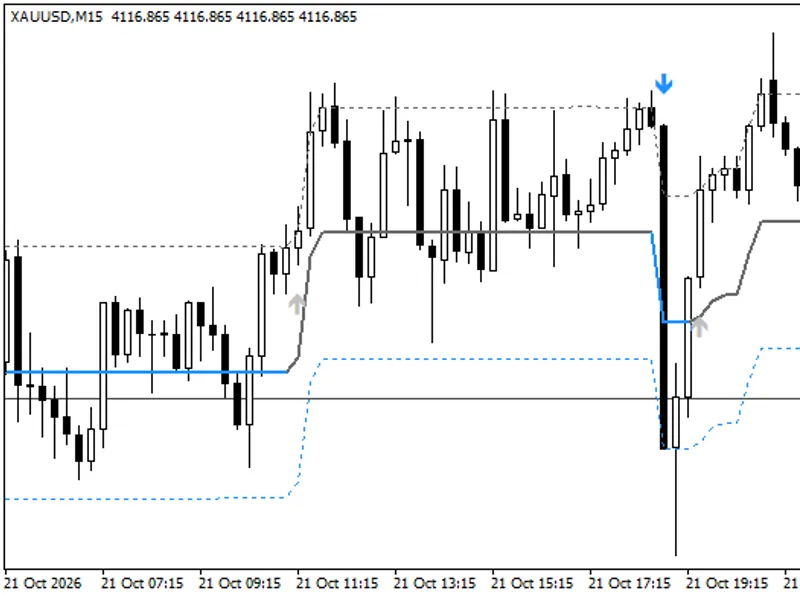
Related: Range Filter Buy and Sell Indicator for MT4 with Signal Statistics - another powerful indicator for MetaTrader 4 traders.
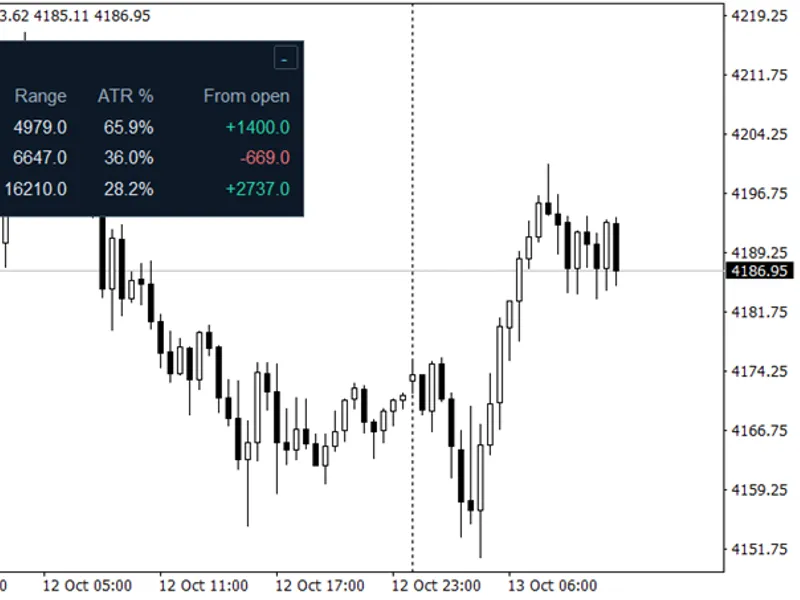
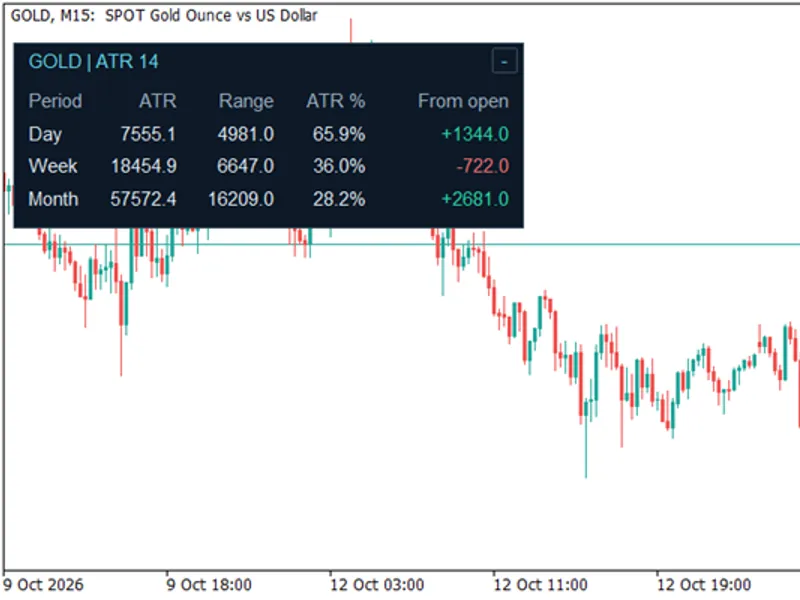
External Range Liquidity (ERL) is a custom indicator for MetaTrader 4, developed for traders focused on Price Action and Smart Money Concepts.Also recommended: ATR Monitor — Daily, Weekly, and Monthly Range Comparison - similar indicator with strong performance on MetaTrader 4.
ERL automatically identifies market structure and pinpoints areas where liquidity has been taken, referred to as a Liquidity Sweep.Utilizing a dynamic swing scanning algorithm, ERL enhances chart clarity by providing an automated interpretation of price action, eliminating the need for manual drawing.
Understanding Market Structure with ERL
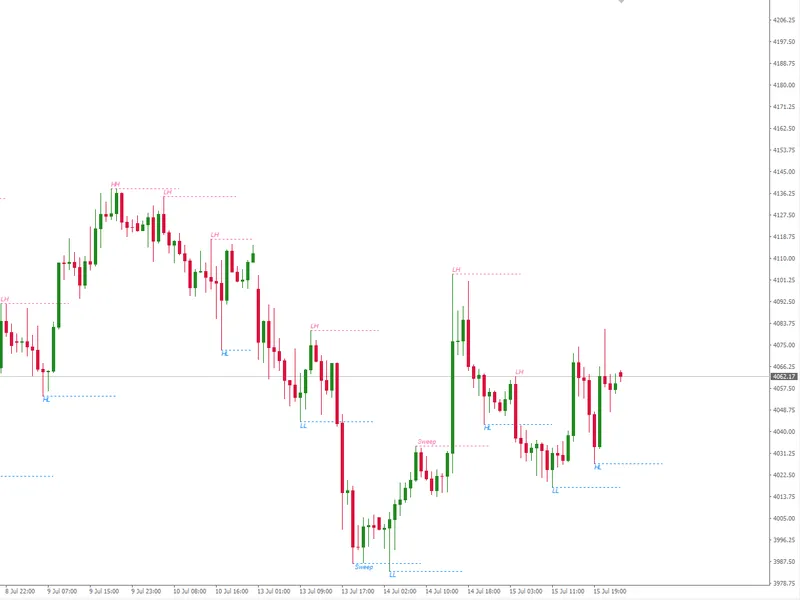
The indicator analyzes price movements, classifying them into Swing High and Swing Low points, and then assigns automated labels to define the prevailing trend.
Automated Trend Identification:
HH (Higher High) and HL (Higher Low): Signify a bullish market structure.
LH (Lower High) and LL (Lower Low): Indicate a bearish market structure.
Liquidity Sweep Detection:
This is a primary function of the ERL indicator. When price breaches a prior swing level but closes back within the range, leaving only a wick, the indicator marks that level as 'Sweep'. This feature is vital for identifying potential Stop Hunts or False Breakouts, which often precede significant price reversals.
Key Features
Automatic Market Structure Labeling: Real-time mapping of HH, LH, LL, and HL directly on the chart.
Smart Sweep Detection: Automatically identifies wick formations that capture liquidity from preceding swing levels.
Clear Visualizations: Displays horizontal projection lines from each swing point with adjustable lengths for a clutter-free chart.
Full Customization: Users can easily adjust swing period, line length, colors, line thickness, and text size to personal preference.
Highly Efficient: Engineered with an optimized object management system to ensure terminal performance is not impacted.
Input Parameters
InpSwingCandles (Default: 5): Defines the number of candles to the left and right required to confirm a Swing High or Swing Low. A larger value identifies broader market structures.
InpMaxBarsToScan (Default: 200): Sets the limit of historical bars scanned to maintain efficient performance.
InpLineLengthBars (Default: 15): Determines the length of the horizontal projection line from a swing point, measured in bars.
InpColorSwingHigh and Low: Settings for the color of Swing High (resistance) and Swing Low (support) lines and texts.
InpLineStyle and Width: Options to customize line styles (e.g., dashed, solid) and thickness.
InpTextFontSize and Shift: Settings for text size and its vertical distance from the level line in pips.
Indicator Usage
Employ the HH, HL, LH, and LL labels to confirm the prevailing directional bias and identify potential trading opportunities.
Monitor for changes to the 'Sweep' label. This serves as a high-probability signal indicating that liquidity has been taken. Traders using Smart Money Concepts can utilize these moments to seek reversal entry setups on lower timeframes.
You may also like: Smart Session Breakout MT4: Asian Range Breakout with ATR Filter and Alerts - excellent alternative for indicator users on MetaTrader 4.
Source Code
#property copyright "RobotFX"
#property link "https://robotfx.org"
#property version   "2.5"
#property description "This code is educational. Feel free to use, modify and upgrade as you wish. Visit ROBOTFX.ORG for professional trading tools"
#property indicator_chart_window
#property indicator_buffers 0
#property indicator_plots   0
#property strict
input string  Group         = "--- Charting Tools Information ---";
input string  Tools                  = "External Range Liquidity ( ERL )";
.......
⚠ Limitations & Risk Warning
- This tool is provided for educational and testing purposes only.
- Past performance does not guarantee future results.
- Trading involves substantial risk of loss. Use on a demo account first.
- Results may vary depending on market conditions, broker, and settings.
- We recommend thorough backtesting and forward testing before using with real funds.