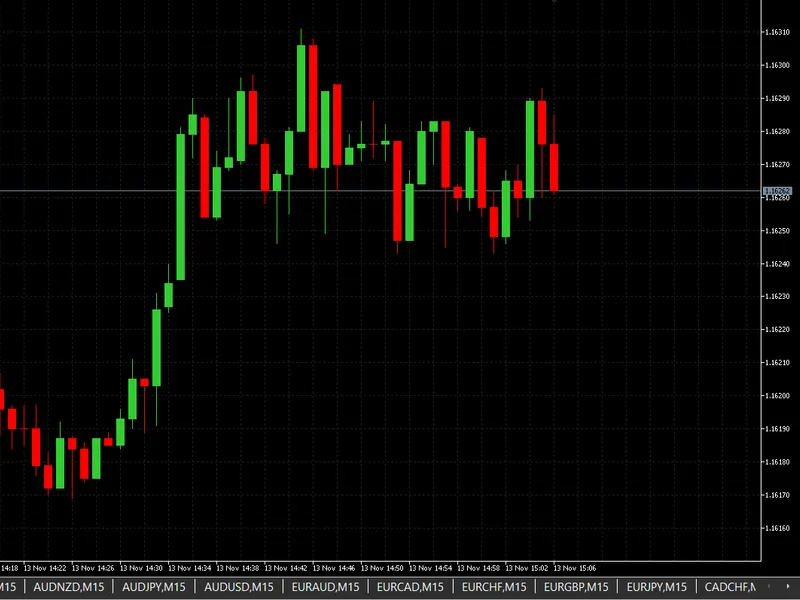

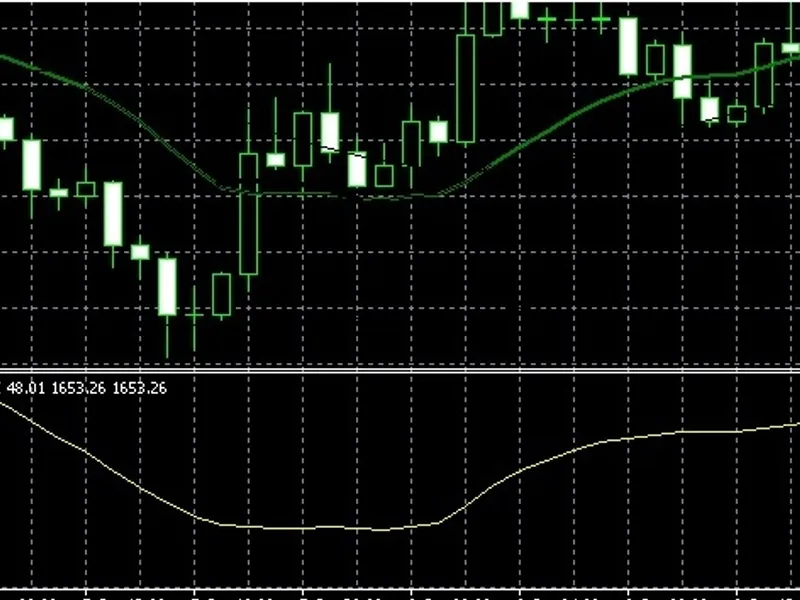

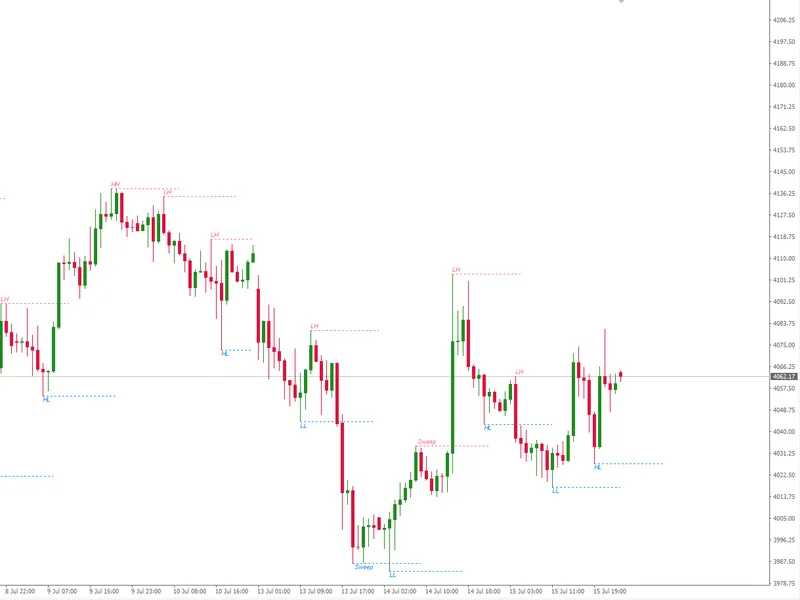


clean market watch - removes all symbols in the market watch windows in one go
Info
The clean market watch - removes all symbols in the market watch windows in one go is a Script for MetaTrader 5 that clean market watch scriptbefore : seconds after : the clean market watchscript is a simple utility tool designed to quickly remove all symbols from your metatrader 5 market watch window with a single click. this is particularly useful when you want to start fresh with a clean workspace or when your market watch has become cluttered with too many symbols.
Usage
This tool is typically used for enhancing chart analysis and decision making.
Platform
This Script works exclusively on MetaTrader 5 (both build 600+ and newer versions).
Setup
Place the downloaded file in MQL5/Scripts folder via File ? Open Data Folder in MetaTrader 5.
How to Install and Use clean market watch - removes all symbols in the market watch windows in one go
1. Installation: Move your script file into the MQL/Scripts directory and restart the platform.
2. Execution: Drag the script onto a chart; it will perform a one-time action, such as closing all open orders or clearing chart objects.
3. Editing: Use MetaEditor (F4) to modify code, click "Compile," and verify no errors appear in the terminal before running.
4. Removing: Scripts stop automatically, but you can remove them manually by right-clicking the chart and choosing "Remove Script."
Frequently Asked Questions
Q: How are scripts different from EAs? A: Scripts execute a single action and then stop; EAs monitor the market and trade continuously.
Q: Can I assign a hotkey to a script? A: Yes, right-click the script in the Navigator, select "Set Hotkey," and define your preferred keyboard shortcut.
Q: Why did my script stop? A: Scripts are designed to stop immediately after finishing their programmed command; this is normal behavior.
What this tool does
clean market watch scriptbefore : seconds after : the clean market watchscript is a simple utility tool designed to quickly remove all symbols from your metatrader 5 market watch window with a single click.
Typical Use Case
This Script excels in automated trading and technical analysis on MetaTrader 5.
Compatible Platform & Setup
This Script works on MetaTrader 5. Place the file in the MQL5/Scripts folder and restart the terminal.
Description & Settings
Related: Info Market - another powerful script for MetaTrader 5 traders.
clean market watch script
before :
seconds after :
the
clean market watch
script is a simple utility tool designed to quickly remove all symbols from your metatrader 5 market watch window with a single click. this is particularly useful when you want to start fresh with a clean workspace or when your market watch has become cluttered with too many symbols.
Also recommended: script and template for market analysis - similar script with strong performance on MetaTrader 5.
purposeover time, traders often accumulate numerous symbols in their market watch window, making it difficult to focus on the instruments they actively trade. manually removing symbols one by one can be tedious and time-consuming. this script automates the entire process, clearing all symbols in seconds. it's also useful for removing persistent symbols that refuse to be deleted from the market watch window due to being programmatically added.
how it works
the script operates using a simple but effective algorithm:
iterative removal process
- the script loops through all symbols currently displayed in market watch and removes them systematically
reverse order processing
- symbols are removed from bottom to top to avoid index shifting issues that could cause symbols to be skipped
safety mechanism
- a built-in iteration limit prevents infinite loops in case of unexpected errors
real-time feedback
- each removed symbol is logged to the experts journal, allowing you to track the cleaning process
completion notification
- a message box displays the total number of symbols removed upon completion key features
one-click operation
- simply attach the script to any chart and it executes immediately
safe execution
- built-in safeguards prevent system issues
detailed logging
- all operations are logged for transparency
no configuration needed
- works out of the box with no input parameters required usage instructions
open metatrader 5 terminal
navigate to the navigator window
locate the
cleanmarketwatch
script under the scripts folder
drag and drop the script onto any chart, or double-click to execute
wait for the completion message confirming all symbols have been removed technical details
the script uses the symbolselect() function with a false parameter to remove symbols from market watch. it processes symbols in reverse order starting from the highest index, ensuring stable array indexing throughout the removal process. multiple iterations handle any symbols that may not be removed on the first pass.
recommended use cases
cleaning up before starting a new trading session
removing demo or test symbols after back-testing
preparing a clean workspace for new trading strategies
resetting market watch after importing symbol lists
clearing persistent symbol list which cannot be manually deleted important notes
after running this script, your market watch will be completely empty. you will need to manually add back any symbols you wish to monitor. the script does not affect your trading history, open positions, or pending orders—it only modifies the market watch display.
You may also like: quick market-watch launcher - excellent alternative for script users on MetaTrader 5.
Source Code
яю//+------------------------------------------------------------------+
#property copyright "RobotFX"
#property link "https://robotfx.org"
#property version   "1.00"
#property description "Educational code - RobotFX www.robotfx.org"
#property script_show_inputs
void OnStart()
{
int count=0;
bool removed=true;
.......
⚠ Limitations & Risk Warning
- This tool is provided for educational and testing purposes only.
- Past performance does not guarantee future results.
- Trading involves substantial risk of loss. Use on a demo account first.
- Results may vary depending on market conditions, broker, and settings.
- We recommend thorough backtesting and forward testing before using with real funds.