
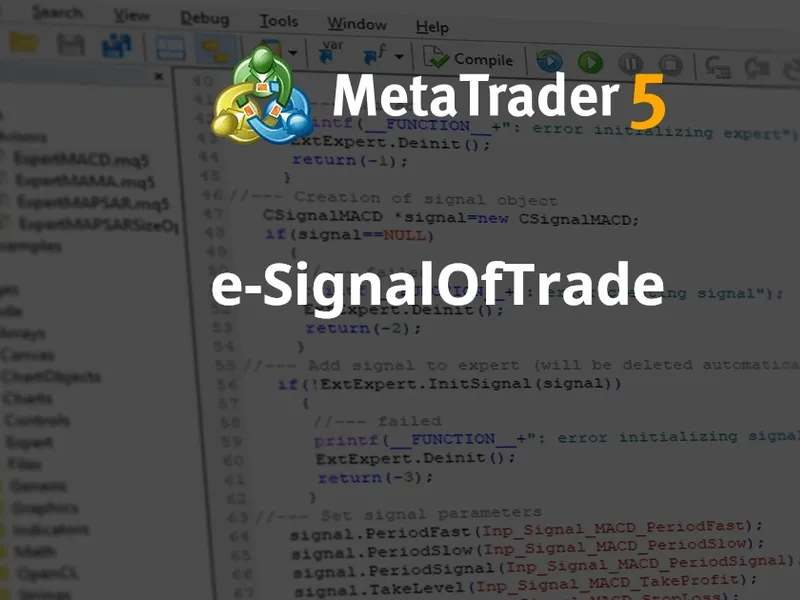
trade transaction class
Info
The trade transaction class is a Library for MetaTrader 5 that when performing some definite actions on a trade account, its state changes. such actions include:sending a trade request from any mql5 application in the client terminal using ordersend and ordersendasync functions and its further execution; sending a trade request via the terminal graphical interface and its further execution; activation of pending and stop orders on the server; performing operations on the trade server side.
Usage
This tool is typically used for enhancing chart analysis and decision making.
Platform
This Library works exclusively on MetaTrader 5 (both build 600+ and newer versions).
Setup
Place the downloaded file in MQL5/Libraries folder via File ? Open Data Folder in MetaTrader 5.
How to Install and Use trade transaction class
1. Storage: Place library files in the MQL/Libraries directory to ensure they are accessible to your projects.
2. Implementation: Include the library in your code using the #import directive, ensuring you match the exact function names and parameters.
3. Compilation: Ensure the library is present in the directory before you compile your main EA or script, as the compiler links them during this phase.
4. Management: Keep libraries organized in sub-folders if you manage many custom functions to maintain a clean project structure.
Frequently Asked Questions
Q: What is a library file used for? A: Libraries store reusable code modules, allowing you to centralize common logic used by multiple EAs or indicators.
Q: Is a library executable? A: No, libraries are non-executable files containing functions; they must be imported into an EA, indicator, or script to function.
Q: Can I update a library while the platform is running? A: You should compile your EA or script after updating a library to ensure the latest code changes are integrated.
What this tool does
when performing some definite actions on a trade account, its state changes.
Typical Use Case
This Library excels in automated trading and technical analysis on MetaTrader 5.
Compatible Platform & Setup
This Library works on MetaTrader 5. Place the file in the MQL5/Libraries folder and restart the terminal.
Description & Settings
Related: MQTT Five — MQTT 5.0 Client Library for MetaTrader 5 - another powerful library for MetaTrader 5 traders.
when performing some definite actions on a trade account, its state changes. such actions include:
Also recommended: asq session manager for metatrader 5 - similar library with strong performance on MetaTrader 5.
sending a trade request from any mql5 application in the client terminal using ordersend and ordersendasync functions and its further execution;
sending a trade request via the terminal graphical interface and its further execution;
activation of pending and stop orders on the server;
performing operations on the trade server side.
special ontradetransaction() handler is provided in mql5 to get trade transactions applied to an account.
ontradetransaction() function can be used for:
getting real-time notifications about trade transactions as they occur.
copying trades from one terminal to another.
monitor trade transactions made by other ready-made expert advisors on different charts.
having data on a trading operation type, you can decide on further analysis of the current state of orders, positions and deals on a trading account. (for example, update your calculations when the the list of open positions is changed).
tracking the result of executing the trade request on a server sent by ordersendasync() function for conducting asynchronous trade operations without waiting for the trade server's response to a sent request.
the ordersendasync() function is designed for high-frequency trading, when under the terms of the trading algorithm it is unacceptable to waste time waiting for a response from the server.
however, analysis of trade transations using the default ontradetransaction() handler provided in mql5 seems complicated.
tradetransaction
class will map the underlying low-level trade transactions to a custom handler corresponding to the trade operation type.
the class has the following methods:
finally this article makes an in-depth discussion about trade transactions in mql5
mql5 cookbook: processing of the tradetransaction event
updates
:
2019.03.06 - v.1.00 : initial release.
2025.03.05 - v.1.10 : fixed issue with stop limit orders not being captured. added 'setlogging' public method to control printing verbose information to 'experts' logs.
You may also like: asq trade frequency controller: optimize trade frequency with precision - excellent alternative for library users on MetaTrader 5.
Source Code
/.......
⚠ Limitations & Risk Warning
- This tool is provided for educational and testing purposes only.
- Past performance does not guarantee future results.
- Trading involves substantial risk of loss. Use on a demo account first.
- Results may vary depending on market conditions, broker, and settings.
- We recommend thorough backtesting and forward testing before using with real funds.