
Range Filter Buy and Sell for MT5
Info
The Range Filter Buy and Sell for MT5 is a Indicator for MetaTrader 5 that a metatrader 5 port of the range filter buy and sell indicator. Indicator Logic: Smoothed Range: EMA(EMA(|close - close[1]|, period), 2 x period - 1) x multiplier.
Usage
This tool is typically used for enhancing chart analysis and decision making.
Platform
This Indicator works exclusively on MetaTrader 5 (both build 600+ and newer versions).
Setup
Place the downloaded file in MQL5/Indicators folder via File ? Open Data Folder in MetaTrader 5.
How to Install and Use Range Filter Buy and Sell for MT5
1. Installation: Place your file in the MQL/Indicators folder via "Open Data Folder" and restart your terminal.
2. Loading: Find the indicator in the Navigator, drag it onto your chart, and configure the input parameters in the popup window.
3. Customization: Press Ctrl+I to open the indicator list, select your tool, and click "Properties" to change colors, levels, or visual styles.
4. Updating: Replace the old file in the Indicators folder with the new version and restart the platform to apply changes.
Frequently Asked Questions
Q: Why is my indicator not showing? A: Verify the file is in the MQL/Indicators folder, or try right-clicking the "Indicators" tree in the Navigator and clicking "Refresh."
Q: Do custom indicators slow down the platform? A: Too many complex indicators can impact performance; remove unused ones via the "Indicator List" (Ctrl+I).
Q: Can I use MT4 indicators on MT5? A: No, MQL4 and MQL5 are distinct languages; ensure the indicator is compiled specifically for your platform version.
What this tool does
A MetaTrader 5 port of the Range Filter Buy and Sell indicator.
Typical Use Case
This Indicator excels in automated trading and technical analysis on MetaTrader 5.
Compatible Platform & Setup
This Indicator works on MetaTrader 5. Place the file in the MQL5/Indicators folder and restart the terminal.
Description & Settings
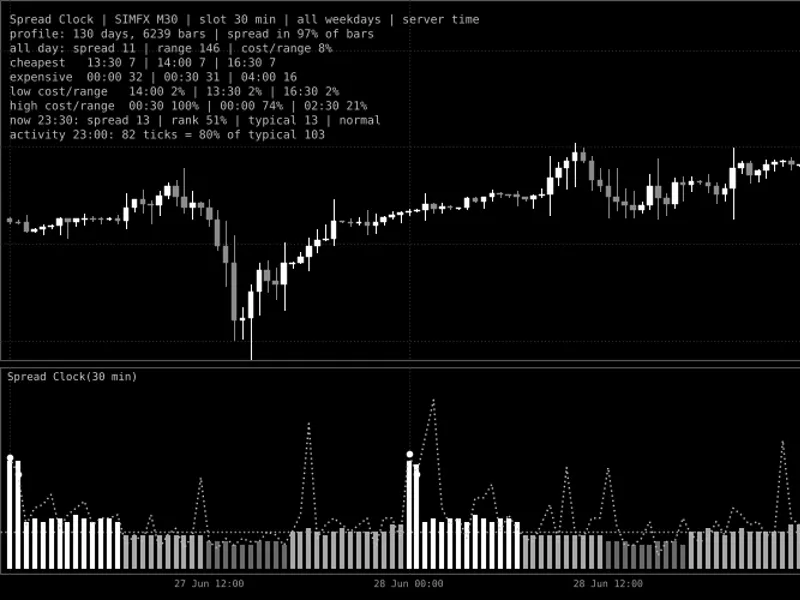
Related: Spread and Liquidity Clock: Time-of-Day Cost-to-Range Profile - another powerful indicator for MetaTrader 5 traders.
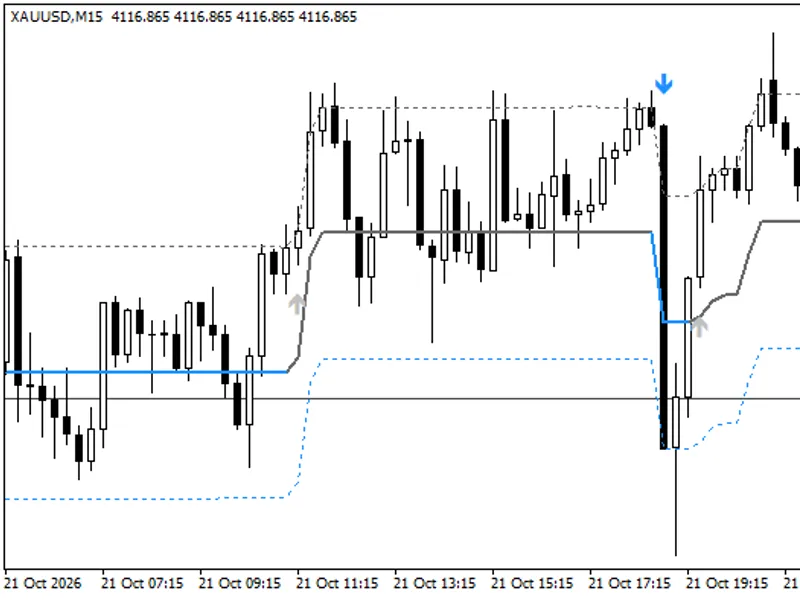
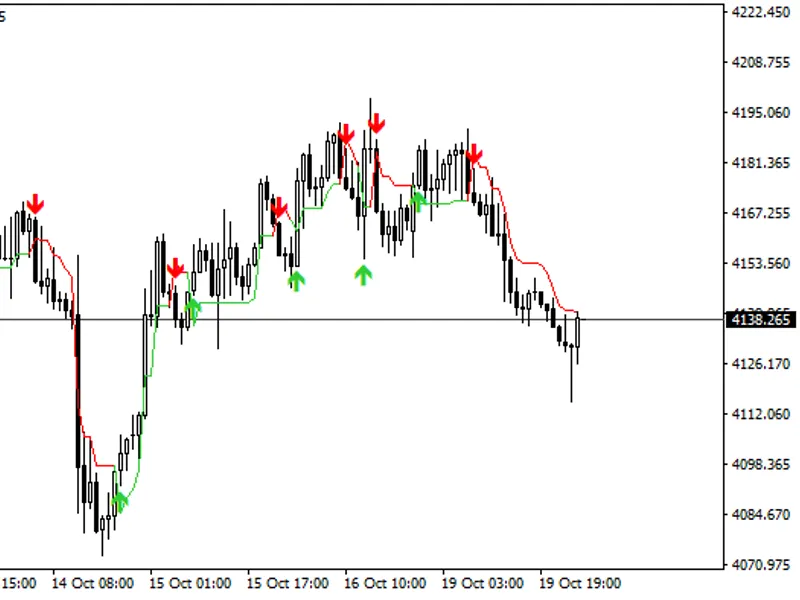
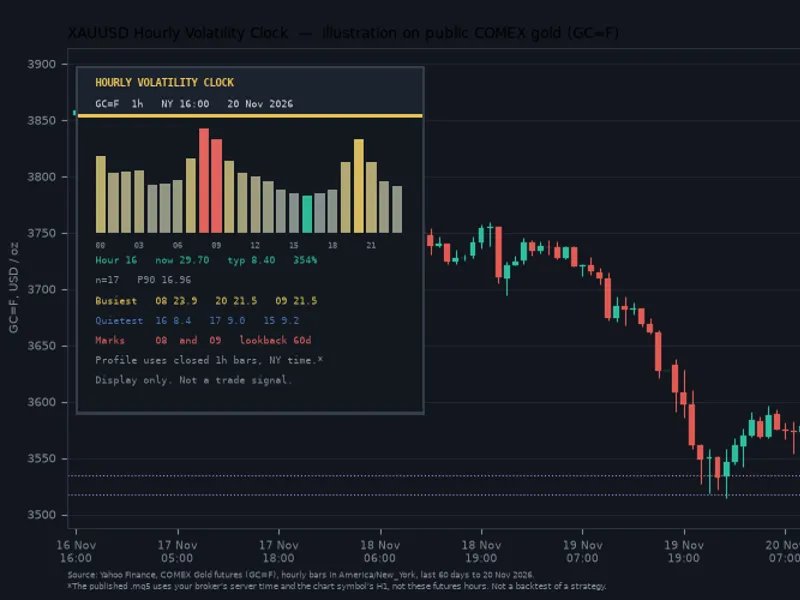
A MetaTrader 5 port of the Range Filter Buy and Sell indicator. Indicator Logic: Smoothed Range: EMA(EMA(|close - close[1]|, period), 2 x period - 1) x multiplier. Each EMA is seeded with an SMA, similar to ta.ema. Range Filter: The indicator line remains stationary until the price moves beyond it by more than the smoothed range. It then follows at that distance. Upward / Downward Counters: Followed by long and short conditions. A Buy or Sell signal is printed once per change of side, using the original CondIni logic. High / Low Target Bands: Located at filter +/- range. Bar colors are consistent with the original indicator. Inputs: Original defaults: Sampling Period 100, Range Multiplier 3.0. MetaTrader 5 Features: No Repainting: A Buy or Sell arrow is drawn on the bar's close and remains fixed. Tested extensively on various timeframes and symbols, confirming that indicator values at bar close are final. Alerts: New signal alerts are available via popup, sound, push notification to the MetaTrader 5 mobile app, or email. Alerts trigger once per signal on the closed bar. Automatic Colors: The indicator dynamically adjusts colors for visibility on both light and dark chart themes. Signal Statistics Panel: Displays Buy/Sell signals, trade results (including profit, win rate, drawdown), and other relevant metrics. The panel can be collapsed and repositioned. Its colors adapt to the chart theme. Daily Session Filter: An optional filter for statistics based on user-defined time zones, with session shading and an option to close trades at session end. Disabled by default. Trade Marks: Marks on the chart indicate trade entry/exit points, with hover-over details for prices, exit reasons, and results. Works on any symbol and timeframe. For EA Developers (iCustom): Available buffers: - Buffer 4: Buy signal price - Buffer 5: Sell signal price - Buffer 11: Filter value - Buffer 12: Smoothed range EMPTY_VALUE indicates no value. Example call: iCustom(_Symbol, _Period, "TV_RangeFilter"). Signals on the closed bar (shift 1) are final. The panel provides historical signal data for evaluation. It is not a backtest and does not guarantee future results. License: Free and open source under the Mozilla Public License 2.0 (MPL-2.0). The statistics panel code (TVStats5) is MIT-licensed. License notices must be retained when sharing or modifying the code. Disclaimer: This is a visual tool. It does not execute trades and does not predict prices. Test any strategy based on this indicator before live trading.Also recommended: XAUUSD Hourly Volatility Clock: Typical Hourly Range vs. Current Hour - similar indicator with strong performance on MetaTrader 5.
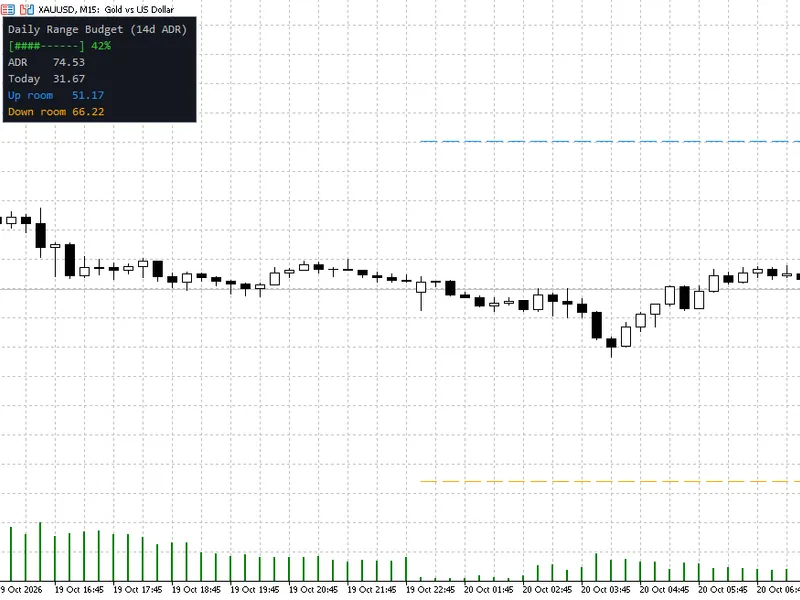
You may also like: Daily Range Budget Indicator - excellent alternative for indicator users on MetaTrader 5.
Source Code
#property copyright "RobotFX"
#property link "https://robotfx.org"
#property version   "1.00"
#property description "This code is educational. Feel free to use, modify and upgrade as you wish. Visit ROBOTFX.ORG for professional trading tools"
#property indicator_chart_window
#property indicator_buffers 19
#property indicator_plots   6
#property indicator_label1  "Range Filter"
#property indicator_type1   DRAW_COLOR_LINE
#property indicator_color1  clrWhite,C'144,191,249',clrDodgerBlue
.......
⚠ Limitations & Risk Warning
- This tool is provided for educational and testing purposes only.
- Past performance does not guarantee future results.
- Trading involves substantial risk of loss. Use on a demo account first.
- Results may vary depending on market conditions, broker, and settings.
- We recommend thorough backtesting and forward testing before using with real funds.