
Opening Range Breakout Indicator with Statistical Dashboard
Info
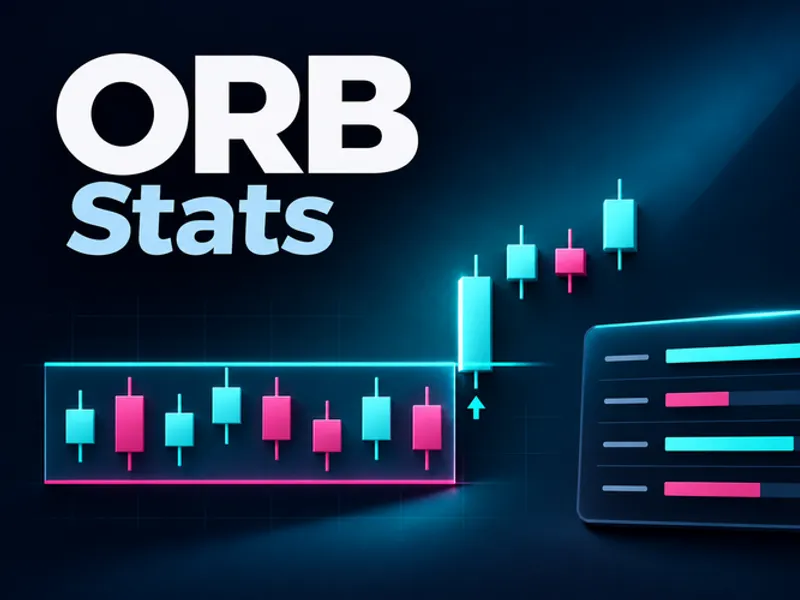
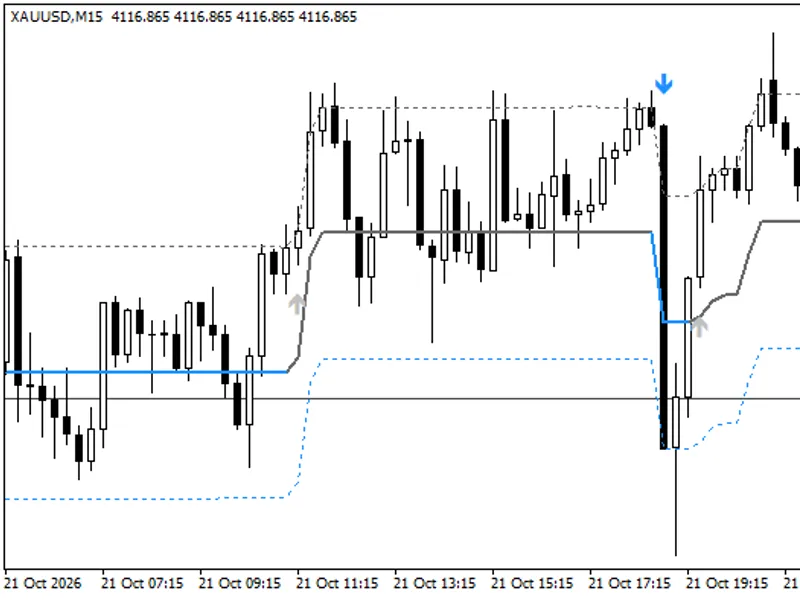
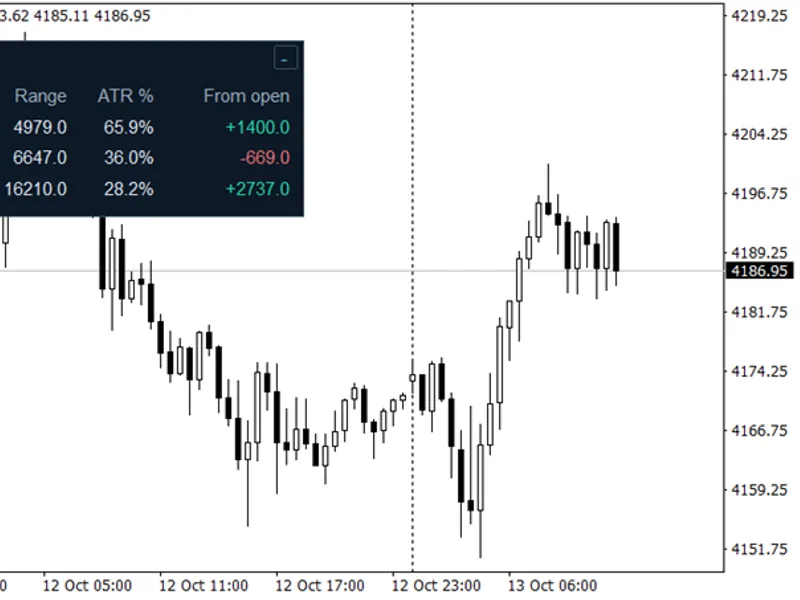
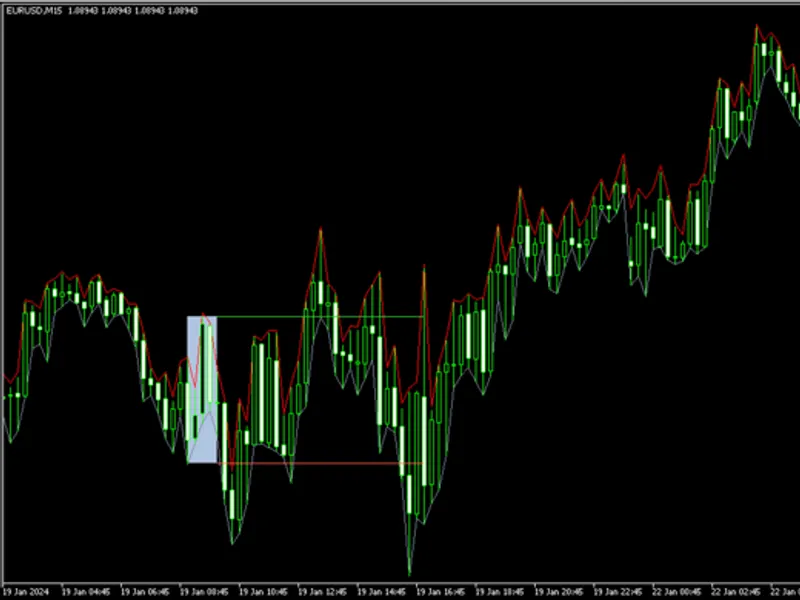
The Opening Range Breakout Indicator with Statistical Dashboard is a Indicator for MetaTrader 5 that opening range breakout (orb) indicator with statistical dashboardthis indicator identifies opening range breakouts and provides a comprehensive statistical dashboard to analyze the behavior of the trading range. The indicator draws the breakout box and provides insights into how the range has performed for the selected symbol.
Usage
This tool is typically used for breakout trading when price moves beyond key support/resistance levels.
Platform
This Indicator works exclusively on MetaTrader 5 (both build 600+ and newer versions).
Setup
Place the downloaded file in MQL5/Indicators folder via File ? Open Data Folder in MetaTrader 5.
How to Install and Use Opening Range Breakout Indicator with Statistical Dashboard
1. Installation: Place your file in the MQL/Indicators folder via "Open Data Folder" and restart your terminal.
2. Loading: Find the indicator in the Navigator, drag it onto your chart, and configure the input parameters in the popup window.
3. Customization: Press Ctrl+I to open the indicator list, select your tool, and click "Properties" to change colors, levels, or visual styles.
4. Updating: Replace the old file in the Indicators folder with the new version and restart the platform to apply changes.
Frequently Asked Questions
Q: Why is my indicator not showing? A: Verify the file is in the MQL/Indicators folder, or try right-clicking the "Indicators" tree in the Navigator and clicking "Refresh."
Q: Do custom indicators slow down the platform? A: Too many complex indicators can impact performance; remove unused ones via the "Indicator List" (Ctrl+I).
Q: Can I use MT4 indicators on MT5? A: No, MQL4 and MQL5 are distinct languages; ensure the indicator is compiled specifically for your platform version.
What this tool does
Opening Range Breakout (ORB) Indicator with Statistical DashboardThis indicator identifies opening range breakouts and provides a comprehensive statistical dashboard to analyze the behavior of the trading range.
Typical Use Case
This Indicator excels in automated trading and technical analysis on MetaTrader 5.
Compatible Platform & Setup
This Indicator works on MetaTrader 5. Place the file in the MQL5/Indicators folder and restart the terminal.
Description & Settings
Related: Spread ATR Monitor: Real-time Spread vs. Average True Range - another powerful indicator for MetaTrader 5 traders.
Opening Range Breakout (ORB) Indicator with Statistical DashboardAlso recommended: ORB Box + VWAP Stats: Opening Range, Targets, and Historical Break Analysis - similar indicator with strong performance on MetaTrader 5.
This indicator identifies opening range breakouts and provides a comprehensive statistical dashboard to analyze the behavior of the trading range.
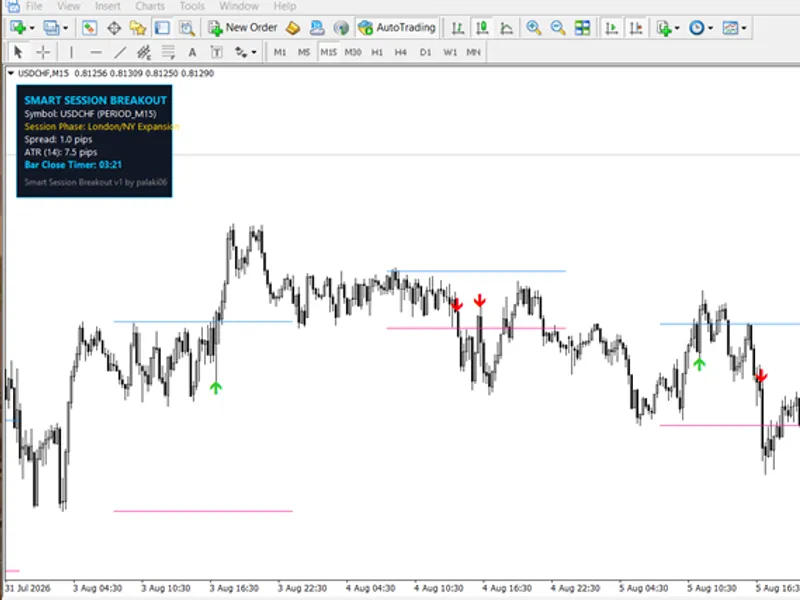
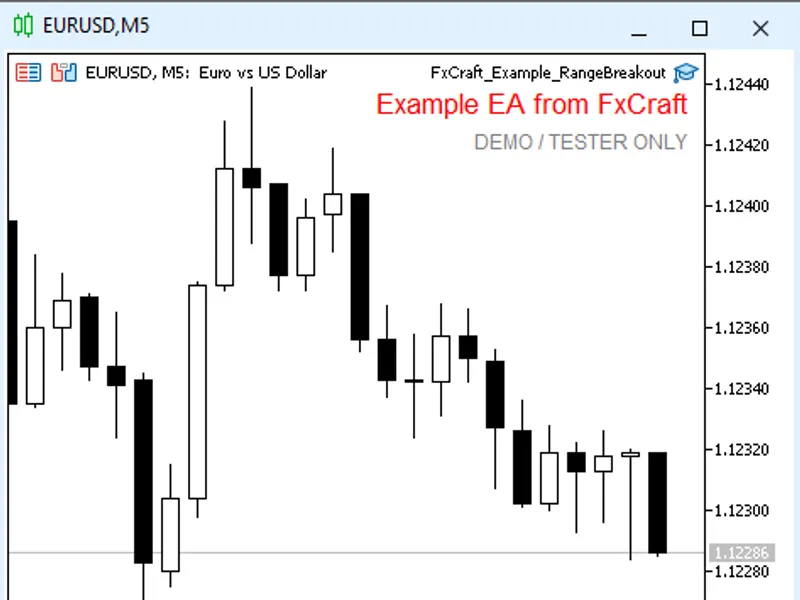
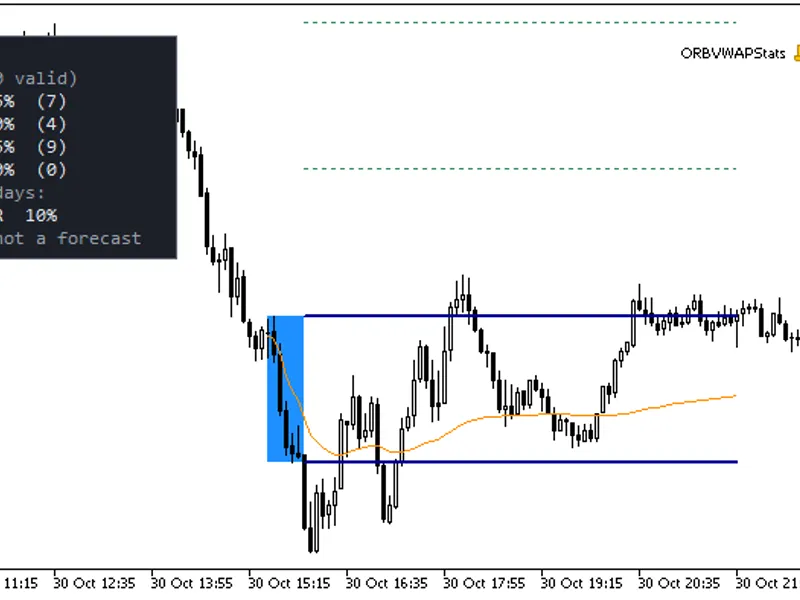
The indicator draws the breakout box and provides insights into how the range has performed for the selected symbol. You can define the range window using server time (e.g., 00:00–01:00) or your specific session open time. Each day features a box with its high and low lines. A breakout is confirmed only upon a candle close beyond the range, ensuring no repainting.
The dashboard analyzes a lookback period (defaulting to 60 days) and displays:
- Number of days counted
- Percentage of days with breakouts up, down, both ways, or no breakout
- Percentage of breakouts that reached the target (a multiple of the range) before reversing to the opposite side
- Average range size in points
Statistics are updated once per day, minimizing the load on the terminal. Performance can vary significantly across different symbols and range windows, encouraging experimentation with various settings.
Notes:
Today's range is displayed but excluded from the statistics until the trading day is complete. Only trading days with historical data are considered; therefore, holidays and shortened sessions may result in a lower 'days counted' value than the lookback period. A breakout is validated by a candle close, while the target achievement is checked against bar highs and lows. If a single bar reaches the target and closes beyond the opposite side, it is considered a miss, making the results more conservative.
The range start and end times must align with the chart's timeframe (e.g., 08:15 is not compatible with M30). Ranges spanning across midnight and timeframes of H4 and higher are not supported. Multiple instances of the indicator can be run on a single chart with different configurations.
Inputs:
Range start and end times, lookback days, target multiple, color settings.
You may also like: Session Range Breakout Indicator for MT5 - excellent alternative for indicator users on MetaTrader 5.
Source Code
#property copyright "RobotFX"
#property link "https://robotfx.org"
#property version   "1.00"
#property indicator_chart_window
#property indicator_plots 0
#property indicator_buffers 0
input string           InpRangeStart = "08:00";
input string           InpRangeEnd   = "09:00";
input int              InpLookbackDays = 60;
input double           InpTargetMult = 1.0;
.......
⚠ Limitations & Risk Warning
- This tool is provided for educational and testing purposes only.
- Past performance does not guarantee future results.
- Trading involves substantial risk of loss. Use on a demo account first.
- Results may vary depending on market conditions, broker, and settings.
- We recommend thorough backtesting and forward testing before using with real funds.