


G7 Account Inspector Pro: On-Chart Trading Performance and Risk Auditor for MT5
Info
The G7 Account Inspector Pro: On-Chart Trading Performance and Risk Auditor for MT5 is a Indicator for MetaTrader 5 that g7 account inspector pro - the ultimate on-chart account diagnostic suiteg7 account inspector pro is an institutional-grade analytical dashboard and risk auditing terminal designed natively for metatrader 5. Whether you are trading prop firm challenges (FTMO, FundingPips, FundedNext), running automated Expert Advisors, or managing discretionary portfolios,G7 Account Inspector Pro provides complete real-time clarity on your trading performance, risk posture, and execution habits.
Usage
This tool is typically used for enhancing chart analysis and decision making.
Platform
This Indicator works exclusively on MetaTrader 5 (both build 600+ and newer versions).
Setup
Place the downloaded file in MQL5/Indicators folder via File ? Open Data Folder in MetaTrader 5.
How to Install and Use G7 Account Inspector Pro: On-Chart Trading Performance and Risk Auditor for MT5
1. Installation: Place your file in the MQL/Indicators folder via "Open Data Folder" and restart your terminal.
2. Loading: Find the indicator in the Navigator, drag it onto your chart, and configure the input parameters in the popup window.
3. Customization: Press Ctrl+I to open the indicator list, select your tool, and click "Properties" to change colors, levels, or visual styles.
4. Updating: Replace the old file in the Indicators folder with the new version and restart the platform to apply changes.
Frequently Asked Questions
Q: Why is my indicator not showing? A: Verify the file is in the MQL/Indicators folder, or try right-clicking the "Indicators" tree in the Navigator and clicking "Refresh."
Q: Do custom indicators slow down the platform? A: Too many complex indicators can impact performance; remove unused ones via the "Indicator List" (Ctrl+I).
Q: Can I use MT4 indicators on MT5? A: No, MQL4 and MQL5 are distinct languages; ensure the indicator is compiled specifically for your platform version.
What this tool does
G7 Account Inspector Pro - The Ultimate On-Chart Account Diagnostic SuiteG7 Account Inspector Pro is an institutional-grade analytical dashboard and risk auditing terminal designed natively for MetaTrader 5.
Typical Use Case
This Indicator excels in automated trading and technical analysis on MetaTrader 5.
Compatible Platform & Setup
This Indicator works on MetaTrader 5. Place the file in the MQL5/Indicators folder and restart the terminal.
Description & Settings
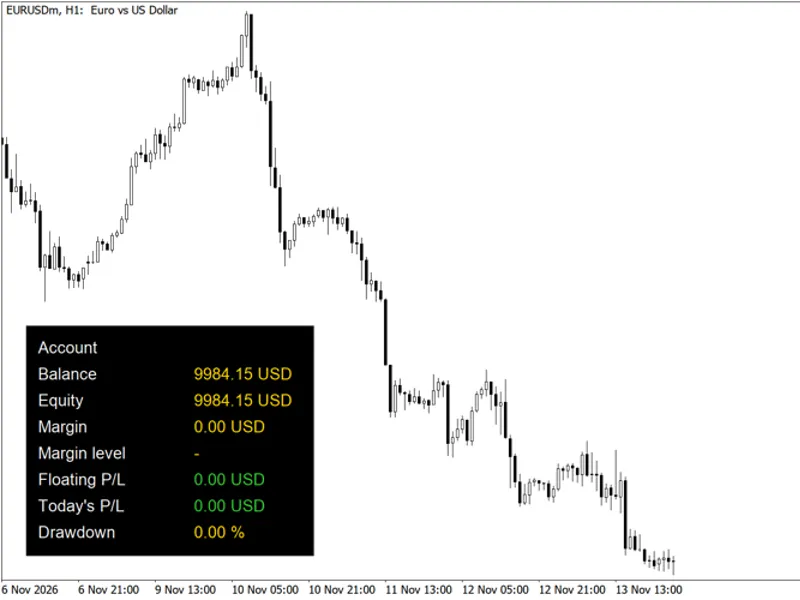
Related: Account Information Panel with Daily P/L and Equity Drawdown - another powerful indicator for MetaTrader 5 traders.
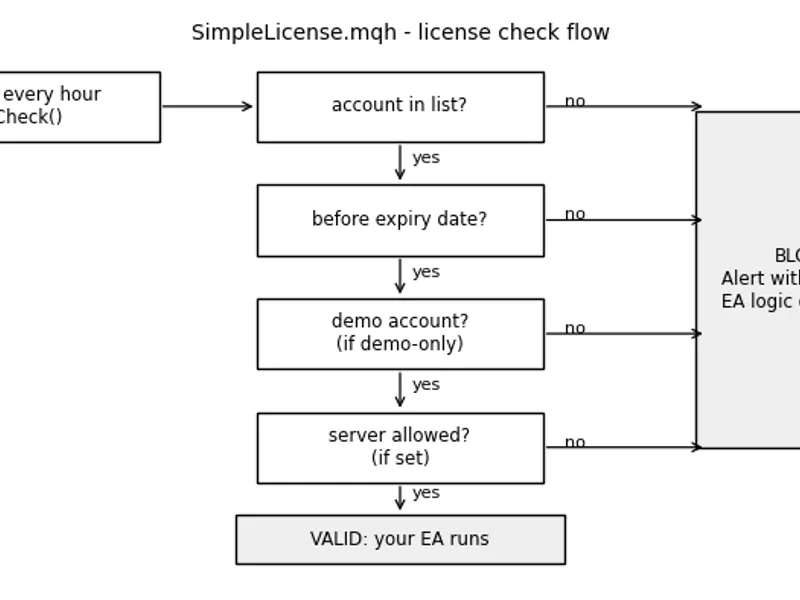
G7 Account Inspector Pro - The Ultimate On-Chart Account Diagnostic SuiteAlso recommended: Simple License for MT4/MT5: Secure Your EA with Account, Expiry, and Server Controls - similar indicator with strong performance on MetaTrader 5.
G7 Account Inspector Pro is an institutional-grade analytical dashboard and risk auditing terminal designed natively for MetaTrader 5.
Whether you are trading prop firm challenges (FTMO, FundingPips, FundedNext), running automated Expert Advisors, or managing discretionary portfolios,
G7 Account Inspector Pro provides complete real-time clarity on your trading performance, risk posture, and execution habits.
Key Highlights & Features:
- Interactive 1-Click HUD: Switch between a compact, non-intrusive floating pill and a full 3-column institutional dashboard with a single click (EXPAND / CLOSE).
- Dynamic Account Health Score (0–100): Comprehensive algorithm evaluating Profit Factor, Maximum Drawdown, Win Rate, and Return-to-Risk ratio with letter grades (A+ to D).
- Account Behavioral Signature: Real-time visual progress bars measuring:
- Algorithmic vs. Manual Execution Ratio (%)
- Grid Multi-Layer Exposure Index
- Scalping Velocity & Turnaround Rate
- Lot Sizing Deviation & Multiplier Index
- Overnight & Weekend Holding Exposure
- EA vs. Manual Performance Breakdown: Separates trades executed by automated robots (DEAL_MAGIC > 0) from discretionary manual executions to see exactly where your profits originate.
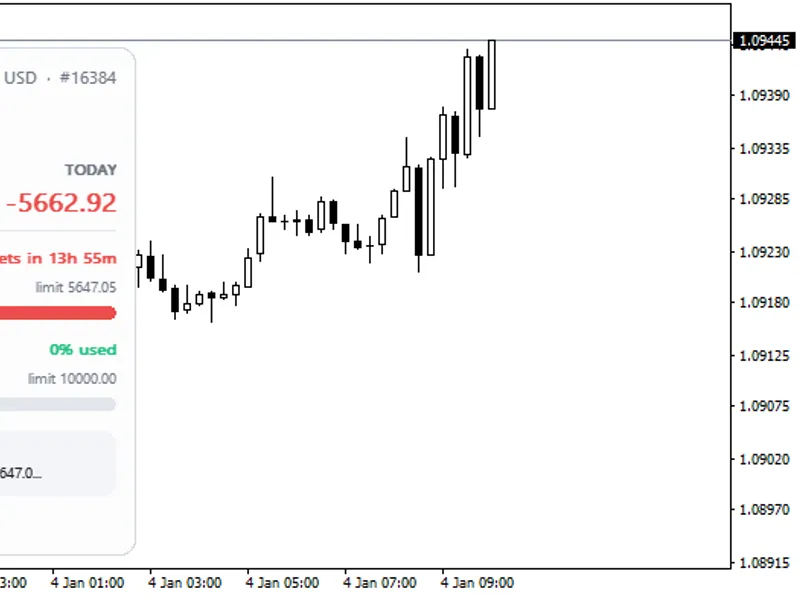
- Prop Firm Rule Compliance Auditor: Continuously tracks daily and total peak drawdown against prop firm benchmarks (customizable daily and maximum loss thresholds).
- One-Click CSV Export: Export complete historical performance audits into MQL5/Files/ to share with clients, investors, or risk managers.
- Zero Lag & Ultra-Lightweight: Written with direct Win32 chart primitives for smooth frame rates without chart freezing.
Input Parameters:
- InpStartExpanded: Choose whether the dashboard loads in full view (true) or compact pill view (false).
- InpCorner: Anchor corner on your chart (CORNER_LEFT_UPPER, CORNER_RIGHT_UPPER, etc.).
- InpPanelX / InpPanelY: Pixel offsets for exact HUD placement.
- InpPropMaxDailyLoss: Your prop firm's daily drawdown rule in percent (Default: 4.0%).
- InpPropMaxTotalLoss: Your prop firm's maximum total drawdown rule in percent (Default: 10.0%).
- InpHistoryDays: Number of historical trading days to evaluate (Default: 90 days).
Support & Community:
If you find this free tool helpful for your trading and prop firm challenges, please leave a 5-Star review!
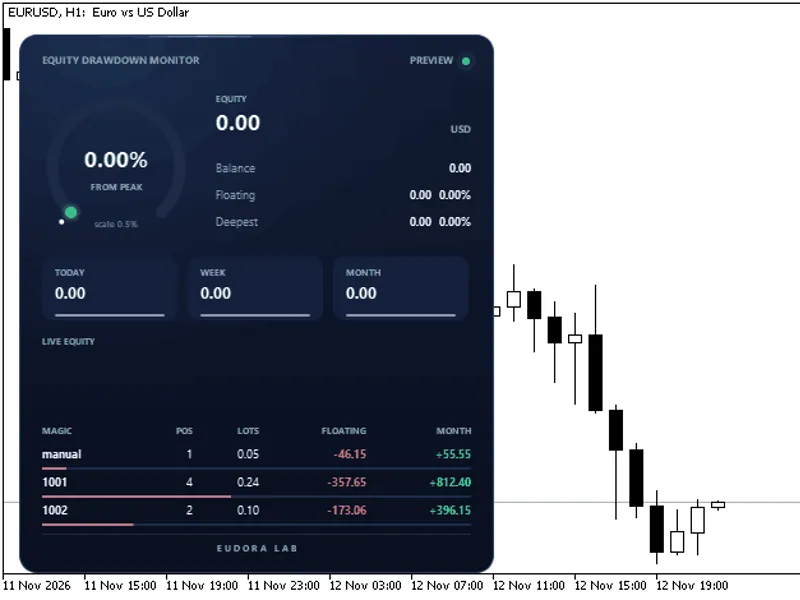
You may also like: Equity Drawdown Monitor: Real-Time Account Performance Tracker - excellent alternative for indicator users on MetaTrader 5.
Source Code
#property copyright "RobotFX"
#property link "https://robotfx.org"
#property version     "3.00"
#property description "This code is educational. Feel free to use, modify and upgrade as you wish. Visit ROBOTFX.ORG for professional trading tools"
#property indicator_chart_window
#property indicator_plots 0
#include <Trade\PositionInfo.mqh>
#include <Trade\AccountInfo.mqh>
#include <Trade\SymbolInfo.mqh>
#define UI_PREFIX             "G7INSP_"
.......
⚠ Limitations & Risk Warning
- This tool is provided for educational and testing purposes only.
- Past performance does not guarantee future results.
- Trading involves substantial risk of loss. Use on a demo account first.
- Results may vary depending on market conditions, broker, and settings.
- We recommend thorough backtesting and forward testing before using with real funds.