


Account Information Display Indicators for MT4/MT5
Info
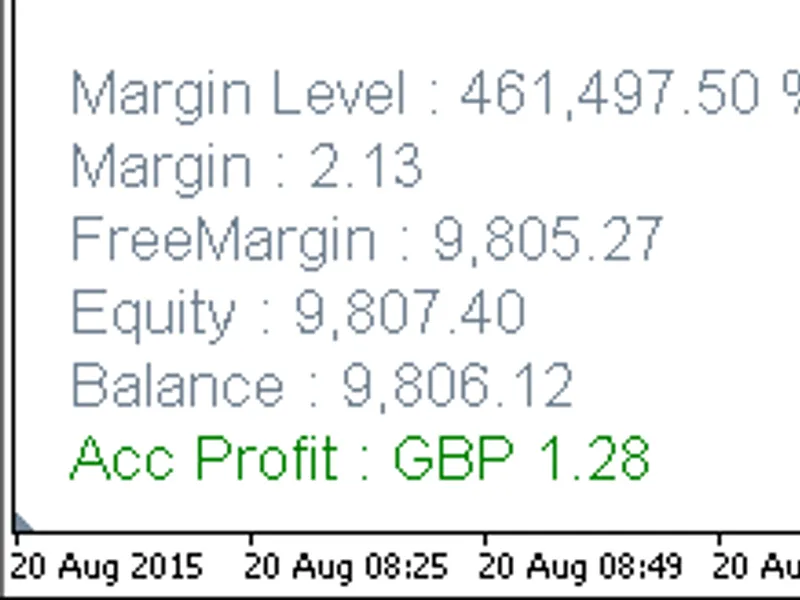
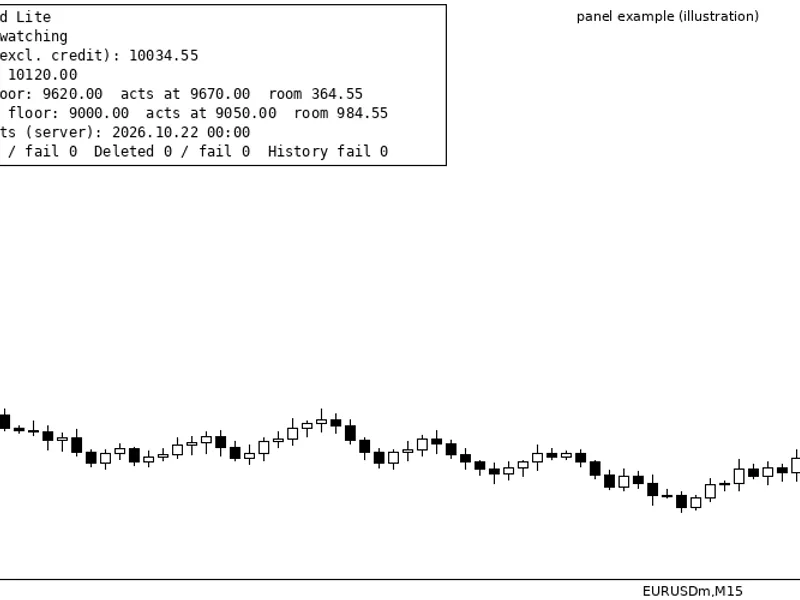
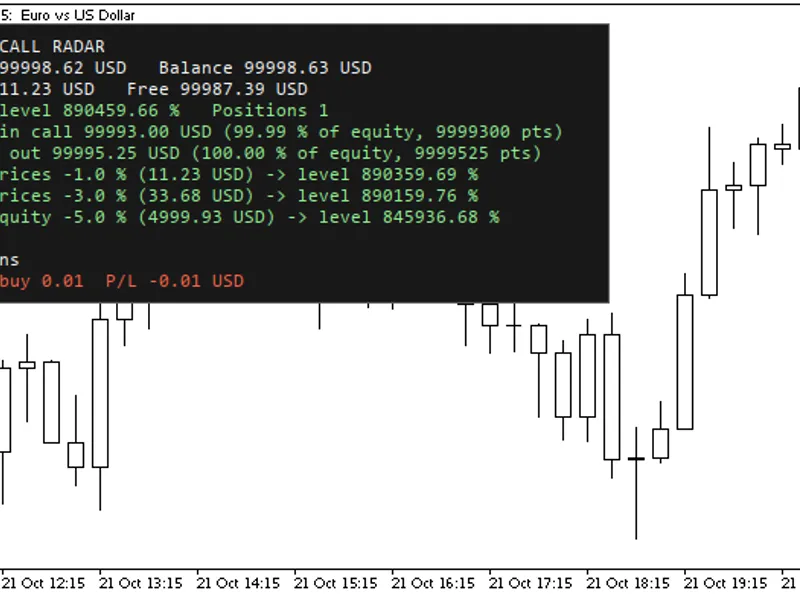
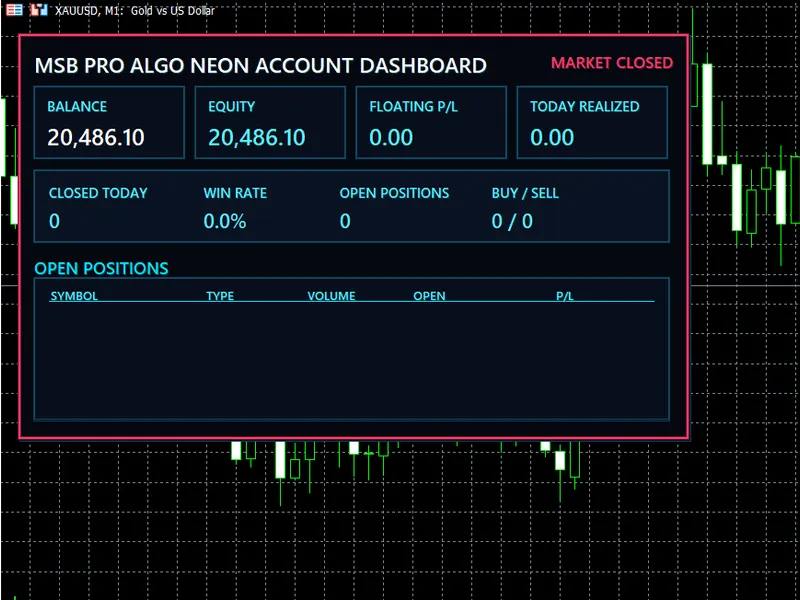
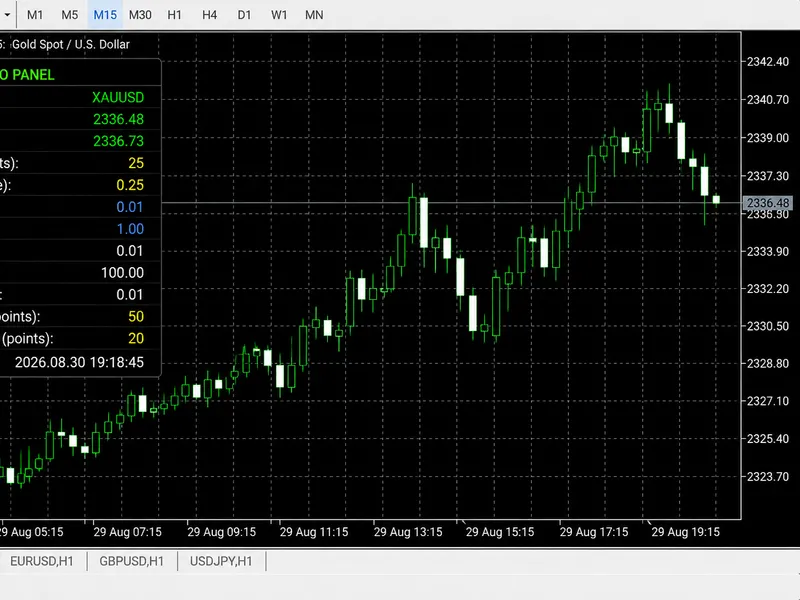
The Account Information Display Indicators for MT4/MT5 is a Indicator for MetaTrader 4 that display key account information directly on your trading chart with these intuitive indicators. Showcasing profit, balance, equity, free margin, margin level percentage, and more.
Usage
This tool is typically used for enhancing chart analysis and decision making.
Platform
This Indicator works exclusively on MetaTrader 4 (both build 600+ and newer versions).
Setup
Place the downloaded file in MQL4/Indicators folder via File ? Open Data Folder in MetaTrader 4.
How to Install and Use Account Information Display Indicators for MT4/MT5
1. Installation: Place your file in the MQL/Indicators folder via "Open Data Folder" and restart your terminal.
2. Loading: Find the indicator in the Navigator, drag it onto your chart, and configure the input parameters in the popup window.
3. Customization: Press Ctrl+I to open the indicator list, select your tool, and click "Properties" to change colors, levels, or visual styles.
4. Updating: Replace the old file in the Indicators folder with the new version and restart the platform to apply changes.
Frequently Asked Questions
Q: Why is my indicator not showing? A: Verify the file is in the MQL/Indicators folder, or try right-clicking the "Indicators" tree in the Navigator and clicking "Refresh."
Q: Do custom indicators slow down the platform? A: Too many complex indicators can impact performance; remove unused ones via the "Indicator List" (Ctrl+I).
Q: Can I use MT4 indicators on MT5? A: No, MQL4 and MQL5 are distinct languages; ensure the indicator is compiled specifically for your platform version.
What this tool does
Display key account information directly on your trading chart with these intuitive indicators.
Typical Use Case
This Indicator excels in automated trading and technical analysis on MetaTrader 4.
Compatible Platform & Setup
This Indicator works on MetaTrader 4. Place the file in the MQL4/Indicators folder and restart the terminal.
Description & Settings
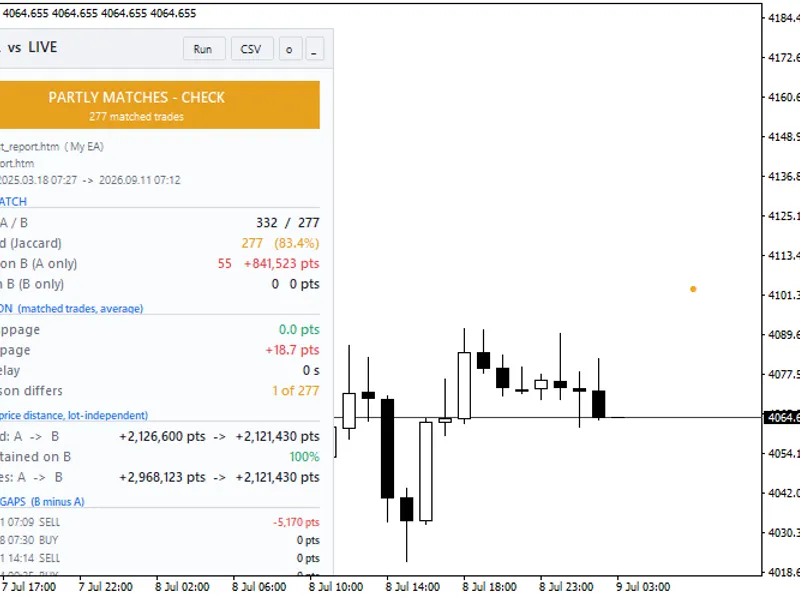
Related: Strategy Tester Report vs. Live Account: Trade-by-Trade Analysis - another powerful indicator for MetaTrader 4 traders.
Display key account information directly on your trading chart with these intuitive indicators. Showcasing profit, balance, equity, free margin, margin level percentage, and more.Also recommended: i market price 2.1 - real-time price information indicator - similar indicator with strong performance on MetaTrader 4.
Indicator 1: Account Info Vertical 4.01 - Organizes account details in a vertical layout on your chart.
Indicator 2: Account Info Horizontal 4.01 - Arranges account information in a horizontal sequence on the chart.
Functionality:
- Hide Account Information: Click anywhere on the displayed account information text to hide it.
- Show Account Information: Click on the text 'Account Info' to make it visible again.
- Show Profit Only: Select 'true' from the input values to display only the profit figure.
Enhanced Layout Features:
Both horizontal and vertical indicators feature auto-equal spacing between account information headers, ensuring no font overlap.
Dynamic Updates and Visibility:
The hide/show functionality relies on incoming ticks or chart refreshes. In low-activity or closed markets, the hide/show action may appear unresponsive until a tick is received or the chart refreshes. An autorefresh timer indicator is included in the download package. Attaching this timer to just one chart will refresh all instances of the Account Info indicators across all charts. Increasing the autorefresh frequency has a minimal impact on CPU usage with modern hardware. You can monitor program impact on CPU load using a free tool like Core Temp.
Recommendations for Optimal Display:
To ensure clear and non-overlapping text, the following requirements are essential:
- Space distances between successive account headers must be equal.
- Adjustments to font size should not cause vertical or horizontal font overlap.
Vertical Axis Equal Spacing:
Vertical axis equal spacing is managed by the `objprop_ydistance` parameter. Successive header `objprop_ydistance` formulas maintain vertical equal spacing by multiplying the font size with allocated terms of an even sequence (2, 4, 6, 8, 10, 12). Vertical font overlap is prevented as each equal space adjusts proportionally to font size changes. Vertical axis shifts are maintained by adding the `objprop_ydistance` input parameter value.
The following code snippet from `account_info_vertical` illustrates the solution for vertical spacing:
input
int up_down = 10; // Controls vertical shift
oninit()
{
up_down_ml = up_down + font_size * 10;
up_down_m = up_down + font_size * 8;
up_down_fm = up_down + font_size * 6;
up_down_e = up_down + font_size * 4;
up_down_b = up_down + font_size * 2;
up_down_p = up_down;
}
oncalculate()
{
objectset("acc_b_v", objprop_ydistance, up_down_b);
objectset("acc_p_v", objprop_ydistance, up_down_p);
}
Horizontal Axis Equal Spacing:
Horizontal axis equal spacing is managed by the `objprop_xdistance` parameter. Unlike the vertical axis, horizontal spacing must account for the real-time updating lengths of preceding account headers, which change based on profit, loss, balance, and margin fluctuations.
Horizontal axis equal space is achieved by calculating the total length of strings in preceding headers and multiplying by a suitable font-size-related multiplier. This ensures that horizontal font overlap is avoided as spacing adjusts proportionally to font size changes. Horizontal axis shifts are maintained by adding the `objprop_xdistance` input parameter value.
The following code snippet from `account_info_horizontal` illustrates the solution for horizontal spacing:
input
int left_right_p = 15; // Controls horizontal shift
oncalculate()
{
double spacer_mult = font_size * spacing * 0.1;
int stlenp = stringlen(acc_p_header + acc_curr + acc_gap_p + acc_p_hs);
int stlenb = stringlen(acc_b_header + acc_b_hs);
objectset("acc_e_h", objprop_xdistance, (stlenp + stlenb) * spacer_mult + left_right_p);
objectset("acc_b_h", objprop_xdistance, stlenp * spacer_mult + left_right_p);
objectset("acc_p_h", objprop_xdistance, left_right_p);
}
You may also like: market information indicator - excellent alternative for indicator users on MetaTrader 4.
Source Code
#property copyright "robotfx"
#property link "https://robotfx.org"
#property version   "4.01"
#property description "this code is educational. feel free to use, modify and upgrade as you wish. visit robotfx.org for professional trading tools"
#property description "this code is educational. feel free to use, modify and upgrade as you wish. visit robotfx.org for professional trading tools"
#property description "this code is educational. feel free to use, modify and upgrade as you wish. visit robotfx.org for professional trading tools"
#property description "this code is educational. feel free to use, modify and upgrade as you wish. visit robotfx.org for professional trading tools"
#property description "this code is educational. feel free to use, modify and upgrade as you wish. visit robotfx.org for professional trading tools"
#property description "this code is educational. feel free to use, modify and upgrade as you wish. visit robotfx.org for professional trading tools"
#property strict
.......
⚠ Limitations & Risk Warning
- This tool is provided for educational and testing purposes only.
- Past performance does not guarantee future results.
- Trading involves substantial risk of loss. Use on a demo account first.
- Results may vary depending on market conditions, broker, and settings.
- We recommend thorough backtesting and forward testing before using with real funds.