


Prop Risk Guard: Comprehensive Account Protection
Info
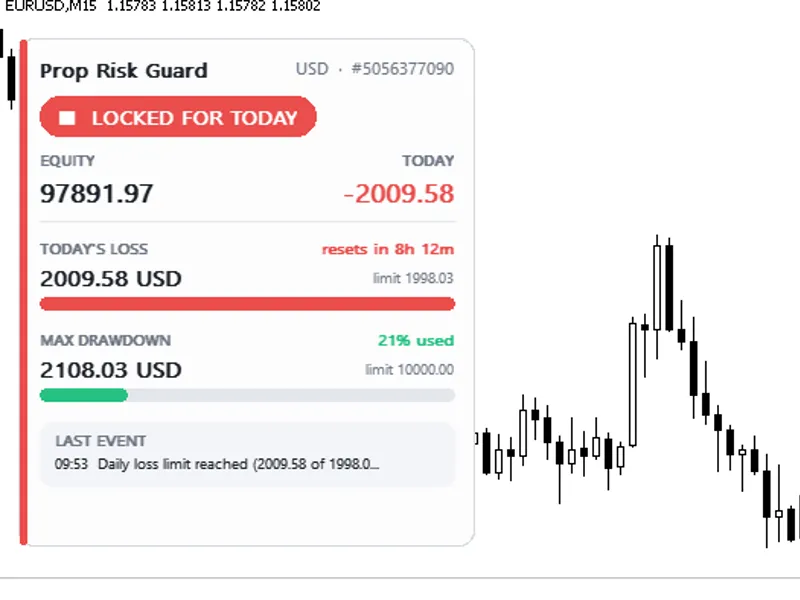
The Prop Risk Guard: Comprehensive Account Protection is a Expert Advisor for MetaTrader 5 that prop risk guard is a powerful tool designed to safeguard your trading account by monitoring and managing risk. It offers daily loss protection, drawdown control, and profit target management, ensuring your account remains secure.
Usage
This tool is typically used for automated trading on major forex pairs and gold.
Platform
This Expert Advisor works exclusively on MetaTrader 5 (both build 600+ and newer versions).
Setup
Place the downloaded file in MQL5/Experts folder via File ? Open Data Folder in MetaTrader 5.
How to Install and Use Prop Risk Guard: Comprehensive Account Protection
1. Installation: Open the "File" menu, select "Open Data Folder," navigate to MQL/Experts, paste your file, and restart the terminal.
2. Activation: Drag the EA from the Navigator onto a chart, ensure "Allow live trading" is checked in the Common tab, and verify the AutoTrading button is green.
3. Optimization: Right-click your chart, choose "Expert List," click "Properties" to adjust inputs, and save your preferred setup as a set file for future use.
4. Maintenance: Regularly check the "Experts" tab in the terminal window to monitor trade logs and potential execution errors.
Frequently Asked Questions
Q: Why is my EA not opening trades? A: Check the "AutoTrading" button, ensure "Allow live trading" is enabled, and verify your broker allows automated trading on your account type.
Q: Can I run multiple EAs on one chart? A: No, each chart can only host one active EA; however, you can open multiple charts for different currency pairs to run several EAs.
Q: What does the "smiley face" icon mean? A: A smiley face in the top-right corner of the chart indicates the EA is successfully running; a frowny face means it is disabled.
What this tool does
Prop Risk Guard is a powerful tool designed to safeguard your trading account by monitoring and managing risk.
Typical Use Case
This Expert Advisor excels in automated trading and technical analysis on MetaTrader 5.
Compatible Platform & Setup
This Expert Advisor works on MetaTrader 5. Place the file in the MQL5/Experts folder and restart the terminal.
Description & Settings
Related: Prop Firm Equity Guard: Daily and Maximum Drawdown Protection - another powerful expert for MetaTrader 5 traders.
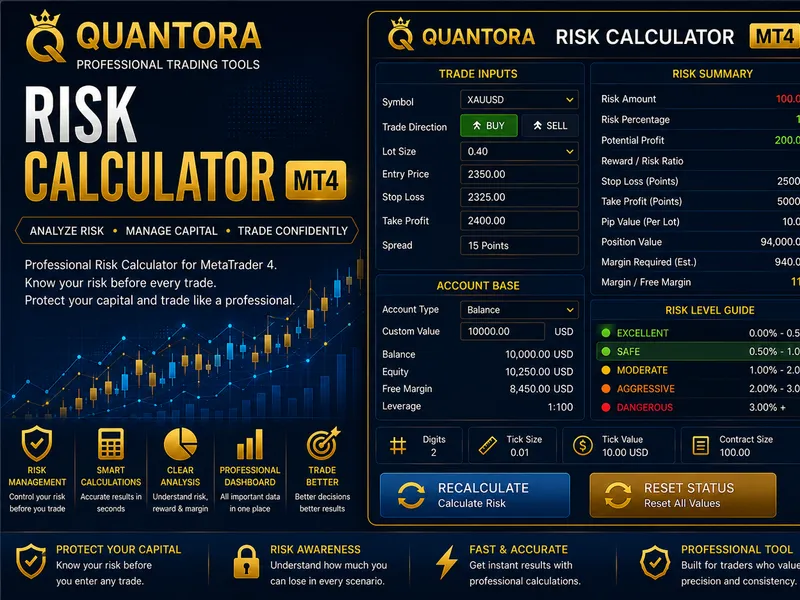
Prop Risk Guard is a powerful tool designed to safeguard your trading account by monitoring and managing risk. It offers daily loss protection, drawdown control, and profit target management, ensuring your account remains secure.Also recommended: Risk Lot Calculator for MetaTrader 5 - similar expert with strong performance on MetaTrader 5.
Features
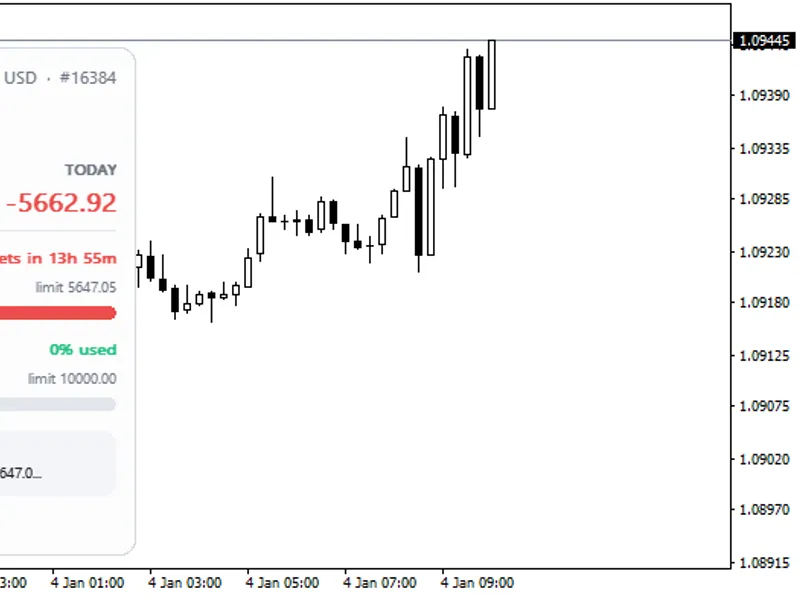
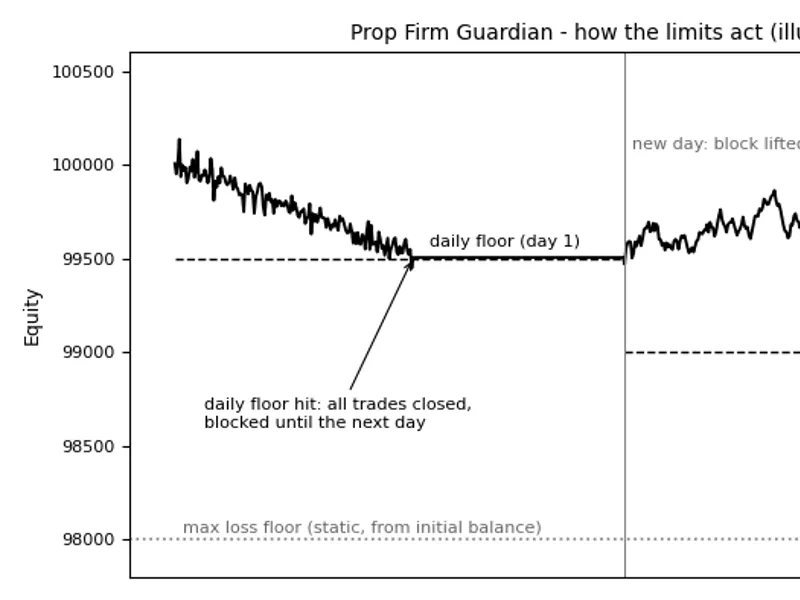
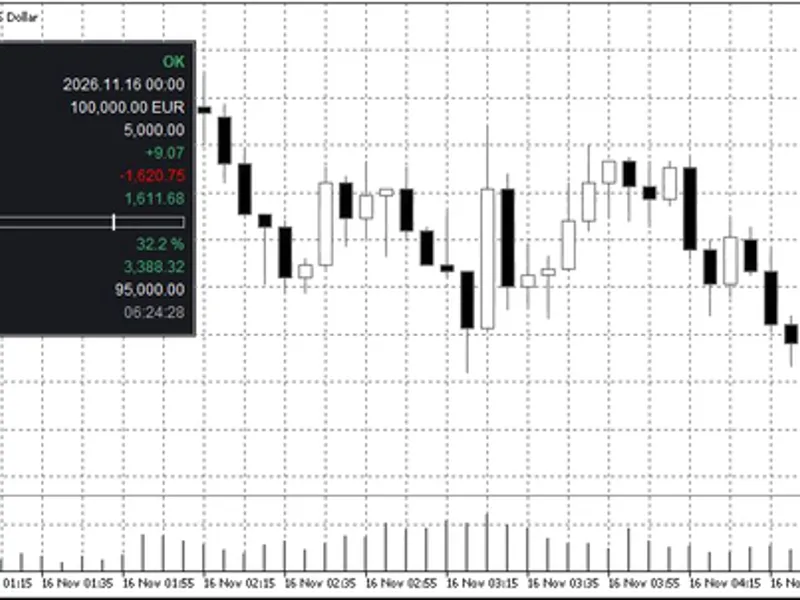
Daily Loss Limit: Tracks today's closed and floating profit/loss, comparing it with the day's starting balance or equity, whichever is higher. The day's start is customizable to match your prop firm's rules.
Max Drawdown: Monitors equity against the starting balance or the highest equity reached. You can set it as static or trailing.
Profit Target: When reached, closes all positions and locks the account to secure profits.
Warning Alerts: Notifies you when a certain percentage of the limit is reached, allowing you to take action.
Safety Buffer: Activates the guard slightly before the limit to account for fast market movements.
Inputs
Daily Loss Limit: Enable/disable, set as a percentage or monetary value, and specify the limit, measurement, and server hour for the day's start.
Max Drawdown: Enable/disable, set as a percentage or monetary value, choose static or trailing, and set the account starting balance.
Profit Target: Enable/disable, set as a percentage or monetary value.
Protection: Select account-wide protection, symbol-specific, or magic number protection. Adjust warning levels, safety buffers, and maximum slippage.
Panel and Alerts: Customize panel display, alerts, and push notifications.
Strategy Tester: Demo mode for testing the guard's performance in risky scenarios.
Usage
Attach the EA to any symbol and timeframe chart. Ensure Algo Trading is enabled for trade management. For continuous protection, run it on a VPS. The EA does not open trades on real accounts, only manages risk. In volatile markets, consider using the safety buffer to prevent potential losses exceeding the limit.
You may also like: Prop Firm Guardian: Manage Daily Loss, Max Loss, and Profit Target - excellent alternative for expert users on MetaTrader 5.
Source Code
#property copyright "RobotFX"
#property link "https://robotfx.org"
#property version     "1.00"
#property description "This code is educational. Feel free to use, modify and upgrade as you wish. Visit ROBOTFX.ORG for professional trading tools"
#include <Trade\Trade.mqh>
#include <Canvas\Canvas.mqh>
enum ENUM_LIMIT_MODE { LIMIT_PERCENT = 0, LIMIT_MONEY = 1 };
enum ENUM_DAY_BASE   { BASE_BALANCE = 0, BASE_EQUITY = 1, BASE_HIGHER = 2 };
enum ENUM_DD_MODE    { DD_STATIC = 0, DD_TRAILING = 1 };
enum ENUM_SCOPE      { SCOPE_ACCOUNT = 0, SCOPE_SYMBOL = 1, SCOPE_MAGIC = 2 };
.......
⚠ Limitations & Risk Warning
- This tool is provided for educational and testing purposes only.
- Past performance does not guarantee future results.
- Trading involves substantial risk of loss. Use on a demo account first.
- Results may vary depending on market conditions, broker, and settings.
- We recommend thorough backtesting and forward testing before using with real funds.