
ATR Stop Distance and Risk-Based Lot Size Calculator Panel
Info
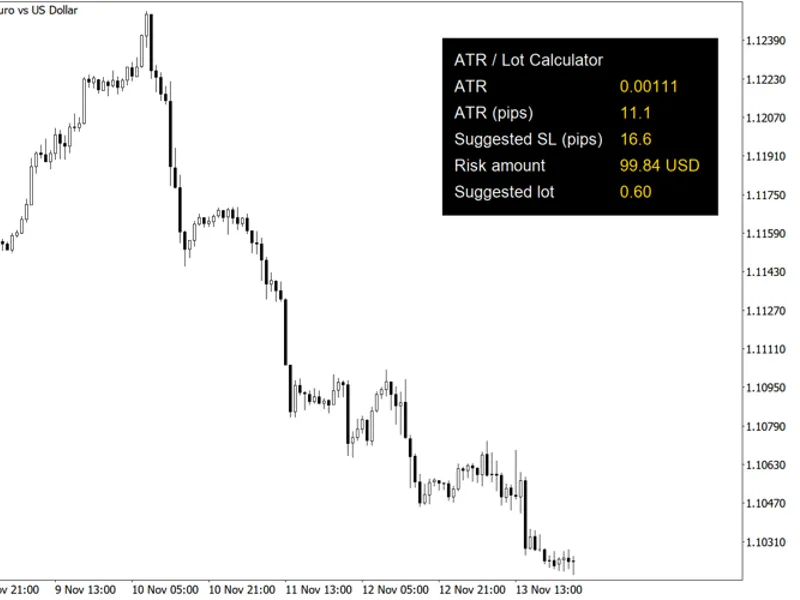
The ATR Stop Distance and Risk-Based Lot Size Calculator Panel is a Indicator for MetaTrader 5 that atr stop distance and lot size panelthis panel displays a position size calculator directly on your chart. It determines the Average True Range (ATR) from the last closed bar, presenting it in both price units and pips.
Usage
This tool is typically used for enhancing chart analysis and decision making.
Platform
This Indicator works exclusively on MetaTrader 5 (both build 600+ and newer versions).
Setup
Place the downloaded file in MQL5/Indicators folder via File ? Open Data Folder in MetaTrader 5.
How to Install and Use ATR Stop Distance and Risk-Based Lot Size Calculator Panel
1. Installation: Place your file in the MQL/Indicators folder via "Open Data Folder" and restart your terminal.
2. Loading: Find the indicator in the Navigator, drag it onto your chart, and configure the input parameters in the popup window.
3. Customization: Press Ctrl+I to open the indicator list, select your tool, and click "Properties" to change colors, levels, or visual styles.
4. Updating: Replace the old file in the Indicators folder with the new version and restart the platform to apply changes.
Frequently Asked Questions
Q: Why is my indicator not showing? A: Verify the file is in the MQL/Indicators folder, or try right-clicking the "Indicators" tree in the Navigator and clicking "Refresh."
Q: Do custom indicators slow down the platform? A: Too many complex indicators can impact performance; remove unused ones via the "Indicator List" (Ctrl+I).
Q: Can I use MT4 indicators on MT5? A: No, MQL4 and MQL5 are distinct languages; ensure the indicator is compiled specifically for your platform version.
What this tool does
ATR Stop Distance and Lot Size PanelThis panel displays a position size calculator directly on your chart.
Typical Use Case
This Indicator excels in automated trading and technical analysis on MetaTrader 5.
Compatible Platform & Setup
This Indicator works on MetaTrader 5. Place the file in the MQL5/Indicators folder and restart the terminal.
Description & Settings
Related: Risk Lot Panel — drag the stop line, read the lot size for your risk percentage - another powerful indicator for MetaTrader 5 traders.
ATR Stop Distance and Lot Size PanelAlso recommended: ATR Trailing Stop Line (Chandelier Exit) - similar indicator with strong performance on MetaTrader 5.
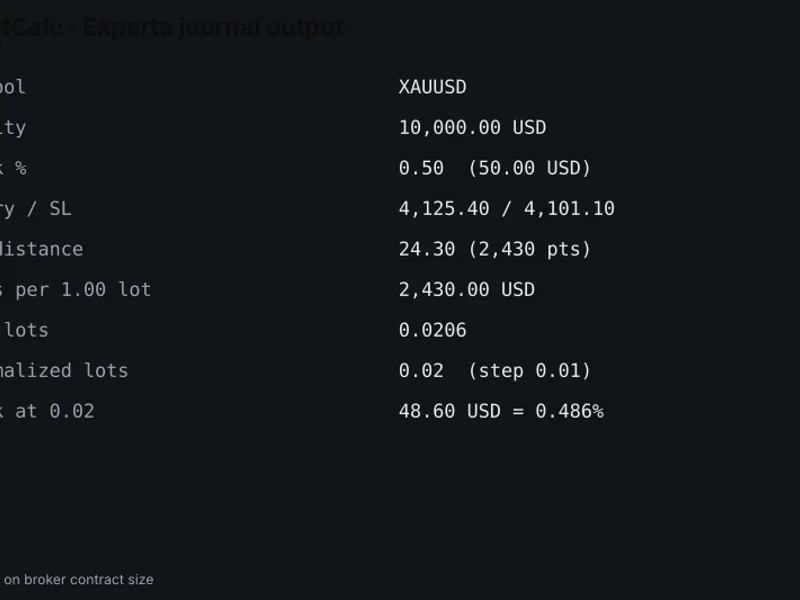
This panel displays a position size calculator directly on your chart. It determines the Average True Range (ATR) from the last closed bar, presenting it in both price units and pips. The recommended stop-loss distance is calculated by multiplying the ATR by the InpAtrSlMult input parameter.
The risk amount is defined as a percentage (InpRiskPercent) of your account balance in the deposit currency.
The suggested lot size is calculated by dividing the risk amount by the potential loss incurred from trading one lot at the recommended stop distance. This loss per lot calculation considers the tick size and tick value of the specific symbol, ensuring accuracy for various instruments including metals, indices, and currency crosses where the quote currency may differ from your account currency. The calculated lot size is then rounded down to adhere to the symbol's minimum volume step and is constrained by the symbol's minimum and maximum volume limits.
A pip is defined as ten points for 3- and 5-digit price quotes, and one point for all other quote types. Please note that due to the minimum volume constraint, the actual risk may exceed the specified percentage for accounts with smaller balances.
The panel's values are updated on every incoming tick and also through a timer that refreshes every five seconds.
The panel's dimensions and offsets are adjusted based on your screen's DPI. You can position the panel in any of the four corners of your chart.
Please be aware that all displayed values are for informational purposes only. All graphical objects and the ATR handle are automatically released when the indicator is removed from the chart.
Input Parameters
InpAtrPeriod
- The period for the ATR calculation (default is 14).
InpRiskPercent
- The percentage of the account balance to risk per trade (default is 1.0).
InpAtrSlMult
- The multiplier for the ATR to determine the suggested stop-loss distance (default is 1.5).
InpCorner
- Specifies the chart corner where the panel will be anchored (default is upper right).
InpX
- The horizontal offset from the selected corner in pixels, adjusted for 96 dpi (default is 20).
InpY
- The vertical offset from the selected corner in pixels, adjusted for 96 dpi (default is 30).
InpFontSize
- The font size for all labels displayed on the panel (default is 10).
InpTextColor
- The color of the labels (default is WhiteSmoke).
InpValueColor
- The color of the displayed values (default is Gold).
InpBgColor
- The background color of the panel (default is Black).
This indicator exclusively draws graphical objects and does not utilize trading buffers. It does not place or manage any trades.
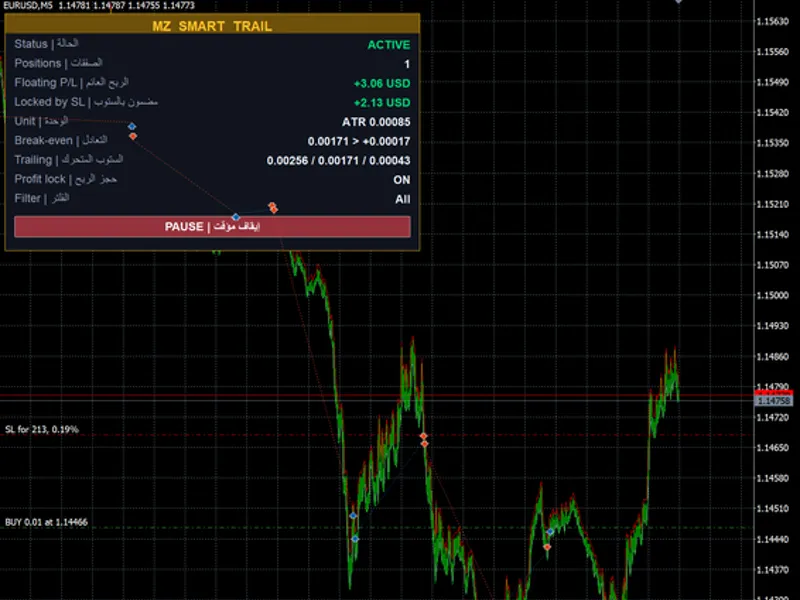
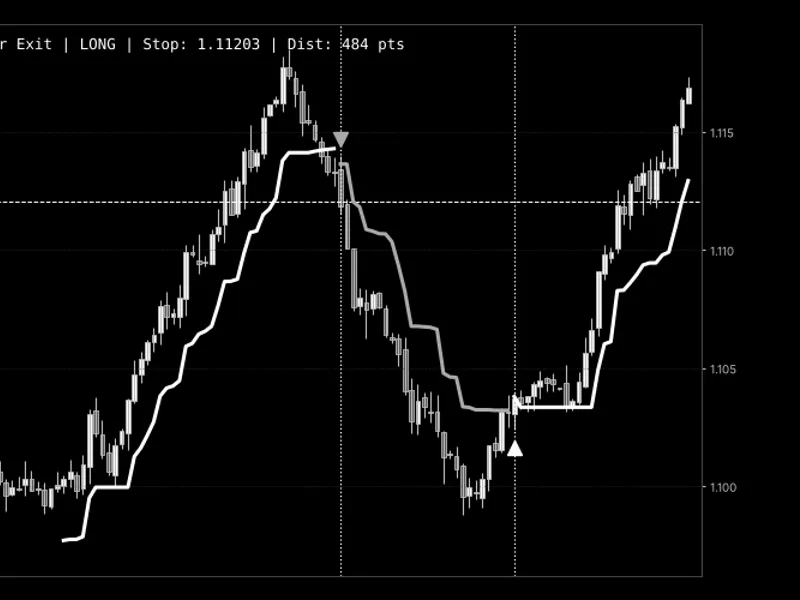
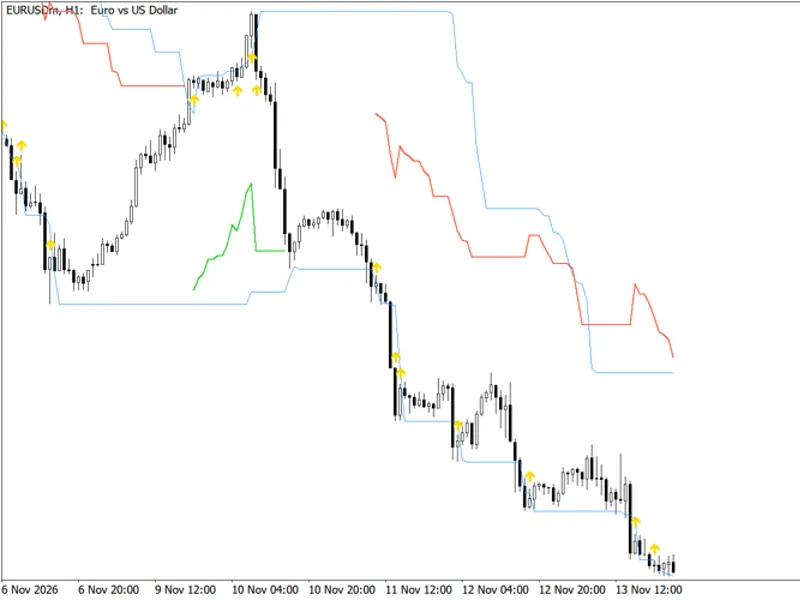
Example: ATR stop distance and lot size panel displayed on EURUSD H1 chart.
You may also like: Donchian Breakout Channel with ATR Trailing Stop - excellent alternative for indicator users on MetaTrader 5.
Source Code
#property copyright "RobotFX"
#property link "https://robotfx.org"
#property version   "1.20"
#property description "This code is educational. Feel free to use, modify and upgrade as you wish. Visit ROBOTFX.ORG for professional trading tools"
#property indicator_chart_window
#property indicator_plots   0
#property indicator_buffers 0
input int              InpAtrPeriod   = 14;
input double           InpRiskPercent = 1.0;
input double           InpAtrSlMult   = 1.5;
.......
⚠ Limitations & Risk Warning
- This tool is provided for educational and testing purposes only.
- Past performance does not guarantee future results.
- Trading involves substantial risk of loss. Use on a demo account first.
- Results may vary depending on market conditions, broker, and settings.
- We recommend thorough backtesting and forward testing before using with real funds.