




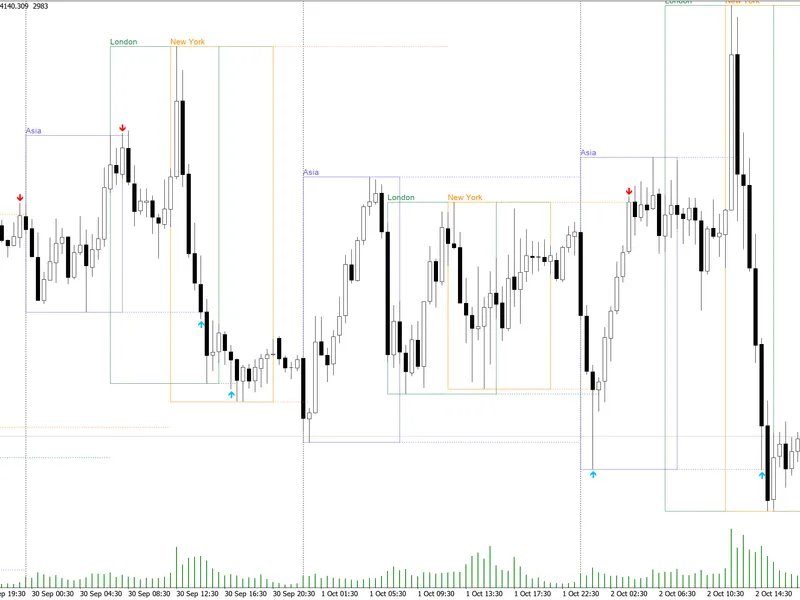
ATS Liquidity City: Visualizing Liquidity Pools and Sweeps
Info
The ATS Liquidity City: Visualizing Liquidity Pools and Sweeps is a Indicator for MetaTrader 5 that ats liquidity city identifies liquidity pools and tracks stop sweeps on any chart. Liquidity Pool Definitions- Swing Highs and Lows: Defined as a high with N lower highs on each side (default N=5).
Usage
This tool is typically used for enhancing chart analysis and decision making.
Platform
This Indicator works exclusively on MetaTrader 5 (both build 600+ and newer versions).
Setup
Place the downloaded file in MQL5/Indicators folder via File ? Open Data Folder in MetaTrader 5.
How to Install and Use ATS Liquidity City: Visualizing Liquidity Pools and Sweeps
1. Installation: Place your file in the MQL/Indicators folder via "Open Data Folder" and restart your terminal.
2. Loading: Find the indicator in the Navigator, drag it onto your chart, and configure the input parameters in the popup window.
3. Customization: Press Ctrl+I to open the indicator list, select your tool, and click "Properties" to change colors, levels, or visual styles.
4. Updating: Replace the old file in the Indicators folder with the new version and restart the platform to apply changes.
Frequently Asked Questions
Q: Why is my indicator not showing? A: Verify the file is in the MQL/Indicators folder, or try right-clicking the "Indicators" tree in the Navigator and clicking "Refresh."
Q: Do custom indicators slow down the platform? A: Too many complex indicators can impact performance; remove unused ones via the "Indicator List" (Ctrl+I).
Q: Can I use MT4 indicators on MT5? A: No, MQL4 and MQL5 are distinct languages; ensure the indicator is compiled specifically for your platform version.
What this tool does
ATS Liquidity City identifies liquidity pools and tracks stop sweeps on any chart.
Typical Use Case
This Indicator excels in automated trading and technical analysis on MetaTrader 5.
Compatible Platform & Setup
This Indicator works on MetaTrader 5. Place the file in the MQL5/Indicators folder and restart the terminal.
Description & Settings
Related: GDS Renko Liquidity Sweep Lab: Price Action Analysis - another powerful indicator for MetaTrader 5 traders.
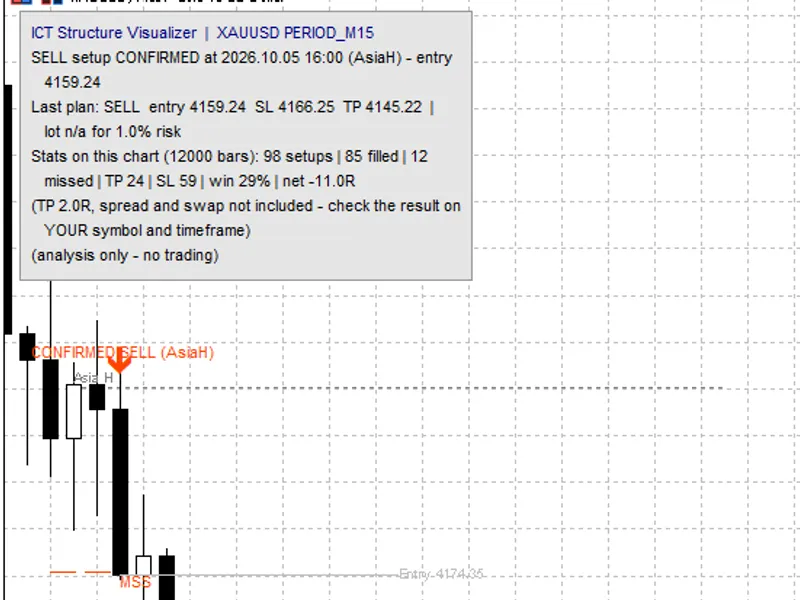
ATS Liquidity City identifies liquidity pools and tracks stop sweeps on any chart.Also recommended: ICT Structure Visualizer: Liquidity, MSS, FVG, and Statistics - similar indicator with strong performance on MetaTrader 5.
Liquidity Pool Definitions
- Swing Highs and Lows: Defined as a high with N lower highs on each side (default N=5). Confirmation requires N closed bars, preventing repainting. Buy stops reside above swing highs, and sell stops below swing lows.
- Equal Highs / Equal Lows: Two or more adjacent swings within 0.10 x ATR(14) of each other. The thickness of the line on the chart indicates the size of the pool.
- Yesterday's High and Low (server day): These levels remain active for the current day only.
Sweep Definitions
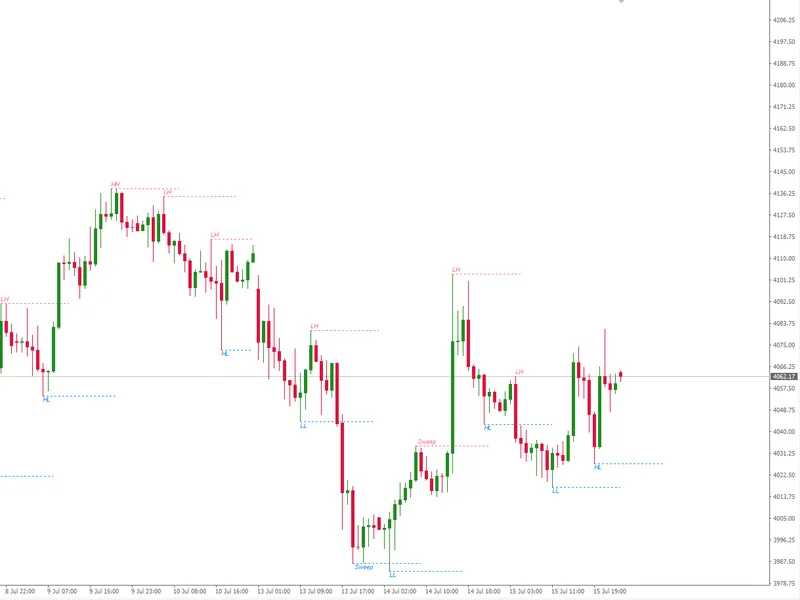
- A sweep is confirmed by the first closed bar that trades beyond a liquidity pool level. An arrow is drawn on the bar that executed the sweep.
- "Grabbed & Rejected": The sweeping bar closes back within the prior level.
- "Taken": The sweeping bar closes beyond the prior level.
On-Chart Visualization
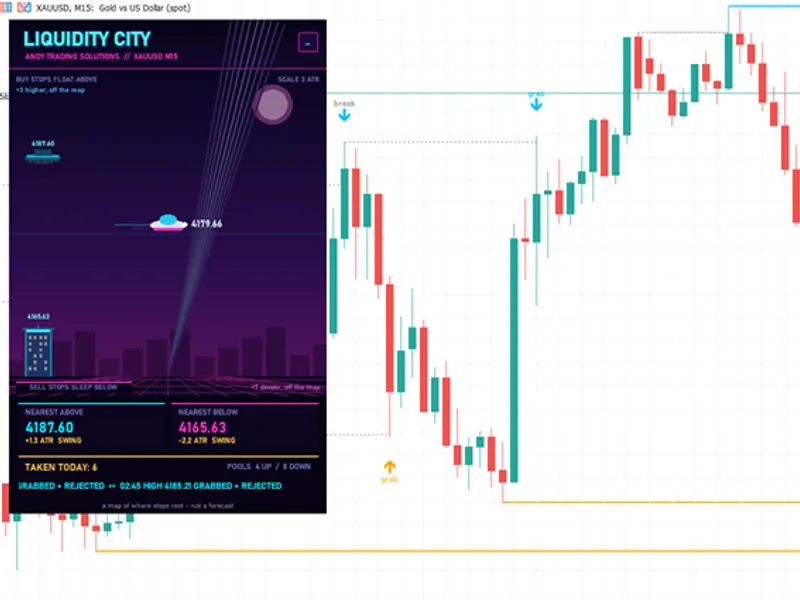
- Active Pools: Displayed as solid lines. Blue lines represent pools above the price, orange lines for pools below, and gold for yesterday's levels. The line thickness indicates the volume of stops. Pool names and prices are shown at the end of the line (e.g., SWING HIGH, EQUAL LOWS x2, YDAY HIGH).
- Swept Pools: Indicated by grey dotted lines that terminate on the bar where the sweep occurred. These are retained for the last 300 bars. The arrow on the sweep bar denotes "grab" (closed inside the level) or "break" (closed beyond the level).
- Tooltips: Hovering over a line provides details on the pool type, price, and status.
Indicator Panel
- The "FLYING CAR" represents the current price, positioned vertically at the midpoint.
- Pools BELOW the price are visualized as skyscrapers, with their neon roofs marking the level. Wider towers signify equal lows. Pools ABOVE the price appear as floating platforms. Yesterday's high/low are depicted as golden holographic billboards. Each pool displays its price.
- Vertical Scale: The chart dynamically adjusts its scale based on the distance in ATR. The nearest pool on each side is always visible, with pools further away indicated as "off the map".
- The "SEARCHLIGHT" is a decorative element that sweeps across the display, illuminating the pools it intersects.
- NEAREST ABOVE / NEAREST BELOW: Displays the price, distance in ATR, and type of the closest liquidity pool in each direction.
- TAKEN TODAY: Shows the count of pools swept since the start of the server day, accompanied by a scrolling ticker detailing the time, level, and outcome (grabbed & rejected or taken).
- Panel Minimization: A "-" / "+" button allows users to minimize or restore the panel. The panel's state is remembered across sessions.
Programmer Information
- Buffers: Buffer 0 and 1 indicate swept high and low pools (arrows), respectively. Buffers 2 and 3 display the nearest active pool above and below the price, respectively. Values are provided for the forming bar; EMPTY_VALUE is used if no pool is present.
- Custom Rendering: The CCanvas object is used for rendering, with glows mixed manually against the background sky color. The minimize button is created as a chart object to ensure it is drawn on top. The panel refreshes 5 times per second, with pools and sweeps recalculated only when a new bar opens.
Inputs
- InpPivot (5): Number of bars on each side defining a swing.
- InpLookback (400): Number of bars scanned for liquidity pools.
- InpEqualATR (0.10): Tolerance for identifying equal highs/lows, expressed as a multiple of ATR(14).
- InpDayLevels (true): Option to include yesterday's high and low levels.
- InpLines (true): Option to display liquidity pool lines on the chart.
- InpAlert (false): Option to enable popup alerts when a pool is swept on the last closed bar.
- InpShowPanel, InpPanelX, InpPanelY: Inputs for panel visibility and position.
Usage Note
This indicator maps potential stop locations and does not provide price forecasts. Historical analysis suggests that trading sweeps in isolation may not be profitable after accounting for trading costs. It is recommended to use this indicator as supplementary context for your trading strategies, identifying obvious stop levels and confirming if they have been targeted.
Notes
This is an indicator designed for MT4/MT5. It does not execute trades. While optimized for XAUUSD on M5/M15 timeframes, it is compatible with any symbol and timeframe.
You may also like: Session Sweep Boxes: Detecting Liquidity Sweeps - excellent alternative for indicator users on MetaTrader 5.
Source Code
#property copyright "RobotFX"
#property link "https://robotfx.org"
#property version     "1.00"
#property description "This code is educational. Feel free to use, modify and upgrade as you wish. Visit ROBOTFX.ORG for professional trading tools"
#property indicator_chart_window
#property indicator_buffers 4
#property indicator_plots   2
#property indicator_label1  "High pool swept"
#property indicator_type1   DRAW_ARROW
#property indicator_color1  clrDeepSkyBlue
.......
⚠ Limitations & Risk Warning
- This tool is provided for educational and testing purposes only.
- Past performance does not guarantee future results.
- Trading involves substantial risk of loss. Use on a demo account first.
- Results may vary depending on market conditions, broker, and settings.
- We recommend thorough backtesting and forward testing before using with real funds.