



GDS Renko Liquidity Sweep Lab: Price Action Analysis
Info
The GDS Renko Liquidity Sweep Lab: Price Action Analysis is a Indicator for MetaTrader 5 that gds renko liquidity sweep lab this indicator constructs classic fixed-size renko charts using broker bid ticks. It identifies three key stages: a price level breach, a confirmed return within the level (reclaim), and consecutive completed closes outside the level (acceptance).
Usage
This tool is typically used for enhancing chart analysis and decision making.
Platform
This Indicator works exclusively on MetaTrader 5 (both build 600+ and newer versions).
Setup
Place the downloaded file in MQL5/Indicators folder via File ? Open Data Folder in MetaTrader 5.
How to Install and Use GDS Renko Liquidity Sweep Lab: Price Action Analysis
1. Installation: Place your file in the MQL/Indicators folder via "Open Data Folder" and restart your terminal.
2. Loading: Find the indicator in the Navigator, drag it onto your chart, and configure the input parameters in the popup window.
3. Customization: Press Ctrl+I to open the indicator list, select your tool, and click "Properties" to change colors, levels, or visual styles.
4. Updating: Replace the old file in the Indicators folder with the new version and restart the platform to apply changes.
Frequently Asked Questions
Q: Why is my indicator not showing? A: Verify the file is in the MQL/Indicators folder, or try right-clicking the "Indicators" tree in the Navigator and clicking "Refresh."
Q: Do custom indicators slow down the platform? A: Too many complex indicators can impact performance; remove unused ones via the "Indicator List" (Ctrl+I).
Q: Can I use MT4 indicators on MT5? A: No, MQL4 and MQL5 are distinct languages; ensure the indicator is compiled specifically for your platform version.
What this tool does
GDS Renko Liquidity Sweep Lab This indicator constructs classic fixed-size Renko charts using broker BID ticks.
Typical Use Case
This Indicator excels in automated trading and technical analysis on MetaTrader 5.
Compatible Platform & Setup
This Indicator works on MetaTrader 5. Place the file in the MQL5/Indicators folder and restart the terminal.
Description & Settings
Related: ICT Structure Visualizer: Liquidity, MSS, FVG, and Statistics - another powerful indicator for MetaTrader 5 traders.
GDS Renko Liquidity Sweep Lab This indicator constructs classic fixed-size Renko charts using broker BID ticks. It identifies three key stages: a price level breach, a confirmed return within the level (reclaim), and consecutive completed closes outside the level (acceptance). The indicator visualizes these levels and events on a Renko dashboard. It also compares subsequent price movements and allows for the export of the complete event log to a CSV file. How it Works A completed swing high or low is recognized as a level only when a reversal brick confirms it. The first incomplete run at the beginning of the historical data is excluded from analysis. The indicator monitors the most recent confirmed upper and lower levels. Each level can generate a single breach event; subsequent swings will replace older, unbreached levels. Reclaim and acceptance are assessed using subsequent real ticks, after all bricks generated by those ticks have been processed. The price of a synthetic brick within a price gap is not considered an executable quote. A classification deadline is in place to prevent old, unresolved events from waiting indefinitely in brick time. Unclassified and expired events are included in the export. The dashboard measures directional BID movement after a specified number of additional completed bricks. It also displays the completed sample count, the percentage of positive price changes, and the average Maximum Favorable Excursion (MFE) and Maximum Adverse Excursion (MAE) in brick units. Please note that these are price statistics, not simulated trade returns or a trading win rate. Overlapping events are not treated as independent observations. Usage Attach the indicator to a separate, standard chart and allow the tick history to load. Set the Brick Size in price units; a value of zero defaults to 200 symbol points. Setting Start to 0 loads a selected number of hours before the latest broker quote and continues processing incoming ticks. A non-zero server-time start selects a fixed historical interval of the same duration. Use the PAUSE / RESUME function to control the processing cursor. The EXPORT CSV option writes the event log to MQL5/Files/GDS_Renko_Sweep_Lab. Each exported file includes inputs, effective price buffers, timestamps, and tick sequence numbers. The dashboard requires a chart area of at least 760 x 520 pixels. Input parameters can be accessed via Ctrl+I. This indicator does not use any orders, DLLs, external indicators, custom symbols, or offline charts. The original chart's visibility and background settings are restored upon indicator removal. Only the indicator's own chart objects are deleted. The term 'liquidity' in this context refers to a price-pattern hypothesis. The indicator does not observe hidden stop orders or measure actual order-book liquidity. Historical data availability is dependent on the broker; missing ticks are not reconstructed from OHLC data. Price statistics do not account for spread, fees, or slippage. The historical results do not constitute evidence of a persistent trading edge and are not a guarantee of future profitability. Suggested screenshots after native testing: 1. Full Renko dashboard showing a breached level and its R/A classification. 2. Close-up view of both outcome groups and their respective sample counts. Use actual MT5 output for screenshots. Avoid using synthetic test images to illustrate performance.Also recommended: Session Sweep Boxes: Detecting Liquidity Sweeps - similar indicator with strong performance on MetaTrader 5.
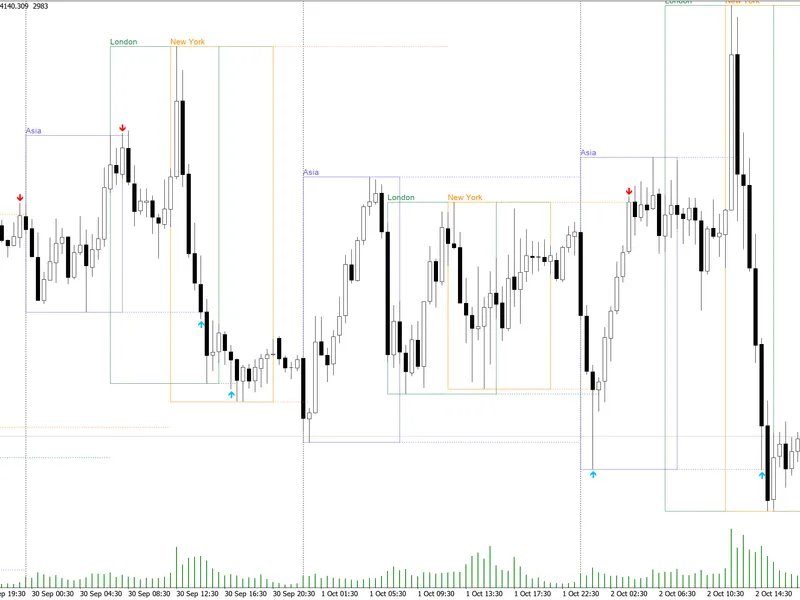
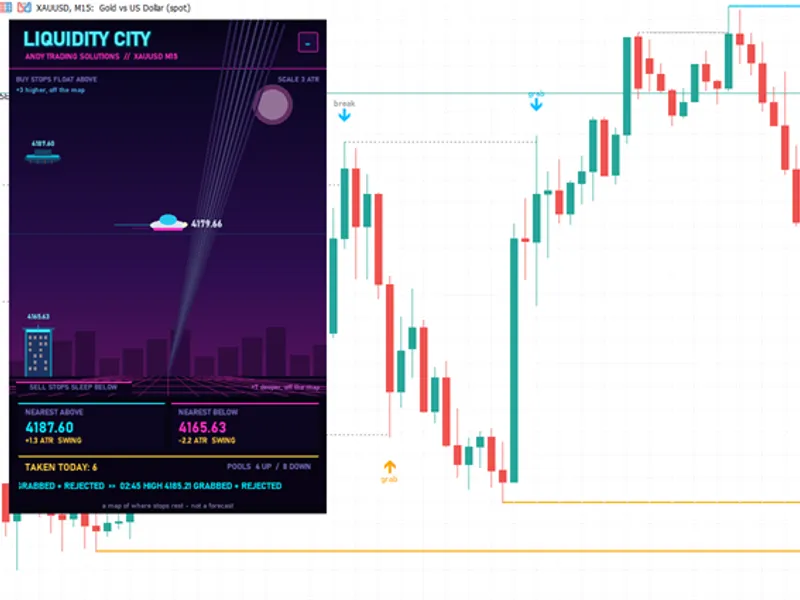
You may also like: ATS Liquidity City: Visualizing Liquidity Pools and Sweeps - excellent alternative for indicator users on MetaTrader 5.
Source Code
#property copyright "RobotFX"
#property link "https://robotfx.org"
#property version   "1.01"
#property strict
#property indicator_chart_window
#property indicator_buffers 1
#property indicator_plots   1
#property indicator_type1   DRAW_NONE
#property tester_everytick_calculate
#property description "This code is educational. Feel free to use, modify and upgrade as you wish. Visit ROBOTFX.ORG for professional trading tools"
.......
⚠ Limitations & Risk Warning
- This tool is provided for educational and testing purposes only.
- Past performance does not guarantee future results.
- Trading involves substantial risk of loss. Use on a demo account first.
- Results may vary depending on market conditions, broker, and settings.
- We recommend thorough backtesting and forward testing before using with real funds.