
nn f x auto trader
Info
The nn f x auto trader is a Expert Advisor for MetaTrader 4 that this ea allows to create, manage and exit trades in the no nonsense forex way much faster. it helps to perfect risk management and also to get rid of emotions when trading, as you can open and close trades with one click.
Usage
This tool is typically used for automated trading on major forex pairs and gold.
Platform
This Expert Advisor works exclusively on MetaTrader 4 (both build 600+ and newer versions).
Setup
Place the downloaded file in MQL4/Experts folder via File ? Open Data Folder in MetaTrader 4.
How to Install and Use nn f x auto trader
1. Installation: Open the "File" menu, select "Open Data Folder," navigate to MQL/Experts, paste your file, and restart the terminal.
2. Activation: Drag the EA from the Navigator onto a chart, ensure "Allow live trading" is checked in the Common tab, and verify the AutoTrading button is green.
3. Optimization: Right-click your chart, choose "Expert List," click "Properties" to adjust inputs, and save your preferred setup as a set file for future use.
4. Maintenance: Regularly check the "Experts" tab in the terminal window to monitor trade logs and potential execution errors.
Frequently Asked Questions
Q: Why is my EA not opening trades? A: Check the "AutoTrading" button, ensure "Allow live trading" is enabled, and verify your broker allows automated trading on your account type.
Q: Can I run multiple EAs on one chart? A: No, each chart can only host one active EA; however, you can open multiple charts for different currency pairs to run several EAs.
Q: What does the "smiley face" icon mean? A: A smiley face in the top-right corner of the chart indicates the EA is successfully running; a frowny face means it is disabled.
What this tool does
this ea allows to create, manage and exit trades in the no nonsense forex way much faster.
Typical Use Case
This Expert Advisor excels in automated trading and technical analysis on MetaTrader 4.
Compatible Platform & Setup
This Expert Advisor works on MetaTrader 4. Place the file in the MQL4/Experts folder and restart the terminal.
Description & Settings
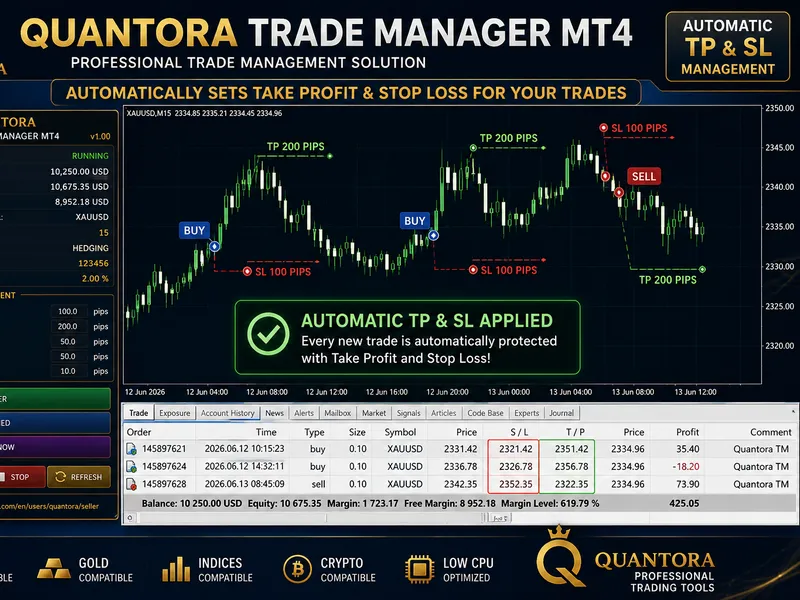
Related: Quantora Trade Manager MT4: Advanced Position Management for MetaTrader 4 - another powerful expert for MetaTrader 4 traders.
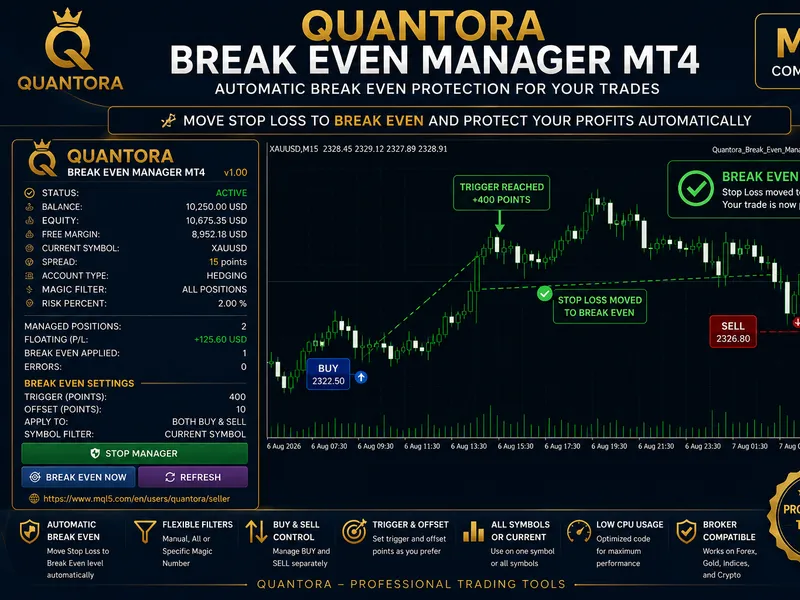
Also recommended: Quantora Break Even Manager MT4 - Professional Automatic Break Even Utility - similar expert with strong performance on MetaTrader 4.
this ea allows tocreate, manage and exit
trades in the no nonsense forex way much faster. it helps to perfect risk management and also to get rid of emotions when trading, as you can open and close trades with one click.
inputs
-x/y position: change the position of the box in the chart
-default risk: percentage of the account used in one trade (this setting is saved between sessions). default is 2.
-pip decimal shift: extra decimals after the pip decimal (some brokers provide 5 decimals instead of 4. in this case, this parameter should be set to 1).
-lots decimals: precision of lot values (if your broker allows to trade with nano lots: 3 decimals). default is 2.
**extra account:
this is not a parameter, but can be changed in code easily (line 43: rewrite, save and compile). money in external accounts that needs to be taken into account to no split risk (for example, if you had 10000$ in other broker or in the bank). it is not a parameter since it should be changed in each of the 28 pairs every time it is updated: it is faster to write it directly in code and recompile (which changes the value for all instances, while mantaining every other parameter intact).
controls
-risk input:
allows to change the risk value faster, but it is not saved after closing mt4.
-sell/buy:
opens 2 trades with half lots in each one: both with stop loss at atr*1.5 and only one of them with take profit at atr.
-sl to breakeven:
sets the stop loss of every open trade to its initial price
-trailing stop:
updates the stop loss (only works after price has moved more than 2*atr
-show:
displays the pip value, the current atr used (in pips) and the lots that better approximate the risk (and it's real cost)
-use advanced:
allows to set custom stops and take profits. be careful if that window is
open
, since these values would be the ones used (when opening trades, or updating trailing stops). if
use date
is set to true (default), the system picks the current atr in the hours before daily candle close, and the last atr after a new candle is created.
possible errors or bad uses
-opening trades when the lots that fit the risk are 0.01 or 0.00 (when using 2 decimals), the amount of lots would be invalid (with 0.01, one trade would be opened with 0.01 lots, and the other would be invalid).
-set breakeven when the trade is losing also causes an error
-the ea may interfer with other open trades if they are in the same pair since it doesn't recognize which it has opened
-this ea is optimized to be used in d1 charts (if not, make sure that use date is set to false or use custom tp-sl)
-orders can still be modified manually
-don't click sell or buy multiple times, since it would open 2 trades each time
-be careful with your margin: the ea does not check it, and it also doesn't prevent you from overexposing to one currency in multiple trades
-it has only been checked with the main forex pairs, it could work with
metals, commodities or stocks
but i can't say for sure
feel free to report any bug, change code or whatever you may want. if you are a beginner (well, like me), i recommend to learn how risk is calculated before using this ea. also, forward test it before using it with real money accounts (and make sure your broker allows expert advisors, i don't know if that can have any influence).
**edit: buy orders didn't scale out, solved
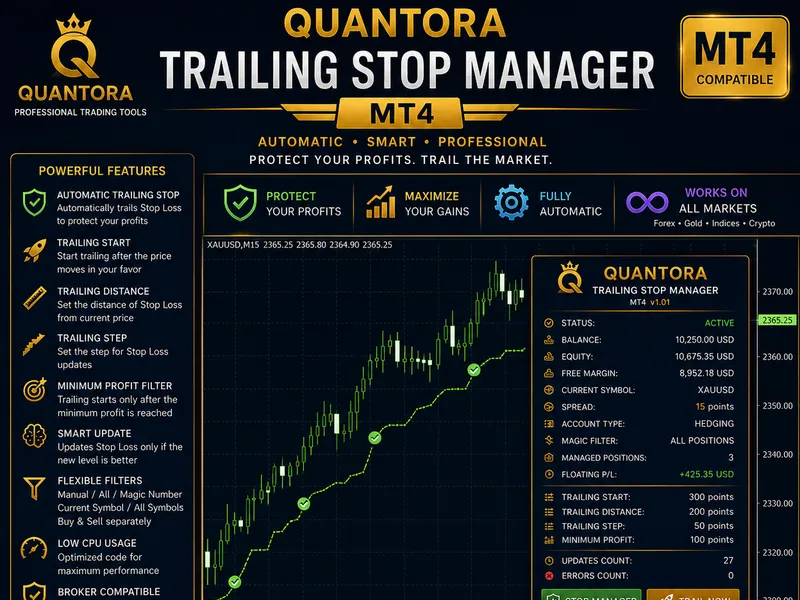
You may also like: Quantora Trailing Stop Manager: Automatic Stop Loss for MT4 - excellent alternative for expert users on MetaTrader 4.
Source Code
/.......
⚠ Limitations & Risk Warning
- This tool is provided for educational and testing purposes only.
- Past performance does not guarantee future results.
- Trading involves substantial risk of loss. Use on a demo account first.
- Results may vary depending on market conditions, broker, and settings.
- We recommend thorough backtesting and forward testing before using with real funds.