



Trade Excursion Report: Analyzing Maximum Adverse and Favorable Excursions
Info
The Trade Excursion Report: Analyzing Maximum Adverse and Favorable Excursions is a Script for MetaTrader 5 that understanding trade performance beyond the closea trade's final outcome provides a snapshot, but it doesn't reveal the journey of price fluctuations while the trade was active. Maximum Adverse Excursion (MAE) and Maximum Favorable Excursion (MFE) bridge this gap by quantifying the price's behavior during a trade's open period.
Usage
This tool is typically used for enhancing chart analysis and decision making.
Platform
This Script works exclusively on MetaTrader 5 (both build 600+ and newer versions).
Setup
Place the downloaded file in MQL5/Scripts folder via File ? Open Data Folder in MetaTrader 5.
How to Install and Use Trade Excursion Report: Analyzing Maximum Adverse and Favorable Excursions
1. Installation: Move your script file into the MQL/Scripts directory and restart the platform.
2. Execution: Drag the script onto a chart; it will perform a one-time action, such as closing all open orders or clearing chart objects.
3. Editing: Use MetaEditor (F4) to modify code, click "Compile," and verify no errors appear in the terminal before running.
4. Removing: Scripts stop automatically, but you can remove them manually by right-clicking the chart and choosing "Remove Script."
Frequently Asked Questions
Q: How are scripts different from EAs? A: Scripts execute a single action and then stop; EAs monitor the market and trade continuously.
Q: Can I assign a hotkey to a script? A: Yes, right-click the script in the Navigator, select "Set Hotkey," and define your preferred keyboard shortcut.
Q: Why did my script stop? A: Scripts are designed to stop immediately after finishing their programmed command; this is normal behavior.
What this tool does
Understanding Trade Performance Beyond the CloseA trade's final outcome provides a snapshot, but it doesn't reveal the journey of price fluctuations while the trade was active.
Typical Use Case
This Script excels in automated trading and technical analysis on MetaTrader 5.
Compatible Platform & Setup
This Script works on MetaTrader 5. Place the file in the MQL5/Scripts folder and restart the terminal.
Description & Settings
Related: Comprehensive Stationarity Testing Suite for MetaTrader - another powerful script for MetaTrader 5 traders.
Understanding Trade Performance Beyond the CloseAlso recommended: Trade Environment Check: Account Mode, Symbol Rules, and Open Positions Report - similar script with strong performance on MetaTrader 5.
A trade's final outcome provides a snapshot, but it doesn't reveal the journey of price fluctuations while the trade was active. Maximum Adverse Excursion (MAE) and Maximum Favorable Excursion (MFE) bridge this gap by quantifying the price's behavior during a trade's open period.
MAE indicates the largest price movement against your open position.
MFE shows the largest price movement in favor of your open position.
These metrics enable crucial analysis: determining if stop-loss levels are too tight by examining the drawdown on winning trades, understanding how far losing trades moved favorably before reversing, and assessing how much of the peak profit was retained in winning trades.
Included Files
TradeExcursionReport.mq5 - The primary script for analysis.
TradeExcursion.mqh - A reusable CTradeExcursion class for integration into custom trading systems. Place both files in the same MQL5 folder.
Script Output and Visualization
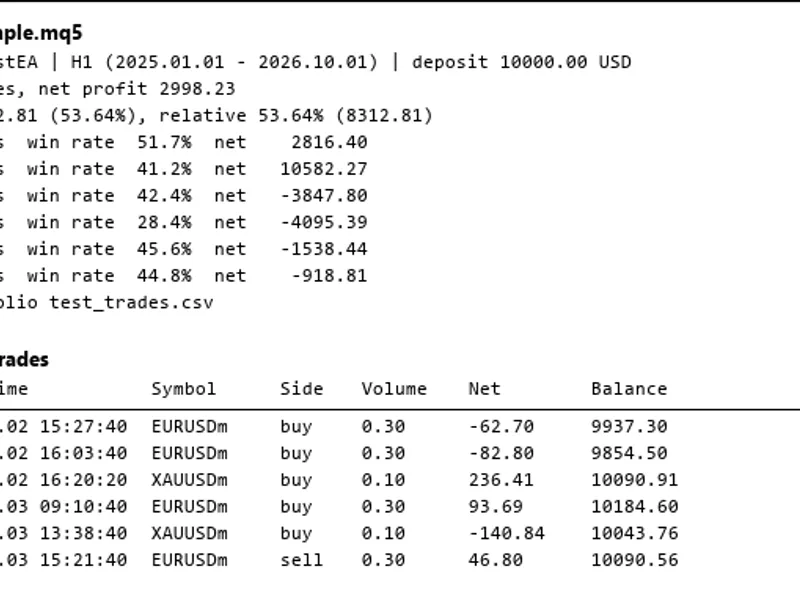
The script generates a detailed table in the Experts tab, displaying the most recent trades first. Columns include ticket, symbol, trade side, lot size, open and close times, trade result, MAE, MFE, and stop distance in points.
A summary is presented directly on the chart, offering insights such as: the total number of positions analyzed; for winning trades, the median and 90th percentile of MAE; the average percentage of the maximum favorable excursion captured; for losing trades, the median and 90th percentile of MFE; and the proportion of losing trades (with a stop loss) that reached at least a 1:1 risk-reward ratio. This summary can inform stop-loss placement; for instance, a stop wider than the 90th percentile MAE of winners might have preserved nine out of ten winning trades.
A comprehensive CSV file, TradeExcursion.csv, is generated in the MQL5\Files folder, logging details for every position, including price, result, stop level, MAE, MFE, and realized profit in points.
Customizable Inputs
Users can configure the script using the following inputs: historical data depth (in days), a specific symbol (leave blank for all symbols), a magic number for filtering trades (use -1 for all trades, 0 for manual trades), the number of rows to display in the table, options to enable/disable CSV export, and options to enable/disable the chart summary.
Methodology for Calculating MAE and MFE
A trade is defined as a collection of all its associated deals. The open time is determined by the first entry deal, and the close time by the exit deals. The trade result aggregates profit, commission, swap, and fees. Partial closes are treated as a single position. For positions with multiple entry deals, the volume-weighted average open price is used. Trades that are currently open or were opened prior to the specified historical data window are excluded from the analysis.
MAE and MFE are calculated using 1-minute bar data, from the minute of entry to the minute of exit. Bid prices are used for calculations. Due to the inclusion of the first and last minute's price range (which may slightly precede the entry or follow the exit), MAE and MFE values might be marginally generous, potentially encompassing up to one minute of additional price data. For sell positions, calculations based on bid prices mean that MAE may be slightly understated and MFE slightly overstated by approximately the spread amount.
The stop-loss value used corresponds to the stop level of the opening order. Stop-loss adjustments made after the initial order placement are not reflected in the historical data used for this analysis.
The term 'Points' refers to the standard point value for each symbol. When analyzing multiple symbols, interpret the summary as points for each respective symbol, or filter the analysis to a single symbol.
Integration into Custom Code
The included header file TradeExcursion.mqh allows for direct integration into your MQL5 EAs or scripts. An example usage is shown below:
#include "TradeExcursion.mqh"
CTradeExcursion ex;
ex.Load(TimeCurrent() - 90 * 86400, TimeCurrent(), "", -1); // Load data from 'from' to 'to', optional symbol and magic number
STradeEx t;
for(int i = 0; i < ex.Total(); i++) {
if(ex.Get(i, t)) {
Print("Ticket: ", t.id, " MAE (points): ", t.mae / t.point, " MFE (points): ", t.mfe / t.point);
}
}
Additional class methods available for use include: Count(), Stat() (for calculating winners and losers statistics with percentile options), LosersReachedOneR(), WinnersCapture(), StillOpen(), and SkippedNoBars().
Testing and Validation
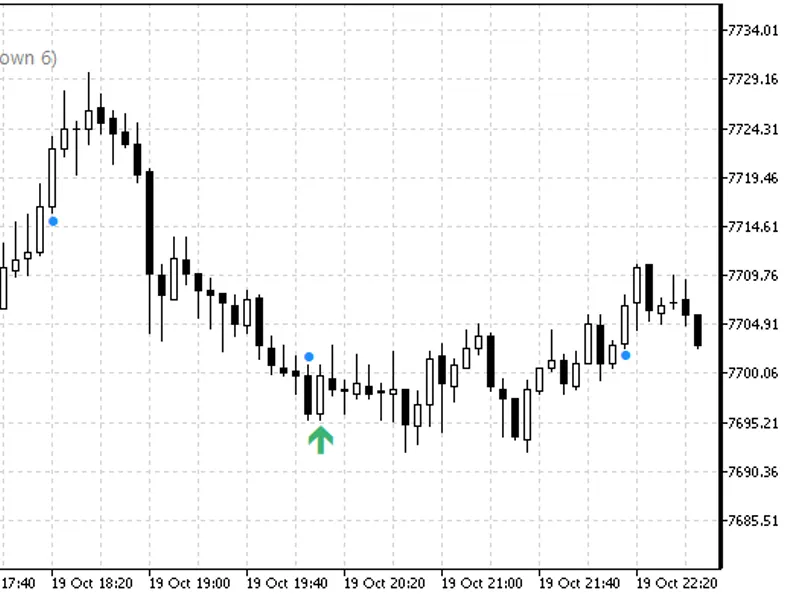
The script and its underlying class have undergone rigorous testing. Using the Strategy Tester with EURUSD on an H1 timeframe over two months, 57 closed positions (including trades with and without stop losses, buys, sells, and partial closes) were analyzed. The CTradeExcursion class was applied to the tester's historical data, and a separate Python script recomputed all MAE and MFE values from exported deal and 1-minute bar data. This comprehensive validation involved 627 comparisons, yielding zero discrepancies. The script's visual output was further verified using a Strategy Tester run simulating trades with varying stop-loss levels, with the accompanying image serving as a real screenshot from such a test.
MetaEditor analysis confirmed 0 errors and 0 warnings during development and testing.
This tool was developed and tested in 2026. The analysis was performed on historical data up to 2026. The class can be utilized in your own code starting from 2023.
You may also like: Market Information Script for MetaTrader 5 - excellent alternative for script users on MetaTrader 5.
Source Code
#property copyright "RobotFX"
#property version   "1.00"
#property description "This code is educational. Feel free to use, modify and upgrade as you wish. Visit ROBOTFX.ORG for professional trading tools"
#property script_show_inputs
#include "TradeExcursion.mqh"
input int    InpDays   = 90;
input string InpSymbol = "";
input long   InpMagic  = -1;
input int    InpRows   = 25;
input bool   InpCsv    = true;
.......
⚠ Limitations & Risk Warning
- This tool is provided for educational and testing purposes only.
- Past performance does not guarantee future results.
- Trading involves substantial risk of loss. Use on a demo account first.
- Results may vary depending on market conditions, broker, and settings.
- We recommend thorough backtesting and forward testing before using with real funds.