



MT5 Cash Risk Probe - Read-Only Sizing
Info
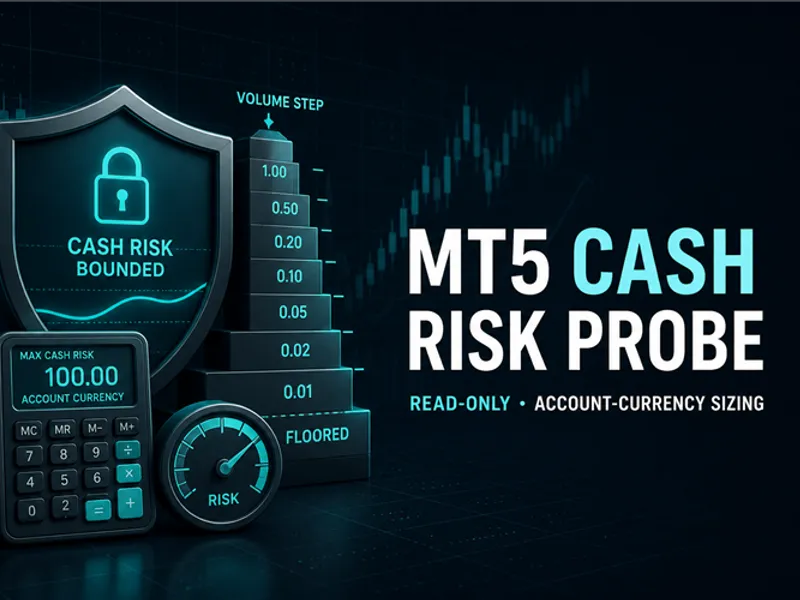
The MT5 Cash Risk Probe - Read-Only Sizing is a Script for MetaTrader 5 that mt5 cash risk probe is a read-only metatrader 5 script for checking one cash-risk sizing boundary before order logic is implemented. It does not send, modify or close any order.
Usage
This tool is typically used for enhancing chart analysis and decision making.
Platform
This Script works exclusively on MetaTrader 5 (both build 600+ and newer versions).
Setup
Place the downloaded file in MQL5/Scripts folder via File ? Open Data Folder in MetaTrader 5.
How to Install and Use MT5 Cash Risk Probe - Read-Only Sizing
1. Installation: Move your script file into the MQL/Scripts directory and restart the platform.
2. Execution: Drag the script onto a chart; it will perform a one-time action, such as closing all open orders or clearing chart objects.
3. Editing: Use MetaEditor (F4) to modify code, click "Compile," and verify no errors appear in the terminal before running.
4. Removing: Scripts stop automatically, but you can remove them manually by right-clicking the chart and choosing "Remove Script."
Frequently Asked Questions
Q: How are scripts different from EAs? A: Scripts execute a single action and then stop; EAs monitor the market and trade continuously.
Q: Can I assign a hotkey to a script? A: Yes, right-click the script in the Navigator, select "Set Hotkey," and define your preferred keyboard shortcut.
Q: Why did my script stop? A: Scripts are designed to stop immediately after finishing their programmed command; this is normal behavior.
What this tool does
MT5 Cash Risk Probe is a read-only MetaTrader 5 script for checking one cash-risk sizing boundary before order logic is implemented.
Typical Use Case
This Script excels in automated trading and technical analysis on MetaTrader 5.
Compatible Platform & Setup
This Script works on MetaTrader 5. Place the file in the MQL5/Scripts folder and restart the terminal.
Description & Settings
Related: Risk of Ruin Calculator: Understand Your Trading Account's Vulnerability - another powerful script for MetaTrader 5 traders.
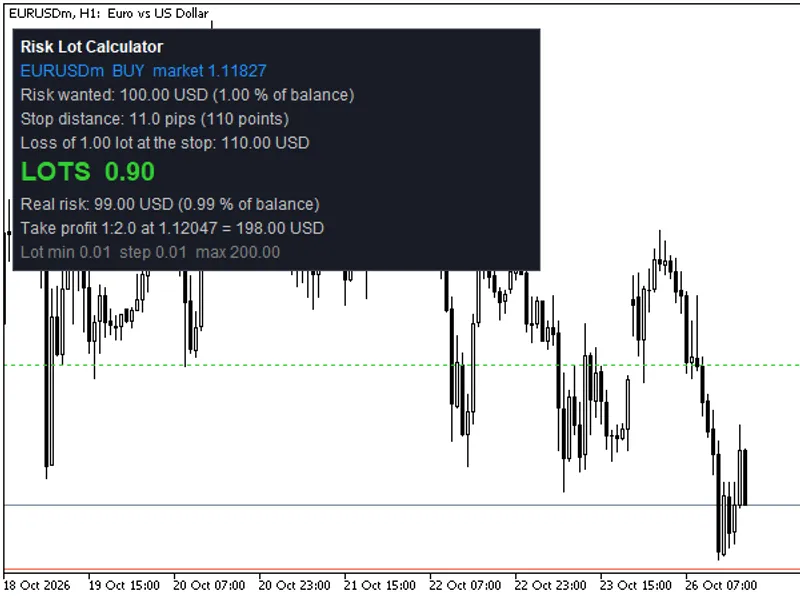
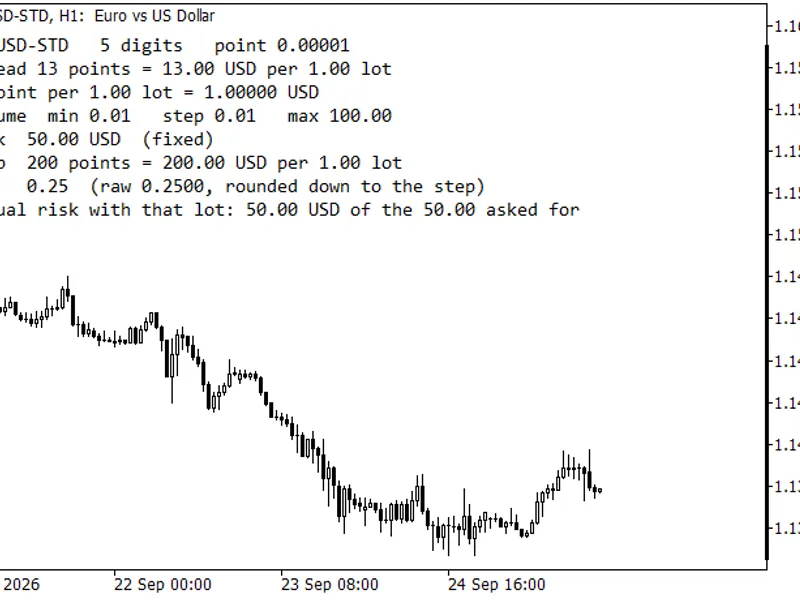
MT5 Cash Risk Probe is a read-only MetaTrader 5 script for checking one cash-risk sizing boundary before order logic is implemented. It does not send, modify or close any order. The script calls OrderCalcProfit() for a hypothetical one-lot trade between the chosen entry and stop. This returns the price-loss estimate in the terminal account deposit currency. The script subtracts an explicit cash reserve for fees or slippage, divides the remaining budget by the one-lot loss, floors the result to the symbol volume grid and recalculates the final loss. Every successful report includes the symbol, side, account currency, entry, stop, cash budget, reserve, one-lot loss, raw volume, final volume, estimated price loss, estimated total, broker minimum/maximum/step/limit, tick size and order_sent=false. Inputs - InpSymbol — symbol to inspect; blank uses the current chart symbol. - InpSide — hypothetical BUY or SELL direction. - InpEntryPrice — explicit entry; zero uses current Ask for BUY or Bid for SELL. - InpStopPrice — required hypothetical stop price. A BUY stop must be below entry; a SELL stop must be above entry. - InpRiskCash — maximum cash budget in the reported account deposit currency. - InpCashCostReserve — explicit cash amount reserved for commission, fees or slippage assumptions. It must be nonnegative and below the cash budget. - InpRunSelfTests — runs five deterministic volume-floor boundary tests at startup. Deterministic checks The startup tests cover ordinary 0.01-step flooring, below-minimum rejection, maximum-volume capping, a 0.10 step and a grid whose minimum is not an integer multiple of its step. The broker-dependent calculation blocks missing or wrong-side stops, invalid cash values, unavailable ticks, invalid volume metadata, failed profit calculation and a budget below minimum volume. Result interpretation PASS means the recalculated price loss plus the explicit cash reserve does not exceed the entered cash budget. BLOCKED means a required input, terminal state, broker property or calculation boundary could not be validated safely. A block is intentional: the script does not guess missing values. Installation Copy SCA_MT5CashRiskProbe.mq5 to MQL5\Scripts\StratCoreAlpha\. Compile it in MetaEditor. Run it on an MT5 chart and review the chart comment and Experts log. A connected terminal is required for broker/account-currency profit calculation. Limitations This is engineering diagnostic code, not trading advice or a performance claim. PASS does not guarantee fill price, commission, slippage, margin availability, trade-server acceptance or profit. The script does not aggregate portfolio exposure and does not send orders.Also recommended: Weekend Gap Risk Assessment for Prop Firm Trading - similar script with strong performance on MetaTrader 5.
You may also like: Risk-Based Lot Size Calculator Script with On-Chart Panel - excellent alternative for script users on MetaTrader 5.
Source Code
#property copyright "RobotFX"
#property link "https://robotfx.org"
#property version   "1.00"
#property description "This code is educational. Feel free to use, modify and upgrade as you wish. Visit ROBOTFX.ORG for professional trading tools"
#property script_show_inputs
enum ENUM_SCA_ORDER_SIDE
  {
   SCA_ORDER_BUY=0,
   SCA_ORDER_SELL=1
  };
.......
⚠ Limitations & Risk Warning
- This tool is provided for educational and testing purposes only.
- Past performance does not guarantee future results.
- Trading involves substantial risk of loss. Use on a demo account first.
- Results may vary depending on market conditions, broker, and settings.
- We recommend thorough backtesting and forward testing before using with real funds.