


Quantora Account Health Monitor MT5: Professional Account Health and Risk Monitoring
Info
The Quantora Account Health Monitor MT5: Professional Account Health and Risk Monitoring is a Indicator for MetaTrader 5 that quantora account health monitor mt5this is a professional account monitoring and risk analysis utility designed for metatrader 5. The indicator combines important account metrics including Balance, Equity, Free Margin, Used Margin, Margin Level, Margin Usage, Floating P/L, Equity Drawdown, and Total Exposure into a single real-time dashboard.
Usage
This tool is typically used for enhancing chart analysis and decision making.
Platform
This Indicator works exclusively on MetaTrader 5 (both build 600+ and newer versions).
Setup
Place the downloaded file in MQL5/Indicators folder via File ? Open Data Folder in MetaTrader 5.
How to Install and Use Quantora Account Health Monitor MT5: Professional Account Health and Risk Monitoring
1. Installation: Place your file in the MQL/Indicators folder via "Open Data Folder" and restart your terminal.
2. Loading: Find the indicator in the Navigator, drag it onto your chart, and configure the input parameters in the popup window.
3. Customization: Press Ctrl+I to open the indicator list, select your tool, and click "Properties" to change colors, levels, or visual styles.
4. Updating: Replace the old file in the Indicators folder with the new version and restart the platform to apply changes.
Frequently Asked Questions
Q: Why is my indicator not showing? A: Verify the file is in the MQL/Indicators folder, or try right-clicking the "Indicators" tree in the Navigator and clicking "Refresh."
Q: Do custom indicators slow down the platform? A: Too many complex indicators can impact performance; remove unused ones via the "Indicator List" (Ctrl+I).
Q: Can I use MT4 indicators on MT5? A: No, MQL4 and MQL5 are distinct languages; ensure the indicator is compiled specifically for your platform version.
What this tool does
Quantora Account Health Monitor MT5This is a professional account monitoring and risk analysis utility designed for MetaTrader 5.
Typical Use Case
This Indicator excels in automated trading and technical analysis on MetaTrader 5.
Compatible Platform & Setup
This Indicator works on MetaTrader 5. Place the file in the MQL5/Indicators folder and restart the terminal.
Description & Settings
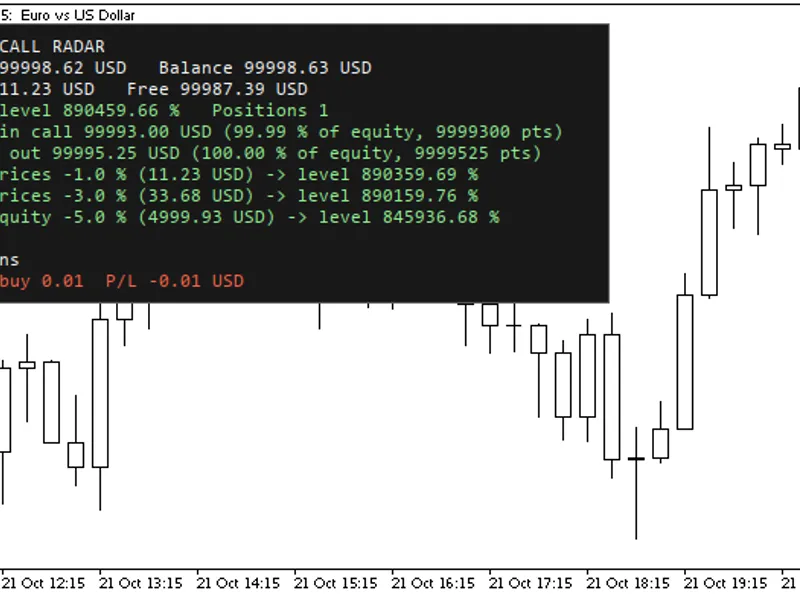
Related: Margin Call Radar: Account Risk Analysis - another powerful indicator for MetaTrader 5 traders.
Quantora Account Health Monitor MT5This is a professional account monitoring and risk analysis utility designed for MetaTrader 5.
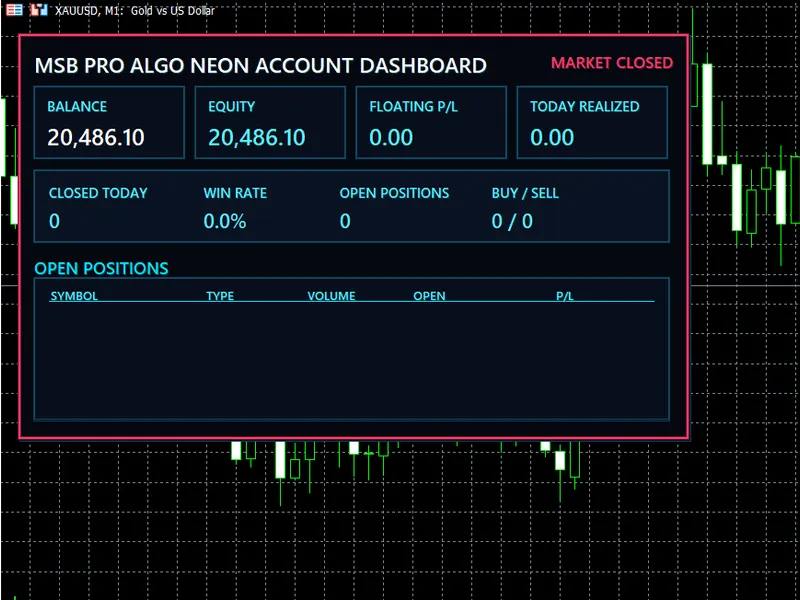
Also recommended: MSB Pro Algo Neon Account Dashboard for MT5 - similar indicator with strong performance on MetaTrader 5.
The indicator combines important account metrics including Balance, Equity, Free Margin, Used Margin, Margin Level, Margin Usage, Floating P/L, Equity Drawdown, and Total Exposure into a single real-time dashboard.
Its main feature is the Quantora Account Health Score, which evaluates configurable margin, drawdown, and exposure conditions and converts them into an easy-to-read score from 0 to 100.
The dashboard automatically classifies the current account condition as:
EXCELLENT — GOOD — WARNING — CRITICAL
This provides traders with a quick overview of current account conditions without having to monitor multiple MetaTrader 5 windows.
Main Features
- Real-time Account Balance
- Real-time Account Equity
- Free Margin
- Used Margin
- Margin Level %
- Margin Usage %
- Floating Profit/Loss
- Equity Drawdown %
- Open Positions counter
- Total Lot Exposure
- Account Leverage
- Current Symbol Spread
- Broker Server Time
- Trade Allowed status
- Margin Risk classification
- Drawdown Risk classification
- Exposure Risk classification
- 0–100 Account Health Score
- EXCELLENT status
- GOOD status
- WARNING status
- CRITICAL status
- Visual Health Score progress bar
- Configurable risk thresholds
- Automatic real-time updates
- Professional Quantora dashboard
- Low CPU usage
- Works on all chart timeframes
- Free and open-source MQ5 code
Account Health Score
The core feature of the indicator is the Account Health Score.
The score ranges from:
0 to 100
A higher score indicates that the monitored account metrics are currently within safer configured ranges.
Example:
ACCOUNT HEALTH
EXCELLENT
92 / 100
██████████████████░░
The score evaluates three primary areas:
- Margin Risk
- Drawdown Risk
- Exposure Risk
Additional adjustments can also be applied based on margin usage and negative floating P/L.
Health Classification
The final score is converted into four easy-to-understand account conditions.
- 85 – 100 EXCELLENT
- 70 – 84 GOOD
- 50 – 69 WARNING
- 0 – 49 CRITICAL
The dashboard automatically updates the classification when account conditions change.
Margin Monitoring
The indicator continuously monitors:
- Free Margin
- Used Margin
- Margin Level %
- Margin Usage %
Margin risk is automatically classified according to configurable Margin Level thresholds.
Default levels are based around:
- LOW RISK: Margin Level ≥ 500%
- MODERATE: Margin Level ≥ 200%
- HIGH: Margin Level ≥ 100%
- CRITICAL: Margin Level < 100%
These values can be changed from the indicator inputs.
Drawdown Monitoring
The dashboard calculates current equity drawdown by comparing Account Balance with Account Equity when equity is below balance.
For example:
Balance: $10,000
Equity: $9,940
Equity Drawdown: 0.60%
The drawdown is then classified as:
- LOW
- MODERATE
- HIGH
- CRITICAL
Default configurable thresholds are:
- LOW ≤ 2%
- MODERATE ≤ 5%
- HIGH ≤ 10%
- CRITICAL > 10%
Exposure Monitoring
Quantora Account Health Monitor automatically scans all currently open positions and calculates:
- Number of Open Positions
and
- Total Lot Exposure
Example:
OPEN POSITIONS 3
TOTAL EXPOSURE 0.30 LOT
The total open lot volume is then evaluated using configurable exposure thresholds.
This provides a quick indication of how much position volume is currently active on the account.
Floating P/L
Current account floating profit or loss is displayed directly on the dashboard.
Example:
FLOATING P/L: -60.00 USD
Positive and negative floating results are visually differentiated for faster interpretation.
Negative floating P/L can also contribute to the Account Health Score calculation.
Current Spread
The indicator displays the current Bid/Ask spread of the chart symbol in points.
Example:
SPREAD: 12.0 pts
This allows traders to monitor current chart-symbol trading conditions directly from the same dashboard.
Trade Status
The dashboard checks whether terminal trading is currently allowed.
The result is displayed as:
TRADE STATUS: ALLOWED
or:
TRADE STATUS: BLOCKED
This status is informational and does not enable or disable trading by itself.
Automatic Updates
Account information is automatically refreshed using a timer-based system.
The default refresh interval is:
1 second
The refresh interval can be adjusted from the indicator inputs.
This allows the dashboard to provide current information while maintaining efficient resource usage.
Configurable Risk Thresholds
Users can customize the risk model through the indicator inputs.
Available settings include:
- Good Margin Level
- Warning Margin Level
- Critical Margin Level
- Low Drawdown %
- Moderate Drawdown %
- High Drawdown %
- Low Exposure Lots
- Moderate Exposure Lots
- High Exposure Lots
- Dashboard position
- Update interval
This allows the Account Health Score to be adapted to different account sizes and trading styles.
Installation
Place:
Quantora_Account_Health_Monitor_MT5.mq5
inside:
MQL5 → Indicators
Compile the source code using MetaEditor.
Then attach Quantora Account Health Monitor MT5 to any MetaTrader 5 chart.
The dashboard will begin monitoring the account automatically.
Important Note
The Quantora Account Health Score is an informational monitoring metric created by the indicator using configurable margin, drawdown, and exposure thresholds.
It is not an official MetaTrader, MetaQuotes, broker, or regulatory risk rating.
Total Lot Exposure represents the combined volume of currently open positions and does not attempt to normalize the monetary risk of different instruments.
Current Spread refers to the symbol of the chart where the indicator is running.
Equity Drawdown in this version represents the current difference between Balance and Equity when Equity is below Balance. It does not represent historical maximum drawdown.
This indicator does not open, modify, or close trading positions.
It is designed for account monitoring and informational purposes only and does not provide financial advice.
Product Information
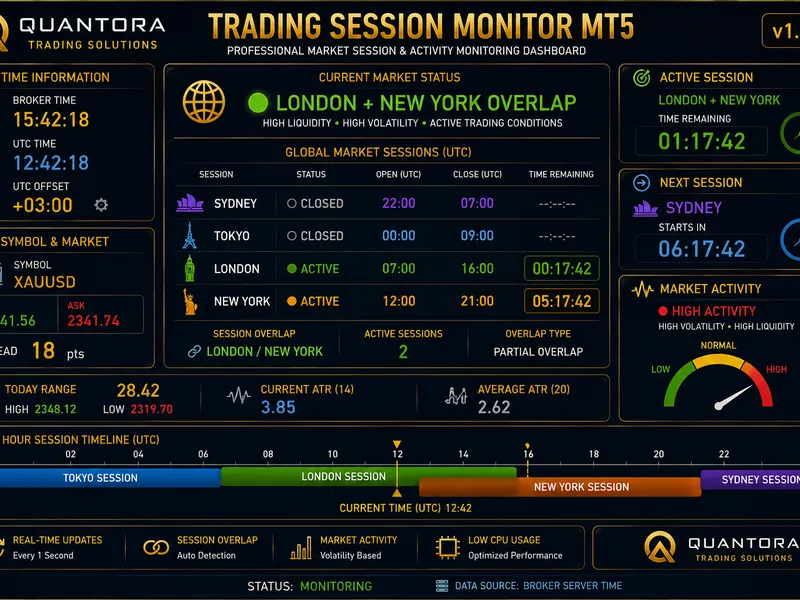
You may also like: Quantora Trading Session Monitor MT5: Professional Market Session and Activity Analysis - excellent alternative for indicator users on MetaTrader 5.
Source Code
#property copyright "RobotFX"
#property link "https://robotfx.org"
#property version   "1.00"
#property strict
#property indicator_chart_window
#property indicator_plots 0
input group "========== HEALTH SCORE SETTINGS =========="
input double InpGoodMarginLevel=500.0;
input double InpWarningMarginLevel=200.0;
input double InpCriticalMarginLevel=100.0;
.......
⚠ Limitations & Risk Warning
- This tool is provided for educational and testing purposes only.
- Past performance does not guarantee future results.
- Trading involves substantial risk of loss. Use on a demo account first.
- Results may vary depending on market conditions, broker, and settings.
- We recommend thorough backtesting and forward testing before using with real funds.