



market clock pro: enhanced trading session and candle countdown for mt5
Info
The market clock pro: enhanced trading session and candle countdown for mt5 is a Indicator for MetaTrader 5 that market clock procandle countdown hud for metatrader 5. this indicator displays the remaining time until the next candle closes, along with contextual trading data such as trading sessions, spread, daily range, and market-closed status for the current symbol.
Usage
This tool is typically used for enhancing chart analysis and decision making.
Platform
This Indicator works exclusively on MetaTrader 5 (both build 600+ and newer versions).
Setup
Place the downloaded file in MQL5/Indicators folder via File ? Open Data Folder in MetaTrader 5.
How to Install and Use market clock pro: enhanced trading session and candle countdown for mt5
1. Installation: Place your file in the MQL/Indicators folder via "Open Data Folder" and restart your terminal.
2. Loading: Find the indicator in the Navigator, drag it onto your chart, and configure the input parameters in the popup window.
3. Customization: Press Ctrl+I to open the indicator list, select your tool, and click "Properties" to change colors, levels, or visual styles.
4. Updating: Replace the old file in the Indicators folder with the new version and restart the platform to apply changes.
Frequently Asked Questions
Q: Why is my indicator not showing? A: Verify the file is in the MQL/Indicators folder, or try right-clicking the "Indicators" tree in the Navigator and clicking "Refresh."
Q: Do custom indicators slow down the platform? A: Too many complex indicators can impact performance; remove unused ones via the "Indicator List" (Ctrl+I).
Q: Can I use MT4 indicators on MT5? A: No, MQL4 and MQL5 are distinct languages; ensure the indicator is compiled specifically for your platform version.
What this tool does
market clock procandle countdown hud for metatrader 5.
Typical Use Case
This Indicator excels in automated trading and technical analysis on MetaTrader 5.
Compatible Platform & Setup
This Indicator works on MetaTrader 5. Place the file in the MQL5/Indicators folder and restart the terminal.
Description & Settings
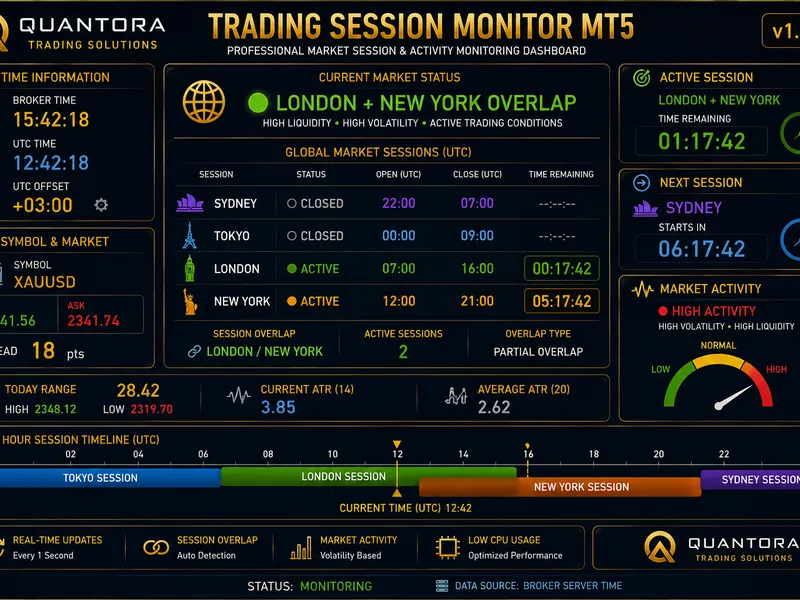
Related: Quantora Trading Session Monitor MT5: Professional Market Session and Activity Analysis - another powerful indicator for MetaTrader 5 traders.
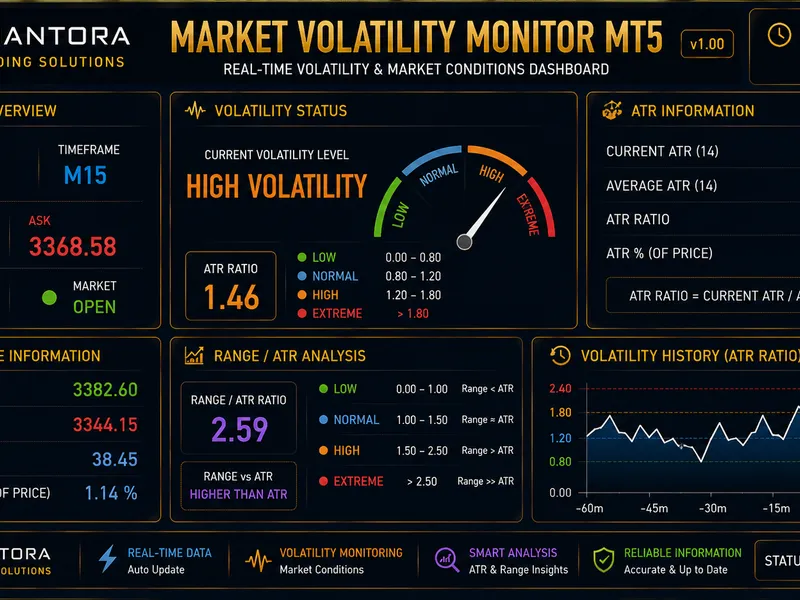
market clock proAlso recommended: Quantora Market Volatility Monitor MT5 - Professional ATR and Volatility Dashboard - similar indicator with strong performance on MetaTrader 5.
candle countdown hud for metatrader 5.
this indicator displays the remaining time until the next candle closes, along with contextual trading data such as trading sessions, spread, daily range, and market-closed status for the current symbol.
features
candle countdown with color escalation approaching the close.
geographic trading sessions (utc): tokyo, london, new york, sydney. includes countdown to the nearest session end when sessions overlap.
market-closed detection with explicit reasons: nyse closed (holiday), lse closed (weekend), xetra closed (session).
automatic symbol-to-market mapping for major exchanges (nyse, lse, xetra, tse, hkex, asx, sse). manual override is available for non-standard broker tickers.
holidays calendar provided as a plain text file (164 entries, 2026-2027).
live spread with rolling-average anomaly detection (2x baseline).
daily range compared to average true range (adr) as a percentage, with a configurable lookback period.
configurable sound alerts before candle close.
four hud positions, three visual themes (dark, light, stealth).
timeframe-aware accent color.
technical details
utilizes eventsetmillisecondtimer as the sole rendering driver.
oncalculate function is a no-operation; zero indicator buffers are used.
labels are deduplicated by text and color before chartredraw to optimize performance.
no external dependencies: no dlls, webrequest, or sleep calls.
broker-agnostic operation through timetradeserver and symbolinfosessiontrade.
installation
1. copy marketclockpro.mq5 to the mql5\indicators\ folder.
2. copy holidays.txt to the mql5\files\marketclockpro\holidays.txt folder.
3. compile the indicator in metaeditor (press f7).
4. attach the indicator to any chart.
the holidays file is optional. if absent or invalid, the indicator will default to broker-session-based detection.
inputs
inputs are organized into five groups: display, modules, behavior, holidays, and alert. default settings are preloaded, with descriptions available in english.
compatibility
compatible with metatrader 5 on windows operating system.
works on all timeframes and all asset classes, including indices, forex, crypto, metals, commodities, and stocks.
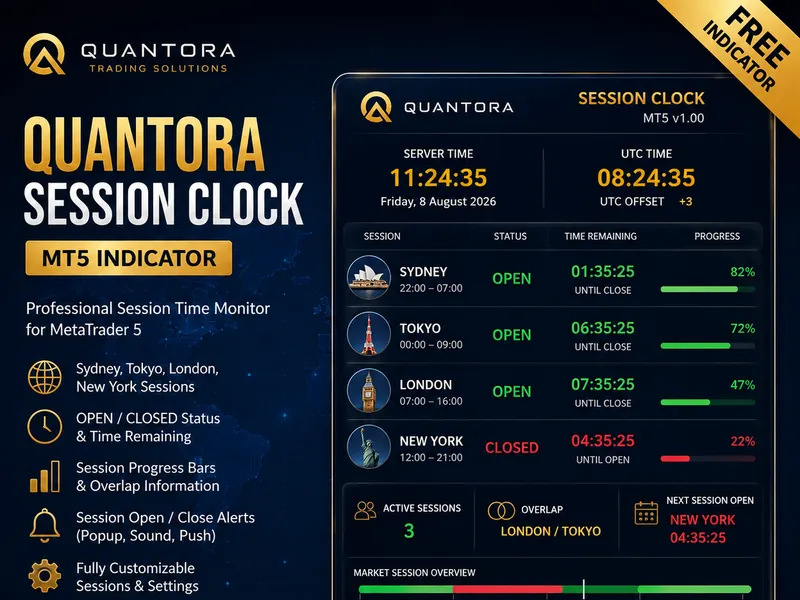
You may also like: Quantora Session Clock MT5 - Professional Forex Trading Session Monitor - excellent alternative for indicator users on MetaTrader 5.
Source Code
#property copyright "robotfx"
#property link "https://robotfx.org"
#property version   "1.00"
#property description "This code is provided AS IS and intended for educational purposes only. Professional trading EAs and indicators - robotfx www.robotfx.org"
#property description "This code is provided AS IS and intended for educational purposes only. Professional trading EAs and indicators - robotfx www.robotfx.org"
#property description "This code is provided AS IS and intended for educational purposes only. Professional trading EAs and indicators - robotfx www.robotfx.org"
#property indicator_chart_window
#property indicator_buffers 0
#property indicator_plots   0
enum enum_hud_corner
.......
⚠ Limitations & Risk Warning
- This tool is provided for educational and testing purposes only.
- Past performance does not guarantee future results.
- Trading involves substantial risk of loss. Use on a demo account first.
- Results may vary depending on market conditions, broker, and settings.
- We recommend thorough backtesting and forward testing before using with real funds.