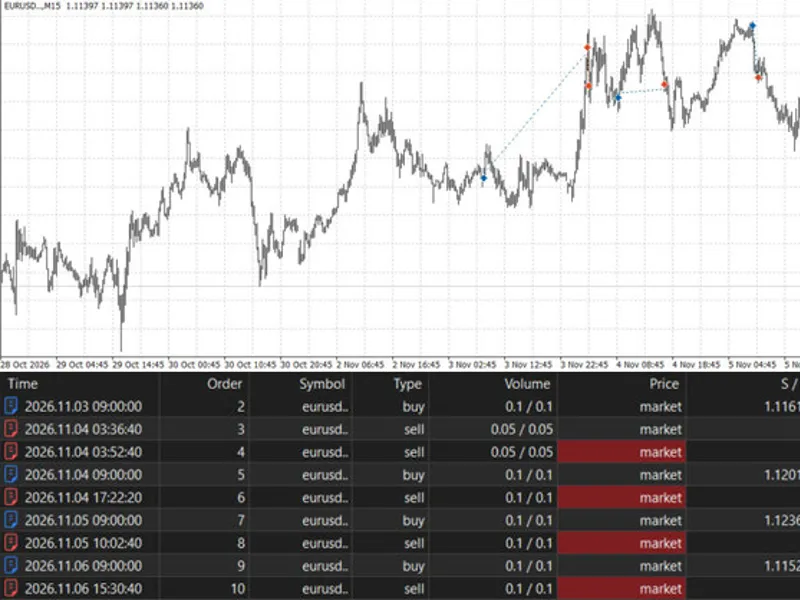




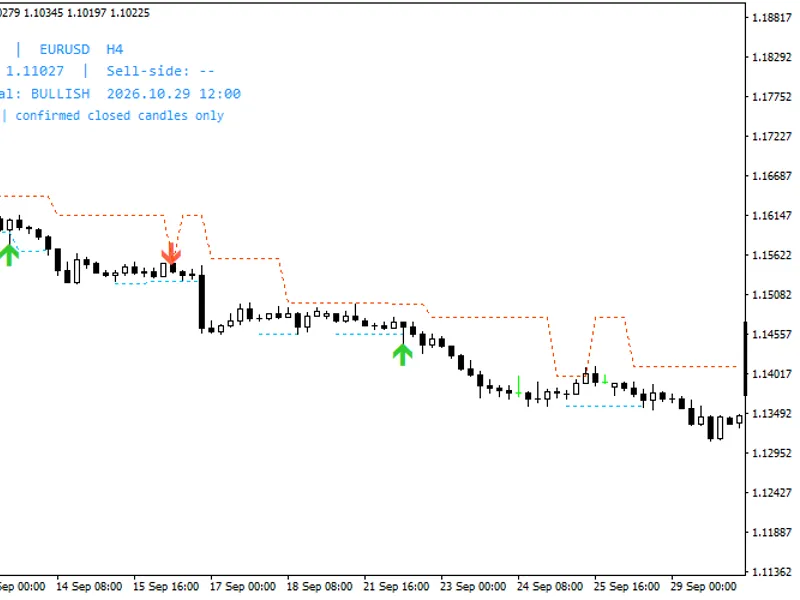
Smart Break-Even and Partial Close - R-based Trade Manager
Info
The Smart Break-Even and Partial Close - R-based Trade Manager is a Expert Advisor for MetaTrader 5 that smart break-even and partial close manages open positions opened manually, via the mobile app, or by other expert advisors. It operates using R multiples, where 1R represents the distance between the entry price and the original stop loss, recorded when the stop loss is first set.
Usage
This tool is typically used for automated trading on major forex pairs and gold.
Platform
This Expert Advisor works exclusively on MetaTrader 5 (both build 600+ and newer versions).
Setup
Place the downloaded file in MQL5/Experts folder via File ? Open Data Folder in MetaTrader 5.
How to Install and Use Smart Break-Even and Partial Close - R-based Trade Manager
1. Installation: Open the "File" menu, select "Open Data Folder," navigate to MQL/Experts, paste your file, and restart the terminal.
2. Activation: Drag the EA from the Navigator onto a chart, ensure "Allow live trading" is checked in the Common tab, and verify the AutoTrading button is green.
3. Optimization: Right-click your chart, choose "Expert List," click "Properties" to adjust inputs, and save your preferred setup as a set file for future use.
4. Maintenance: Regularly check the "Experts" tab in the terminal window to monitor trade logs and potential execution errors.
Frequently Asked Questions
Q: Why is my EA not opening trades? A: Check the "AutoTrading" button, ensure "Allow live trading" is enabled, and verify your broker allows automated trading on your account type.
Q: Can I run multiple EAs on one chart? A: No, each chart can only host one active EA; however, you can open multiple charts for different currency pairs to run several EAs.
Q: What does the "smiley face" icon mean? A: A smiley face in the top-right corner of the chart indicates the EA is successfully running; a frowny face means it is disabled.
What this tool does
Smart Break-Even and Partial Close manages open positions opened manually, via the mobile app, or by other Expert Advisors.
Typical Use Case
This Expert Advisor excels in automated trading and technical analysis on MetaTrader 5.
Compatible Platform & Setup
This Expert Advisor works on MetaTrader 5. Place the file in the MQL5/Experts folder and restart the terminal.
Description & Settings
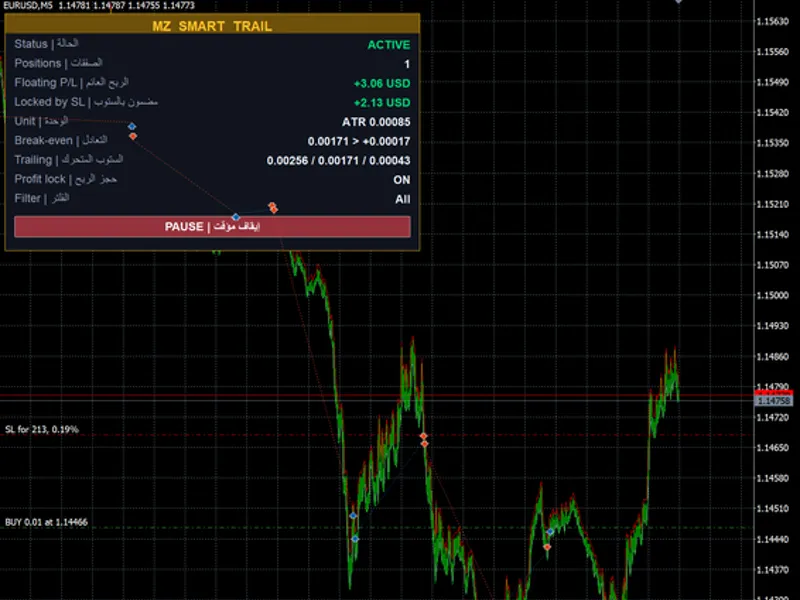
Related: MZ Smart Trail Manager: Break-even, Stepped Trailing Stop, and Profit Lock - another powerful expert for MetaTrader 5 traders.
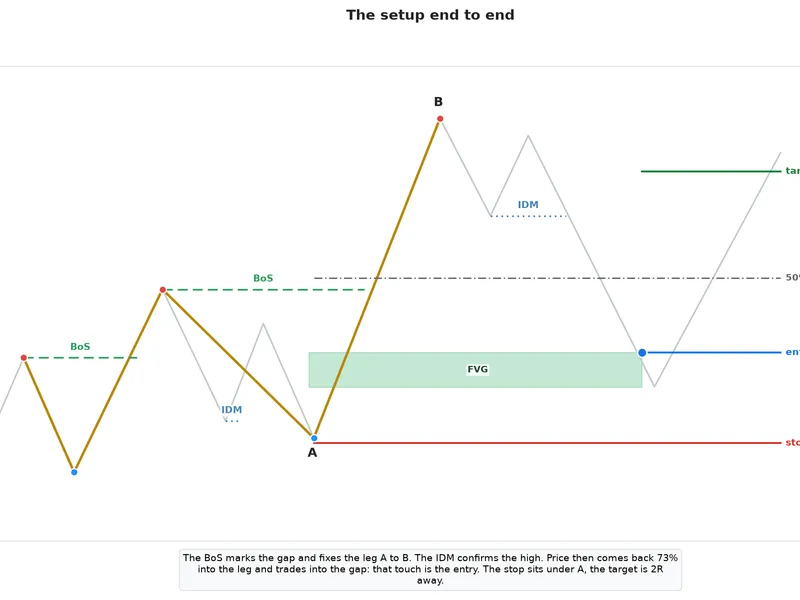
Smart Break-Even and Partial Close manages open positions opened manually, via the mobile app, or by other Expert Advisors. It operates using R multiples, where 1R represents the distance between the entry price and the original stop loss, recorded when the stop loss is first set.Also recommended: Smart Money Concept Expert Advisor: Market Structure, FVG, and Pullback Trading - similar expert with strong performance on MetaTrader 5.
Functionality:
1. Partial Close: At the specified InpPartialAtR level (default 2R), it closes a percentage (InpPartialPercent, default 50%) of the trade volume. This action occurs once per position. The volume is adjusted to adhere to the symbol's lot size increments; if a position is too small to be split, this step is skipped.
2. Break-Even: At the InpBreakEvenAtR level (default 1R), the stop loss is moved to the entry price plus an offset (InpBreakEvenOffset points) to cover spread and commission. For trades without an initial stop loss, InpBreakEvenPoints can be used instead.
3. Trailing Stop: From the InpTrailStartR level, the stop loss trails the price by InpTrailDistance points and adjusts in increments of InpTrailStep points.
Inputs:
- InpMagicFilter (-1): Specifies the magic number for managed positions. -1 manages all positions, while 0 manages manual trades only.
- InpAllSymbols (true): Determines whether to manage positions across all symbols or only the symbol of the current chart.
- InpBreakEvenAtR (1.0), InpBreakEvenPoints (0), InpBreakEvenOffset (20).
- InpPartialAtR (2.0), InpPartialPercent (50).
- InpTrailStartR (2.0), InpTrailDistance (300), InpTrailStep (100).
Design Notes:
- A stop loss is only modified if the new level offers an improvement over the current one and respects the broker's minimum distance requirement. This minimizes server requests, a factor often monitored by proprietary trading firms.
- The original risk parameters and the partial close status are stored in terminal global variables. This ensures the logic continues uninterrupted even after a terminal or VPS restart. Entries for closed positions are cleared every minute.
- Compatible with hedging and netting accounts, and applicable to any symbol and timeframe. Attach this tool to a single chart.
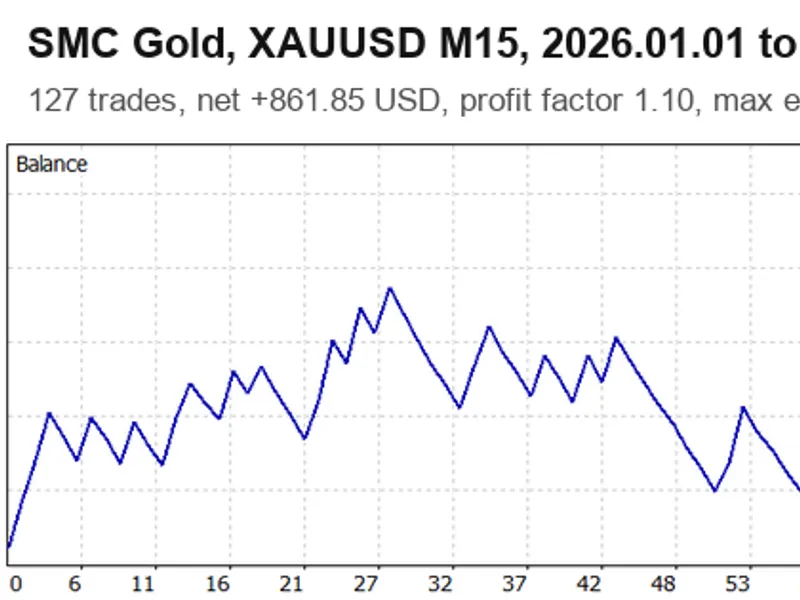
You may also like: SMC Gold EA: Smart Money Concepts for XAUUSD M15 with Liquidity Sweep and Order Blocks - excellent alternative for expert users on MetaTrader 5.
Source Code
#property copyright "RobotFX"
#property link "https://robotfx.org"
#property version   "1.00"
#property description "This code is educational. Feel free to use, modify and upgrade as you wish. Visit ROBOTFX.ORG for professional trading tools"
#include <Trade/Trade.mqh>
input long   InpMagicFilter       = -1;
input bool   InpAllSymbols        = true;
input group  "Break-even"
input double InpBreakEvenAtR      = 1.0;
input int    InpBreakEvenPoints   = 0;
.......
⚠ Limitations & Risk Warning
- This tool is provided for educational and testing purposes only.
- Past performance does not guarantee future results.
- Trading involves substantial risk of loss. Use on a demo account first.
- Results may vary depending on market conditions, broker, and settings.
- We recommend thorough backtesting and forward testing before using with real funds.