




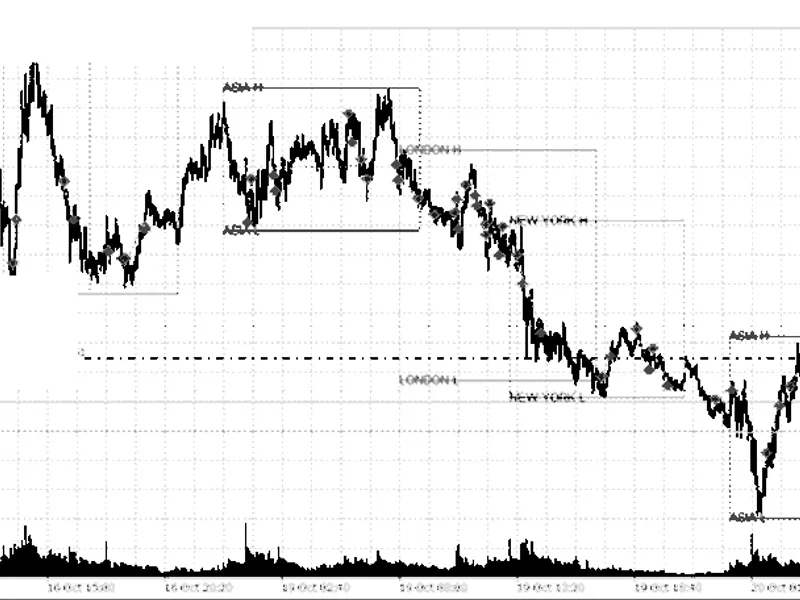
Session Reopen EA for Gold Trading
Info
The Session Reopen EA for Gold Trading is a Expert Advisor for MetaTrader 5 that session reopen ea this expert advisor (ea) is designed to trade gold on the cme, specifically capitalizing on the predictable price movement that occurs during the first hour after the daily maintenance break. Historical data spanning eleven years indicates that this specific hour consistently shows a statistically significant rise, unlike other hours of the day which remain flat.
Usage
This tool is typically used for automated trading on major forex pairs and gold.
Platform
This Expert Advisor works exclusively on MetaTrader 5 (both build 600+ and newer versions).
Setup
Place the downloaded file in MQL5/Experts folder via File ? Open Data Folder in MetaTrader 5.
How to Install and Use Session Reopen EA for Gold Trading
1. Installation: Open the "File" menu, select "Open Data Folder," navigate to MQL/Experts, paste your file, and restart the terminal.
2. Activation: Drag the EA from the Navigator onto a chart, ensure "Allow live trading" is checked in the Common tab, and verify the AutoTrading button is green.
3. Optimization: Right-click your chart, choose "Expert List," click "Properties" to adjust inputs, and save your preferred setup as a set file for future use.
4. Maintenance: Regularly check the "Experts" tab in the terminal window to monitor trade logs and potential execution errors.
Frequently Asked Questions
Q: Why is my EA not opening trades? A: Check the "AutoTrading" button, ensure "Allow live trading" is enabled, and verify your broker allows automated trading on your account type.
Q: Can I run multiple EAs on one chart? A: No, each chart can only host one active EA; however, you can open multiple charts for different currency pairs to run several EAs.
Q: What does the "smiley face" icon mean? A: A smiley face in the top-right corner of the chart indicates the EA is successfully running; a frowny face means it is disabled.
What this tool does
Session Reopen EA This Expert Advisor (EA) is designed to trade Gold on the CME, specifically capitalizing on the predictable price movement that occurs during the first hour after the daily maintenance break.
Typical Use Case
This Expert Advisor excels in automated trading and technical analysis on MetaTrader 5.
Compatible Platform & Setup
This Expert Advisor works on MetaTrader 5. Place the file in the MQL5/Experts folder and restart the terminal.
Description & Settings
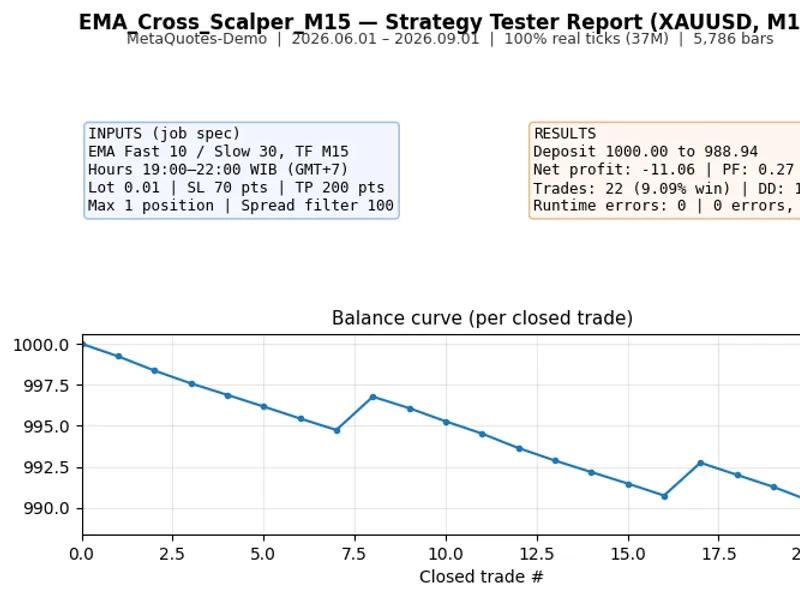
Related: EMA Cross Scalper for XAUUSD (M15) with WIB Session Filter - another powerful expert for MetaTrader 5 traders.
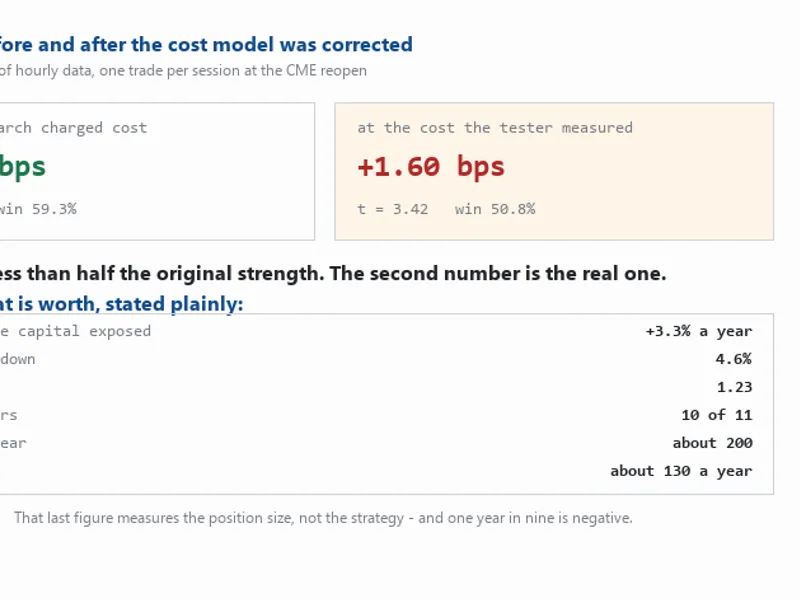
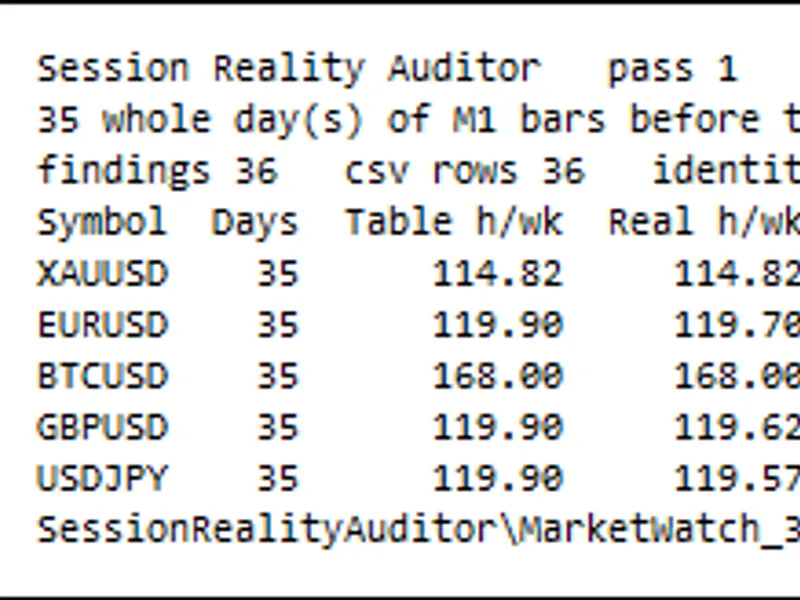
Session Reopen EA This Expert Advisor (EA) is designed to trade Gold on the CME, specifically capitalizing on the predictable price movement that occurs during the first hour after the daily maintenance break. Historical data spanning eleven years indicates that this specific hour consistently shows a statistically significant rise, unlike other hours of the day which remain flat. The EA executes a single buy order at the session's reopen and holds the position for a predetermined duration. It employs a volatility-scaled server-side stop-loss mechanism and strictly avoids martingale, averaging, grid, or recovery trading strategies. Performance Analysis (11-Year Hourly Data, Holding for 2 Hours): At the research cost: +3.34 bps (t statistic 7.40, win rate 59.3%, profit factor 1.63, positive years 11 of 11) At the tester measured cost: +1.60 bps (t statistic 3.42, win rate 50.8%, profit factor 1.30, positive years 10 of 11) It was discovered that the actual round-trip cost at the reopen is approximately 60 points, significantly higher than initially estimated due to the understatement of the spread by M1 bars. Even with this correction, the strategy retains a positive edge, albeit with a reduced strength and a win rate that is more balanced, relying on a favorable payoff rather than sheer frequency. What the EA is NOT: This EA is not a primary income source. On a capital base adjusted for a 20% drawdown, it demonstrates an approximate annual return of +3.3% with a 4.6% maximum drawdown, a Sharpe ratio of 1.23, and around 200 trades per year. This implies a negative year approximately once every nine years. At 0.01 lots, the annual profit is about 130 currency units, reflecting position sizing rather than strategy performance. A 2.5-year window analysis yields a t-statistic of +1.12, which is not statistically significant on its own. A profitable two-year backtest is insufficient evidence; the eleven-year sample is crucial for validation. Factors that have been tested and survived: - It is not a gap effect: The average gap across the break is -0.011, with the move occurring at the market open. - It is not a bar-construction artifact: Rebuilding the hour from M1 bars matches H1 series data precisely. - It is not due to outliers: The 1%-trimmed mean is +0.70, and the median is +0.48. - It is not spread normalization: The spread remains flat throughout the hour, accounting for 0% of the observed effect. - It does not require the exact reopen tick: Entries up to 30 minutes past the reopen remain profitable, with profitability ceasing at 45 minutes. - The weekly reopen is excluded: Sunday trades show insignificant results (+1.11 bps, t = 0.88) compared to daily reopen trades (+3.90 bps, t = 8.32), hence the default setting of `InpSkipMonday` to true. Inputs and their Rationale: Input: InpEntryHour Meaning: The server hour for the session reopen. Using server time ensures consistency with broker time zones and US daylight saving adjustments. Input: InpEntryWindowMin Meaning: Maximum minutes allowed from the hour to enter a trade. Input: InpHoldHours Meaning: The duration in hours to hold the position before closing it by time. Input: InpSkipMonday Meaning: Whether to skip trading the weekly reopen. See Sunday performance data above. Input: InpLots Meaning: Fixed lot size for trades. No dynamic scaling is applied. Input: InpStopAtrMult Meaning: Multiplier for the Average True Range (ATR) to set the stop-loss. Default is 2.0. A wider stop (2.0x) improves performance over a narrower one (1.5x) at the corrected cost, reducing trade frequency while maintaining profitability. Input: InpRangeBars Meaning: Number of H1 bars used to calculate the average range, approximately 20 sessions for 480 bars. Input: InpMaxSpreadPts Meaning: Maximum acceptable spread in points to initiate a trade. Regarding the stop multiplier: A stop multiplier of 1.5x at the corrected cost yields +1.60 bps (t 3.42), while 2.0x yields +1.91 bps (t 4.07) and is triggered on 1.3% of trades compared to 2.6%. Increasing the multiplier further continues to improve results. The stop loss is maintained to prevent excessive losses from tail events, complementing the time-based exit. Recommendation for Testing: Thoroughly test this EA using every tick based on real ticks modelling in the Strategy Tester. Backtests using 1-minute bar modelling can yield significantly different and misleading results, as demonstrated by a case where one strategy produced -15,627 with 1-minute bars versus +79,000 with real ticks.Also recommended: Session Reality Auditor: Verifying Broker Session Data Against Historical Price Activity - similar expert with strong performance on MetaTrader 5.
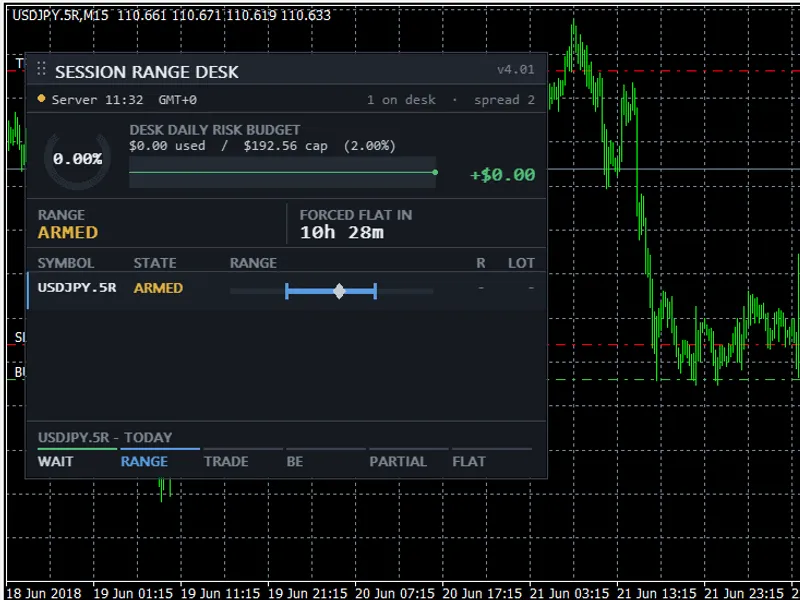
You may also like: Session Range Desk MT5: Educational Range Breakout EA - excellent alternative for expert users on MetaTrader 5.
Source Code
#property copyright "RobotFX"
#property version   "1.00"
#property description "This code is educational. Feel free to use, modify and upgrade as you wish. Visit ROBOTFX.ORG for professional trading tools"
#property strict
#include <Trade\Trade.mqh>
input group "--- Entry window (SERVER time) ---"
input int    InpEntryHour      = 1;
input int    InpEntryWindowMin = 10;
input int    InpHoldHours      = 2;
input group "--- Which sessions ---"
.......
⚠ Limitations & Risk Warning
- This tool is provided for educational and testing purposes only.
- Past performance does not guarantee future results.
- Trading involves substantial risk of loss. Use on a demo account first.
- Results may vary depending on market conditions, broker, and settings.
- We recommend thorough backtesting and forward testing before using with real funds.