


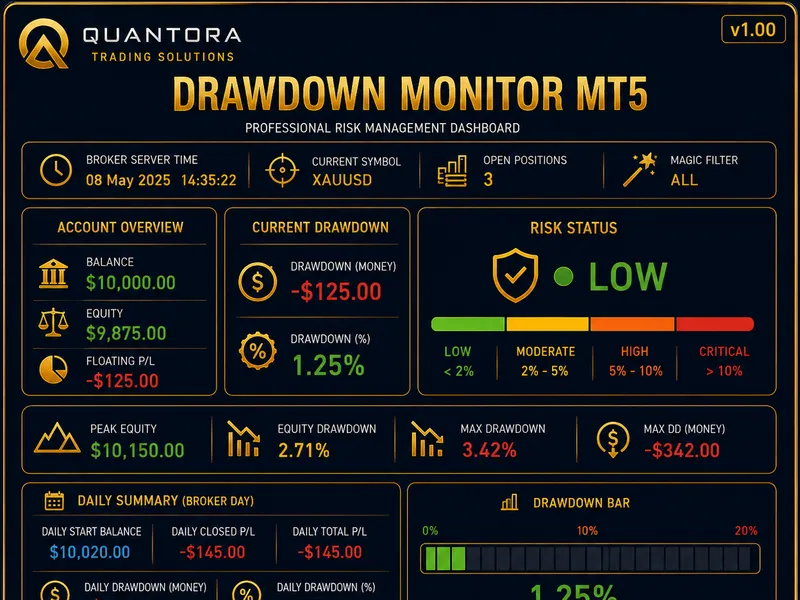


Equity Guard: Daily Loss, Max Drawdown, and Profit Target Protection for MT5
Info
The Equity Guard: Daily Loss, Max Drawdown, and Profit Target Protection for MT5 is a Expert Advisor for MetaTrader 5 that equity guard is a risk-management expert advisor for metatrader 5 that operates without opening trades. It monitors account equity and intervenes when predefined limits are reached.
Usage
This tool is typically used for automated trading on major forex pairs and gold.
Platform
This Expert Advisor works exclusively on MetaTrader 5 (both build 600+ and newer versions).
Setup
Place the downloaded file in MQL5/Experts folder via File ? Open Data Folder in MetaTrader 5.
How to Install and Use Equity Guard: Daily Loss, Max Drawdown, and Profit Target Protection for MT5
1. Installation: Open the "File" menu, select "Open Data Folder," navigate to MQL/Experts, paste your file, and restart the terminal.
2. Activation: Drag the EA from the Navigator onto a chart, ensure "Allow live trading" is checked in the Common tab, and verify the AutoTrading button is green.
3. Optimization: Right-click your chart, choose "Expert List," click "Properties" to adjust inputs, and save your preferred setup as a set file for future use.
4. Maintenance: Regularly check the "Experts" tab in the terminal window to monitor trade logs and potential execution errors.
Frequently Asked Questions
Q: Why is my EA not opening trades? A: Check the "AutoTrading" button, ensure "Allow live trading" is enabled, and verify your broker allows automated trading on your account type.
Q: Can I run multiple EAs on one chart? A: No, each chart can only host one active EA; however, you can open multiple charts for different currency pairs to run several EAs.
Q: What does the "smiley face" icon mean? A: A smiley face in the top-right corner of the chart indicates the EA is successfully running; a frowny face means it is disabled.
What this tool does
Equity Guard is a risk-management Expert Advisor for MetaTrader 5 that operates without opening trades.
Typical Use Case
This Expert Advisor excels in automated trading and technical analysis on MetaTrader 5.
Compatible Platform & Setup
This Expert Advisor works on MetaTrader 5. Place the file in the MQL5/Experts folder and restart the terminal.
Description & Settings
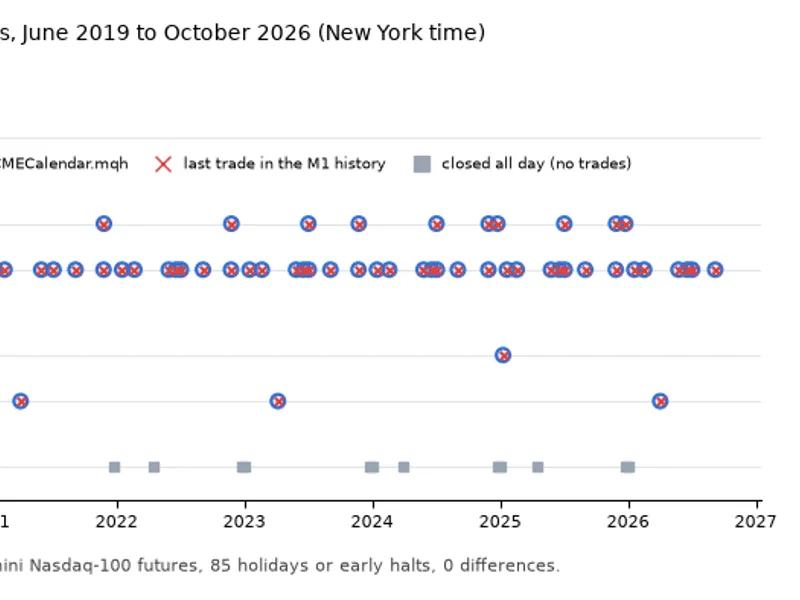
Related: CME Equity Index Futures Holiday Calendar and Trading Halt Automation - another powerful expert for MetaTrader 5 traders.
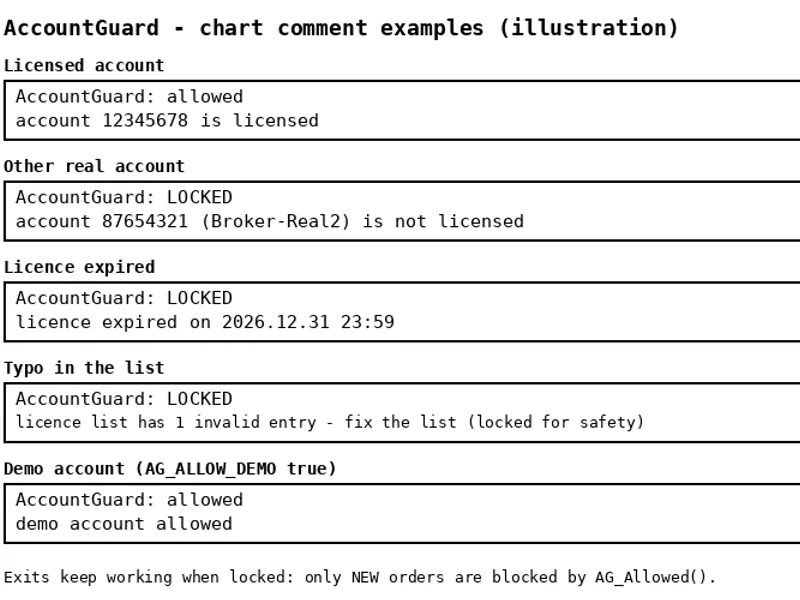
Equity Guard is a risk-management Expert Advisor for MetaTrader 5 that operates without opening trades. It monitors account equity and intervenes when predefined limits are reached.Also recommended: Account Guard: EA Account Locking for MT5 - similar expert with strong performance on MetaTrader 5.
Key features include:
Daily Loss Limit: Enforces a limit based on either a percentage of the day-start balance or a fixed account currency amount, using the stricter of the two.
Maximum Drawdown: Protects against excessive losses by setting a limit as a percentage from the initial balance (static) or from the highest equity reached (trailing).
Daily Profit Target: An optional feature to lock in profits for the day.
When any limit is triggered, Equity Guard performs the following actions: closes all open positions, deletes pending orders, sends an alert, and optionally a push notification. It will then continue to close any new trades opened until the next trading day (for daily limits) or until the saved state is manually reset (for maximum drawdown limits).
Additional Features:
- Day-Start Base: Flexibility to define the starting point for daily calculations using balance, equity, or the higher of the two, catering to various proprietary trading firm rules.
- Trading Day Start: Configurable to begin at any server hour.
- State Persistence: The EA saves its state in terminal global variables, ensuring continuity even after a terminal restart.
- Real-time State Reconstruction: Upon starting during the day, the EA rebuilds the day-start balance using data from trades closed that day.
- Optional Filters: Ability to filter trades by a specific magic number or by the chart symbol only.
Panel Display:
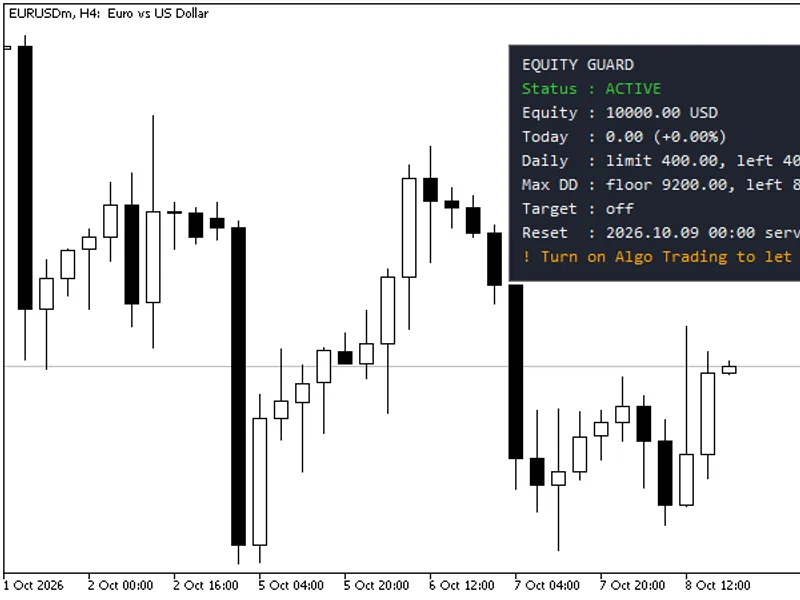
The EA includes a panel showing current status, equity, today's profit/loss, remaining daily loss allowance, distance to the drawdown floor, and the time of the next reset.
The panel also displays a warning if Algo Trading is disabled, as the EA cannot execute trade closures in that state.
Usage Instructions:
Attach the Equity Guard EA to any chart on your account (any symbol, any timeframe) and enable Algo Trading. Configure the limits according to your risk management strategy. It is strongly recommended to test the EA thoroughly on a demo account before using it with real funds.
Input Parameters:
Max daily loss, % of day-start base: Default 4.0. Set to 0 to disable.
Max daily loss, account currency: Default 0. Set to 0 to disable.
Max overall drawdown, %: Default 8.0. Set to 0 to disable.
Drawdown measured: Options are 'From initial balance' or 'From the highest equity (trailing)'.
Initial balance: Default 0. A value of 0 uses the balance when the EA first starts.
Daily profit target, %: Default 0. Set to 0 to disable.
Daily loss measured from: Options are 'Higher of balance and equity', 'Balance', or 'Equity'.
New day starts at server hour: Range 0-23. Default 0.
Close open positions: Default true. Action when a limit is hit.
Delete pending orders: Default true. Action when a limit is hit.
Keep closing new trades until reset: Default true. Keeps the account flat while locked.
Only this magic number: Default -1. Use -1 for all trades.
Only the chart symbol: Default false.
Pop-up alert: Default true.
Push notification: Default false.
Panel settings: Includes options for corner position, offsets, font size, and colors.
Reset saved state on start: Default false. Set to true once to clear a lock, then change back to false.
Important Notes:
The EA's functionality is dependent on the MetaTrader terminal being running and connected. For continuous protection, especially over weekends, it is advisable to run the EA on a Virtual Private Server (VPS).
Trades are closed at market prices. In volatile markets, price slippage can occur. Therefore, it is recommended to set the limits slightly tighter than your absolute maximum acceptable risk.
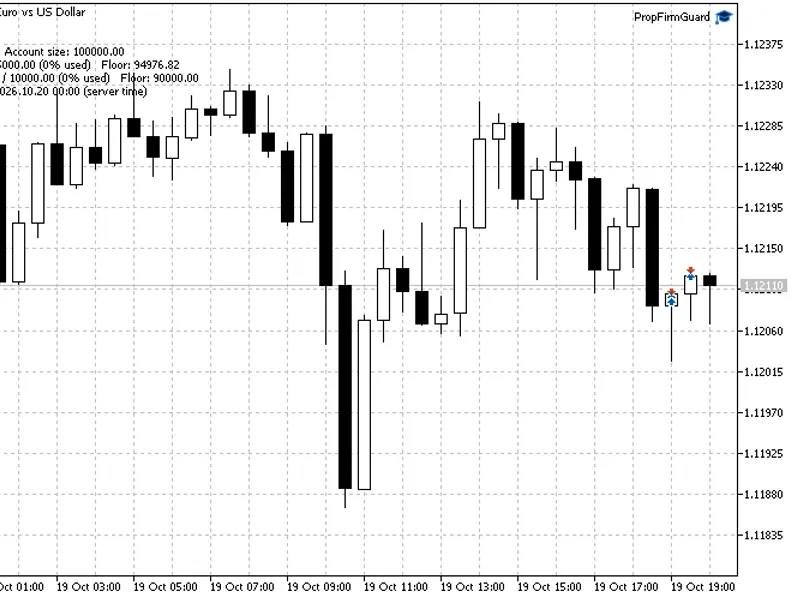
You may also like: Prop Firm Guard: Daily Loss and Max Drawdown Protection - excellent alternative for expert users on MetaTrader 5.
Source Code
#property copyright "RobotFX"
#property link "https://robotfx.org"
#property version     "1.00"
#property description "This code is educational. Feel free to use, modify and upgrade as you wish. Visit ROBOTFX.ORG for professional trading tools"
#include <Trade\Trade.mqh>
#define LOCK_NONE   0
#define LOCK_DAILY  1
#define LOCK_TARGET 2
#define LOCK_MAXDD  3
#define PANEL_ROWS  9
.......
⚠ Limitations & Risk Warning
- This tool is provided for educational and testing purposes only.
- Past performance does not guarantee future results.
- Trading involves substantial risk of loss. Use on a demo account first.
- Results may vary depending on market conditions, broker, and settings.
- We recommend thorough backtesting and forward testing before using with real funds.