

AAPL CFD Trading Robot: ORB Strategy
Info
The AAPL CFD Trading Robot: ORB Strategy is a Expert Advisor for MetaTrader 5 that stocks cfds are gaining popularity, with advancements in platforms like metatrader and the rapid introduction by fx brokers. This trading robot implements the popular ORB (Opening Range Breakout) strategy for AAPL CFDs on a 5-minute timeframe.
Usage
This tool is typically used for automated trading on major forex pairs and gold.
Platform
This Expert Advisor works exclusively on MetaTrader 5 (both build 600+ and newer versions).
Setup
Place the downloaded file in MQL5/Experts folder via File ? Open Data Folder in MetaTrader 5.
How to Install and Use AAPL CFD Trading Robot: ORB Strategy
1. Installation: Open the "File" menu, select "Open Data Folder," navigate to MQL/Experts, paste your file, and restart the terminal.
2. Activation: Drag the EA from the Navigator onto a chart, ensure "Allow live trading" is checked in the Common tab, and verify the AutoTrading button is green.
3. Optimization: Right-click your chart, choose "Expert List," click "Properties" to adjust inputs, and save your preferred setup as a set file for future use.
4. Maintenance: Regularly check the "Experts" tab in the terminal window to monitor trade logs and potential execution errors.
Frequently Asked Questions
Q: Why is my EA not opening trades? A: Check the "AutoTrading" button, ensure "Allow live trading" is enabled, and verify your broker allows automated trading on your account type.
Q: Can I run multiple EAs on one chart? A: No, each chart can only host one active EA; however, you can open multiple charts for different currency pairs to run several EAs.
Q: What does the "smiley face" icon mean? A: A smiley face in the top-right corner of the chart indicates the EA is successfully running; a frowny face means it is disabled.
What this tool does
Stocks CFDs are gaining popularity, with advancements in platforms like MetaTrader and the rapid introduction by FX brokers.
Typical Use Case
This Expert Advisor excels in automated trading and technical analysis on MetaTrader 5.
Compatible Platform & Setup
This Expert Advisor works on MetaTrader 5. Place the file in the MQL5/Experts folder and restart the terminal.
Description & Settings
Related: Tick Scalper Helper: Tick Chart and One-Click Trading Panel for MT5 - another powerful expert for MetaTrader 5 traders.
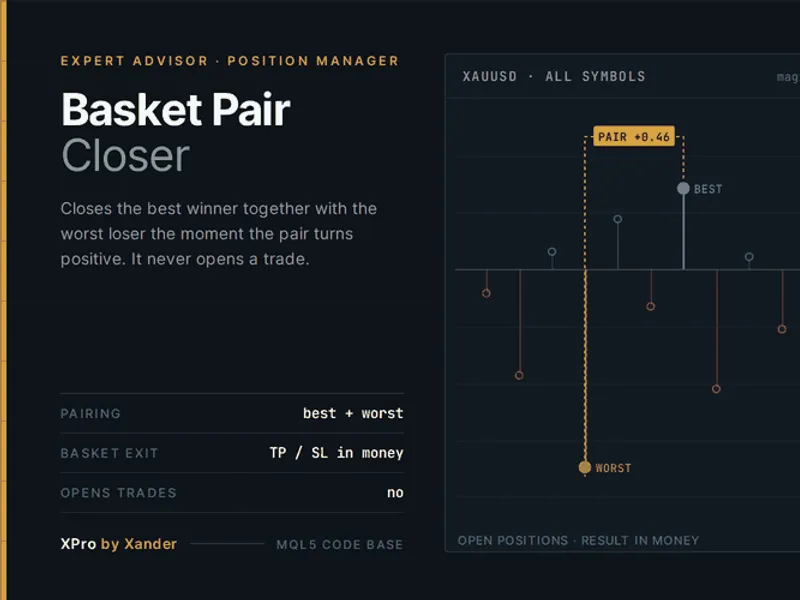
Stocks CFDs are gaining popularity, with advancements in platforms like MetaTrader and the rapid introduction by FX brokers.Also recommended: Basket Pair Closer: Efficiently Close Trading Positions - similar expert with strong performance on MetaTrader 5.
This trading robot implements the popular ORB (Opening Range Breakout) strategy for AAPL CFDs on a 5-minute timeframe.
The entry logic involves scanning the initial trading period's range to identify highs and lows, and assessing volatility to confirm a valid breakout.
The exit strategy includes a fixed risk stop loss and a ratio-based take profit. Trailing stop and breakeven functionalities are also incorporated.
Position sizing is determined by a fixed risk percentage relative to the initial capital, which can be beneficial for prop firm challenges by mitigating the impact of floating capital on lot size during periods of growth.
Note that the EA's performance is sensitive to the New York stock market opening time. The timing has been customized for the author's broker and can be adjusted in the Strategy Tester settings.
Feedback and development ideas are welcome.
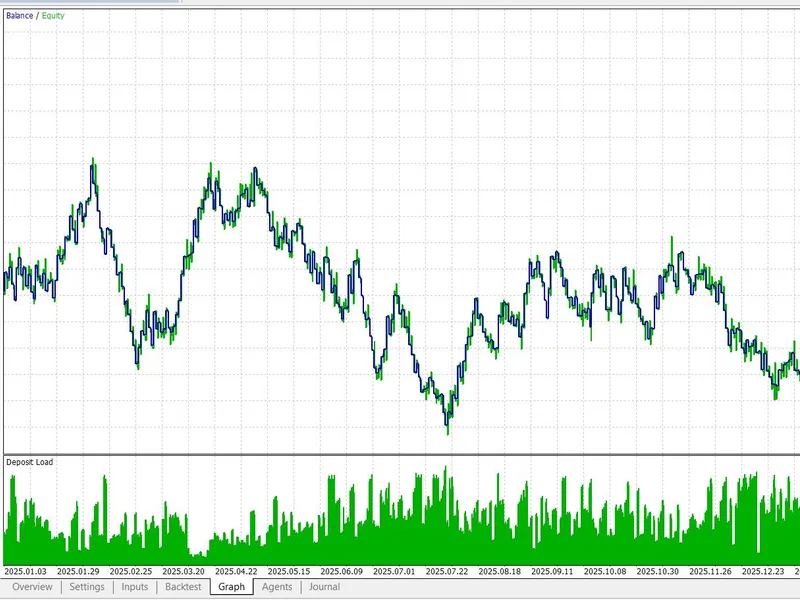
The testing environment was designed to be as realistic as possible.
This tool was developed in 2026.
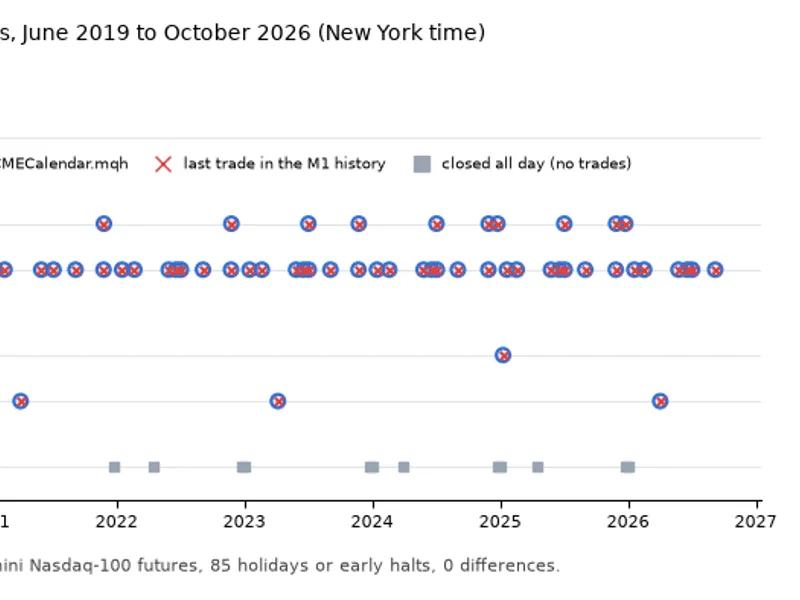
You may also like: CME Equity Index Futures Holiday Calendar and Trading Halt Automation - excellent alternative for expert users on MetaTrader 5.
Source Code
#property copyright "RobotFX"
#property version   "1.00"
#property strict
#include <Trade\Trade.mqh>
#include <Trade\PositionInfo.mqh>
#include <Trade\OrderInfo.mqh>
CTrade        Trade;
CPositionInfo Position;
COrderInfo    OrderInfo;
input group "=== Risk & Position Sizing ==="
.......
⚠ Limitations & Risk Warning
- This tool is provided for educational and testing purposes only.
- Past performance does not guarantee future results.
- Trading involves substantial risk of loss. Use on a demo account first.
- Results may vary depending on market conditions, broker, and settings.
- We recommend thorough backtesting and forward testing before using with real funds.