

Export Trade History to CSV with Performance Summary
Info
The Export Trade History to CSV with Performance Summary is a Script for MetaTrader 5 that this script exports all closed trading positions from your account history to a csv file, which can be opened in spreadsheet software like excel or google sheets, or processed with python. It also displays a concise summary directly on the chart and in the Experts tab.
Usage
This tool is typically used for enhancing chart analysis and decision making.
Platform
This Script works exclusively on MetaTrader 5 (both build 600+ and newer versions).
Setup
Place the downloaded file in MQL5/Scripts folder via File ? Open Data Folder in MetaTrader 5.
How to Install and Use Export Trade History to CSV with Performance Summary
1. Installation: Move your script file into the MQL/Scripts directory and restart the platform.
2. Execution: Drag the script onto a chart; it will perform a one-time action, such as closing all open orders or clearing chart objects.
3. Editing: Use MetaEditor (F4) to modify code, click "Compile," and verify no errors appear in the terminal before running.
4. Removing: Scripts stop automatically, but you can remove them manually by right-clicking the chart and choosing "Remove Script."
Frequently Asked Questions
Q: How are scripts different from EAs? A: Scripts execute a single action and then stop; EAs monitor the market and trade continuously.
Q: Can I assign a hotkey to a script? A: Yes, right-click the script in the Navigator, select "Set Hotkey," and define your preferred keyboard shortcut.
Q: Why did my script stop? A: Scripts are designed to stop immediately after finishing their programmed command; this is normal behavior.
What this tool does
This script exports all closed trading positions from your account history to a CSV file, which can be opened in spreadsheet software like Excel or Google Sheets, or processed with Python.
Typical Use Case
This Script excels in automated trading and technical analysis on MetaTrader 5.
Compatible Platform & Setup
This Script works on MetaTrader 5. Place the file in the MQL5/Scripts folder and restart the terminal.
Description & Settings
Related: Trade History Statistics for MT4/MT5 - another powerful script for MetaTrader 5 traders.
This script exports all closed trading positions from your account history to a CSV file, which can be opened in spreadsheet software like Excel or Google Sheets, or processed with Python. It also displays a concise summary directly on the chart and in the Experts tab. This tool does not open, modify, or close any trades.Also recommended: Export Closed Trades to CSV with Summary by Magic Number - similar script with strong performance on MetaTrader 5.
Functionality
1. Consolidates trade data: Each closed position is compiled into a single record. Entry trades are combined using a volume-weighted average entry price, and any partial closes are appended to the corresponding position.
2. CSV file generation: The script writes detailed information for each position to a CSV file, including symbol, trade direction, volume, opening and closing times and prices, trade duration (in minutes), profit, commission, swap fees, net profit, magic number, and comments.
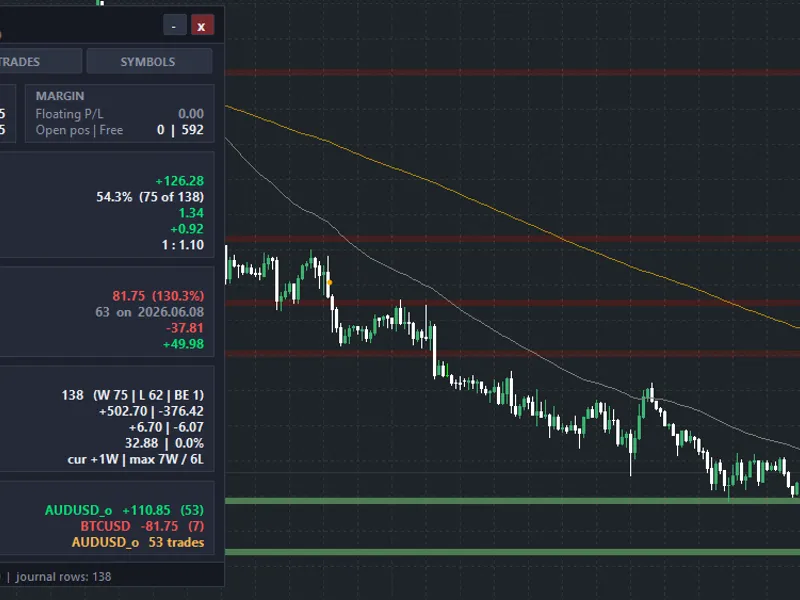
3. Performance summary: A summary is presented, featuring the total number of closed positions, win rate, profit factor, overall net result, average win amount, average loss amount, maximum drawdown experienced on closed trades, and the net result broken down by trading symbol.
User Inputs
- Date range for trade history (start and end dates).
- Specific symbol to filter trades (leave empty to include all symbols).
- Specific magic number to filter trades (-1 includes all, 0 includes manual trades).
- Name for the CSV export file (saved in the MQL5\Files directory). Option to display the summary on the chart.
Usage Instructions
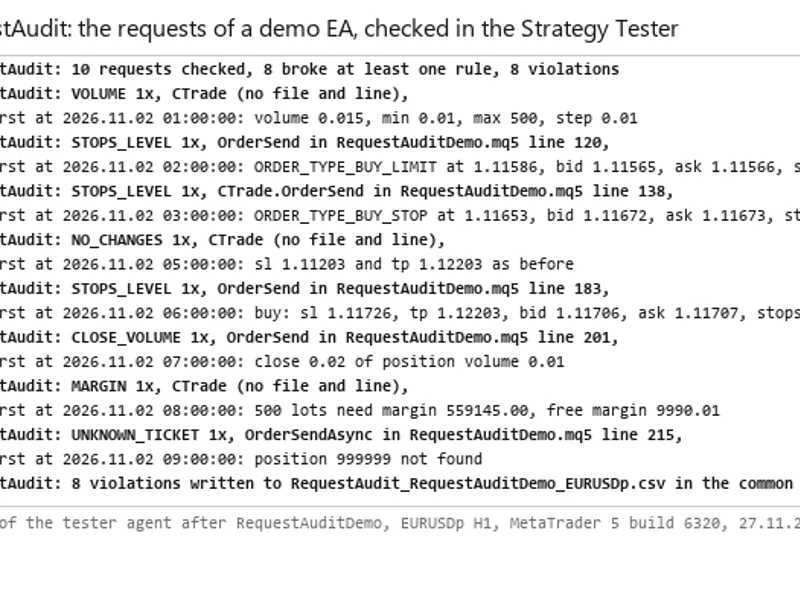
Apply the script to any chart in your trading platform. Configure the desired date range and filter settings, then click OK. Please note that balance and credit operations are excluded from the analysis. The accompanying image demonstrates a test run using the Strategy Tester with simulated trades, solely for verifying the accuracy of the export and summary data against the tester's results.
This tool is also available for MetaTrader 4 via the CodeBase section.
Disclaimer: This is not financial advice. Historical performance is not indicative of future results.
You may also like: MetaTrader Backtest Data Validation: Broker Bar and Tick History Check - excellent alternative for script users on MetaTrader 5.
Source Code
#property copyright "RobotFX"
#property version     "1.00"
#property script_show_inputs
#property description "This code is educational. Feel free to use, modify and upgrade as you wish. Visit ROBOTFX.ORG for professional trading tools"
input datetime InpFrom      = D'2020.01.01';
input datetime InpTo        = D'2035.01.01';
input string   InpSymbol    = "";
input long     InpMagic     = -1;
input string   InpFileName  = "trade_history.csv";
input bool     InpShowOnChart = true;
.......
⚠ Limitations & Risk Warning
- This tool is provided for educational and testing purposes only.
- Past performance does not guarantee future results.
- Trading involves substantial risk of loss. Use on a demo account first.
- Results may vary depending on market conditions, broker, and settings.
- We recommend thorough backtesting and forward testing before using with real funds.