
optimization report tool
Info
The optimization report tool is a Library for MetaTrader 5 that if you want to optimize your expert advisor using your own characteristics, you can use custom max mode via function. this code simplifies creating your own formulae.
Usage
This tool is typically used for enhancing chart analysis and decision making.
Platform
This Library works exclusively on MetaTrader 5 (both build 600+ and newer versions).
Setup
Place the downloaded file in MQL5/Libraries folder via File ? Open Data Folder in MetaTrader 5.
How to Install and Use optimization report tool
1. Storage: Place library files in the MQL/Libraries directory to ensure they are accessible to your projects.
2. Implementation: Include the library in your code using the #import directive, ensuring you match the exact function names and parameters.
3. Compilation: Ensure the library is present in the directory before you compile your main EA or script, as the compiler links them during this phase.
4. Management: Keep libraries organized in sub-folders if you manage many custom functions to maintain a clean project structure.
Frequently Asked Questions
Q: What is a library file used for? A: Libraries store reusable code modules, allowing you to centralize common logic used by multiple EAs or indicators.
Q: Is a library executable? A: No, libraries are non-executable files containing functions; they must be imported into an EA, indicator, or script to function.
Q: Can I update a library while the platform is running? A: You should compile your EA or script after updating a library to ensure the latest code changes are integrated.
What this tool does
if you want to optimize your expert advisor using your own characteristics, you can use custom max mode via function.
Typical Use Case
This Library excels in automated trading and technical analysis on MetaTrader 5.
Compatible Platform & Setup
This Library works on MetaTrader 5. Place the file in the MQL5/Libraries folder and restart the terminal.
Description & Settings
Related: memory management for metatrader optimization - another powerful library for MetaTrader 5 traders.
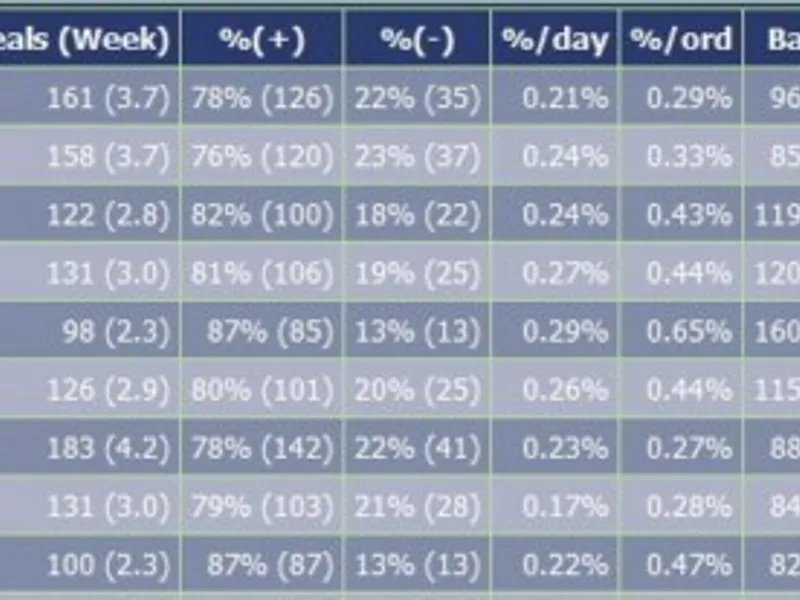
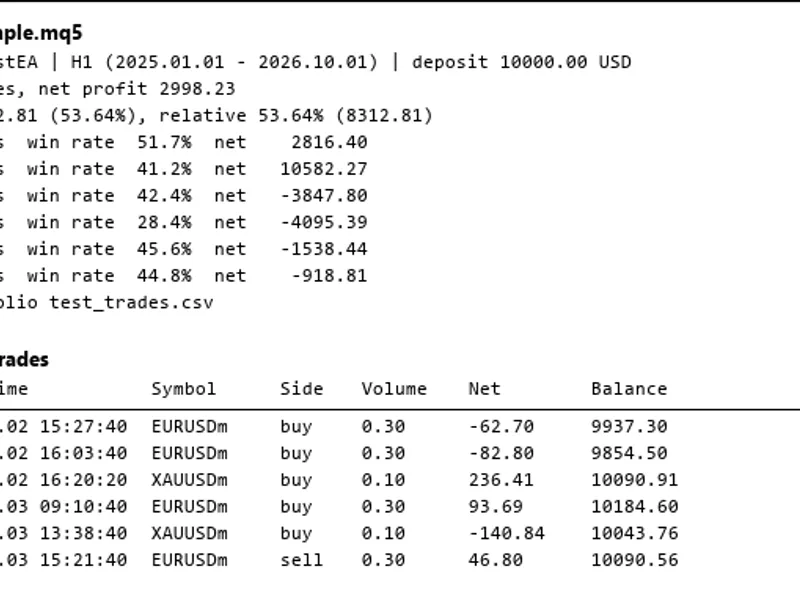
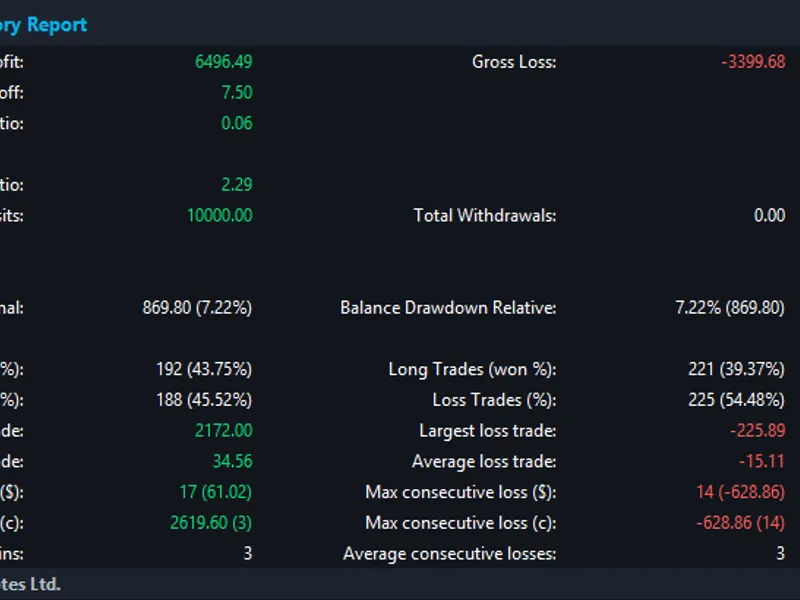
if you want to optimize your expert advisor using your own characteristics, you can use custom max mode via function. this code simplifies creating your own formulae. to define the custom optimization parameter, sometimes it's necessary to calculate many trade characteristics. this code provides you the following characteristics:Also recommended: code library for recording balance and equity charts with optimization criteria - similar library with strong performance on MetaTrader 5.
profit factor
profit in deposit currency
profit in points
total profit
total loss
loss deals
profitable deals
profit per deal (in percents)
profit per day (in percents)
maximal drawdown
balance channel width (in points)
difference between the maximal and minimal slope of the balance line
average drawdown (averaged sum of drawdown for all deals)
recovery factor
average points per deal.
manual:
copy the optimreport.mqh file to the mql5\include\ folder
add the following line to the code of your expert advisor:
add this line to oninit() function:
add this line to ontick() function:
add this line to the code when open position:
add these 4 lines to ontester() function:
here is an example of input_param:
recommendations:
the lot_risk variable is the percent of margin used in trading (for increasing volume).
note that html file with optimization results is saved separately for each agent: c:\program files (x86)\metatrader 5\tester\agent-127.0.0.1-3000\mql5\files
if you have found errors or need some other characteristics, please inform. it will be great if you provide your own optimization characteristics.
ps: the formula № 5 is preferred for use.
You may also like: Report - excellent alternative for library users on MetaTrader 5.
Source Code
/*
#include <optimreport.mqh>
*/
/*
   otimreport(1); // add this line to oninit() function of your ea
*/
/*
   otimreport(2);  // add this line to ontick() function of your ea
*/
/*
.......
⚠ Limitations & Risk Warning
- This tool is provided for educational and testing purposes only.
- Past performance does not guarantee future results.
- Trading involves substantial risk of loss. Use on a demo account first.
- Results may vary depending on market conditions, broker, and settings.
- We recommend thorough backtesting and forward testing before using with real funds.