
AN Guard Lite: Comprehensive EA Trade Journal and Reporting Tool
Info
The AN Guard Lite: Comprehensive EA Trade Journal and Reporting Tool is a Expert Advisor for MetaTrader 5 that an guard litea robust journal and reporting tool designed for any expert advisor (ea) or manual trading activities. This utility exclusively monitors trades; it does not open, modify, or close positions.
Usage
This tool is typically used for automated trading on major forex pairs and gold.
Platform
This Expert Advisor works exclusively on MetaTrader 5 (both build 600+ and newer versions).
Setup
Place the downloaded file in MQL5/Experts folder via File ? Open Data Folder in MetaTrader 5.
How to Install and Use AN Guard Lite: Comprehensive EA Trade Journal and Reporting Tool
1. Installation: Open the "File" menu, select "Open Data Folder," navigate to MQL/Experts, paste your file, and restart the terminal.
2. Activation: Drag the EA from the Navigator onto a chart, ensure "Allow live trading" is checked in the Common tab, and verify the AutoTrading button is green.
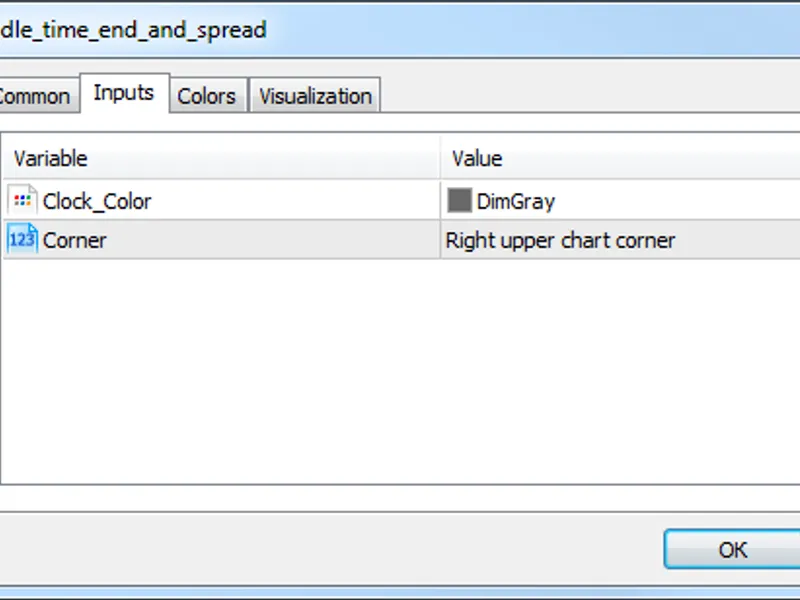
3. Optimization: Right-click your chart, choose "Expert List," click "Properties" to adjust inputs, and save your preferred setup as a set file for future use.
4. Maintenance: Regularly check the "Experts" tab in the terminal window to monitor trade logs and potential execution errors.
Frequently Asked Questions
Q: Why is my EA not opening trades? A: Check the "AutoTrading" button, ensure "Allow live trading" is enabled, and verify your broker allows automated trading on your account type.
Q: Can I run multiple EAs on one chart? A: No, each chart can only host one active EA; however, you can open multiple charts for different currency pairs to run several EAs.
Q: What does the "smiley face" icon mean? A: A smiley face in the top-right corner of the chart indicates the EA is successfully running; a frowny face means it is disabled.
What this tool does
AN Guard LiteA robust journal and reporting tool designed for any Expert Advisor (EA) or manual trading activities.
Typical Use Case
This Expert Advisor excels in automated trading and technical analysis on MetaTrader 5.
Compatible Platform & Setup
This Expert Advisor works on MetaTrader 5. Place the file in the MQL5/Experts folder and restart the terminal.
Description & Settings
Related: Prop Guard Lite: Daily and Max Loss Protection for Prop Firm Accounts - another powerful expert for MetaTrader 5 traders.
AN Guard LiteAlso recommended: Account Guard: EA Account Locking for MT5 - similar expert with strong performance on MetaTrader 5.
A robust journal and reporting tool designed for any Expert Advisor (EA) or manual trading activities. This utility exclusively monitors trades; it does not open, modify, or close positions.
Functionality:
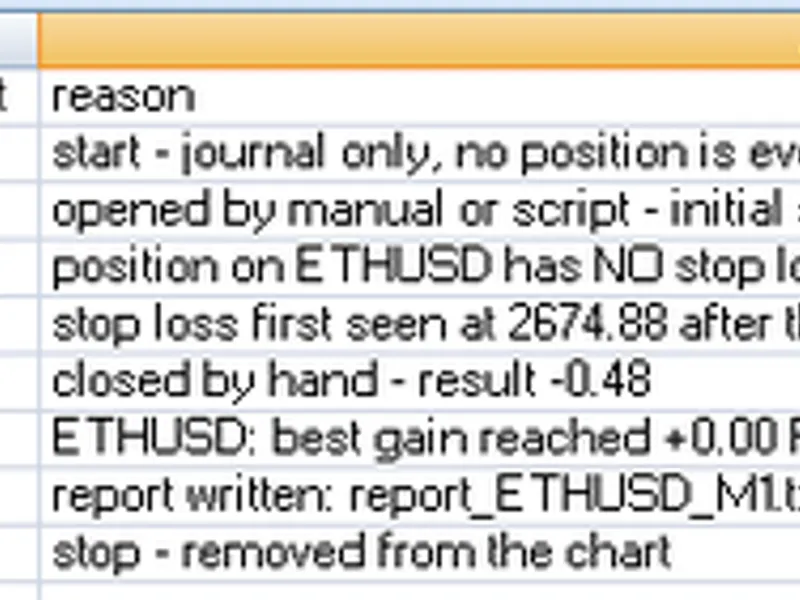
- CSV Journal: Records each trade event on a per-line basis, including position openings, closings, and the reason for closure (e.g., stop loss, take profit, broker closure, program closure, manual closure), along with the net result.
- Text Report: Generated upon removal from the chart, this report details key performance metrics such as net profit, win rate, profit factor, average win and loss amounts, expectancy per trade, drawdown, monthly performance summaries, and the extent of each trade's movement before closure.
Significance of Trade Movement Measurement:
Standard reports often equate trades with the same final profit, regardless of their potential. This tool measures trades based on their peak performance in R (multiples of initial risk). This allows you to identify if your break-even or trailing stop strategies are prematurely closing profitable trades. For example, two trades closing at a +2 profit are reported identically in a basic system. However, if one reached +0.2 R and the other +3 R, this report highlights that discrepancy, enabling you to refine your exit strategies.
Additional Features:
- Stop Loss Alerts: Notifies you when a position is traded without a stop loss.
User Inputs:
- Scope: Choose to monitor trades for the current chart's symbol only, or for all account positions.
- Magic Number: Filter trades by a specific magic number (0 for all).
- File Naming: Specify base names for the journal and report files.
- CSV Journal Output: Enable or disable CSV journal logging.
- Stop Loss Alert: Enable or disable the alert for positions without a stop loss.
Important Notes:
- Installation: Attach the indicator to a single chart and let it run.
- Independence: Operates on any symbol and timeframe without dependency on chart specifics.
- Risk (R) Calculation: The initial risk (R) is determined by the first stop loss detected for a position. If an EA sets a stop loss shortly after entry, that stop is used and logged. Positions without a stop loss cannot have their best gain measured, and this will be indicated in the report.
- Trade Results: All trade results are net, including profit, swaps, commissions, and fees.
- File Location: Output files are saved in the MQL5\Files folder of your trading terminal.
- Netting Accounts: On netting accounts, position additions adjust the average entry price. 'R' is calculated based on the price observed when the position was first identified.
- Time Reference: All recorded times are server times.
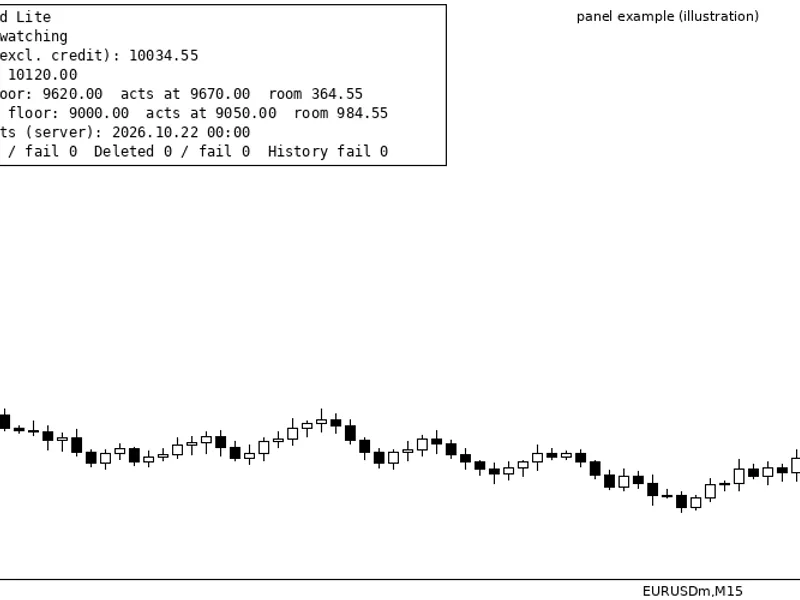
AN Guard Lite serves as a precursor to AN Guard Pro, currently under development. The Pro version will include automated trade management, such as closing positions and deleting pending orders when daily loss or maximum drawdown limits are reached, along with a live status panel on the chart. Feedback on desired rules for the Pro version is welcome in the comments.
You may also like: Prop Firm Guard: Daily Loss and Max Drawdown Protection - excellent alternative for expert users on MetaTrader 5.
Source Code
#property copyright "RobotFX"
#property version   "1.00"
#property description "This code is educational. Feel free to use, modify and upgrade as you wish. Visit ROBOTFX.ORG for professional trading tools"
enum ENUM_WATCH_SCOPE
  {
   SCOPE_SYMBOL = 0,
   SCOPE_ALL    = 1
  };
input group "What to watch"
input ENUM_WATCH_SCOPE InpScope       = SCOPE_SYMBOL;
.......
⚠ Limitations & Risk Warning
- This tool is provided for educational and testing purposes only.
- Past performance does not guarantee future results.
- Trading involves substantial risk of loss. Use on a demo account first.
- Results may vary depending on market conditions, broker, and settings.
- We recommend thorough backtesting and forward testing before using with real funds.