




swap fee monitor panel
Info
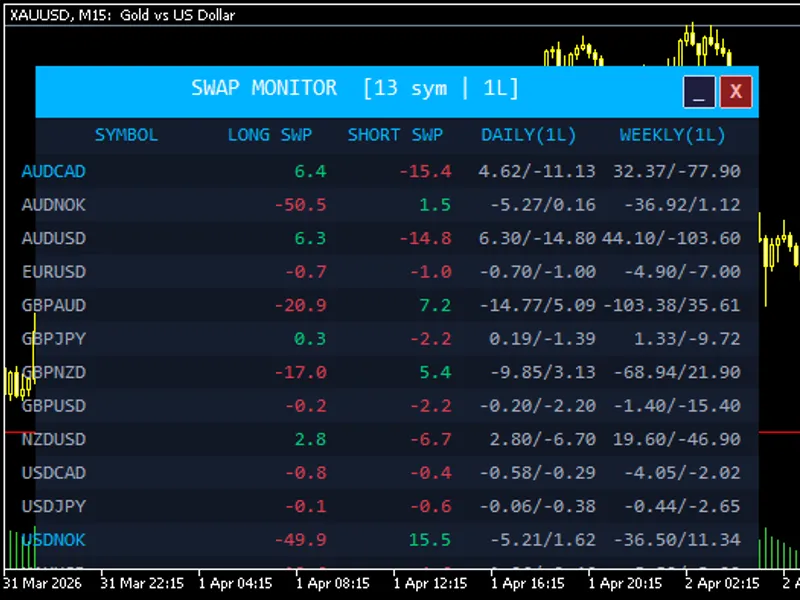
The swap fee monitor panel is a Indicator for MetaTrader 5 that swap monitor panel is a lightweight, fully customizable indicator that overlays a live swap rate dashboard directly on your mt5 chart. it scans every symbol in your marketwatch window and presents long swap, short swap, estimated daily cost, and weekly cost side by side — all in one clean, readable panel.
Usage
This tool is typically used for enhancing chart analysis and decision making.
Platform
This Indicator works exclusively on MetaTrader 5 (both build 600+ and newer versions).
Setup
Place the downloaded file in MQL5/Indicators folder via File ? Open Data Folder in MetaTrader 5.
How to Install and Use swap fee monitor panel
1. Installation: Place your file in the MQL/Indicators folder via "Open Data Folder" and restart your terminal.
2. Loading: Find the indicator in the Navigator, drag it onto your chart, and configure the input parameters in the popup window.
3. Customization: Press Ctrl+I to open the indicator list, select your tool, and click "Properties" to change colors, levels, or visual styles.
4. Updating: Replace the old file in the Indicators folder with the new version and restart the platform to apply changes.
Frequently Asked Questions
Q: Why is my indicator not showing? A: Verify the file is in the MQL/Indicators folder, or try right-clicking the "Indicators" tree in the Navigator and clicking "Refresh."
Q: Do custom indicators slow down the platform? A: Too many complex indicators can impact performance; remove unused ones via the "Indicator List" (Ctrl+I).
Q: Can I use MT4 indicators on MT5? A: No, MQL4 and MQL5 are distinct languages; ensure the indicator is compiled specifically for your platform version.
What this tool does
swap monitor panel is a lightweight, fully customizable indicator that overlays a live swap rate dashboard directly on your mt5 chart.
Typical Use Case
This Indicator excels in automated trading and technical analysis on MetaTrader 5.
Compatible Platform & Setup
This Indicator works on MetaTrader 5. Place the file in the MQL5/Indicators folder and restart the terminal.
Description & Settings
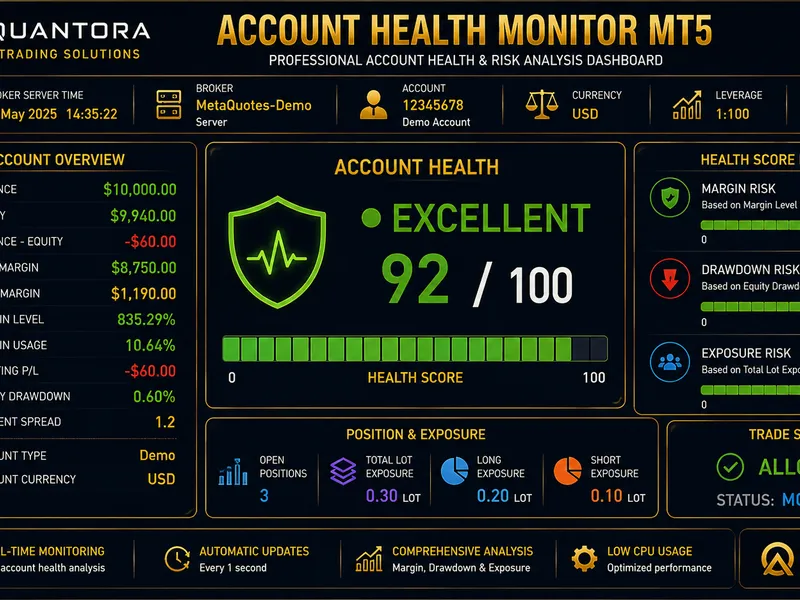
Related: Quantora Account Health Monitor MT5: Professional Account Health and Risk Monitoring - another powerful indicator for MetaTrader 5 traders.
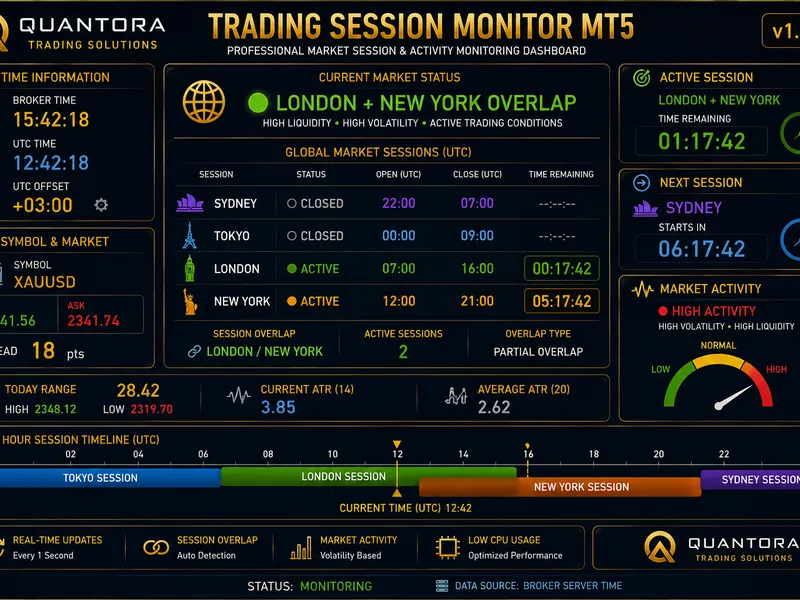
swap monitor panel is a lightweight, fully customizable indicator that overlays a live swap rate dashboard directly on your mt5 chart.Also recommended: Quantora Trading Session Monitor MT5: Professional Market Session and Activity Analysis - similar indicator with strong performance on MetaTrader 5.
it scans every symbol in your marketwatch window and presents long swap, short swap, estimated daily cost, and weekly cost side by side — all in one clean, readable panel.key features
live marketwatch scanning
— automatically reads all symbols currently in your marketwatch; no manual configuration needed.
multi-mode swap calculation
— correctly handles all mt5 swap modes: points, currency (symbol/deposit/margin), and interest-based (current/open price), so monetary cost estimates are as accurate as possible.
daily & weekly cost columns
— shows the estimated real monetary cost or gain per your chosen lot size for both long and short positions, updated every 5 seconds.
best swap highlighting
— optionally highlights the symbol with the most favorable long or short swap in accent color, helping you quickly spot carry trade opportunities.
flexible sorting
— sort the table by symbol name (a–z), best long swap, best short swap, or best daily cost with a single input change.
minimize / close controls
— title bar buttons let you collapse the panel to just its header bar or remove it from the chart entirely without detaching the indicator.
fully themeable
— every color (background, rows, positive/negative values, accent, title) is exposed as an input parameter so the panel fits any chart theme.
font & layout control
— choose your preferred font, font size, panel x/y position, and toggle the daily/weekly cost columns on or off to keep the panel as compact or detailed as you need.
how it works
on load, the panel reads swap rates and contract specifications for each marketwatch symbol using native symbolinfo functions.
it then converts raw swap values into monetary terms based on the symbol's swap mode, tick value, and your reference lot size.
the panel refreshes automatically every 5 seconds via a timer and can also be manually refreshed by clicking anywhere on the panel body.
use cases
identifying positive carry (swap-positive) opportunities across your watchlist
comparing rollover costs before holding positions overnight or over the weekend
monitoring weekly swap exposure for a given lot size across multiple instruments
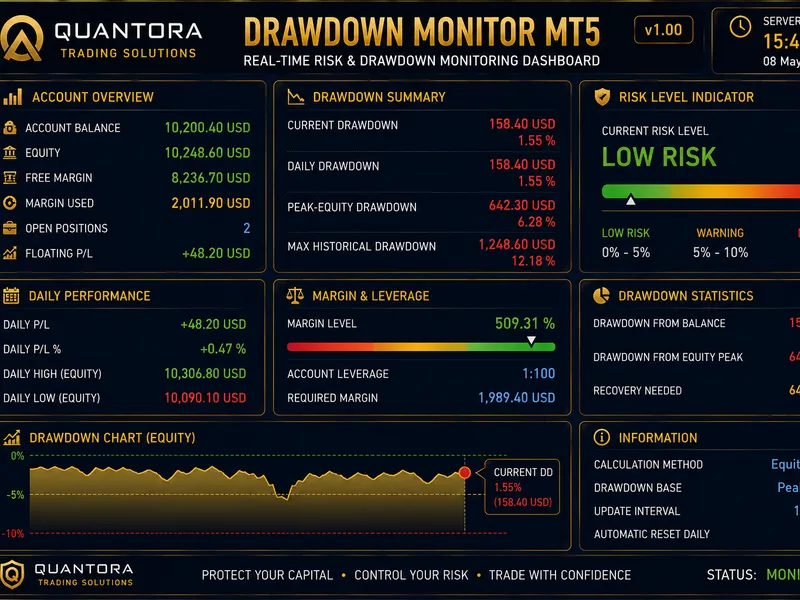
You may also like: Quantora Drawdown Monitor MT5: Professional Account Risk and Drawdown Dashboard - excellent alternative for indicator users on MetaTrader 5.
Source Code
#property copyright "robotfx"
#property link "https://robotfx.org"
#property version     "1.00"
#property description "This code is provided AS IS and intended for educational purposes only. Professional trading EAs and indicators - robotfx www.robotfx.org"
#property description "This code is provided AS IS and intended for educational purposes only. Professional trading EAs and indicators - robotfx www.robotfx.org"
#property indicator_chart_window
#property indicator_plots 0
enum enum_swap_sort
{
swpsort_by_symbol     = 0,
.......
⚠ Limitations & Risk Warning
- This tool is provided for educational and testing purposes only.
- Past performance does not guarantee future results.
- Trading involves substantial risk of loss. Use on a demo account first.
- Results may vary depending on market conditions, broker, and settings.
- We recommend thorough backtesting and forward testing before using with real funds.