



Spread Monitor for MT5
Info
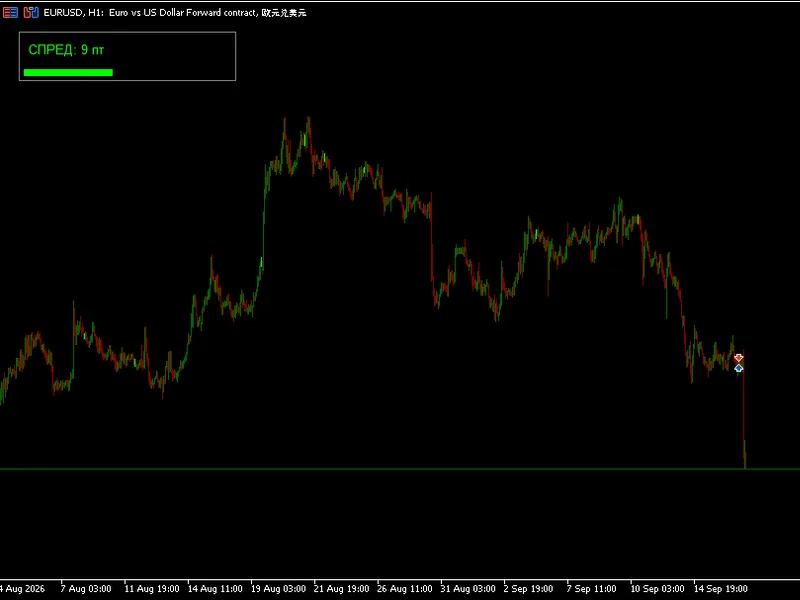
The Spread Monitor for MT5 is a Expert Advisor for MetaTrader 5 that spread monitor is a single-file mql5 expert advisor that displays the trading spread of the attached symbol on a color-coded panel in the chart corner. The spread, which is the difference between the ask and bid price, is reported by MetaTrader 5 as an integer number of points via SYMBOL_SPREAD.
Usage
This tool is typically used for automated trading on major forex pairs and gold.
Platform
This Expert Advisor works exclusively on MetaTrader 5 (both build 600+ and newer versions).
Setup
Place the downloaded file in MQL5/Experts folder via File ? Open Data Folder in MetaTrader 5.
How to Install and Use Spread Monitor for MT5
1. Installation: Open the "File" menu, select "Open Data Folder," navigate to MQL/Experts, paste your file, and restart the terminal.
2. Activation: Drag the EA from the Navigator onto a chart, ensure "Allow live trading" is checked in the Common tab, and verify the AutoTrading button is green.
3. Optimization: Right-click your chart, choose "Expert List," click "Properties" to adjust inputs, and save your preferred setup as a set file for future use.
4. Maintenance: Regularly check the "Experts" tab in the terminal window to monitor trade logs and potential execution errors.
Frequently Asked Questions
Q: Why is my EA not opening trades? A: Check the "AutoTrading" button, ensure "Allow live trading" is enabled, and verify your broker allows automated trading on your account type.
Q: Can I run multiple EAs on one chart? A: No, each chart can only host one active EA; however, you can open multiple charts for different currency pairs to run several EAs.
Q: What does the "smiley face" icon mean? A: A smiley face in the top-right corner of the chart indicates the EA is successfully running; a frowny face means it is disabled.
What this tool does
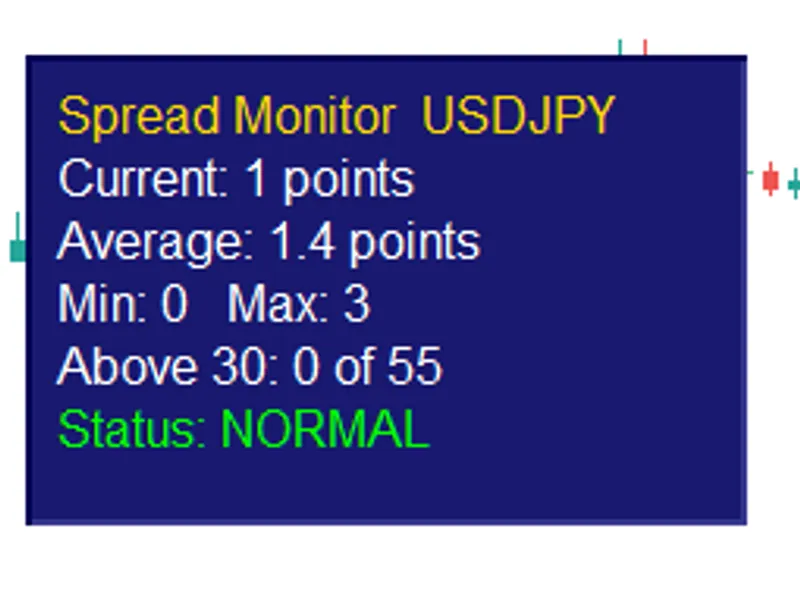
Spread Monitor is a single-file MQL5 Expert Advisor that displays the trading spread of the attached symbol on a color-coded panel in the chart corner.
Typical Use Case
This Expert Advisor excels in automated trading and technical analysis on MetaTrader 5.
Compatible Platform & Setup
This Expert Advisor works on MetaTrader 5. Place the file in the MQL5/Experts folder and restart the terminal.
Description & Settings
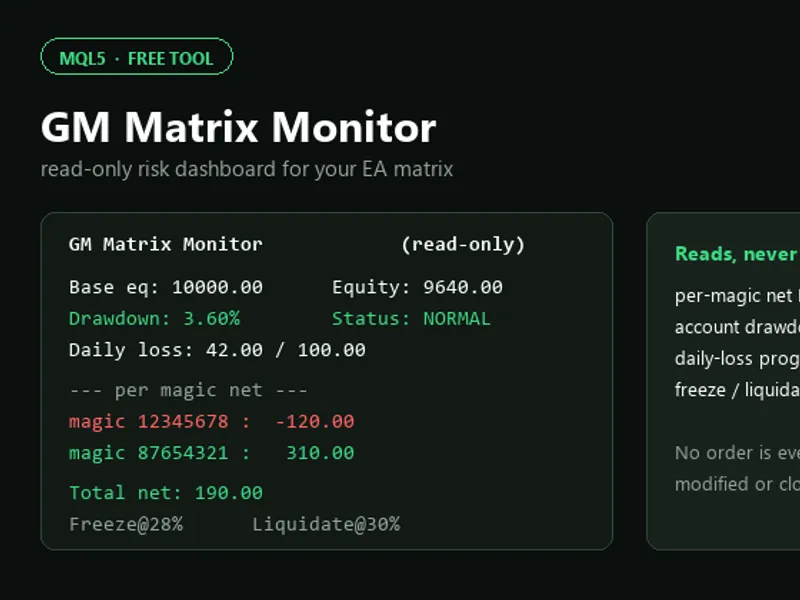
Related: GM Matrix Monitor: Read-Only EA Risk Dashboard - another powerful expert for MetaTrader 5 traders.
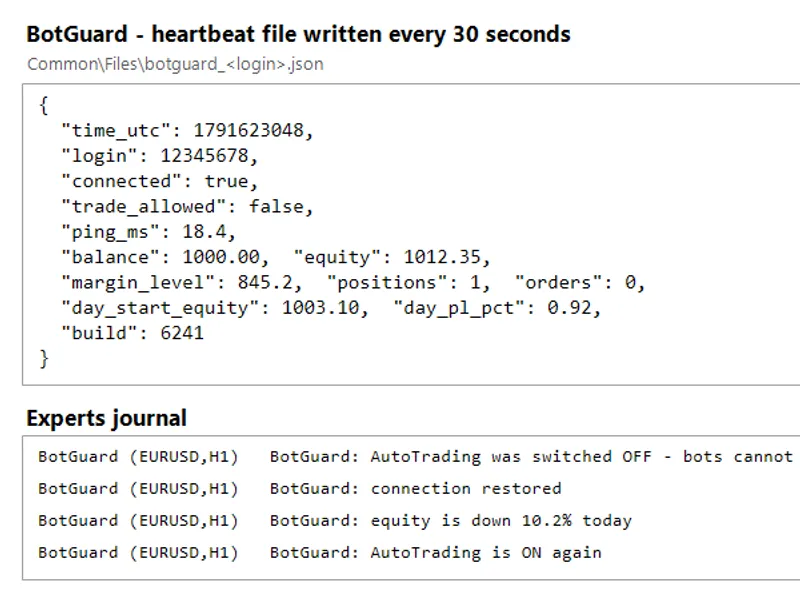
Spread Monitor is a single-file MQL5 Expert Advisor that displays the trading spread of the attached symbol on a color-coded panel in the chart corner.Also recommended: Bot Guard: Terminal Health Monitoring for VPS - similar expert with strong performance on MetaTrader 5.
The spread, which is the difference between the ask and bid price, is reported by MetaTrader 5 as an integer number of points via SYMBOL_SPREAD.
This utility reads this value on each refresh, stores it in a fixed-size rolling buffer, and recalculates four statistics based on this history: the current spread, the average spread, the minimum spread, and the maximum spread.
Additionally, it counts how many stored samples exceed a configurable warning level. This allows traders to observe the frequency of high spreads for a given symbol, rather than just at a single moment.
The status row on the panel changes to red when the current spread is above the warning level and remains green otherwise.
The refresh rate is throttled to a configurable interval, preventing the panel from rebuilding on every tick.
The historical data is maintained in memory and is reset when the Expert Advisor is removed, the symbol is changed, or the terminal is restarted.
The panel objects are created with a fixed name prefix. This ensures that the Expert Advisor removes only its own objects upon exit, leaving other chart objects undisturbed.
This utility does not place, modify, or close any orders, nor does it block trading operations by other programs.
The configurable inputs include:
- The warning level in points.
- The number of historical samples to retain.
- The refresh interval in seconds.
- The corner of the chart where the panel will be displayed.
- Horizontal and vertical offsets for panel positioning.
Spread Monitor is designed for traders who wish to monitor spread behavior throughout a trading session before making decisions on when to execute trades. The utility was last updated in 2026.
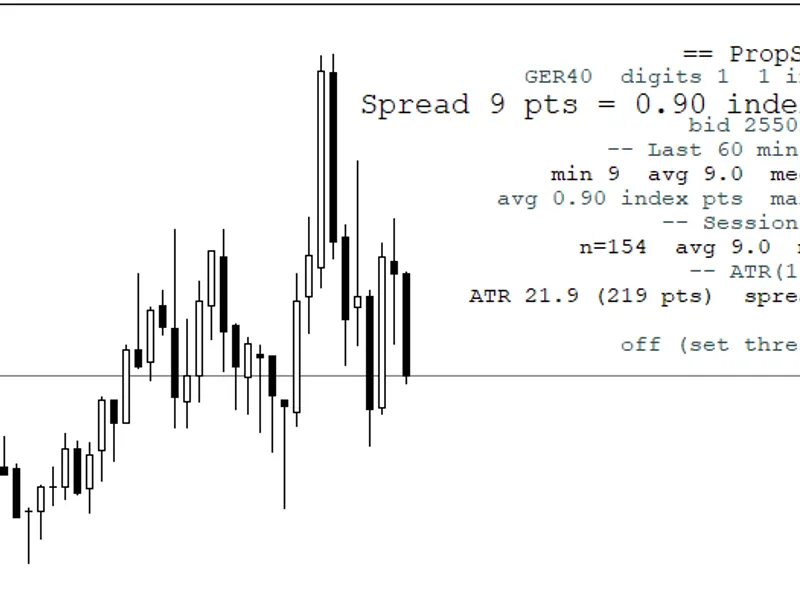
You may also like: Prop Spread: Time-Weighted Spread Monitor with ATR Context, Alerts, and CSV Logging - excellent alternative for expert users on MetaTrader 5.
Source Code
#property copyright "RobotFX"
#property link "https://robotfx.org"
#property version   "1.00"
#property description "This code is educational. Feel free to use, modify and upgrade as you wish. Visit ROBOTFX.ORG for professional trading tools"
input int              InpSpreadLimit   = 30;
input int              InpSampleSize    = 200;
input int              InpUpdateSeconds = 1;
input ENUM_BASE_CORNER InpCorner        = CORNER_LEFT_UPPER;
input int              InpPanelX        = 10;
input int              InpPanelY        = 20;
.......
⚠ Limitations & Risk Warning
- This tool is provided for educational and testing purposes only.
- Past performance does not guarantee future results.
- Trading involves substantial risk of loss. Use on a demo account first.
- Results may vary depending on market conditions, broker, and settings.
- We recommend thorough backtesting and forward testing before using with real funds.