




Support and Resistance Zig Zag Indicator
Info
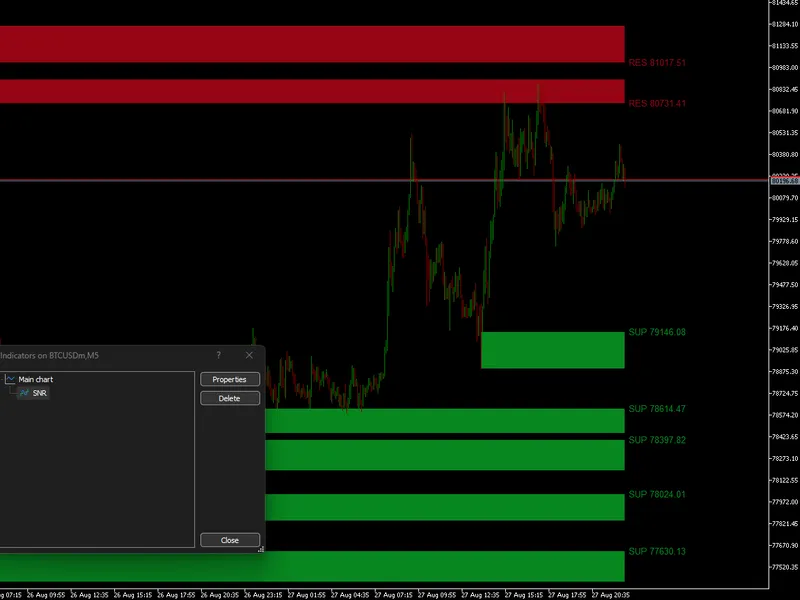
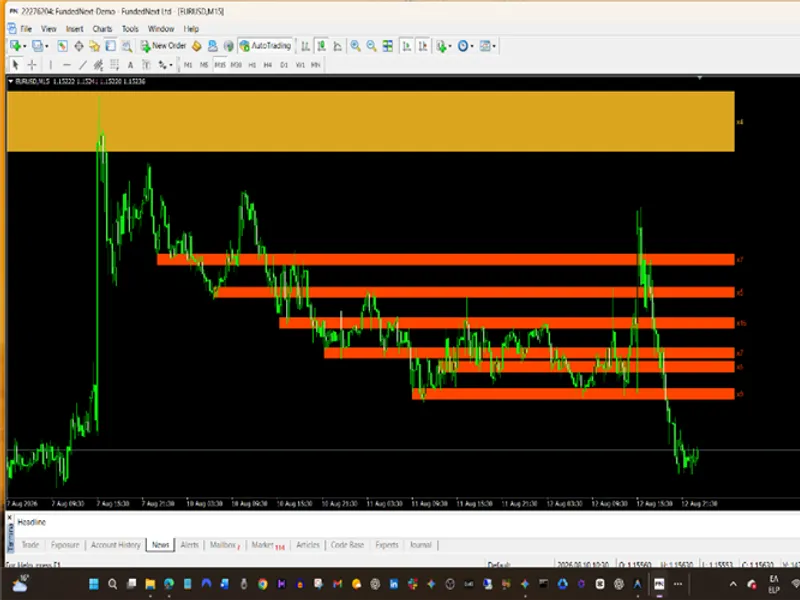
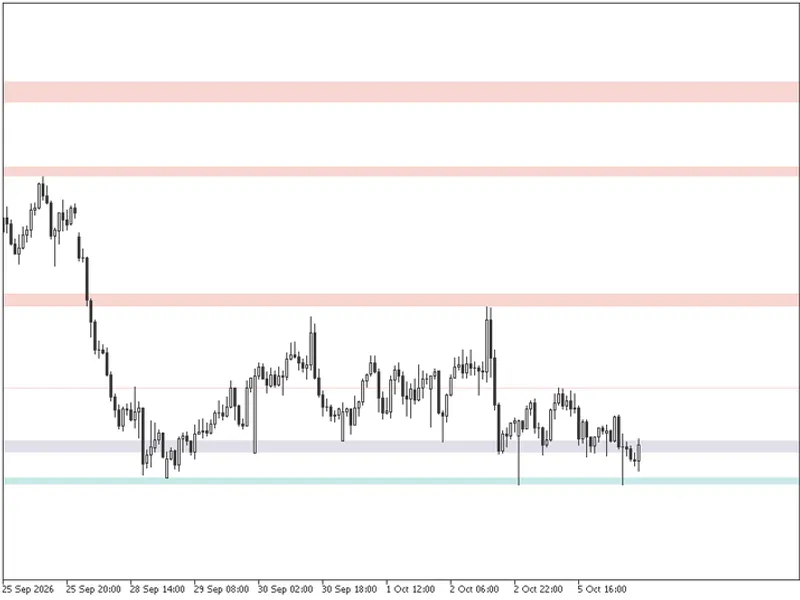
The Support and Resistance Zig Zag Indicator is a Indicator for MetaTrader 5 that key features:dynamic flip zones: automatically converts broken support into sbr and broken resistance into rbs. Auto-Normalization: Adjusts zone width based on average volatility, preventing them from being too wide or too narrow.
Usage
This tool is typically used for enhancing chart analysis and decision making.
Platform
This Indicator works exclusively on MetaTrader 5 (both build 600+ and newer versions).
Setup
Place the downloaded file in MQL5/Indicators folder via File ? Open Data Folder in MetaTrader 5.
How to Install and Use Support and Resistance Zig Zag Indicator
1. Installation: Place your file in the MQL/Indicators folder via "Open Data Folder" and restart your terminal.
2. Loading: Find the indicator in the Navigator, drag it onto your chart, and configure the input parameters in the popup window.
3. Customization: Press Ctrl+I to open the indicator list, select your tool, and click "Properties" to change colors, levels, or visual styles.
4. Updating: Replace the old file in the Indicators folder with the new version and restart the platform to apply changes.
Frequently Asked Questions
Q: Why is my indicator not showing? A: Verify the file is in the MQL/Indicators folder, or try right-clicking the "Indicators" tree in the Navigator and clicking "Refresh."
Q: Do custom indicators slow down the platform? A: Too many complex indicators can impact performance; remove unused ones via the "Indicator List" (Ctrl+I).
Q: Can I use MT4 indicators on MT5? A: No, MQL4 and MQL5 are distinct languages; ensure the indicator is compiled specifically for your platform version.
What this tool does
Key Features:Dynamic Flip Zones: Automatically converts broken Support into SBR and broken Resistance into RBS.
Typical Use Case
This Indicator excels in automated trading and technical analysis on MetaTrader 5.
Compatible Platform & Setup
This Indicator works on MetaTrader 5. Place the file in the MQL5/Indicators folder and restart the terminal.
Description & Settings
Related: Support and Resistance Channels Ranked by Strength - another powerful indicator for MetaTrader 5 traders.
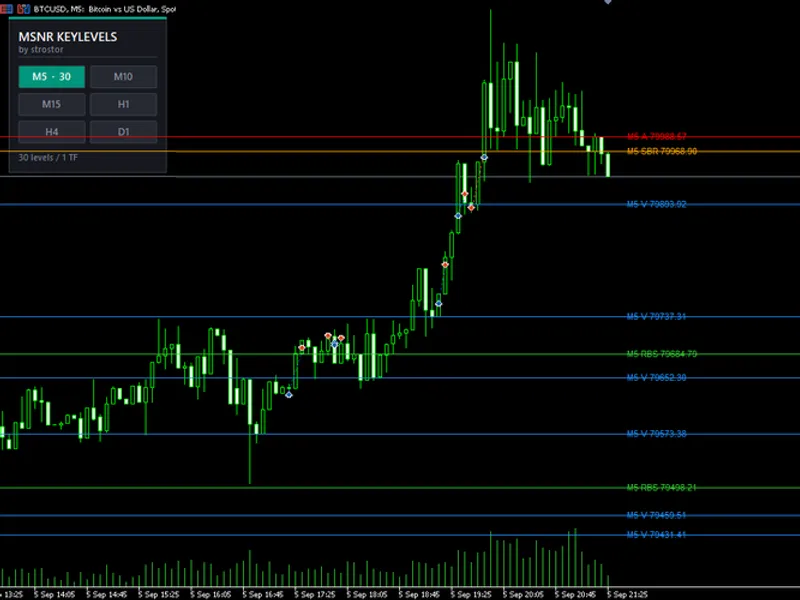
Key Features:Also recommended: MSNR Key Levels MultiTF: Advanced Support & Resistance Analysis - similar indicator with strong performance on MetaTrader 5.
Dynamic Flip Zones:Automatically converts broken Support into SBR and broken Resistance into RBS.
Auto-Normalization:
Adjusts zone width based on average volatility, preventing them from being too wide or too narrow.
Anti-Flicker & Repaint Safety:
Uses a confirmation delay to validate pivot points before drawing zones.
Smart Alert System:
Triggers notifications only when the price moves significantly away from a zone and returns for a retest, minimizing noise in ranging markets.
How It Works
The indicator applies several logical filters behind the scenes to ensure zone relevance:
Pivot Scanning (ZigZag Core):
Identifies Swing Highs (potential Resistance) and Swing Lows (potential Support) using a ZigZag algorithm. A 'Confirm Bars' feature validates these extreme points to prevent repainting.
Zone Formation & Normalization:
Draws proportional rectangular zones instead of thin lines. Zone width is calculated against historical average price movements—shrinking overly wide zones and expanding narrow ones to maintain consistency.
Breakout & Transition Logic (SBR/RBS):
Monitors real-time candle closes. A close below a Support converts it into an SBR zone; a close above a Resistance turns it into an RBS zone. (Users can disable this if they prefer broken zones to be deleted).
Distance Filter:
Uses a "Min Move Away" parameter. The price must travel a certain multiplier away from a newly formed zone before it activates. Alerts will only trigger on a retest after this condition is met.
Overlap Resolution:
Cleans up clustered S/R areas using two modes:
Most Extreme (Default)
keeps the furthest zone where major liquidity/stop-losses usually reside, while
Newest
prioritizes the most recently formed zone.
Dashboard (Market Bias):
Continuously calculates the bullish vs. bearish momentum ratio based on recent ZigZag legs, providing an instant summary of whether the market is trending or choppy.
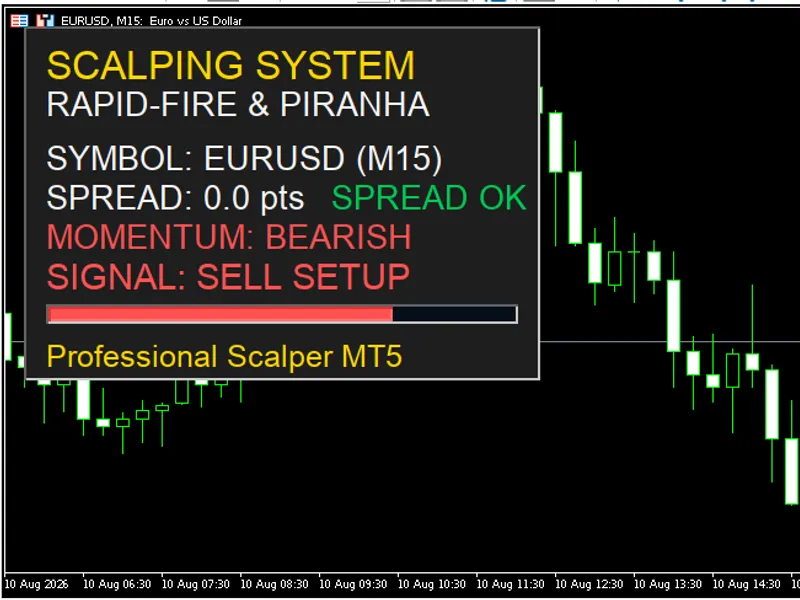
You may also like: Scalping Dashboard: Real-Time Trading Decision Support - excellent alternative for indicator users on MetaTrader 5.
Source Code
#property copyright "RobotFX"
#property link "https://robotfx.org"
#property version   "1.0"
#property indicator_chart_window
#property indicator_buffers 0
#property indicator_plots   0
enum ENUM_OVERLAP_MODE {
   OVERLAP_MOST_EXTREME,
   OVERLAP_NEWEST
};
.......
⚠ Limitations & Risk Warning
- This tool is provided for educational and testing purposes only.
- Past performance does not guarantee future results.
- Trading involves substantial risk of loss. Use on a demo account first.
- Results may vary depending on market conditions, broker, and settings.
- We recommend thorough backtesting and forward testing before using with real funds.