


super trend quant pro elite: advanced adaptive trend analysis
Info
The super trend quant pro elite: advanced adaptive trend analysis is a Indicator for MetaTrader 5 that the quant edgetraditional supertrend indicators often lag or produce false signals due to fixed multiplier values. supertrend quant pro elite overcomes these limitations by employing a z-score normalization algorithm.
Usage
This tool is typically used for trend following strategies across multiple currency pairs.
Platform
This Indicator works exclusively on MetaTrader 5 (both build 600+ and newer versions).
Setup
Place the downloaded file in MQL5/Indicators folder via File ? Open Data Folder in MetaTrader 5.
How to Install and Use super trend quant pro elite: advanced adaptive trend analysis
1. Installation: Place your file in the MQL/Indicators folder via "Open Data Folder" and restart your terminal.
2. Loading: Find the indicator in the Navigator, drag it onto your chart, and configure the input parameters in the popup window.
3. Customization: Press Ctrl+I to open the indicator list, select your tool, and click "Properties" to change colors, levels, or visual styles.
4. Updating: Replace the old file in the Indicators folder with the new version and restart the platform to apply changes.
Frequently Asked Questions
Q: Why is my indicator not showing? A: Verify the file is in the MQL/Indicators folder, or try right-clicking the "Indicators" tree in the Navigator and clicking "Refresh."
Q: Do custom indicators slow down the platform? A: Too many complex indicators can impact performance; remove unused ones via the "Indicator List" (Ctrl+I).
Q: Can I use MT4 indicators on MT5? A: No, MQL4 and MQL5 are distinct languages; ensure the indicator is compiled specifically for your platform version.
What this tool does
the quant edgetraditional supertrend indicators often lag or produce false signals due to fixed multiplier values.
Typical Use Case
This Indicator excels in trend following on MetaTrader 5.
Compatible Platform & Setup
This Indicator works on MetaTrader 5. Place the file in the MQL5/Indicators folder and restart the terminal.
Description & Settings
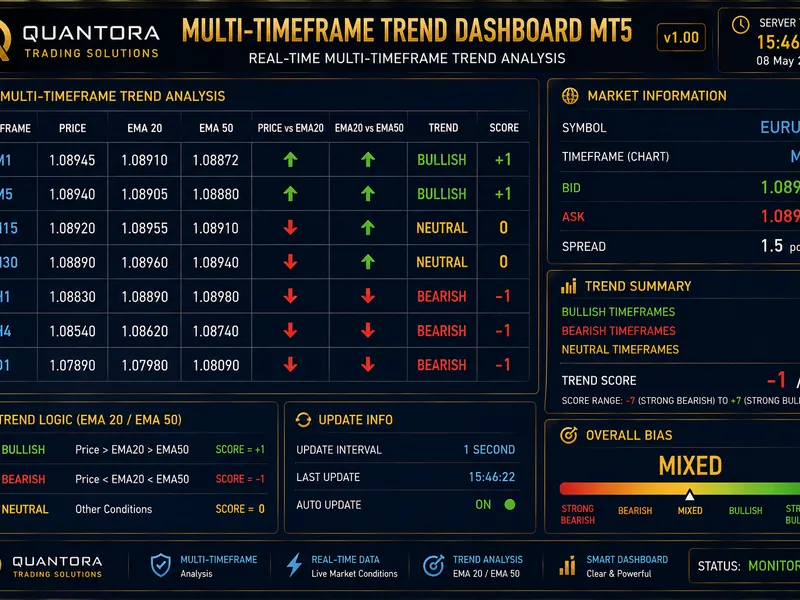
Related: Quantora Multi-Timeframe Trend Dashboard MT5 - Professional EMA Trend Analysis - another powerful indicator for MetaTrader 5 traders.
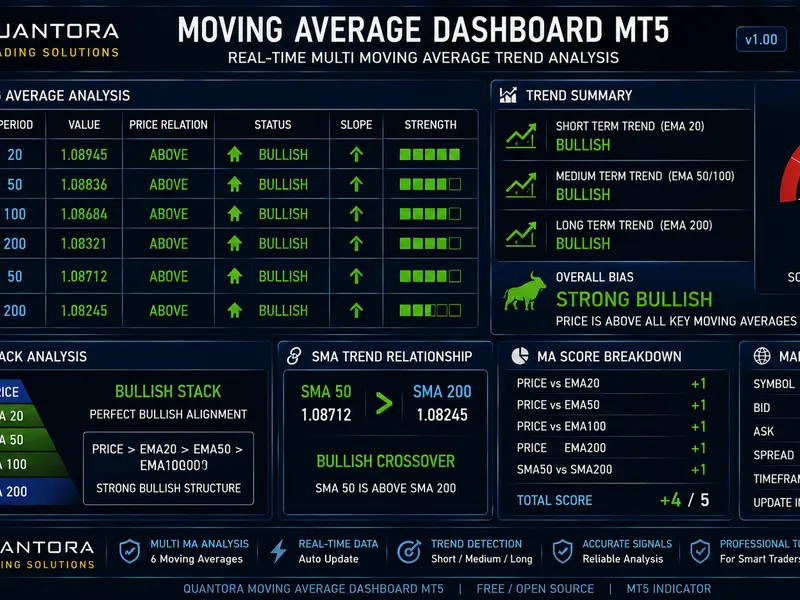
the quant edgeAlso recommended: Quantora Moving Average Dashboard MT5 - Professional EMA SMA Trend Analysis - similar indicator with strong performance on MetaTrader 5.
traditional supertrend indicators often lag or produce false signals due to fixed multiplier values. supertrend quant pro elite overcomes these limitations by employing a z-score normalization algorithm. this advanced method dynamically adjusts the trend-following sensitivity based on current market volatility. it widens the trend bands during price spikes and narrows them during periods of stability.
key technical features:
adaptive volatility engine:
utilizes statistical z-score analysis to automatically adjust the average true range (atr) multiplier in real-time.
volume spread analysis (vsa) confluence:
trade signals are confirmed only when tick volume surpasses institutional averages, helping to avoid trading within low-liquidity conditions.
regime detection:
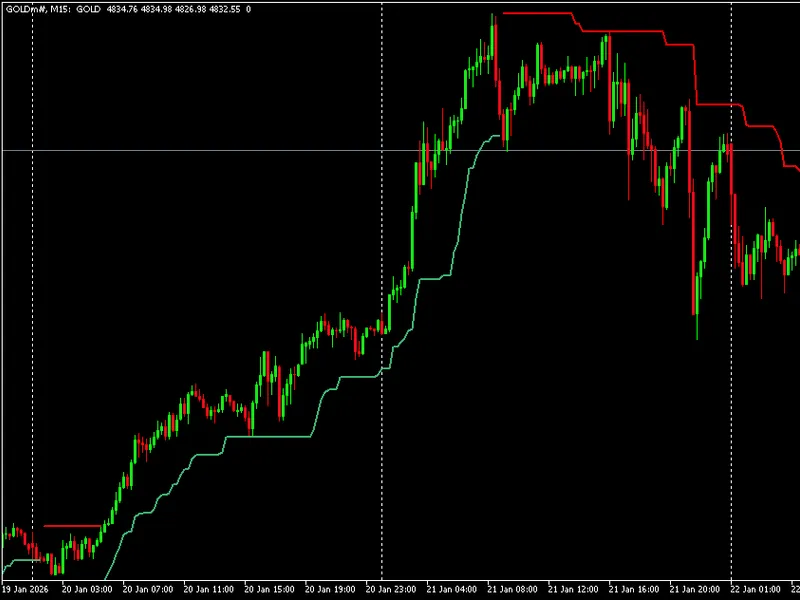
the indicator automatically identifies trending versus choppy market conditions using integrated adx logic. trending markets are indicated by a solid line, while choppy markets are shown with a dotted line.
built-in multi-timeframe (mtf) scanner:
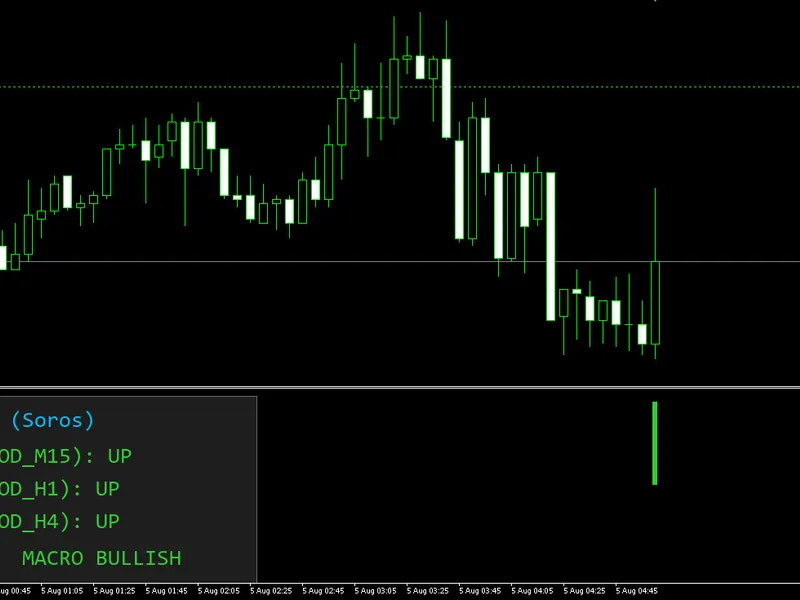
a comprehensive dashboard displays the trend status across multiple timeframes (m15, m30, h1, h4, d1) simultaneously on your current chart.
performance metrics:
provides real-time probability of edge (win rate) and profit factor based on historical data for the current timeframe.
signal interpretation:
green line/arrow:
indicates established bullish momentum. consider looking for buy opportunities.
red line/arrow:
indicates established bearish momentum. consider looking for sell opportunities.
star (★) icon:
represents a high-conviction signal where both volume and trend strength align.
dotted line:
signifies a ranging or choppy market phase. exercise caution when trading.
recommended setup:
symbols:
optimal performance is observed on major forex pairs (e.g., eurusd, gbpusd), indices (e.g., us30, ger40), and gold (xauusd).
timeframes:
optimized for m15 and h1 timeframes for day trading, and h4 and d1 timeframes for swing trading.
You may also like: Global Macro Trend Agreement Indicator - excellent alternative for indicator users on MetaTrader 5.
Source Code
#property copyright "robotfx"
#property link "https://robotfx.org"
#property version     "5.14"
#property description "This code is provided AS IS and intended for educational purposes only. Professional trading EAs and indicators - robotfx www.robotfx.org"
#property indicator_chart_window
#property indicator_buffers 10
#property indicator_plots   2
#property indicator_type1   draw_line
#property indicator_color1  clrmediumseagreen
#property indicator_width1  3
.......
⚠ Limitations & Risk Warning
- This tool is provided for educational and testing purposes only.
- Past performance does not guarantee future results.
- Trading involves substantial risk of loss. Use on a demo account first.
- Results may vary depending on market conditions, broker, and settings.
- We recommend thorough backtesting and forward testing before using with real funds.