



self-aware trend system (sats) for mt5
Info
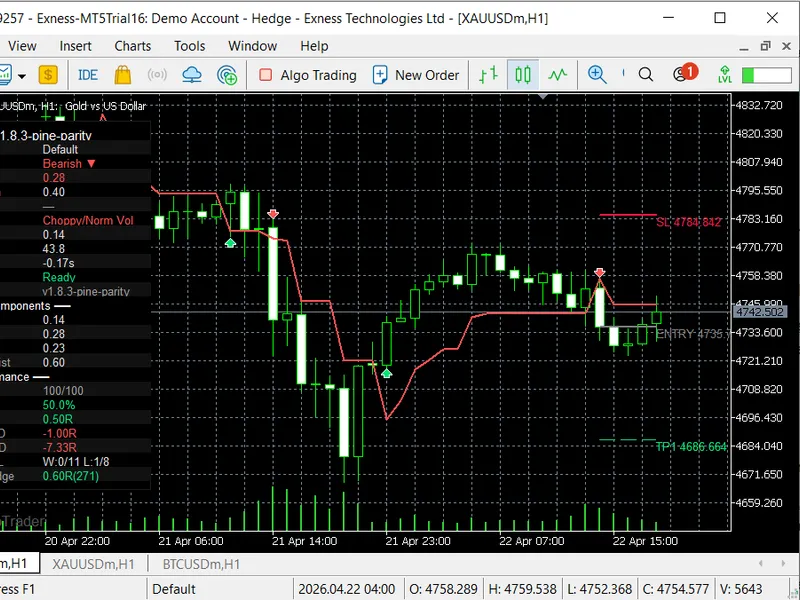
The self-aware trend system (sats) for mt5 is a Indicator for MetaTrader 5 that the self-aware trend system (sats) is an advanced multi-engine supertrend indicator for metatrader 5 that provides more than just a standard trend line. it integrates four key components:- an adaptive supertrend engine- a trend quality index (tqi)- a signal scoring filter- a risk management layer with automatic take profit (tp) and stop loss (sl) projection.
Usage
This tool is typically used for trend following strategies across multiple currency pairs.
Platform
This Indicator works exclusively on MetaTrader 5 (both build 600+ and newer versions).
Setup
Place the downloaded file in MQL5/Indicators folder via File ? Open Data Folder in MetaTrader 5.
How to Install and Use self-aware trend system (sats) for mt5
1. Installation: Place your file in the MQL/Indicators folder via "Open Data Folder" and restart your terminal.
2. Loading: Find the indicator in the Navigator, drag it onto your chart, and configure the input parameters in the popup window.
3. Customization: Press Ctrl+I to open the indicator list, select your tool, and click "Properties" to change colors, levels, or visual styles.
4. Updating: Replace the old file in the Indicators folder with the new version and restart the platform to apply changes.
Frequently Asked Questions
Q: Why is my indicator not showing? A: Verify the file is in the MQL/Indicators folder, or try right-clicking the "Indicators" tree in the Navigator and clicking "Refresh."
Q: Do custom indicators slow down the platform? A: Too many complex indicators can impact performance; remove unused ones via the "Indicator List" (Ctrl+I).
Q: Can I use MT4 indicators on MT5? A: No, MQL4 and MQL5 are distinct languages; ensure the indicator is compiled specifically for your platform version.
What this tool does
the self-aware trend system (sats) is an advanced multi-engine supertrend indicator for metatrader 5 that provides more than just a standard trend line.
Typical Use Case
This Indicator excels in trend following on MetaTrader 5.
Compatible Platform & Setup
This Indicator works on MetaTrader 5. Place the file in the MQL5/Indicators folder and restart the terminal.
Description & Settings
Related: Quantora Multi-Timeframe Trend Dashboard MT5 - Professional EMA Trend Analysis - another powerful indicator for MetaTrader 5 traders.
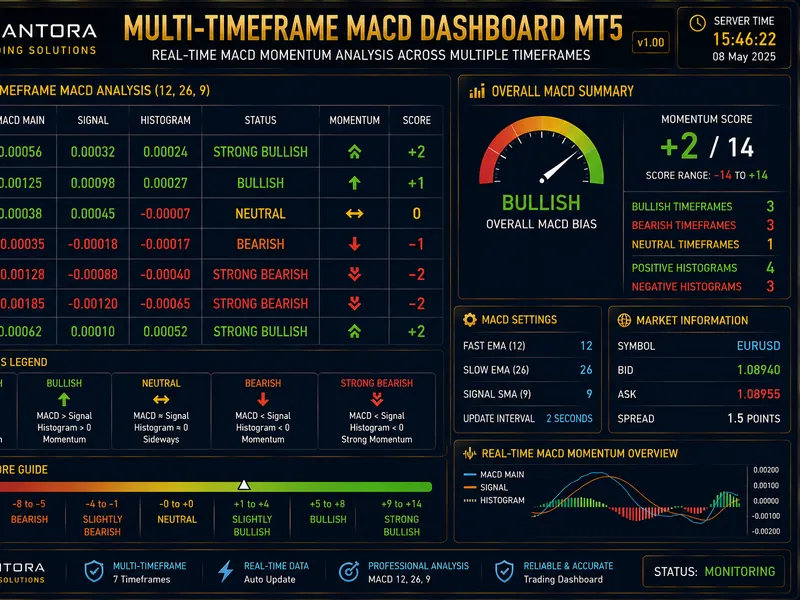
the self-aware trend system (sats) is an advanced multi-engine supertrend indicator for metatrader 5 that provides more than just a standard trend line.Also recommended: Quantora Multi-Timeframe MACD Dashboard MT5 - Professional Momentum and Trend Analysis - similar indicator with strong performance on MetaTrader 5.
it integrates four key components:
- an adaptive supertrend engine
- a trend quality index (tqi)
- a signal scoring filter
- a risk management layer with automatic take profit (tp) and stop loss (sl) projection.
sats identifies trends, measures their strength and reliability, filters low-quality signals, and directly displays trade levels on the chart.
core functionality:
adaptive supertrend:
the indicator uses an atr-based supertrend line with a dynamically adjusting band width, utilizing the kaufman efficiency ratio (er).
- high er (efficient trend): bands tighten to follow price closely.
- low er (choppy market): bands widen to prevent false signals.
trend quality engine (tqi):
the tqi is a composite score (0 to 1) derived from four weighted factors:
- efficiency: measures recent directional movement.
- volatility regime: compares current atr to its long-term average.
- market structure: analyzes pivot highs and lows.
- momentum persistence: assesses consistent price follow-through.
the tqi is displayed live in the on-chart dashboard.
character-flip detection:
this module monitors for significant drops in tqi during an active trend, signaling potential early trend changes before the supertrend line flips.
signal scoring:
signals are generated only when a composite signal score exceeds a configurable threshold. this score is based on:
- momentum alignment
- efficiency ratio level
- volume z-score
- rsi zone
- pivot structure
- baseline bonus
this system filters out minor supertrend flips, focusing on setups with multiple confirming conditions.
automated trade levels:
upon a valid signal, sats draws:
- an entry line
- a stop loss (atr-based distance from entry)
- three take profit levels (tp1, tp2, tp3), calculated as r-multiples of the initial risk.
these lines are automatically extended on subsequent bars and marked when hit.
performance dashboard:
a compact panel displays comprehensive real-time data:
- current tqi and its sub-components
- trend direction
- active preset name
- rsi and volume z-score
- efficiency ratio
- rolling win rate and average r
- rolling drawdown
- all-time win/loss streaks
- cumulative r
experimental auto-calibration:
this module monitors recent signal performance and adjusts the quality influence parameter to self-correct during periods of poor signal results.
non-repainting:
the indicator is fully non-repainting. dashboard values and signals are locked to confirmed closed bars (shift = 1), ensuring no changes upon chart refresh.
presets and customization:
built-in presets:
six presets are included (auto, scalping, default, swing, crypto 24/7, custom) to adjust key parameters like atr length, base multiplier, er window, rsi period, and sl multiplier.
- the 'auto' preset dynamically selects scalping (up to m5), default (m6-h4), and swing (h5 and above) based on the timeframe.
visual customization:
all visual elements are toggleable, including band colors, signal labels, tqi-colored lines, background shading, and watermarks.
alerts and webhook:
alerts can be configured with plain text or structured webhook json payloads. these payloads include essential trade information (symbol, timeframe, price, sl, tp1-3, score, tqi) for seamless integration with external systems or trade copiers.
input parameters
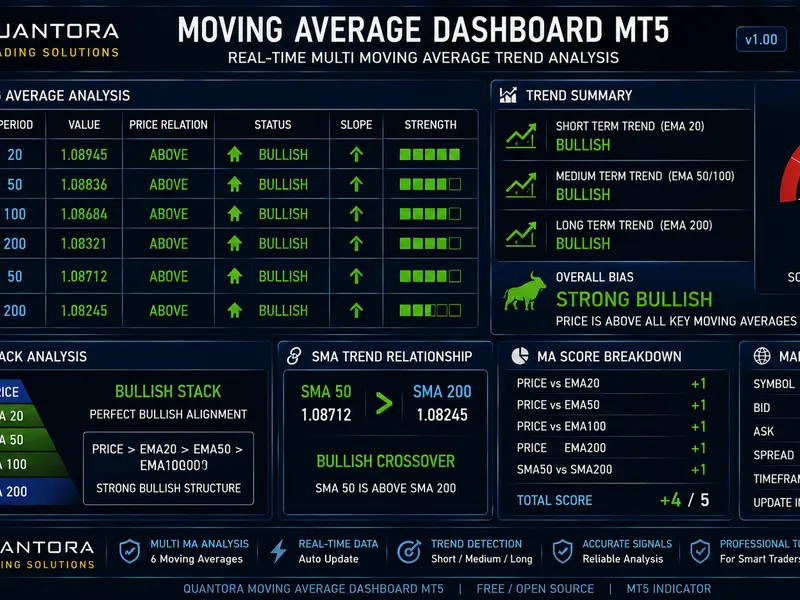
You may also like: Quantora Moving Average Dashboard MT5 - Professional EMA SMA Trend Analysis - excellent alternative for indicator users on MetaTrader 5.
Source Code
#property copyright "robotfx"
#property version     "1.82"
#property description "This code is provided AS IS and intended for educational purposes only. Professional trading EAs and indicators - robotfx www.robotfx.org"
#property indicator_chart_window
#property indicator_buffers 3
#property indicator_plots   1
#property indicator_label1  "supertrend"
#property indicator_type1   draw_line
#property indicator_color1  clrdodgerblue
#property indicator_style1  style_solid
.......
⚠ Limitations & Risk Warning
- This tool is provided for educational and testing purposes only.
- Past performance does not guarantee future results.
- Trading involves substantial risk of loss. Use on a demo account first.
- Results may vary depending on market conditions, broker, and settings.
- We recommend thorough backtesting and forward testing before using with real funds.