


Quantora Daily Profit Loss Monitor MT5 - Professional Trading Performance Dashboard
Info
The Quantora Daily Profit Loss Monitor MT5 - Professional Trading Performance Dashboard is a Indicator for MetaTrader 5 that quantora daily profit loss monitor mt5 is a professional daily trading performance monitoring utility designed for metatrader 5. The indicator automatically analyzes the current broker trading day and provides a clear real-time overview of closed profit, closed loss, net closed P/L, floating P/L, total daily P/L, daily return and trading statistics.
Usage
This tool is typically used for enhancing chart analysis and decision making.
Platform
This Indicator works exclusively on MetaTrader 5 (both build 600+ and newer versions).
Setup
Place the downloaded file in MQL5/Indicators folder via File ? Open Data Folder in MetaTrader 5.
How to Install and Use Quantora Daily Profit Loss Monitor MT5 - Professional Trading Performance Dashboard
1. Installation: Place your file in the MQL/Indicators folder via "Open Data Folder" and restart your terminal.
2. Loading: Find the indicator in the Navigator, drag it onto your chart, and configure the input parameters in the popup window.
3. Customization: Press Ctrl+I to open the indicator list, select your tool, and click "Properties" to change colors, levels, or visual styles.
4. Updating: Replace the old file in the Indicators folder with the new version and restart the platform to apply changes.
Frequently Asked Questions
Q: Why is my indicator not showing? A: Verify the file is in the MQL/Indicators folder, or try right-clicking the "Indicators" tree in the Navigator and clicking "Refresh."
Q: Do custom indicators slow down the platform? A: Too many complex indicators can impact performance; remove unused ones via the "Indicator List" (Ctrl+I).
Q: Can I use MT4 indicators on MT5? A: No, MQL4 and MQL5 are distinct languages; ensure the indicator is compiled specifically for your platform version.
What this tool does
Quantora Daily Profit Loss Monitor MT5 is a professional daily trading performance monitoring utility designed for MetaTrader 5.
Typical Use Case
This Indicator excels in automated trading and technical analysis on MetaTrader 5.
Compatible Platform & Setup
This Indicator works on MetaTrader 5. Place the file in the MQL5/Indicators folder and restart the terminal.
Description & Settings
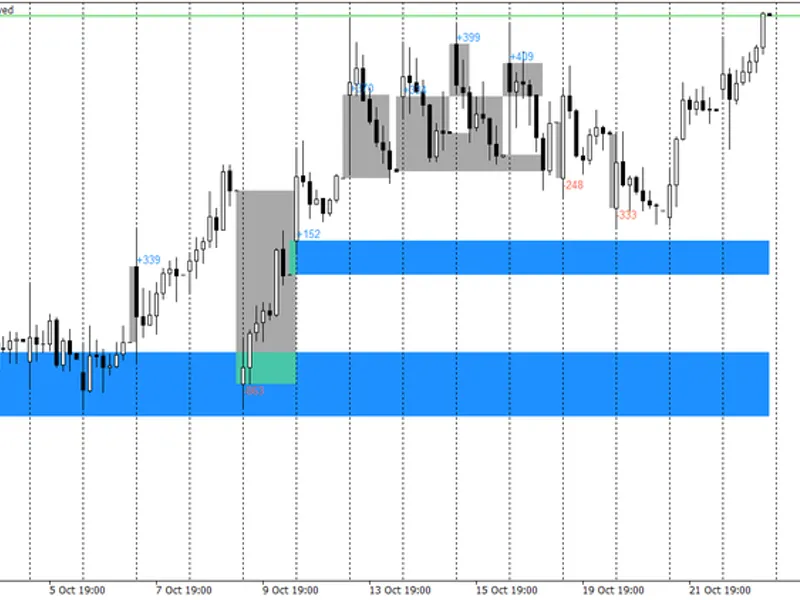
Related: Opening Gap Tracker: Daily, Weekend Gaps with Fill Tracking and Alerts - another powerful indicator for MetaTrader 5 traders.
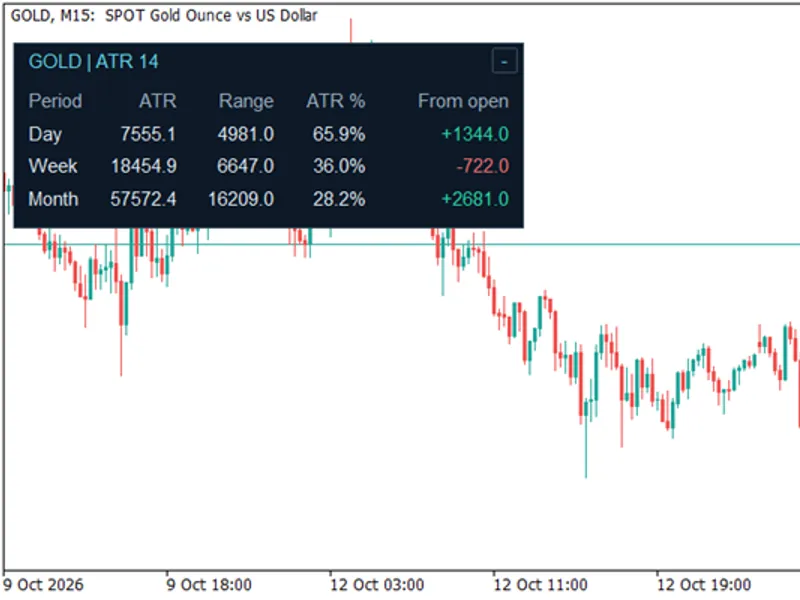
Quantora Daily Profit Loss Monitor MT5Also recommended: ATR Monitor — Daily, Weekly, and Monthly Range - similar indicator with strong performance on MetaTrader 5.
is a professional daily trading performance monitoring utility designed for MetaTrader 5.The indicator automatically analyzes the current broker trading day and provides a clear real-time overview of closed profit, closed loss, net closed P/L, floating P/L, total daily P/L, daily return and trading statistics.
It also includes configurable Daily Profit Target and Daily Loss Limit levels, allowing traders to quickly see how their current daily performance compares with their predefined objectives.
All information is displayed in a modern Quantora dashboard directly on the MetaTrader 5 chart.
Main Features
Daily Starting Balance
Current Account Balance
Current Account Equity
Closed Profit
Closed Loss
Net Closed P/L
Floating Profit/Loss
Total Daily P/L
Daily Return %
Total Closed Trades
Winning Trades
Losing Trades
Breakeven Trades
Win Rate %
Configurable Daily Profit Target
Configurable Daily Loss Limit
Profit Target Progress %
Loss Limit Usage %
Visual Profit Target progress bar
Visual Loss Limit progress bar
TARGET REACHED status
LOSS LIMIT REACHED status
PROFITABLE / NEGATIVE / FLAT status
All Symbols mode
Custom Symbol filtering
Optional Magic Number filtering
Broker Server Time
Automatic dashboard updates
Professional Quantora interface
Low CPU usage
Works on all chart timeframes
Free and open-source MQ5 code
Daily P/L Monitoring
The indicator analyzes trading activity from the beginning of the current broker trading day.
For example:
START BALANCE 10,000.00 USD
CURRENT BALANCE 10,342.50 USD
CURRENT EQUITY 10,310.20 USD
CLOSED PROFIT 520.40 USD
CLOSED LOSS -177.90 USD
NET CLOSED P/L 342.50 USD
FLOATING P/L -32.30 USD
TOTAL DAILY P/L 310.20 USD
DAILY RETURN 3.10%
This allows traders to monitor both realized and current unrealized performance from one dashboard.
Trading Statistics
The dashboard automatically calculates the number of qualifying closed deals for the current broker day.
Displayed statistics include:
TOTAL TRADES 14
WINNING TRADES 9
LOSING TRADES 5
WIN RATE 64.3%
These statistics provide a quick overview of the current day's trading activity.
Daily Profit Target
Users can configure their desired daily profit target directly from the indicator inputs.
For example:
Daily Profit Target = 500 USD
Current Daily P/L = 310 USD
Target Progress = 62%
A visual progress bar shows how close current performance is to the configured target.
When Total Daily P/L reaches or exceeds the target, the dashboard displays:
TARGET REACHED
The profit target is an informational monitoring feature and does not automatically close positions or disable trading.
Daily Loss Limit
A configurable Daily Loss Limit is also available.
For example:
Daily Loss Limit = 300 USD
Current Loss = 150 USD
Loss Limit Used = 50%
The dashboard visually displays how much of the configured loss limit has been used.
If Total Daily P/L reaches the configured negative loss threshold, the status changes to:
LOSS LIMIT REACHED
The indicator does not automatically close positions when the limit is reached.
Daily Status
Depending on current performance, the dashboard automatically displays one of several states:
PROFITABLE
— Total Daily P/L is positive.
NEGATIVE
— Total Daily P/L is negative.
FLAT
— Total Daily P/L is approximately neutral.
TARGET REACHED
— Daily profit target has been reached.
LOSS LIMIT REACHED
— Daily loss limit has been reached.
This provides an immediate visual indication of the current trading day.
Symbol Filtering
Two symbol modes are available.
ALL SYMBOLS
Analyzes qualifying trading activity across the account.
CUSTOM SYMBOL
Restricts the calculations to a specific trading instrument.
If Custom Symbol mode is enabled without specifying another symbol, the current chart symbol is used.
Magic Number Filter
An optional Magic Number filter allows statistics to be restricted to trades associated with a specific Expert Advisor.
This can be useful when multiple Expert Advisors or strategies are operating on the same MetaTrader 5 account.
Disable this option to analyze qualifying trading activity regardless of Magic Number.
Daily Starting Balance
Daily Starting Balance is reconstructed using the current account balance and the qualifying net closed trading result for the current broker day.
It provides a reference point for calculating the displayed Daily Return percentage.
Automatic Updates
The dashboard automatically refreshes using a timer-based system.
The update interval can be configured from the indicator inputs.
This provides continuously updated account statistics without requiring the chart to be manually refreshed.
Installation
Place:
Quantora_Daily_Profit_Loss_Monitor_MT5.mq5
inside:
MQL5 → Indicators
Compile the source code using MetaEditor.
Then attach Quantora Daily Profit Loss Monitor MT5 to any MetaTrader 5 chart.
Configure:
Daily Profit Target
Daily Loss Limit
Symbol Filter
Magic Number Filter
The indicator will automatically begin monitoring the current trading day.
Important Note
Statistics are calculated using qualifying closed deals from the current broker day.
A single position may contain multiple deals. Therefore, partial position closures can appear as separate closed deals in the statistics.
Commission, swap and available fee information are included in applicable closed-deal calculations.
Daily Starting Balance is reconstructed from the current balance and today's qualifying net closed result.
Deposits, withdrawals, broker adjustments and other balance operations may affect account-level statistics.
The Daily Profit Target and Daily Loss Limit are monitoring tools only. They do not prevent new trades, close existing positions or modify Expert Advisors.
This indicator is intended for informational and risk-management purposes and does not provide financial advice.
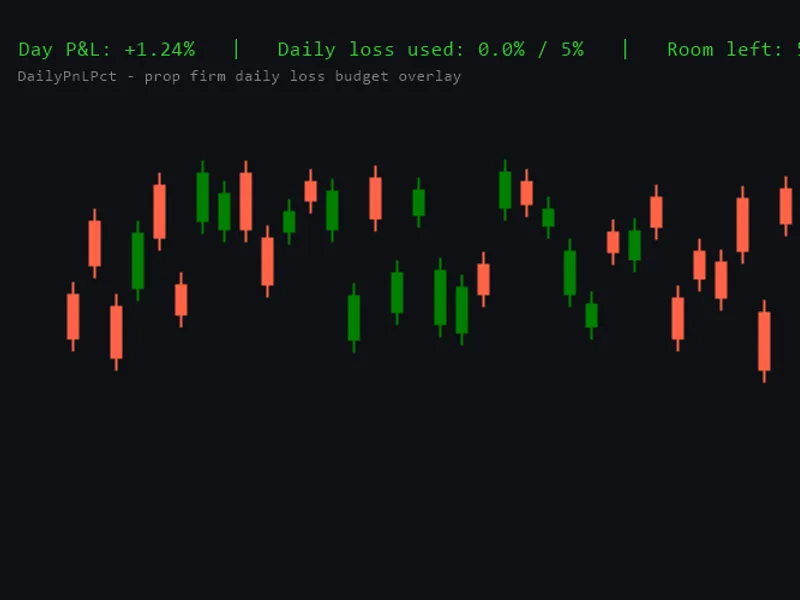
You may also like: Daily Profit/Loss Percentage Overlay for Prop Firm Daily Loss Limits - excellent alternative for indicator users on MetaTrader 5.
Source Code
#property copyright "RobotFX"
#property link "https://robotfx.org"
#property version   "1.00"
#property strict
#property indicator_chart_window
#property indicator_plots 0
#property description "This code is educational. Feel free to use, modify and upgrade as you wish. Visit ROBOTFX.ORG for professional trading tools"
input group "========== DAILY TARGETS =========="
input double InpDailyProfitTarget = 500.0;
input double InpDailyLossLimit    = 300.0;
.......
⚠ Limitations & Risk Warning
- This tool is provided for educational and testing purposes only.
- Past performance does not guarantee future results.
- Trading involves substantial risk of loss. Use on a demo account first.
- Results may vary depending on market conditions, broker, and settings.
- We recommend thorough backtesting and forward testing before using with real funds.